Skip to Main Content
Sams Club
Sams Club
Customer reviews for SAMSUNG 85" Class U8000F Series 4K Crystal UHD Smart TV for
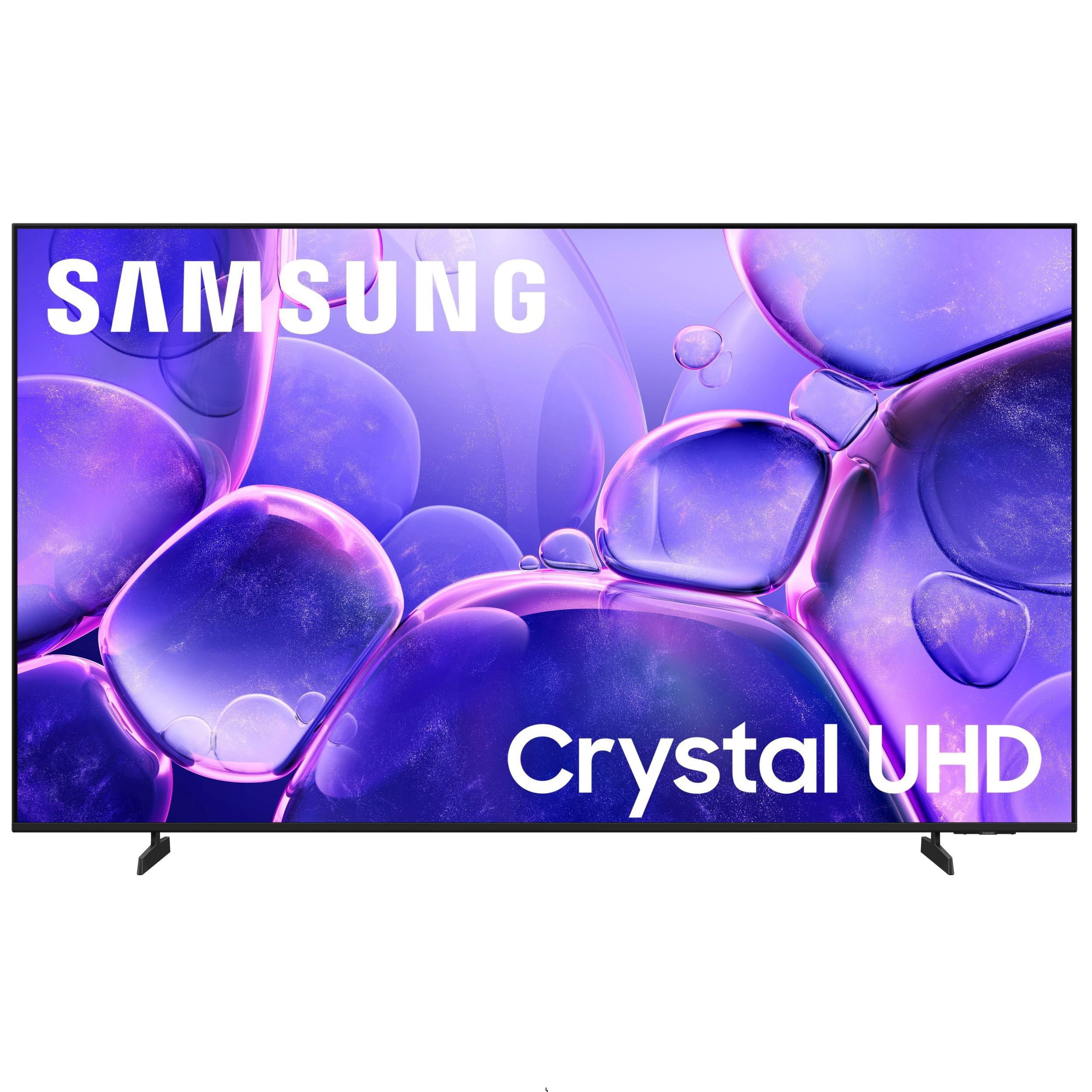
SAMSUNG 85" Class U8000F Series 4K Crystal UHD Smart TV
4.7 out of 5 stars
stars1,088 ratings1,067 reviews
  1. 5 stars78% (852)
  2. 4 stars14% (154)
  3. 3 stars4% (42)
  4. 2 stars2% (20)
  5. 1 star2% (20)

Member photos

  • +337 images
Sort by |
Showing 771-780 of 1,067 reviews
Oct 14, 2025
rexavery62
5 out of 5 stars review

Exceptional

[This review was collected as part of a promotion.] My Samsung TV is the best purchase I've made. The quality of the craftsmanship is amazing. The picture quality is outstanding. Crystal clear.

Review from Samsung US
Helpful?3CTS2O15ZY1416007408101
Oct 4, 2025
Tj1990
5 out of 5 stars review

Five stars

[This review was collected as part of a promotion.] TV is awesome! Great picture, teamed up with a wireless surround system thst has no lag. The "Smart" features are easy to use and convenient!

Review from Samsung US
Helpful?3CTS2O15ZY1416007408101
Aug 22, 2025
Ladylibra
5 out of 5 stars review

Great Product

[This review was collected as part of a promotion.] This Samsung TV is absolutely amazing! The specs are impressive, and the picture quality is outstanding. I especially love how easy it is to connect my phone to it—super convenient and seamless. Definitely a great choice!

Review from Samsung US
Helpful?3CTS2O15ZY1416007408101
Aug 21, 2025
Love2watch
5 out of 5 stars review

I think this product is great!

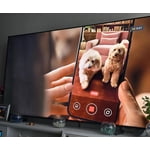
[This review was collected as part of a promotion.] Well this tv is awesome. It has great detail in every tv show, movie I watch. If I'm streaming the tv doesn't lag. The program loads right up. If I'm watching live tv the screen doesn't get blurry. You just need a good antenna. The menu needs work I think. I would like to see more bright colors. But you can add the gallery from your Samsung cell phone and view them on your TV. Big bright pictures on your TV.

Review from Samsung US
Helpful?3CTS2O15ZY1416007408101
Jul 30, 2025
Dickie
5 out of 5 stars review

Samsung 2025

[This review was collected as part of a promotion.] Bought two. Both are mainly used for streaming. Picture is excellent. The only improvement that could be make all models, I have 5 other Samsung TV of various sizes all with the same need, is the remote needs a back light. Without the back light it is very difficult to use the remote in dim lighting.

Review from Samsung US
Helpful?3CTS2O15ZY1416007408101
Aug 22, 2025
TVuser
5 out of 5 stars review

Great and simple TV

[This review was collected as part of a promotion.] The Samsung TV has excellent brightness and picture quality. Much better than the cheaper brands, even in the same price range. In fact, my older TV had higher peak brightness on paper, but this Samsung outperforms the old TV by a wide margin. I also enjoy using the SmartThings App to control the TV. Overall a great experience.

Review from Samsung US
Helpful?3CTS2O15ZY1416007408101
Aug 22, 2025
Seraphina
5 out of 5 stars review

This TV is captivating!

[This review was collected as part of a promotion.] I absolutely love my Samsung 70-inch TV! From the moment I set it up, it felt like I had brought the movie theater straight into my living room. The picture quality is so vivid and lifelike that every scene feels larger than life. Watching movies, sports, or even my favorite TV shows has become an experience, not just background entertainment. The sound is full and clear, filling the whole room without needing extra speakers. I find myself noticing details I never caught before—it’s like rediscovering my favorite films all over again. What I enjoy most is the convenience. I don’t feel the need to go out to a theater anymore when I can enjoy the same immersive experience from my couch, complete with my own snacks. Honestly, I joked with my friends that the only thing missing is the sticky theater floor—but I’m not complaining! This TV has completely transformed how I relax and enjoy time at home. It’s sleek, powerful, and it takes an already enjoyable experience (watch TV and movies) to a level that is captivating!

Review from Samsung US
Helpful?3CTS2O15ZY1416007408101
Sep 7, 2025
TVfuntime
5 out of 5 stars review

Samsung TV

[This review was collected as part of a promotion.] We got this TV for the grandkids to use when they stay over night. It was very easy to setup . It was a great picture and sound. We use the TV to primarily stream Netflix, Amazon Prime , Hulu, Disney and YouTube. It’s the perfect size for the guest bedroom.

Review from Samsung US
Helpful?3CTS2O15ZY1416007408101
Jun 8, 2025
NattyG23
5 out of 5 stars review

Very smooth OS

[This review was collected as part of a promotion.] My family can easily switch from watching a cooking show to learn how to make a new dinner to of course the kids playing PS5 while I clean up. The built in camera with the free apps are always entertaining. Picture, sound and especially the vibrate distinctive colors make this yet another excellent Samsung choice!

Review from Samsung US
Helpful?3CTS2O15ZY1416007408101
Aug 19, 2025
IheartSamsung
3 out of 5 stars review

Great picture but interface is clunky

[This review was collected as part of a promotion.] Love the picture and Samsung's integration with other Samsung products (ie phone). But some of it interface is clunky. Don't like the fact that Samsung TV auto loads every time and I can't just start from YouTubeTV. Also, it frequently disconnects from the internet and I frequently have to manually reconnect.

Review from Samsung US
Helpful?3CTS2O15ZY1416007408101
reply from Samsung Advisor

Hi IheartSamsung, Thank you for your review. While your U8000F TV may currently default to Samsung TV Plus when powered on, you can customize what your TV does at startup by adjusting the Start Screen Options. To do this, navigate to: Settings > All Settings > Advanced Features > Start Screen Option and choose from the following: 1. Start with Smart Hub Home – Automatically launches Smart Hub when the TV is turned on. You can enable or disable this option based on your preference. 2. Autorun Multi View Casting – If you cast YouTube content from your mobile device, the TV will automatically display the content using Multi View. 3. Autorun Multi View Mirroring – When you screen mirror your mobile device, Multi View will automatically open to show your device’s screen. For the best connection possible, please make sure both your TV and the Bluetooth device are running the latest firmware: Settings > Support > Software Update. If you’re still having trouble, we recommend trying a wired connection (HDMI or Optical) for improved reliability. For more help, please contact Samsung Support at 1-800-SAMSUNG, 8AM – 12AM EST, 7 days a week. LiveChat agents are also available on our website under ‘Support’. ~ Samsung Advisor