Join Now
Skip to Main Content
Sam's Club
Sam's Club
All Departments
All Services
Customer reviews for SAMSUNG 85" Class U8000F Series 4K Crystal UHD Smart TV for
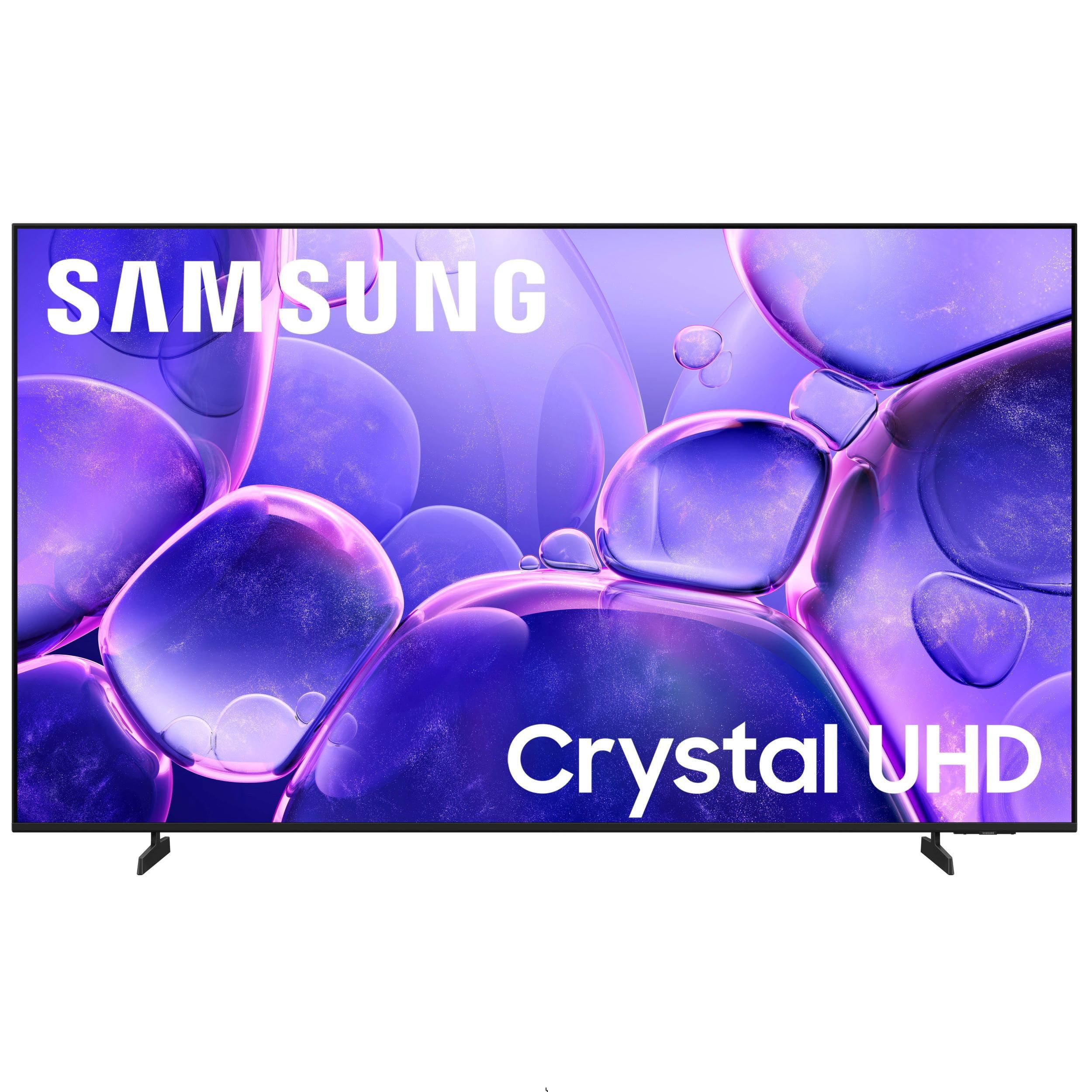
SAMSUNG 85" Class U8000F Series 4K Crystal UHD Smart TV
4.5 out of 5 stars
stars
3,692 ratings3,660 reviews
  1. 5 stars71% (2,615)
  2. 4 stars16% (573)
  3. 3 stars7% (241)
  4. 2 stars3% (126)
  5. 1 star4% (137)

Member photos

  • +1177 images
Sort by |
Showing 751-760 of 3,660 reviews
Jul 13, 2026
Reviewer name: Graygray
5 out of 5 stars
5 out of 5 stars review

Great for gaming

[This review was collected as part of a promotion.] The picture quality is outstanding, with sharp resolution, vibrant colors, and smooth motion that make movies, sports, and games very enjoyable. The smart TV features are quick and user-friendly, allowing easy access to apps like Netflix and YouTube. The design is sleek and modern, fitting perfectly into my living room. The sound quality is decent, though it can be even better with a soundbar. Overall, it offers excellent value for the price and I would highly recommend it.

Review from Samsung US
Helpful?3CTS2O15ZY1416007408101
Jul 5, 2026
Reviewer name: Pepe1910
5 out of 5 stars
5 out of 5 stars review

Very responsive

[This review was collected as part of a promotion.] Everything is super easy to use. All the apps I want, even the games. The memory the tv has of what you last watched, just in case you didn't finish watching a movie. Color is amazing especially for sports.

Review from Samsung US
Helpful?3CTS2O15ZY1416007408101
Jun 5, 2026
Reviewer name: Jays
5 out of 5 stars
5 out of 5 stars review

Great Viewing

[This review was collected as part of a promotion.] I would start by saying I love this set. I mostly watch sports on this television and let me tell you about the clarity. Get in your settings and play around for some of the best picture I've seen with a set in a while. Bright background light not a problem same clarity as if you're in pitch black room.

Review from Samsung US
Helpful?3CTS2O15ZY1416007408101
Jul 27, 2026
Reviewer name: Phil
5 out of 5 stars
5 out of 5 stars review

Just my experience

[This review was collected as part of a promotion.] One of the best looking high-quality televisions I've ever owned! I very nothing but impressed the responsiveness has increased over the years and the sync with my Samsung A device is flawless. The ads just frustrating tho

Review from Samsung US
Helpful?3CTS2O15ZY1416007408101
Jun 5, 2026
Reviewer name: Old man
1 out of 5 stars
1 out of 5 stars review

Ok but not good

[This review was collected as part of a promotion.] The remote is very bad and hard to operate. The screen layout makes it hard to understand and find what you are looking for. I have a 65" LG that is a lot easier to operate. Will sell this and buy another LG.

Review from Samsung US
Helpful?3CTS2O15ZY1416007408101
reply from Samsung Advisor

Hi Old man, Thank you for sharing your feedback with us. To help you get the most from your TV, you can download the full e-Manual and more by visiting Samsung’s website, then navigating to: Support > Manual & Software > TVs & Home Theater. From there, you can search for and select your U8000F TV model to view or download the available guides. The e-Manual & User Guide are also conveniently built into your TV: Settings > Support > Tips and User Guides. Your TV includes Learn Menu Screen, an accessibility feature that provides audio guidance for on-screen menus. When enabled, your TV will announce the name and function of each menu item as you scroll, without making any changes. This feature is particularly helpful for users who are visually impaired or new to Smart TV menus. To enable, go to: Settings > All Settings > General & Privacy > Accessibility > Learn Menu Screen. To exit, press the Return key twice. If you’d like more assistance with this feature, please reach Samsung Support at 1-800-SAMSUNG (8AM – 9PM EST Mon – Fri, 8AM – 6PM Sat – Sun). LiveChat agents are also available through the ‘Support’ link on our website. ~ Samsung Advisor

Jul 30, 2026
Reviewer name: T Ma Screen
5 out of 5 stars
5 out of 5 stars review

Wonderful Functionality
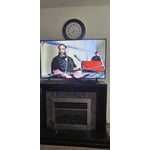
[This review was collected as part of a promotion.] I love my Samsung TV the fact that I can interchange and share screens with my mobile device and laptop is awesome. I love the visual contrast and the colors are phenomenal. The 58 inch screen is perfect for my living and bedroom. It is also easy to see even without my glasses on. I love that it is light weight and I can transfer it easily. It has dual screen capabilities which I love.

Review from Samsung US
Helpful?3CTS2O15ZY1416007408101
Jun 5, 2026
Reviewer name: Rharris
1 out of 5 stars
1 out of 5 stars review

Terrible picture quality

[This review was collected as part of a promotion.] the picture quality on this television it makes everything appear as if it is a low budget movie I'm not understanding why it looks that way it didn't look that way at the store but by far is the worst quality picture out of all the televisions that I own I will not buy a Samsung television again

Review from Samsung US
Helpful?3CTS2O15ZY1416007408101
reply from Samsung Advisor

Hi Rharris, We appreciate your feedback on the picture quality of Samsung’s U8000F TV. If the image doesn’t quite match your preferences, there are several adjustments you can make to better suit your viewing environment and content type. First, please ensure your TV is running the latest firmware, as updates may include important picture quality enhancements. Go to: Home > Left directional button > Settings > Support > Software Update > Update Now To explore picture mode options, navigate to: Home > Left directional button > Settings > All Settings > Picture > Picture Mode. Options include: • Standard – Ideal for general viewing • Dynamic – Brighter and more vibrant for well-lit spaces • Eco – Optimized for energy efficiency • Movie – Best for viewing in low light • Filmmaker Mode – Preserves the content creator’s intent and disables motion smoothing for supported content You can further customize your image by going to: Settings > All Settings > Picture > Expert Settings, where you can adjust Brightness, Contrast, Color Tone, Sharpness, Contrast Enhancer and more. If you’d like help finding the best picture settings for your preferences, please don’t hesitate to contact Samsung Support at 1-800-SAMSUNG (8AM – 9PM EST Mon – Fri, 8AM – 6PM Sat – Sun). You can also LiveChat with an agent or explore additional resources on our website by clicking the ‘Support’ link. ~ Samsung Advisor

Jun 20, 2026
Reviewer name: Judi
3 out of 5 stars
3 out of 5 stars review

Unhappy with volume and color

[This review was collected as part of a promotion.] I am happy with the size of the TV. Unfortunately, the color is not the same on all stations. Also the volume Is very low and I have to consistently have it in the 40 to 50 range in order to even hear the TV. I was happy with the price of the TV however I expected more from the Samsung unit

Review from Samsung US
Helpful?3CTS2O15ZY1416007408101
reply from Samsung Advisor

Hi Judi, Thank you for purchasing Samsung’s U8000F TV and for sharing your feedback regarding low volume. To start, we recommend making sure your TV is running the latest firmware, as updates can include improvements to sound performance: Home > left directional key > Settings > Support > Software Update If volume levels still seem too low, you can improve sound performance by adjusting a few key settings: Sound Mode: Navigate to: Settings > All Settings > Sound > Sound Mode • Standard: Balanced for everyday viewing • Optimized: Enhances effects and creates a more spacious sound • Amplify: Boosts mid and high tones, especially helpful if dialogue is difficult to hear Auto Volume: This feature helps maintain consistent volume levels across content and input sources. Turn it on under: Settings > All Settings > Sound > Expert Settings > Auto Volume = On You can also explore Expert Settings to fine-tune sound output with adjustments for Balance, Equalizer, and more. If you’re considering enhancing your setup, Samsung’s Q- and S-Series Soundbars feature Q-Symphony, which syncs your TV and soundbar speakers for a fuller, more immersive sound experience. For personalized support with these settings or selecting a soundbar to complement your setup, contact Samsung Support at 1-800-SAMSUNG (8AM – 9PM EST Mon – Fri, 8AM – 6PM Sat – Sun) or use LiveChat via the ‘Support’ link on our website. ~ Samsung Advisor

May 21, 2026
Reviewer name: liyah
4 out of 5 stars
4 out of 5 stars review

Good quality but little problem with Airplay

[This review was collected as part of a promotion.] It's in good condition and all ,very clear but I can't seem to really get my phone to really cast when I use my airplay. I mean I tried Spotify and it worked so far like it just so the albums of the songs that i'll play (which i'm okay with) but I couldn't connect it to YouTube it wasn't casting or like screen showing of me trying to even get it to work on the TV though.

Review from Samsung US
Helpful?3CTS2O15ZY1416007408101
Jun 1, 2026
Reviewer name: I love Maddie
5 out of 5 stars
5 out of 5 stars review

Great Television that won't break bank

[This review was collected as part of a promotion.] The television is a great middle of the road option for people who want a big television with good resolution and still maintain a slick design that pairs well with any aesthetic. The televisions brightness is clear even in well lit rooms and its sound is vibrant and clear. And if you care about your digital security; dont be. Like other Sony products, their security is top notch when it comes to keeping your data private.

Review from Samsung US
Helpful?3CTS2O15ZY1416007408101