Skip to Main Content
Sams Club
Sams Club
Customer reviews for SAMSUNG 85" Class U8000F Series 4K Crystal UHD Smart TV for
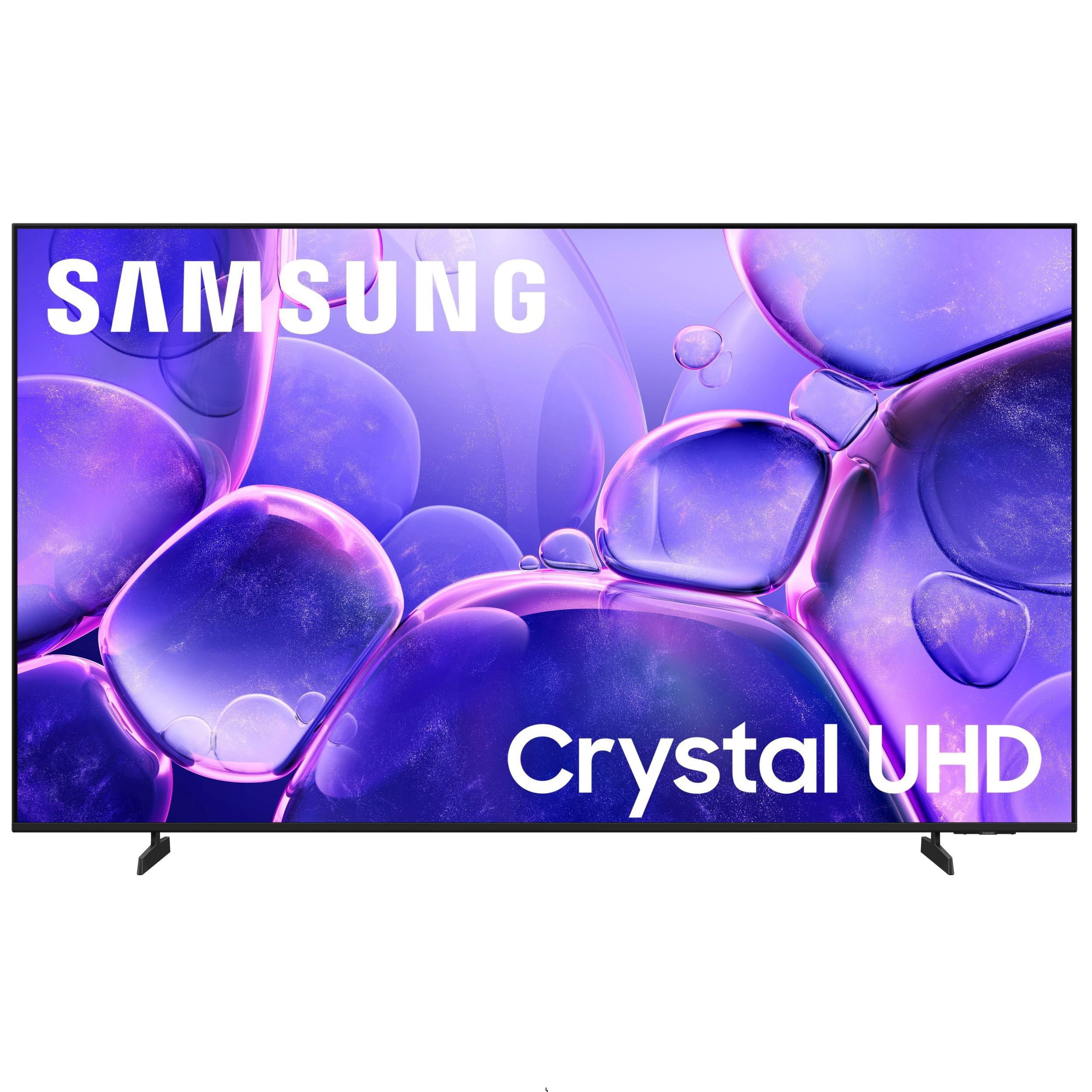
SAMSUNG 85" Class U8000F Series 4K Crystal UHD Smart TV
4.7 out of 5 stars
stars1,089 ratings1,068 reviews
  1. 5 stars78% (852)
  2. 4 stars14% (155)
  3. 3 stars4% (42)
  4. 2 stars2% (20)
  5. 1 star2% (20)

Member photos

  • +336 images
Sort by |
Showing 611-620 of 1,068 reviews
Feb 5, 2026
TV Tunner in Alabama
4 out of 5 stars review

Where are the lights and numbers

[This review was collected as part of a promotion.] Great product, the remote sucks, need to have a remote that lights up, and the ability change stations with numbers.

Review from Samsung US
Helpful?3CTS2O15ZY1416007408101
Mar 5, 2026
cktv
3 out of 5 stars review

New TV

[This review was collected as part of a promotion.] Fine that app-lications difficult to organize and use.. doesn't allow new or updating app installation date easily... used to a Roku TV system which is way more straight forward...

Review from Samsung US
Helpful?3CTS2O15ZY1416007408101
reply from Samsung Advisor

Hi cktv, Thank you for sharing your experience. Please know that you can customize your Home screen by installing, removing or adding your favorite apps to the Home screen. Here's how: Searching for & Installing Apps 1. From the Home screen, press left on the remote’s directional pad. 2. Navigate to and select Search. 3. Using the search bar, enter the content or app you’d like to find. 4. Navigate to and select the app you’d like to install, then select Install. Note: Previously installed apps can be accessed on the Settings screen. Adding & Managing Apps on Home Screen 1. Go to App Settings (these can be found at the bottom of the Apps screen) and select the app you want to move. The following options will be available: a. Add to Home: Move the app to your desired location on the Home screen. b. Delete: Delete app. c. Lock/Unlock: Lock the app with a PIN so only you can use it. When the app is selected again, you will be prompted to enter the PIN to unlock it. d. Reinstall: Reinstall the app. e. View Details: View the app’s information and details. If you need more help with app management, please don’t hesitate to reach Samsung Support at 1-800-SAMSUNG (8AM – 12AM EST, 7 days a week) or use LiveChat under Support on our website. ~ Samsung Advisor

Feb 25, 2026
Jluvlv
5 out of 5 stars review

One of the best if not the best of the best

[This review was collected as part of a promotion.] Samsung test are top of the line and this one is exceptional. I researched 90% of the companies with a 55in. TV and the resolution and motion was cleaner than any I viewed. A+++ product

Review from Samsung US
Helpful?3CTS2O15ZY1416007408101
Feb 27, 2026
Wesley
5 out of 5 stars review

Great tv

[This review was collected as part of a promotion.] It's got a great picture quality surprisingly fast response time sound quality is quite good as well, just wish it came with a remote with mic so I could utilize bixbsy with the remote

Review from Samsung US
Helpful?3CTS2O15ZY1416007408101
Feb 17, 2026
Snaggy
4 out of 5 stars review

85 alive

[This review was collected as part of a promotion.] Great tv , acts a little slow at times but Great color and bit is good. I believe the tv service is not on the same level. Movies are great to watch.

Review from Samsung US
Helpful?3CTS2O15ZY1416007408101
Mar 2, 2026
Matthew
5 out of 5 stars review

Awesome and big!!

[This review was collected as part of a promotion.] Its been a great TV. I watch a good deal of shows and plau vido games. Everything works great and the built in speakers are better than expexted.

Review from Samsung US
Helpful?3CTS2O15ZY1416007408101
Feb 17, 2026
Randy
2 out of 5 stars review

Bad audio

[This review was collected as part of a promotion.] Tv is great... but audio is very not good by any means.. it keeps going out. And you have to unplug the TV and plug it back.. or factory reset it 50 times a day

Review from Samsung US
Helpful?3CTS2O15ZY1416007408101
reply from Samsung Advisor

Hi Randy, We're sorry to hear about the audio issues you are experiencing. To best assist you, please contact us at 1-800-SAMSUNG, available 8AM – 12AM EST, 7 days a week. LiveChat is also available via the ‘Support’ link on our website. ~ Samsung Advisor

Feb 25, 2026
Incompitech
5 out of 5 stars review

Love it

[This review was collected as part of a promotion.] I love easy screen mirroring from my S23 Ultra and will be buying S26 Ultra. The only thing I am let down over is not being able to put Amazon Photos app on it for the Screensaver slideshow.

Review from Samsung US
Helpful?3CTS2O15ZY1416007408101
Feb 5, 2026
Larry
5 out of 5 stars review

Enjoyable viewing

[This review was collected as part of a promotion.] Colors are bright and beautiful. I can watch my movies and videos through the u.S b port. Very nice television.

Review from Samsung US
Helpful?3CTS2O15ZY1416007408101
Feb 15, 2026
19Dawnnis59
5 out of 5 stars review

Great TV

[This review was collected as part of a promotion.] I love having all my devices connect in one place. Being able to connect my tv to my other Samsung devices and others. I actually wish I had a larger tv as we have a large room.

Review from Samsung US
Helpful?3CTS2O15ZY1416007408101