Join Now
Skip to Main Content
Sam's Club
Sam's Club
All Departments
All Services
Customer reviews for SAMSUNG 85" Class U8000F Series 4K Crystal UHD Smart TV for
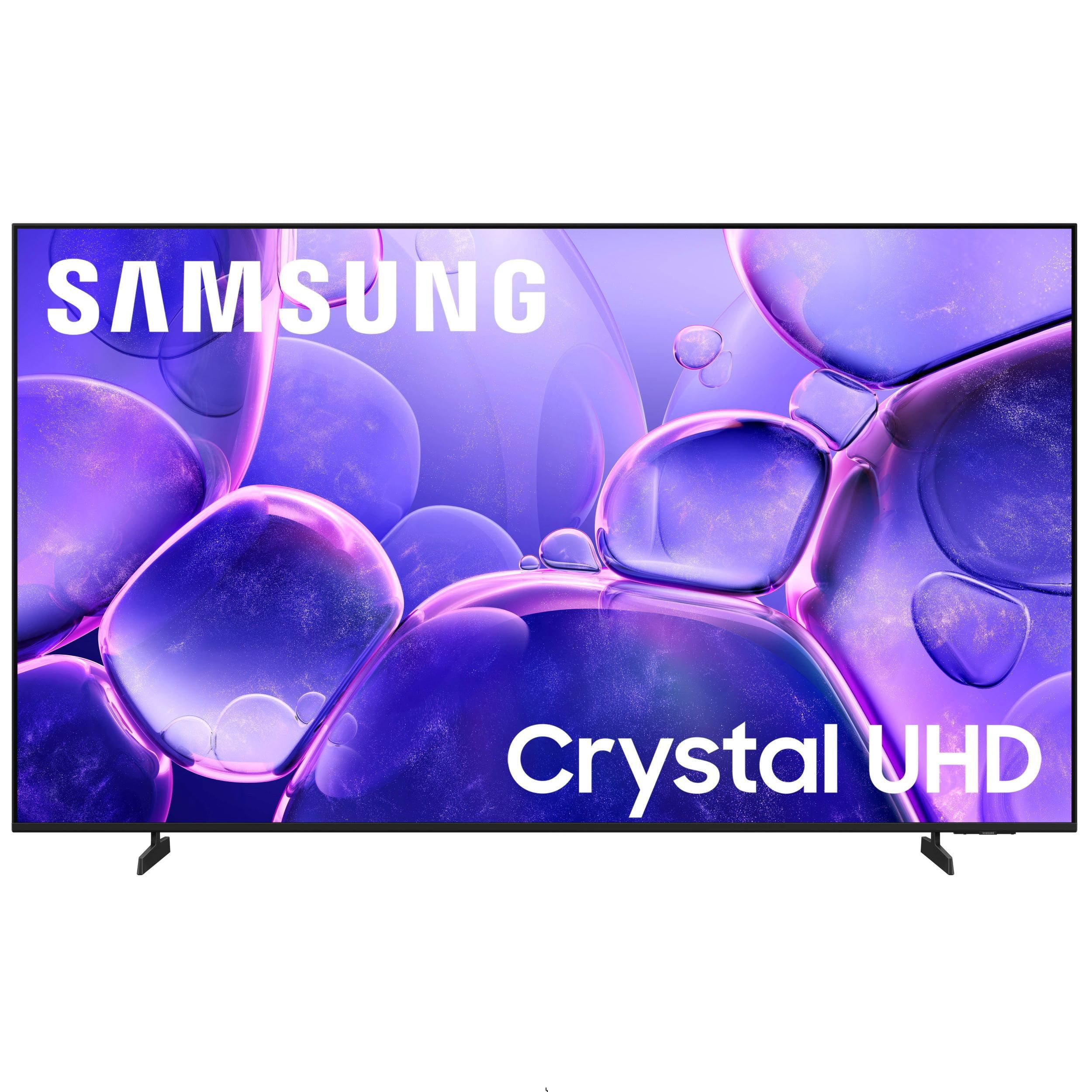
SAMSUNG 85" Class U8000F Series 4K Crystal UHD Smart TV
4.5 out of 5 stars
stars
3,699 ratings3,667 reviews
  1. 5 stars71% (2,619)
  2. 4 stars15% (573)
  3. 3 stars7% (242)
  4. 2 stars3% (126)
  5. 1 star4% (139)

Member photos

  • +1183 images
Sort by |
Showing 1,481-1,490 of 3,667 reviews
May 20, 2026
Reviewer name: IronMike
5 out of 5 stars
5 out of 5 stars review

Samsung TVs is a Great brand

[This review was collected as part of a promotion.] I've had Sony and Panasonic TVs before, but Samsung is by far my favorite Brand. Easy to setup and great to watch your favorite shows.

Review from Samsung US
Helpful?3CTS2O15ZY1416007408101
Jul 5, 2026
Reviewer name: KeithC
5 out of 5 stars
5 out of 5 stars review

Samsung Review
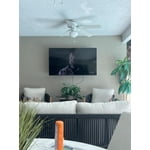
[This review was collected as part of a promotion.] Great price for an exceptional tv. Easy to mount on the wall and the picture quality is fantastic.

Review from Samsung US
Helpful?3CTS2O15ZY1416007408101
Apr 24, 2026
Reviewer name: Yi Sunshin
1 out of 5 stars
1 out of 5 stars review

Mounting

There's no threaded holes to attach mounting screws to, just blank unthreaded holes. No explanation whatsoever in the accompanying guide. No information online. What gives?

Review from Samsung US
Helpful?3CTS2O15ZY1416007408101
reply from Samsung Advisor

Hi Yi Sunshin, Thank you for reaching out to us. The U8000F TV can be wall-mounted, but you will need an external wall mount. For more information on the U8000F setup, please use the setup guide: https://downloadcenter.samsung.com/content/EM/202503/20250301035319001/BN68-23209A-01_IG_U8000F%20Basic%20feet%2043-85inch_ZA_Eng_250225.0.pdf or find resources available on our website: https://www.samsung.com/us/support/answer/ANS10006945/ If you have any other questions or need help, do not hesitate to reach out to us. Call us at 1-800-SAMSUNG, available from 8AM – 9PM EST Mon – Fri, 8AM – 6PM Sat – Sun. Or visit the Samsung website and click on the ‘Support’ link for: • LiveChat with an agent • Manuals, Software, and Warranty Info ~ Samsung Advisor

May 20, 2026
Reviewer name: DenSef
4 out of 5 stars
4 out of 5 stars review

Good item for the money

[This review was collected as part of a promotion.] Good brightness Ggod resolution Wish the remote had channel numbers Wish remote was easier to understand and ise

Review from Samsung US
Helpful?3CTS2O15ZY1416007408101
Jun 11, 2026
Reviewer name: Bigworm73
5 out of 5 stars
5 out of 5 stars review

My TV

[This review was collected as part of a promotion.] I love everything about my TV. The brightness is breathtaking and the same for contrast is so refreshing.

Review from Samsung US
Helpful?3CTS2O15ZY1416007408101
Jul 7, 2026
Reviewer name: ReviewedThings
4 out of 5 stars
4 out of 5 stars review

Great features and quality!

[This review was collected as part of a promotion.] It's a nice TV, especially for the price. It's quick and lets me enjoy content at 4K. The colors and brightness is great for the price.

Review from Samsung US
Helpful?3CTS2O15ZY1416007408101
Jun 10, 2026
Reviewer name: Meyermama6
5 out of 5 stars
5 out of 5 stars review

Great television
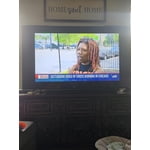
[This review was collected as part of a promotion.] this television is excellent . the resolution is fantastic and easy to use . I am very pleased with my purchase as I am also a Samsung phone user .

Review from Samsung US
Helpful?3CTS2O15ZY1416007408101
Jul 20, 2026
Reviewer name: Lvmysamsung
5 out of 5 stars
5 out of 5 stars review

Great features

[This review was collected as part of a promotion.] It took a while to get use to the TV and how to use the features. ( I had a different smart tv prior). I'm loving my TV. I highly recommend this brand.

Review from Samsung US
Helpful?3CTS2O15ZY1416007408101
Apr 20, 2026
Reviewer name: Calfur67
2 out of 5 stars
2 out of 5 stars review

Lines in the t v screen,

[This review was collected as part of a promotion.] lines in the TV screen remont Don't work right not very happy with the television at all only had it a year and a half the lines come in it after the warranty ran out

Review from Samsung US
Helpful?3CTS2O15ZY1416007408101
reply from Samsung Advisor

Hi Calfur67, Thank you for sharing your experience with Samsung’s U8000F. If your TV is displaying lines on the screen, we recommend the following steps to help isolate the issue: 1. Check all input cable connections for any external devices (e.g., HDMI, streaming boxes, Blu-ray players) 2. Switch channels or inputs to see if the issue appears across all sources 3. Run a Picture Test to check for panel-related issues: Settings > Support > Device Care > Self Diagnosis > Picture Test 4. Perform a cold boot by holding the power button on your remote for about 10 seconds 5. Ensure your TV has the latest software installed: Settings > Support > Software Update If the issue continues after these steps, the TV may require service. For further assistance, please contact Samsung Support at 1-800-SAMSUNG, 8AM – 12AM EST, 7 days a week. LiveChat and additional support resources are also available through the Support link on our website. ~ Samsung Advisor

May 21, 2026
Reviewer name: peewee
3 out of 5 stars
3 out of 5 stars review

its ok

[This review was collected as part of a promotion.] tv is good sound is terrible can turn off the lady talking when you first turn on the tv have trouble getting it to dish nework

Review from Samsung US
Helpful?3CTS2O15ZY1416007408101
reply from Samsung Advisor

Hi Peewee, Thank you for sharing your concerns. If your TV is announcing everything you do, the Voice Guide feature is likely turned on. This is an accessibility function designed to assist users who are visually impaired, and it may have been activated accidentally by holding down the Volume button on your remote. To turn off Voice Guide, go to: Home > left directional key > Settings > All Settings > General & Privacy > Accessibility > Voice Guide Settings > Voice Guide = OFF If there's anything else we can assist with, please don't hesitate to contact us at 1-800-SAMSUNG, available from 8AM – 9PM EST Mon – Fri, 8AM – 6PM Sat – Sun. You can also visit the Samsung website and click on ‘Support’ for: • Live Chat • Manuals, Software, & Warranty Info ~ Samsung Advisor