Join Now
Skip to Main Content
Sam's Club
Sam's Club
All Departments
All Services
Customer reviews for SAMSUNG 100" Class QN80FD Series 4K Neo QLED Smart TV for
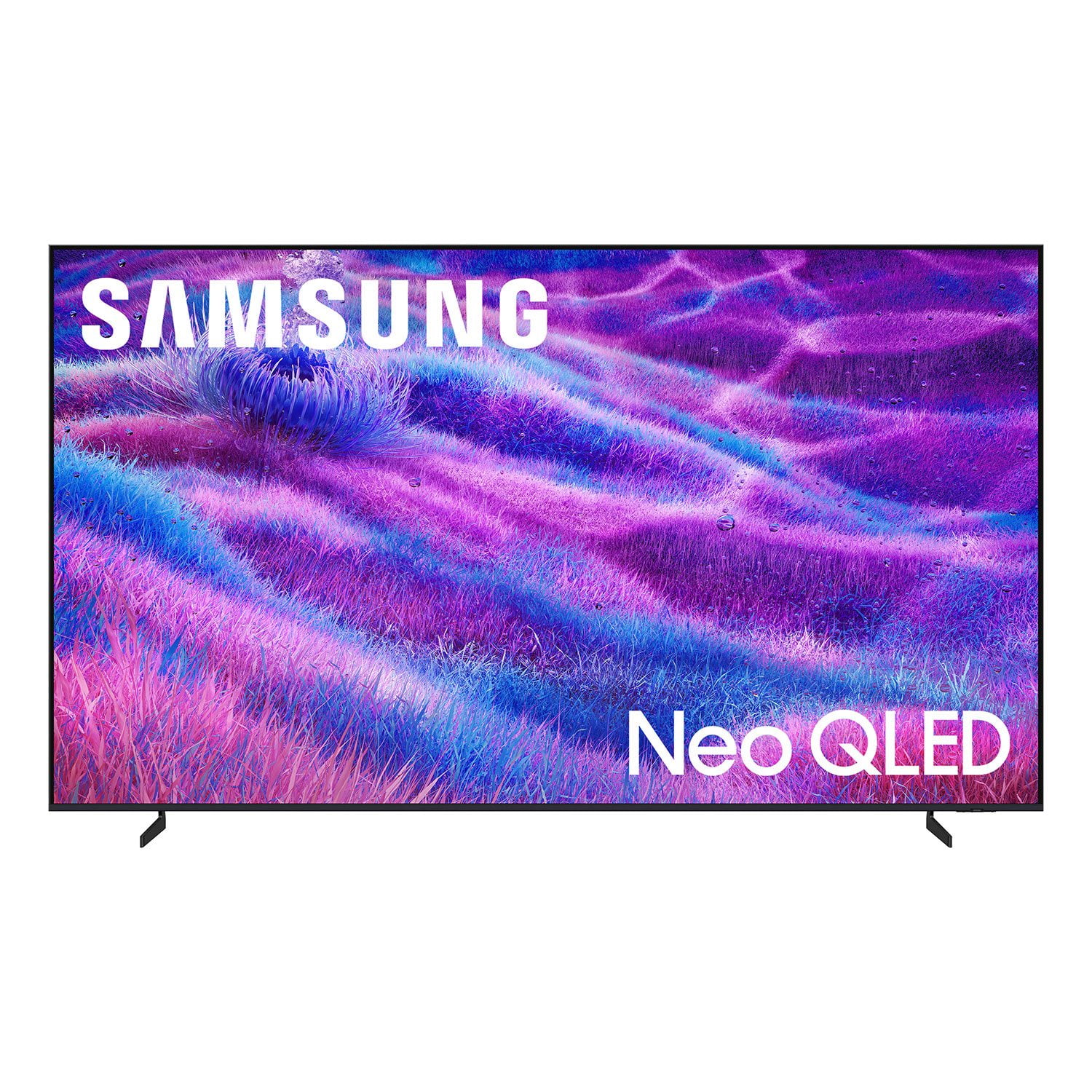
SAMSUNG 100" Class QN80FD Series 4K Neo QLED Smart TV
4.6 out of 5 stars
stars
297 ratings295 reviews
  1. 5 stars76% (227)
  2. 4 stars14% (43)
  3. 3 stars4% (11)
  4. 2 stars3% (8)
  5. 1 star3% (8)

Member photos

  • +94 images
Sort by |
Showing 191-200 of 295 reviews
Jun 23, 2026
Reviewer name: samsung girl
5 out of 5 stars
5 out of 5 stars review

Go Buy yours today

[This review was collected as part of a promotion.] Best purchase weve ever made. Love the quality of the picture,

Review from Samsung US
Helpful?4EH71XI7L8K115607265840
Jun 19, 2026
Reviewer name: Chris
5 out of 5 stars
5 out of 5 stars review

Great speed

[This review was collected as part of a promotion.] Good parts:Super Resolution. Awesome brightness.Meh contrast meh refresh. Poor vibrancy

Review from Samsung US
Helpful?4EH71XI7L8K115607265840
Apr 18, 2026
Reviewer name: Anonymous
5 out of 5 stars
5 out of 5 stars review

Amazing tv for gaming
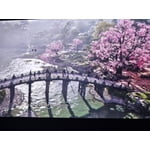
[This review was collected as part of a promotion.] The tv is bright and vibrant and the refresh rate definitely makes a difference in my gaming.

Review from Samsung US
Helpful?4EH71XI7L8K115607265840
Jun 12, 2026
Reviewer name: Shortie
3 out of 5 stars
3 out of 5 stars review

Wounder picture sounds great

[This review was collected as part of a promotion.] it was a wonderful experience,clarity and contrast was sharper then I thought

Review from Samsung US
Helpful?4EH71XI7L8K115607265840
reply from Samsung Specialist

Shortie, Thanks for your review. If you’re experiencing specific issues which caused you to give this a 3-star rating, please know Samsung Customer Support is here to help at 1-800-SAMSUNG (8AM – 9PM EST Mon – Fri, 8AM – 6PM Sat – Sun). You can also reach our LiveChat team by selecting the ‘Support’ link on our website. ~ Samsung Specialist

Feb 17, 2026
Reviewer name: Sad5820
4 out of 5 stars
4 out of 5 stars review

Outstanding picture!

[This review was collected as part of a promotion.] This tv is very bright, has very good refresh rate, and color. My only complaint is built in app selection is lacking.

Review from Samsung US
Helpful?4EH71XI7L8K115607265840
Mar 23, 2026
Reviewer name: GODKING1017
5 out of 5 stars
5 out of 5 stars review

Great tv

[This review was collected as part of a promotion.] Great service timely and clean process was easy from start 2 finish really enjoyed and will recommend to anyone

Review from Samsung US
Helpful?4EH71XI7L8K115607265840
Mar 23, 2026
Reviewer name: LuvSamsung
5 out of 5 stars
5 out of 5 stars review

Great picture and samsung channels are a real plus

[This review was collected as part of a promotion.] Love the brightness and easy to watch in a sun brightened room. Picture is sharp and contrast is excellent. Refresh is fast and makes viewing a pleasure!!

Review from Samsung US
Helpful?4EH71XI7L8K115607265840
Jan 20, 2026
Reviewer name: Golflen
4 out of 5 stars
4 out of 5 stars review

Picture Has over "Makeup" look

Not real happy with the picture. Can't adjust the faces of people to eliminate the "Makeup" look. The faces look like "Makeup" is thick and pasty looking. I know that not all programming is 4K, but can't make faces look clean and real.

Review from Samsung US
Helpful?4EH71XI7L8K115607265840
reply from Samsung Specialist

Golflen, We appreciate your input on the picture quality of Samsung’s QN80FD TV. If the image isn’t meeting your expectations, there are several adjustments you can make to improve your viewing experience. First, please ensure your TV is running the latest firmware, as updates may include important picture quality enhancements. Go to: Home > Left directional button > Settings > Support > Software Update > Update Now Then, select a Picture Mode that best fits your environment: Home > Home > left directional key > Settings > All Settings > Picture > Picture Mode 1. Standard – Default mode for general viewing 2. Dynamic – Brighter and clearer in well-lit rooms 3. Eco – Optimized for energy saving 4. Movie – Best for watching in dark environments 5. Filmmaker Mode – Preserves content exactly as intended by creators You can also enhance your experience by enabling AI Mode, which automatically adjusts picture and sound based on your surroundings and usage patterns: Settings > All Settings > Advanced Features > AI Mode Settings > AI Mode If these adjustments don’t improve your picture quality, feel free to contact Samsung Customer Support at 1-800-SAMSUNG, available 8AM – 12AM EST, 7 days a week. You can also LiveChat with an agent or find helpful guides by visiting the ‘Support’ section of our website. ~ Samsung Specialist

Dec 9, 2025
Reviewer name: Jhartyharr23
4 out of 5 stars
4 out of 5 stars review

Beautiful picture on an awkward stand

[This review was collected as part of a promotion.] Great looking picture for a pretty decent price during the holidays. Besides a funky stand that's easily replaced by wall mounting I'd purchase again.

Review from Samsung US
Helpful?4EH71XI7L8K115607265840
Feb 17, 2026
Reviewer name: Oswaldo2040
5 out of 5 stars
5 out of 5 stars review

Great Features and good images pixels.

[This review was collected as part of a promotion.] My Samsung TV is a good for watching soccer games and it's has good display image. It good for Google TV and other smart apps too.

Review from Samsung US
Helpful?4EH71XI7L8K115607265840