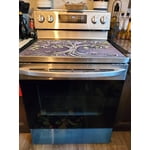
[This review was collected as part of a promotion.] After purchasing 2 Maytag oven/ranges and having both worthless it is a welcome relief to find that LG has hit the mark! The documentation in the owners manual leaves a bit to be desired but we've been quite impressed. A few of the reviews have pointed out deficiencies such as the keeping the cooktop clean; connecting to wifi and changing the clock settings.
Cleaning cooktop: we haven't found that the cooktop is any different than other glass cooktops. Does it get dirty? yes. Does it show smudges? yes. Two tips: to clean the glass use either a glass cooktop cleaner which is relatively cheap or the way my wife does it and has very similar results is place a bit of water in the microwave to get boiling, soak a kitchen towel in it then place onto the cooktop, spreading the towel out over the area. Dry with a paper towel. This removes any grease/streaks every time. Then use the cooktop cleaner product once or twice a week for a very glossy shine.
Setting the clock: This is where having prior LG appliances comes in handy. Our stove/range is the LREL6323S (there are different models which have different instructions). To set the clock press and HOLD the Cook Time button for roughly 3 seconds. This brings the Clock menu up and allows you to set the time.
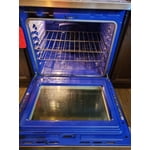
Wifi: admittingly this was the most difficult and challenging to figure out. The manual is fairly useless on this. The easy way to accomplish this is download the ThinQ app to your phone FIRST. ****IMPORTANT: next step is TURN OFF YOUR CELLUAR DATA ON YOUR PHONE, you must only be connected to wifi - and a be on wifi network that uses 2.4Ghz as the range/stove does not support 5Ghz. if you are connected on your phone to a 5Ghz network, remove that network, and connect to the 2.4Ghz one, otherwise this will not work.****. Once installed, scan the QR code on the bottom right when you open the warming drawer (yes, that's what the drawer is actually called that we all put our pans in). Once the Warming Drawer is open you'll see on the upper right side the model...etc, then the QR Code, similar to a jumbled up UPC code. Scan that in the ThinQ app. Once scanned, if I recall, it'll walk you through the process. Your phone will pass the network, and password to the stove/range. Very little of this is in the manual. (don't forget to turn your CELLUAR DATA back ON)
We have actually found the wifi feature helpful. It does or may require planning though as to turn the oven on using the ThinQ app you must first press the Remote button on the oven. To me this is helpful as it will not allow you to inadvertently turn it on. An example of how this could be used: you're leaving in the morning and know on the way home you're picking up something to place in the oven (take-and-bake pizza or a pie, or whatever). You press the Remote Start button on your way out. On the way home you open the app and "start" your oven. By the time you arrive home the oven is preheated and ready for you to place your item in it. This saves you about 7-10 min waiting for the oven to preheat once home. Additionally, the app will tell you when the oven is to that temp by sending a notification. Further, anytime you manually turn the oven on at the appliance itself it automatically activates the Remote feature allowing you to check on temp/timer...etc. NOTE: You cannot remotely turn on the cooktop burners. I would imagine this is for a safety concern. You can, however, see if the burners are turned on.
We have not used the air-fry feature yet and it is disappointing that LG does not supply the basket. However, you can pick generic ones up on Amazon or buy direct from LG for ~$60. Having said that, we did make bacon in the oven without the air-fry basket. To me, the best bacon I have ever had. If you do choose to do that, make sure you use Parchment Paper as that eliminates any of the splattering.
By the way - the burners and the oven heat fast. We have used the oven on Convection Bake and Bake without issue. I personally, like the Convection Bake the best.
Overall, awesome appliance. LG has hit the bullseye on this one.-John

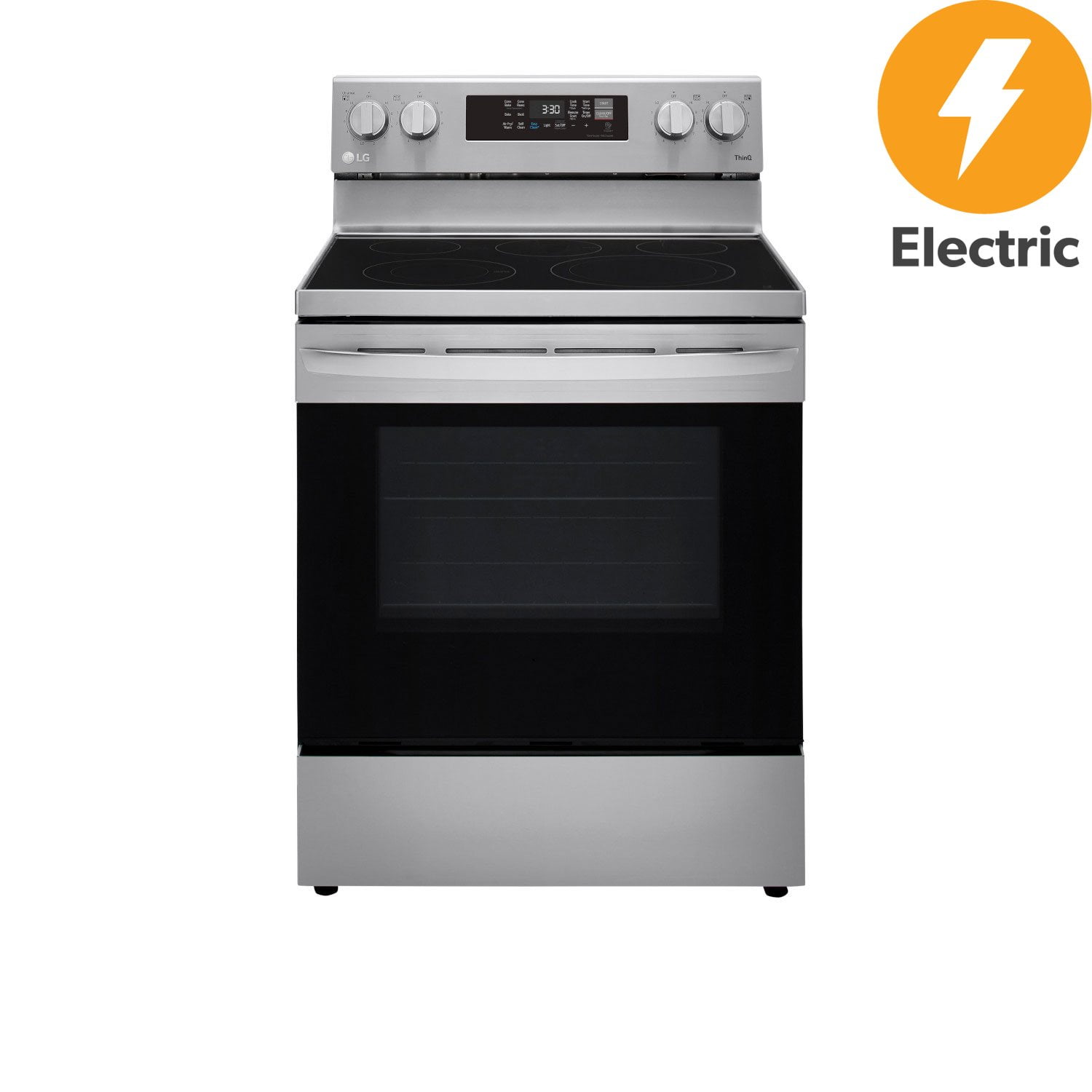 Customer reviews for LG 6.3 cu. ft. Freestanding Electric Range with Air Fry for