Skip to Main Content
Sams Club
Sams Club
Customer reviews for SAMSUNG 55” Class S95FD Series 4K OLED Smart TV for
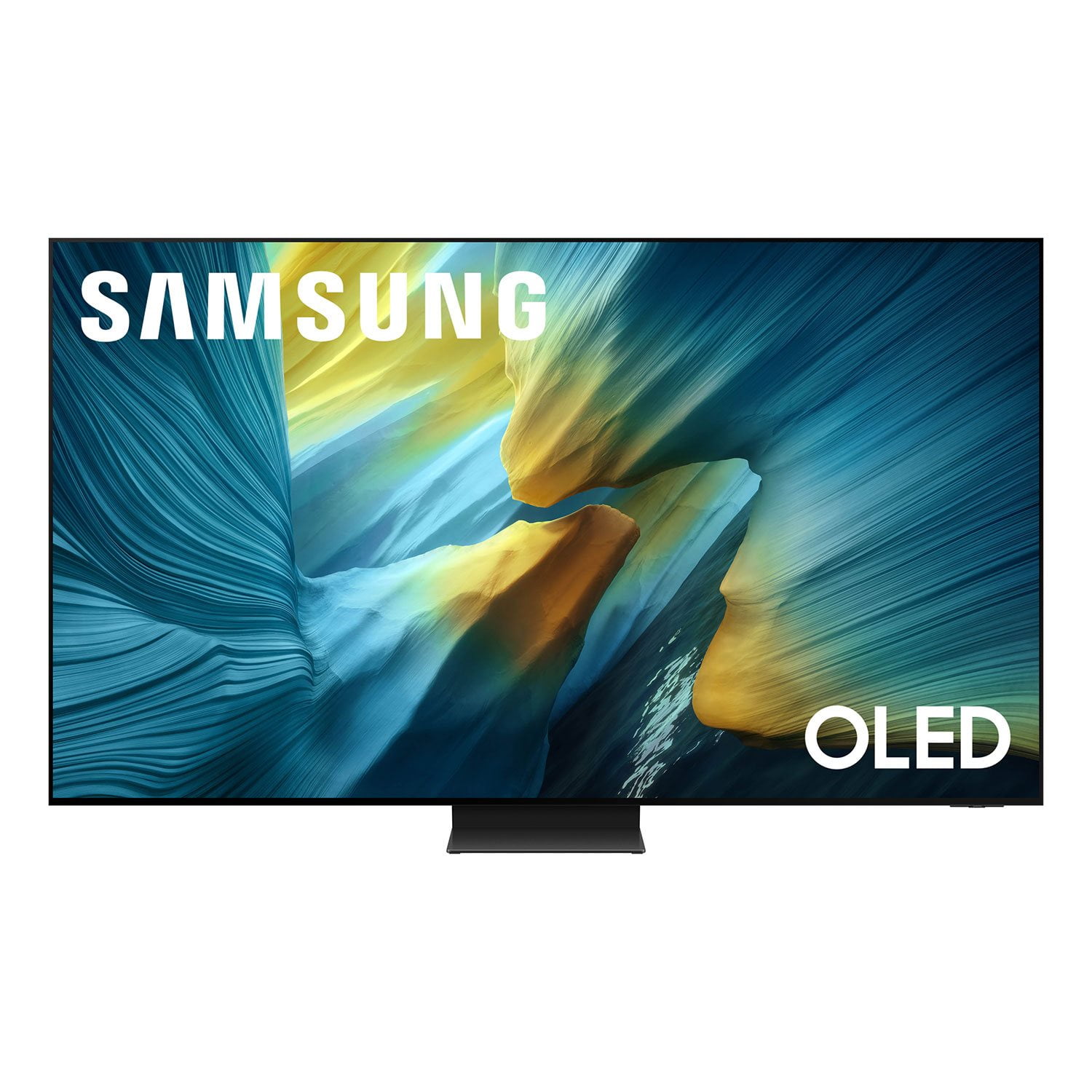
SAMSUNG 55” Class S95FD Series 4K OLED Smart TV
4.7 out of 5 stars
stars310 ratings309 reviews
  1. 5 stars83% (257)
  2. 4 stars12% (38)
  3. 3 stars3% (8)
  4. 2 stars1% (3)
  5. 1 star1% (4)

Member photos

  • +80 images
Sort by |
Showing 101-110 of 309 reviews
Mar 5, 2026
SalaamRHD
5 out of 5 stars review

Samsung Beauty

[This review was collected as part of a promotion.] What a wonderful experience with my 55 inch S95F. I'm a cinemas enthusiast, and love the S95F. The picture quality is phenomenal, and I'm really loving the matte finish. The black levels are on point. Couldn't be happier. The smoothness and upscaling is remarkable. I find myself watching the S95F more everyday. The brilliant brightness is second to none, and I highly recommend this television to anyone looking for a truly remarkable viewing experience. Contrast is amazing. Color's are vibrant and bold. I didn't have to adjust or reset the settings So far the S95F is A+..and I'm extremely happy with my purchase.

Review from Samsung US
Helpful?1JNYDL88JM7O15601715182
Mar 3, 2026
Savagepr1
5 out of 5 stars review

Stunning S95F

[This review was collected as part of a promotion.] I recently purchased a Samsung S95F 65 inch, Smart OLED TV ie February 2026K. I have been doing extensive research for about a year prior to this purchase & I am happy to say in opinion this is a wonderful addition to my home theater 🎭 system. From the initial set up all the way through each of my connected devices. Watching movies is stunning. The colors Pop up like Christmas tree lights & playing video games are on a different level, this TV is amazing.

Review from Samsung US
Helpful?1JNYDL88JM7O15601715182
Mar 3, 2026
Juicy
5 out of 5 stars review

Awesome all the way around.

[This review was collected as part of a promotion.] Excellent all the way around. Great features and easy menu and guides. Beautiful pictur. Would recommend to all my family and friends. Each feature is ready and accessible to hook up gaming and sound bars and even surround systems. Love the easy menu and hookups. Bought 1 for my bedroom and one for my living room. Thinking of getting two more for my outside gazebo and my guest room!

Review from Samsung US
Helpful?1JNYDL88JM7O15601715182
Mar 1, 2026
Blitzzer24
5 out of 5 stars review

The best TV money can buy!

[This review was collected as part of a promotion.] This TV is THE TOP. I have yet to see a better TV in my life. The picture is extremely smooth, and has brilliant color accuracy. It also does an incredible job of staying bright and clear in a room with direct sun exposure. The matte coating reduces the glare immensely and keeps the picture clear and vibrant. The AI vision features and image processing/upscaling makes even older and lower quality shows look crisp and modern with top tier visuals. Overall the best TV on the market!

Review from Samsung US
Helpful?1JNYDL88JM7O15601715182
Feb 17, 2026
Sparta690
5 out of 5 stars review

Great tv

[This review was collected as part of a promotion.] This is the best tv I have had amazing clarity and sound not a single problem in the 2 years I have owned it gaming on my ps5 is clear as day. When I upgrade in few years samsung hs my vote forever customer!

Review from Samsung US
Helpful?1JNYDL88JM7O15601715182
Jan 21, 2026
Mars
4 out of 5 stars review

Best picture ever, however.....

Picture quality is the best, however I have sound issues. When I tune in network programs, the volume is erratic. Volume goes up and down. Volume needs to be raised more than halfway just to hear the program. Not happy with this. Maybe adjustments need to be made in the sound menu, but the online menu is not user friendly.

Review from Samsung US
Helpful?1JNYDL88JM7O15601715182
reply from Samsung Specialist

Hi Mars, Thank you for sharing your experience with volume fluctuations on your TV. Here are a few steps that may help resolve the issue: 1. Turn off the Sound Sensor: Use the button located beneath the Samsung logo on the bottom of the TV. With the TV powered on, press the button to the left to turn the sensor on or to the right to turn it off. 2. Disable AI Sound Features: Some AI functions automatically analyze and adjust sound, which may cause volume to fluctuate. To disable these: Settings > All Settings > Advanced Features > AI Mode Settings > AI Mode. You can turn off all AI functions at once or toggle each setting individually. 3. Check for Firmware Updates: Keeping your TV up to date may improve audio performance: Settings > Support > Software Update > Update Now If the issue continues after these steps, please contact Samsung Support for further assistance at 1-800-SAMSUNG, 8AM – 12AM EST, 7 days a week. LiveChat and additional support resources are also available through the Support link on our website. ~ Samsung Specialist

Mar 21, 2026
Lapoha11
5 out of 5 stars review

Love this TV

[This review was collected as part of a promotion.] Beautiful picture, antiglare feature is excellent. Ability to view and maintain picture clarity from side angles is priceless.

Review from Samsung US
Helpful?1JNYDL88JM7O15601715182
Mar 23, 2026
DrewC
5 out of 5 stars review

Great picture quality and features

[This review was collected as part of a promotion.] Great TV easy to set up and the picture quality is excellent. I would recommend this TV to everyone.

Review from Samsung US
Helpful?1JNYDL88JM7O15601715182
Mar 23, 2026
Love the shop
5 out of 5 stars review

Great pitcher

[This review was collected as part of a promotion.] I love the product. It's been very good. No problem, whatsoever, great picture. Great sound necessary thing I need

Review from Samsung US
Helpful?1JNYDL88JM7O15601715182
Mar 23, 2026
Mere
3 out of 5 stars review

Great Until Its Not

[This review was collected as part of a promotion.] A great TV but has tremendous issues connecting to wifi and playing apps. Also, if one small thing goes wrong I costs more to fix the TV then the TV itself.

Review from Samsung US
Helpful?1JNYDL88JM7O15601715182
reply from Samsung Specialist

Mere, We appreciate you taking the time to let us know about your experience with your TV. So that we can better troubleshoot this issue and provide steps towards a solution, please contact Samsung Support at 1-800-SAMSUNG, 8AM – 12AM EST, 7 days a week, or visit our website for LiveChat. ~ Samsung Specialist