
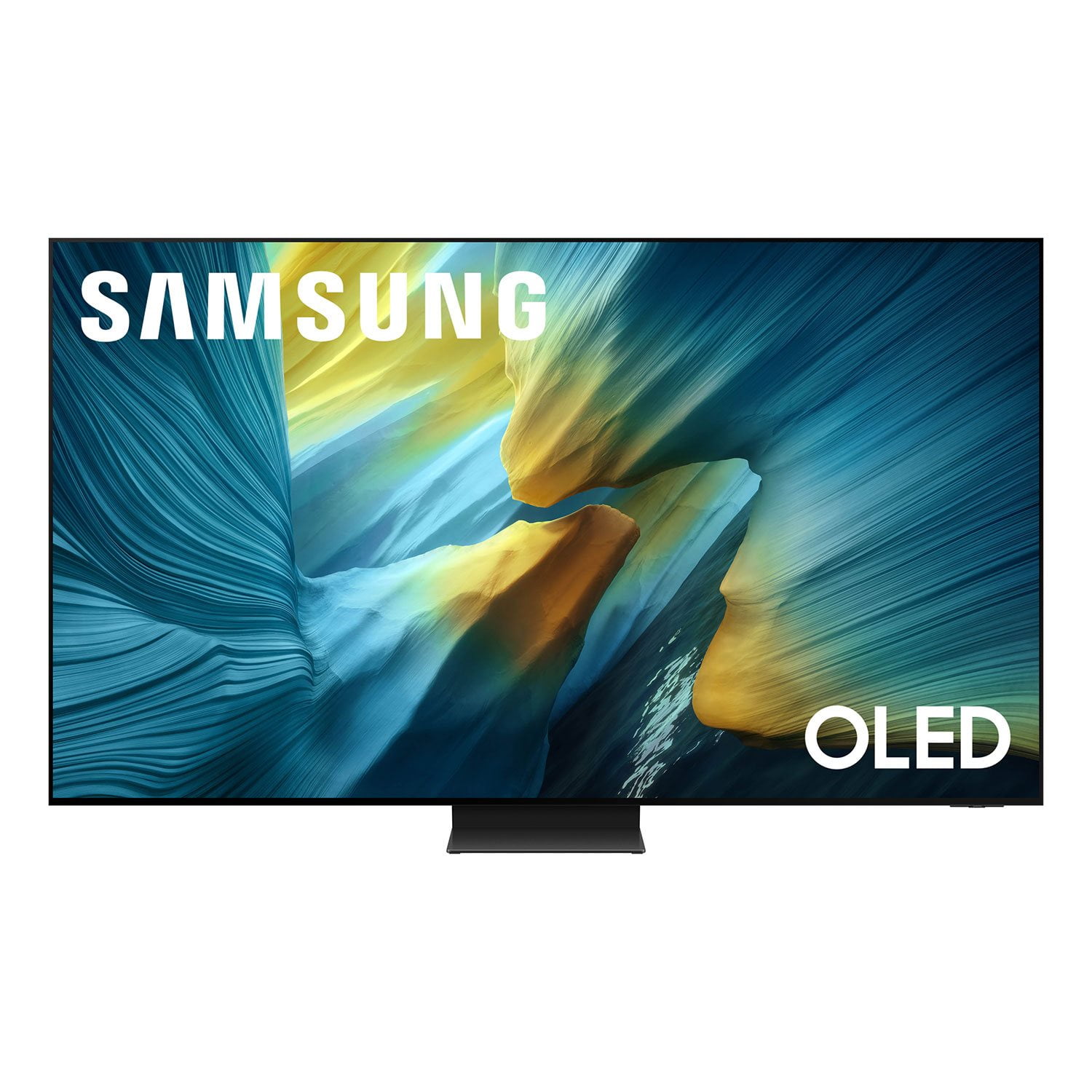
 Customer reviews for SAMSUNG 55” Class S95FD Series 4K OLED Smart TV for
Member photos


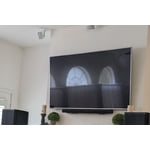
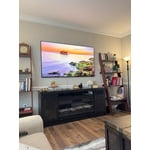
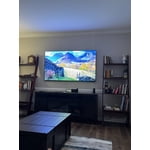
 +295 images
Incredible TV! Best OLED on the market!
[This review was collected as part of a promotion.] The Samsung S95F is an absolutely phenomenal television, it's easily the best I've ever owned. Upgrading from a 2020 LG OLED, the difference is night and day. The brightness and color vibrancy are incredible, making all games and content truly pop. I primarily use this TV for console gaming on the PS5 Pro and Switch 2, and its gaming feature set is fantastic. Beyond performance, I love the slim, sleek design and the effective matte screen coating. The solar-powered remote is also great. My only significant issue involved the purchase: The Samsung pre-sales team promised price and promotion protection, but they are now pushing back on honoring the free Freestyle projector promotion that became available just a week after my order. Despite that purchasing, the TV itself is outstanding. If you are in the market for a premium OLED, I highly, highly recommend the S95F, look no further.
The best glare free OLED tv!
Our living room has lots of windows and reflections/glare were a constant issue, watching tv during the day was always challenging. This tv excels in this area by effectively diffusing reflections while maintaining excellent brightness for an OLED display. Its ultra-thin, minimalist design looks great in the space, and the built-in audio quality is impressive. Overall, this TV exceeded our expectations and we are very satisfied with the purchase.
Bright and Vivid!
[This review was collected as part of a promotion.] This is an amazing TV. Samsung has outdone, themselves with how bright and vivid the colors are on this TV. Unlike other TV's, the screen on TV is not glossy. It is made of a matte material. This allows light that reflects off the screen to diffuse and drastically reduces reflections giving you a much better viewing experience regardless of what time of the day you are watching TV or lighting conditions. When I'm using apps such as Hulu, Netflix and Amazon Prime, the built-in AI Features, when selected helps to upscale the resolution, resulting in a much crisper picture and higher contrast which is much appreciated. The gaming mode is very helpful and further enhances what is possible from the power of these next generation gaming consoles. You can natively play these games in a smooth 60 frames per second up 120 frames per second all in native 4k which is impressive. Although sometimes there can be a lag from switching apps or switching from game mode to regular TV, Those cons are minuscule compared to everything at this TV is capable of doing. The included one box that comes with this TV took some time to get used to, but it is a very welcome addition, especially when it comes to hiding the wires. Overall, I am very, very pleased with this purchase, and recommend this TV to anybody who wants to get the best viewing and gaming experience possible!
Third time is the charm
[This review was collected as part of a promotion.] I Have the 65” model and it is the perfect size for my room. However, it took 3 tries to find one that worked properly. The first one had excellent picture quality but quit working 3 weeks after installation. The replacement had such poor picture quality I took it back within days. Number 3 has been satisfactory so far and I'm hoping for the best. The anti-glare screen is fabulous.
So-So
[This review was collected as part of a promotion.] Video shuts off twice every two hours or so then comes back on. Very frustrating with this TV, with the amount of money we paid for it.
We appreciate you taking the time to let us know about your experience. So that we can better troubleshoot this issue and provide steps towards a solution, please contact Samsung Support at 1-800-SAMSUNG (8AM – 9PM EST Mon – Fri, 8AM – 6PM Sat – Sun), or visit our website for LiveChat. ~ Samsung Specialist
pausing a show
S95F When I pause a show ie netflex it puts the tv into sleep mode screen saver then I have to log back into NF. I have all of the power saving modes off. Also, the TV turns on when I am not in the room. I buy nothing but Samsung this could be the last and I may return the unit.
Frank, We're sorry to hear of this confusion. Please keep in mind that if your OLED TV displays a still image or receives no input for 2 minutes, the Screen Saver will activate automatically. This feature is built in and cannot be disabled, as it plays a key role in protecting your screen from long-term image retention or burn-in. We understand this may be unexpected, but it is designed to preserve your screen’s performance and longevity. Additionally, Daily Board uses motion detection or voice commands to show useful info like the weather and connected device status when the TV screen is off. To turn it off, press the 123/Quick Settings button on your remote, go to Settings > All Settings > Advanced Features > Daily Board, then switch off any enabled options. If you’d like further help or have questions, please reach out to Samsung Support at 1-800-SAMSUNG, 8AM – 12AM EST, 7 days a week. LiveChat is also available via the ‘Support’ link on our website. ~ Samsung Specialist
Great picture, bad OS and annoying pop-ups
Overall the picture is top quality. The matte screen is awesome in my living room with tons of natural light. Unfortunately I don't care much for the AI features. Tends to make the picture look a little too extreme and overprocessed. Also the built in operating system isn't very good. I especially dislike the fact that it will force intrusive pop-up ads for the AI features that cover the screen even when using another source at least once per day.
Chris, Thank you for sharing your feedback on the picture quality of your Samsung S95F TV. AI Mode is designed to adapt your TV’s image based on ambient lighting, content type, and your personal viewing habits. To adjust these features, navigate to: Settings > All Settings > Advanced Features > AI Mode Settings > AI Mode If the image isn’t meeting your expectations, we recommend adjusting AI features that can help with picture quality: • Adaptive Picture > AI Optimized: Automatically adjusts picture settings based on lighting and what you're watching. • EyeComfort Mode: Reduces brightness and adds warmer tones based on time of day and room lighting. • AI Customization Mode: Allows the TV to recognize content types (like sports or movies) and apply your preferred picture settings for each. If you prefer to disable AI Mode, there are additional adjustments you can make to improve your viewing experience. You can select a Picture Mode that best fits your environment: Home > Home > left directional key > Settings > All Settings > Picture > Picture Mode 1. Standard – Default mode for general viewing 2. Dynamic – Brighter and clearer in well-lit rooms 3. Eco – Optimized for energy saving 4. Movie – Best for watching in dark environments 5. Filmmaker Mode – Preserves content exactly as intended by creators Please also ensure your TV is running the latest firmware, as updates may include important picture quality enhancements. Go to: Home > Left directional button > Settings > Support > Software Update > Update Now If these adjustments don’t improve your picture quality, feel free to contact Samsung Customer Support at 1-800-SAMSUNG, available 8AM – 12AM EST, 7 days a week. You can also LiveChat with an agent or find helpful guides by visiting the ‘Support’ section of our website. ~ Samsung Specialist
I regret my purchase
I purchased the 77”, wall mounted it couple days ago and I already regret this purchase. I've had Samsung TVs before, but the software is different with this one. It's Byzantine. Streaming apps do not sync well with other devices. Constant crashing, many apps simply won't even boot anymore, including Netflix. I've reinstalled them, factory reset, everything. Then there's the One Connect box, or the Slim One Connect box (which are different apparently). It only attaches in one spot, toward the left edge oriented with the sockets facing outward, which means add at least 24” to the length of every cable you plan to use. And in a truly baffling engineering decision, the power cord plugs into the bottom of the One Connect, but the plug itself is offset by 90 degrees, which means you have twist the cord 180 degrees back toward the center of the TV, dangling right on the speakers causing the sound to distorted. (There isn't enough length to wrap it up and around the One Connect box.) If you plan to wall mount, you should know that you will need to attach the One Connect box to the back of the TV. It uses a single proprietary cable to run power and signal, so if you want to move the One Connect box elsewhere the cable will be exposed—it's high voltage, so you can't run it through the wall.
Hi there, We appreciate your feedback regarding your S95F TV’s performance. If you're experiencing slow apps, freezing, or lag in general response time, try the following steps: 1. Check for firmware updates – Keeping your TV up to date can resolve many performance issues: Home > left directional key > Settings > Support > Software Update > Update Now 2. Run Device Care – This tool checks system memory, frees up cached data, and closes background apps that could be slowing things down: Home > left directional key > Settings > Support > Device Care > Start Device Care 3. Cold boot your TV – With the TV powered on, press and hold the Power button on your remote for 5+ seconds until the TV restarts. This helps refresh the system. If you're still noticing performance issues after these steps, please contact Samsung Support at 1-800-SAMSUNG, 8AM – 12AM EST, 7 days a week. You can also connect with a LiveChat agent via the ‘Support’ link on our website. ~ Samsung Specialist
Amazing TV marred by AI harassment
Starting with the good, the TV has amazing picture quality. I love the anti-reflective coating and cannot see any reflections at all, unlike most other TVs on the market. Even holding a flashlight directly in front of the screen, you cannot see a direct reflection, only a diffused bloom. The color and brightness is honestly a bit overwhelming until muted, which is impressive for an OLED. Sound is pretty solid, but for a tv like this, it makes sense to use external speakers or sound bar when possible. ARC works great to control my sound bar volume and was pretty seamless. Negatives: AI assistant is constantly popping up set up the assistant that I don't want. The only way I've found to completely rid myself of these notifications is to disconnect from the internet and use an external streamer device. For the price of the TV, I would have preferred it be without any smart features rather than include the AI assistant. The remote is small and lacks an input selector button, which makes changing inputs a pain since you have to navigate the home menu to change screens.
Duckman, Thank you for sharing your thoughts on Samsung's S95F. While the Solar Cell Remote may appear minimal, many buttons offer multiple or long-press functions to help simplify the design without sacrificing functionality. For example: • Settings/Number/Color: Allows you to easily access your TV's Quick Settings and input channel numbers. • Volume rocker: Push up/down to adjust volume. Press and release quickly to mute. • Long-press Volume button: Hold for more than 1 second to open Accessibility Shortcuts. • RETURN button: Press to go back to the previous menu or screen. While watching TV, it takes you back to the previous channel. These functions allow for a more streamlined experience without adding extra buttons. Learn TV Remote is a feature designed to help users become familiar with the layout and function of each button on the Samsung remote. When enabled, pressing any button (except the Power button, which will still turn off the TV) will prompt the TV to announce the button’s name and its purpose – without affecting TV operation. This teaching mode is especially useful for users who are visually impaired or new to Samsung remotes. To enable this feature, go to: Settings > All Settings > General & Privacy > Accessibility > Learn TV Remote. To exit, simply press the Return key twice. If you’d like more assistance with this feature, please reach Samsung Support at 1-800-SAMSUNG, available 8AM – 12AM EST, 7 days a week. LiveChat agents are also available through the ‘Support’ link on our website. ~ Samsung Specialist
ADS ADS AND MORE ADS
Do not do not buy a samsung t v unless you like unlimited ads that have nothing even to do with the t v!!!!! They Delete reviews. ADS IS THE FIRST THING YOU SEE WHEN YOU TURN ON TH TV FPR THE PRICE UNACCEPTABLE!!! THEY DID IT OVERNIGHT!!!
Hello there, Thanks for your review. We value your feedback and will share it with our teams. Should you need assistance or have questions, please contact Samsung Customer Support at 1-800-SAMSUNG, available daily from 8AM - 12AM EST. You can also visit the Samsung website and click on ‘Support’ for: • Live Chat • Manuals, Software, & Warranty Info ~ Samsung Specialist