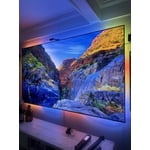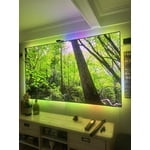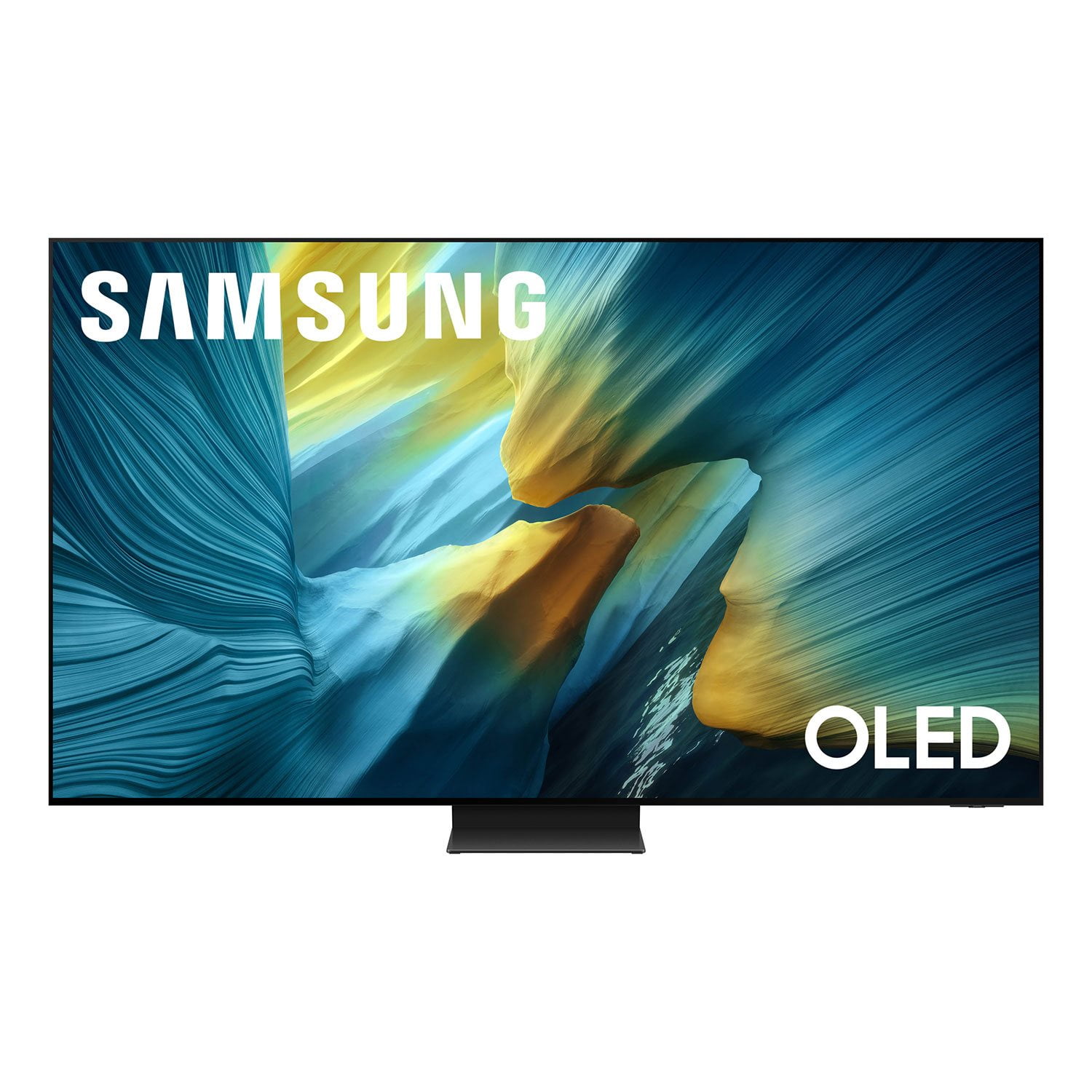
Customer reviews for SAMSUNG 55” Class S95FD Series 4K OLED Smart TV forMember photos


+257 images
77” Greatness 🤤—🗣️S95F•OLED the Best!! 🤜💥🤛
5-Star Review: Samsung 77” S95F The Samsung S95F 77” is an absolute game changer! 🌟 The picture quality is off the charts. 🙌 You can upscale your TV with rich, vivid colors and contrast that makes every scene pop. 💪 Whether it's movie night or sports, the clarity and brightness set a new benchmark.🤘The design is sleek, and the performance is elite. 🤜💥🤛 If you want the best of everything in home entertainment, this is it, it's a whole new level of smoothness.😎Thank you, Samsung!!! 🙏🏻🫡👏
Samsung TV OLED S95F
[This review was collected as part of a promotion.] This is the worst TV I have ever owned. The picture is great but the technology is flawed. I upgraded from a Samsung 49” bought in 2017 to a 55” bought in 2025. I never had any problems with syncing to my Bose 650 Sound System on the old TV. But the new TV will not relinquish control to the Bose. It keeps its own speakers on which causes competition with the Bose speakers giving them echo. If you mute the Samsung the icon flashes on and off the screen. Periodically the whole system just turns off. Also when I use the cable TV remote, the whole system turns off. I have called Bose and Samsung support multiple times but no one can fix these problems. I believe the problem is the Samsung thinks it's so smart it overrides the settings I set. I guarantee my next TV will be an LG.
Duckster, We’re sorry to hear about the frustration you’ve had connecting your sound system. On your TV, the key setting to check is Anynet+ (HDMI-CEC) under Settings > General & Privacy > External Device Manager. Please make sure this is turned ON - it allows your TV and Bose receiver to communicate through the HDMI eARC/ARC port. If you’re using an optical connection instead of HDMI, you’ll want to turn Anynet+ OFF and manually set the TV’s Sound Output to “Receiver (Optical),” which should stop the internal speakers from staying active and resolve the echo you described. For the best performance, please also confirm your TV has the most recent firmware installed: Settings > Support > Software Update If issues continue, please reach back out to Samsung Support at 1-800-SAMSUNG, available daily from 8AM - 12AM EST. You can also chat with a LiveChat agent by clicking the ‘Support’ link on our website for: • Live Chat • Manuals, Software, & Warranty Info • Creating a Service ticket ~ Samsung Specialist
OLED is the perfect TV for all
[This review was collected as part of a promotion.] I have always been the one who wants to purchase the largest TV at the best value. I have realized that having a large TV at a great value does not mean the best resolution, speed, or colors. This time I really focused on purchasing the best TV out there and found myself in love with the OLEDs. After some time looking, we jumped into our purchase of our new OLED.
Great
If you are looking to upgrade your home entertainment and elevate your living space, the Samsung 55-inch TV is the perfect choice. Striking the ideal balance between size and performance, it fits beautifully into any living room, bringing a sleek, modern, and luxurious vibe to your home. ✨ Key Features You'll Love: Stunning 4K UHD Picture Quality: With breathtaking resolution, experience images so vivid and crystal-clear that you'll feel like you're right in the middle of the action. Rich colors and deep contrast make every movie and sports game unforgettable. Sleek, Frameless Design (AirSlim): The ultra-thin profile and minimalist bezel keep your focus entirely on the screen. It looks less like a tech gadget and more like a piece of modern art on your wall or stand. Powerful Smart Processor: Samsung's advanced processor automatically upscale lower-resolution content, bringing older films and shows as close to crisp 4K quality as possible. Smart TV Powered by Tizen: Enjoy instant, seamless access to a world of entertainment. Stream your favorite movies, watch YouTube, or browse the web effortlessly with an intuitive, user-friendly interface. Immersive, Dynamic Sound: Innovative audio technology tracks the action on screen, delivering sound that moves with the picture for a truly cinematic, room-filling audio experience.
Best OLED Experience for Movies & Gaming
[This review was collected as part of a promotion.] I've been using the Samsung S95F 65” OLED and it completely transformed my daily entertainment. From streaming movies to gaming, every detail comes to life with stunning colors and perfect contrast. The AI-powered picture and sound make every scene feel cinematic, and the screen's fast refresh rate makes gaming incredibly smooth. I use it for everything – work, school, sports, and just relaxing after a long day. It's stylish and fits perfectly in my living space, making every moment more enjoyable. This TV isn't just for watching – it's part of my daily routine and truly elevates every activity.
Great anti-reflection, poor image quality
Great anti-reflection, works as intended. Would be good brightness too, but you don't get to pick your brightness in many settings - for some reason it forces you to a low brightness even when you have brightness set to full (50). Horrible unavoidable artifacts in many scenes due to a software problem in handling jutter. Either you have it full on, and you get whole image color flicker in dark scenes, or full off and you get horrible motion artifacts around moving objects. In between, both are bad.
Hi Disappointed, We appreciate your input on the picture quality of Samsung’s S95F TV. If the image isn’t meeting your expectations, there are several adjustments you can make to improve your viewing experience. First, please ensure your TV is running the latest firmware, as updates may include important picture quality enhancements. Go to: Home > Left directional button > Settings > Support > Software Update > Update Now Then, select a Picture Mode that best fits your environment: Home > Home > left directional key > Settings > All Settings > Picture > Picture Mode 1. Standard – Default mode for general viewing 2. Dynamic – Brighter and clearer in well-lit rooms 3. Eco – Optimized for energy saving 4. Movie – Best for watching in dark environments 5. Filmmaker Mode – Preserves content exactly as intended by creators You may also want to check if energy saving or AI settings are enabled. These can automatically adjust the brightness based on your room’s lighting. • For energy settings, go to: Settings > All Settings > General & Privacy > Power and Energy Saving • For AI settings, go to: Settings > All Settings > Advanced Features > AI Mode Settings If these adjustments don’t improve your picture quality, feel free to contact Samsung Customer Support at 1-800-SAMSUNG, available 8AM – 12AM EST, 7 days a week. You can also LiveChat with an agent or find helpful guides by visiting the ‘Support’ section of our website. ~ Samsung Specialist
Top Notch TV
[This review was collected as part of a promotion.] I first saw this tv at a store and it caught my eye. So I decided to buy it online and after I go it set in my bedroom I fell in love with it. The clarity and smoothness of the picture took me to another dimension like I was right there in person in the show. The tv has a lot of seasons that you can set/select your preferences. I also recommend that you hook up a sound bar which will make you feel you're in a theater. My last words would be if you're in the market for a new tv then this would be the one to get.
Great Picture
[This review was collected as part of a promotion.] I shopped meticulously and compared and was down to LG and Samsung high end TVs. I believe it has the best picture, very clear, and super bright. I was watching a series on Apple TV filmed in Alaska. We had to change the picture mode because the snow was so bright. Absolutely no glare. I would give 5 stars but my picture stopped working unexpectantly. Luckily it's covered under Warranty and I'm looking forward to receiving my replacement. The Samsung technician that came out to my house assured me that my issue was rare. I don't regret my purchase. Also, I like that Alexa is integrated and Smart Things Hub. This seems to work very nicely with other Smart Things enabled devices and fits my lifestyle.
Clear without reflection
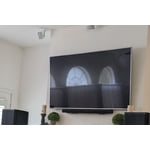
[This review was collected as part of a promotion.] In our old TV, you could see the reflection of the building across the way all the time in vivid detail. With this new TV, you can't see the building across the street at all and even in the brightest of day it is only a faint light and the picture is vivid and crystal clear.
S95F OLED 65" TV
[This review was collected as part of a promotion.] Cannot imagine better picture quality, but that was expected given the technology. The two features that sold me were the one-connect box which allows a nearly flush mount to the wall which is a great vibe and the matte screen that eliminates glare and is really effective. My wife watches about half of her TV during the daytime in California where it is always sunny and bright in the room. With daylight streaming in through many windows facing the sun and a huge skylight overhead, reflections can be obvious, but not this one. The panel is plenty bright in those conditions and my wife even prefers to reduce the brightness in some 4K HDR content because she thinks it is too intense like on Amazon Prime or Apple TV. Just a great product so far with an easy-to-use menu system.