Skip to Main Content
Sam's Club
Sam's Club
All Departments
All Services
Customer reviews for SAMSUNG 85” Class QN90FD Series 4K Neo QLED Smart TV for
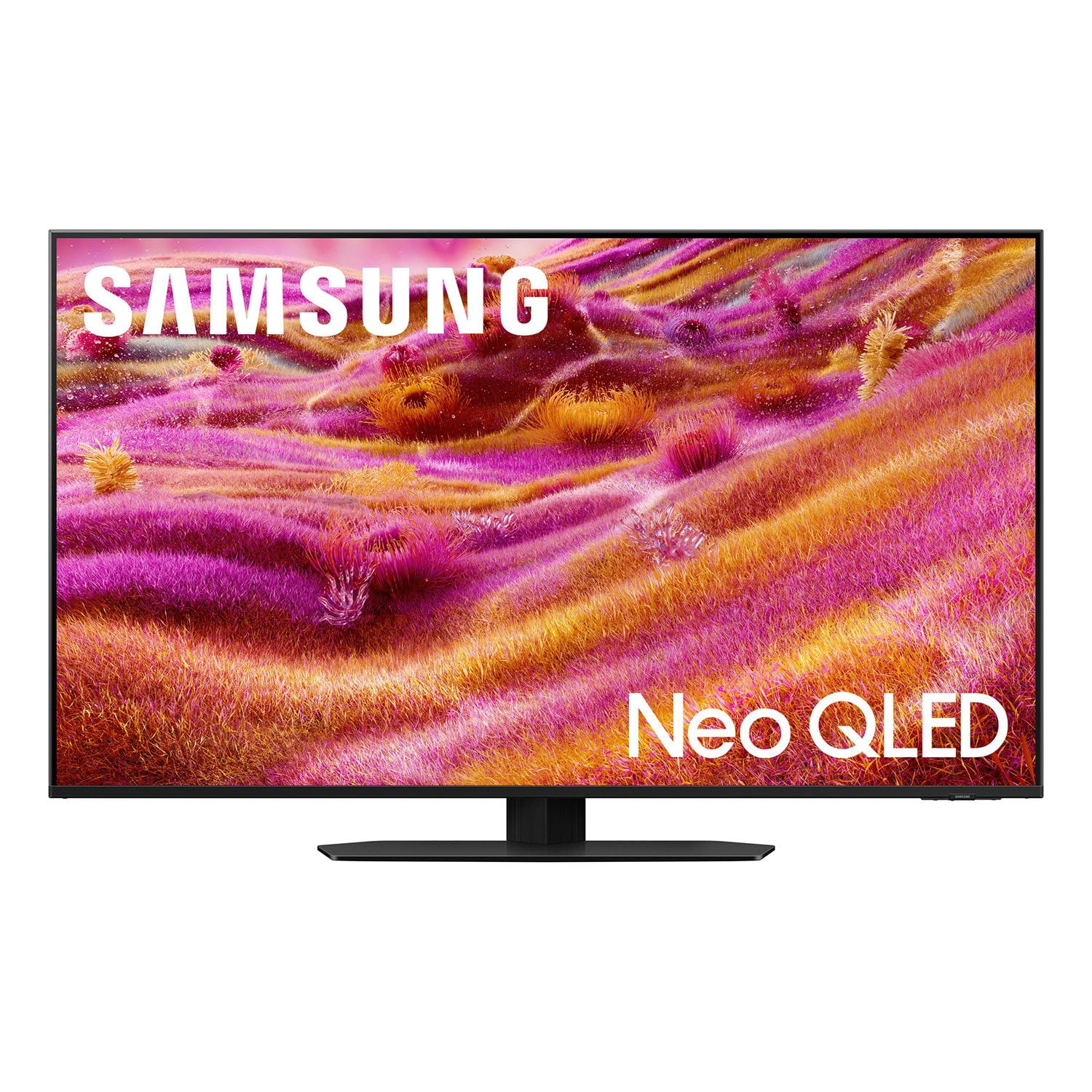
SAMSUNG 85” Class QN90FD Series 4K Neo QLED Smart TV
4.8 out of 5 stars
stars
388 ratings388 reviews
  1. 5 stars85% (329)
  2. 4 stars11% (43)
  3. 3 stars3% (10)
  4. 2 stars1% (4)
  5. 1 star1% (2)

Member photos

  • +121 images
Sort by |
Showing 11-20 of 388 reviews
Sep 5, 2026
Reviewer name: Scott
2 out of 5 stars
2 out of 5 stars review

Frustrating to deal with my favorite apps

[This review was collected as part of a promotion.] This interface is the most frustrating I've ever encountered. I'm a pretty intelligent guy and i have tried so many times to find the Samsung account, I can't find the Apps section so I can look for some of the apps I want to put on my TV. Apparently Samsung is controlling what you watch and which apps can be on their TVs. I bought this because it was supposed to be a smart TV and I can do so much with it. But I can't figure it out!

Review from Samsung US
Helpful?3NI7RU3U8M8K15598255670
reply from Samsung Advisor

Hi Scott, Thank you for sharing your experience. Please know that you can customize your Home screens by installing, removing or adding your favorite apps to Apps Home and/or For You Home screen. Here's how: Searching for & Installing Apps 1. From the Home screen, press up on the remote’s directional pad. 2. Navigate to and select Search. 3. Using the search bar, enter the content or app you’d like to find. 4. Navigate to and select the app you’d like to install, then select Install. Note: Previously installed apps can be accessed on the Settings screen. Adding & Managing Apps on Home Screen 1. Go to App Settings (these can be found at the bottom of the Apps screen) and select the app you want to move. The following options will be available: a. Add to Home: Move the app to your desired location on the Home screen. b. Delete: Delete app. c. Lock/Unlock: Lock the app with a PIN so only you can use it. When the app is selected again, you will be prompted to enter the PIN to unlock it. d. Reinstall: Reinstall the app. e. View Details: View the app’s information and details. If you need more help with app management, please don’t hesitate to reach Samsung Support at 1-800-SAMSUNG (8AM – 9PM EST Mon – Fri, 8AM – 6PM Sat – Sun). LiveChat agents are available anytime at the Support link on our website. ~ Samsung Advisor

Sep 4, 2026
Reviewer name: Apezzat78
5 out of 5 stars
5 out of 5 stars review

Absolutely Amazing TV!
[This review was collected as part of a promotion.] Wow! The Samsung 65" Neo QLED 4K TV exceeded my expectations. The picture is absolutely incredible—bright, sharp, detailed, and the colors really pop! Movies and sports look amazing, and the large 65" screen makes everything feel like a theater experience. The design is sleek and premium, and the smart features are fast and easy to use. I'm extremely happy with this purchase. If you're looking for a big-screen TV with an amazing picture, this one is definitely worth it! Highly recommended!

Review from Samsung US
Helpful?3NI7RU3U8M8K15598255670
Sep 20, 2026
Reviewer name: DonB
5 out of 5 stars
5 out of 5 stars review

Samsung Best TV Ever

[This review was collected as part of a promotion.] This QLED is awesome compared to my 2022 Samsung 65 inch. This picture is tops with the matted screen no reflection at all. Picture is nice and brite with a crisp picture with proper contrast. I can through channels with no hesitation. I would recommend Samsung to anyone. If thinking about it go for it you'll have regerts.

Review from Samsung US
Helpful?3NI7RU3U8M8K15598255670
Sep 21, 2026
Reviewer name: Mike M
4 out of 5 stars
4 out of 5 stars review

Great TV; AI features OK

[This review was collected as part of a promotion.] Love the picture quality and that it has all of the streaming apps that I use. I have not found the AI/chat features very helpful. Also, it would be better if the live content came from a live streaming service that I use, like Hulu.

Review from Samsung US
Helpful?3NI7RU3U8M8K15598255670
Aug 17, 2026
Reviewer name: NavyMac
4 out of 5 stars
4 out of 5 stars review

picture great, sound & volume not so great.

[This review was collected as part of a promotion.] Newer TV's all seem to put little quality into sound tech or speakers. Could be they want to give you incentive to purchase soundbars. Much of the recorded shows are low volume requiring TV sound to be maxed out, or in our case run it through an amp. Otherwise our TV would be a 5 star.

Review from Samsung US
Helpful?3NI7RU3U8M8K15598255670
Jul 27, 2026
Reviewer name: HammarTime
5 out of 5 stars
5 out of 5 stars review

You won't be disappointed. Get one
[This review was collected as part of a promotion.] I absolutely love this tv. It has amazing picture quality and the audio is awesome. The sharpness and depth of colors really makes you feel as though its real. I am thoroughly enjoying every moment in front of it.

Review from Samsung US
Helpful?3NI7RU3U8M8K15598255670
Aug 7, 2026
Reviewer name: Money Mike
4 out of 5 stars
4 out of 5 stars review

Was happy at first; now I'm not so sure.

[This review was collected as part of a promotion.] I was initially happy with my tv, but now I'm not so sure. My TV has lost picture about a half a dozen times now. I looked up possible issues and it says that it might have overheated, so each time that it has happened I shut it off for a couple of hours or overnight and it solved the problem, but if I watch TV too long it some times shuts off. I hope and pray that this is just because of the hot weather or else I will be extremely disappointed in my purchase; which I've never had a problem with any of my Samsung products before so I'm keeping my fingers crossed. If by chance there is a defective product I hope and pray Samsung will stand behind their products and replace it for me.

Review from Samsung US
Helpful?3NI7RU3U8M8K15598255670
Jul 27, 2026
Reviewer name: Mm62
5 out of 5 stars
5 out of 5 stars review

Phenomenal TV. Really enjoying it.

[This review was collected as part of a promotion.] This is an amazing TV. The brightness and contrast are both amazing considering this is a qled and not an oled panel. We have to keep the brightness low, especially when watching in a dark room, because it can get bright enough to hurt your eyes. And the contrast is excellent with almost no blooming. The software is great although we use a Fire TV Cube and Nvidia Shield for most streaming. Love the TV.

Review from Samsung US
Helpful?3NI7RU3U8M8K15598255670
Aug 21, 2026
Reviewer name: JAG1
4 out of 5 stars
4 out of 5 stars review

Overall excellent television

[This review was collected as part of a promotion.] Overall very happy with this TV, excellent picture quality and great in bright light. Our room often has sun beaming in and this does not presently an issue for viewing. One slightly negative point is the picture sometimes look a bit jittery or lacks smoothness but I suppose that could be the broadcast frequency? I have many Samsung products because they are consistently high quality/performance.

Review from Samsung US
Helpful?3NI7RU3U8M8K15598255670
Aug 10, 2026
Reviewer name: Samsung TV
5 out of 5 stars
5 out of 5 stars review

Samsung, the brand that stands out in this in 2026

[This review was collected as part of a promotion.] Really Sharp picture quality and easy connection to other apps makes this TV brand from Samsung a definite choice for the Samsung brand. I've always had great experiences with Samsung, I also matched it with a Samsung TV speaker bar. Everything from Samsung so far has been a brand with uniformity, responsiveness, and upscale compared to other brands. Go with Samsung. You won't be disappointed.

Review from Samsung US
Helpful?3NI7RU3U8M8K15598255670