Skip to Main Content
Sam's Club
Sam's Club
All Departments
All Services
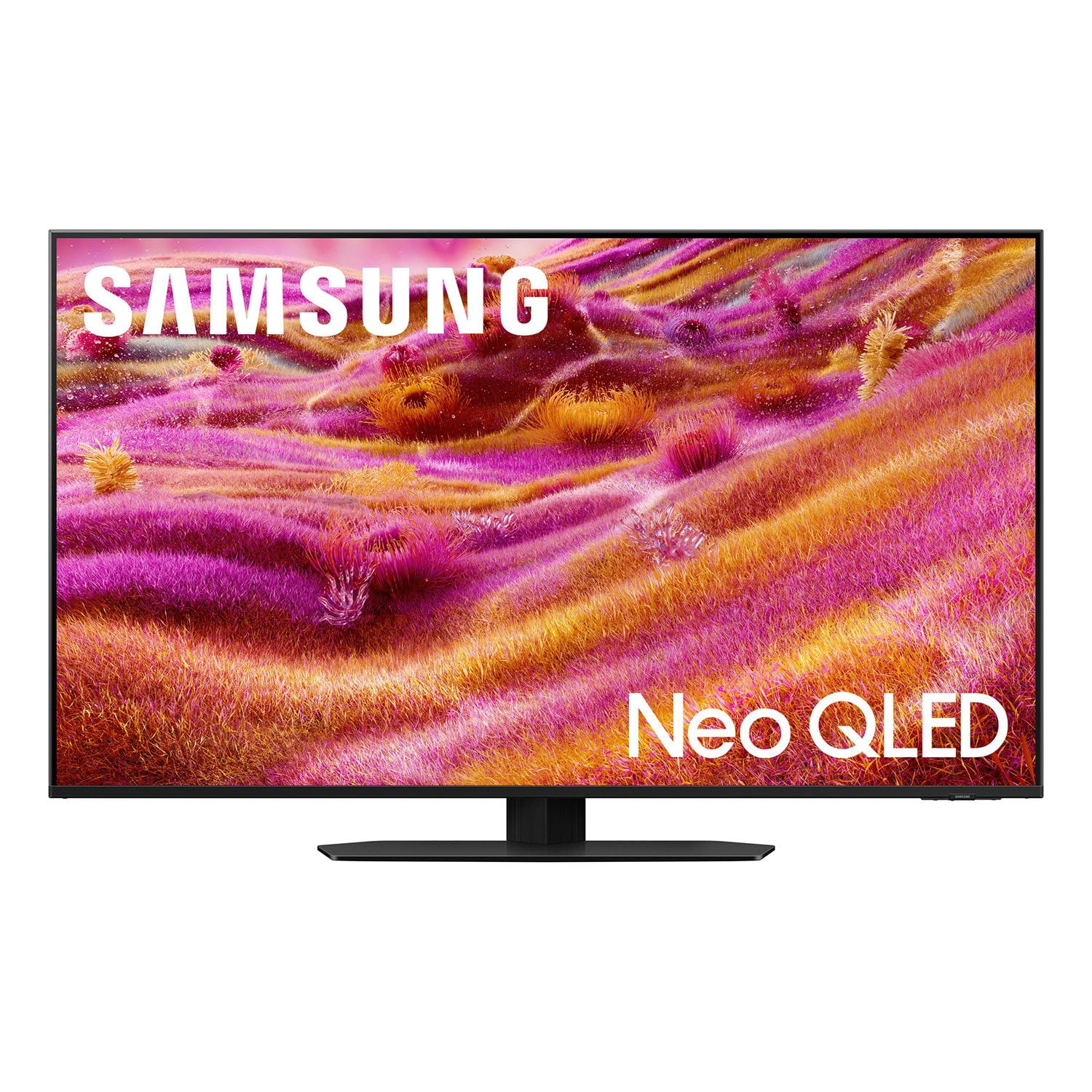
Customer reviews for SAMSUNG 85” Class QN90FD Series 4K Neo QLED Smart TV for
SAMSUNG 85” Class QN90FD Series 4K Neo QLED Smart TV
4.8 out of 5 stars
stars
268 ratings268 reviews
  1. 5 stars85% (229)
  2. 4 stars10% (26)
  3. 3 stars3% (9)
  4. 2 stars1% (2)
  5. 1 star1% (2)
Sort by |
Showing 1-10 of 268 reviews
Jul 5, 2026
DavM
5 out of 5 stars review

Great TV

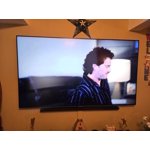
I have really enjoyed this tv. Picture quality is great. Upscaling works great. I have it hooked to a soundbar so I can’t comment on the sound of the tv speakers. I think the anti glare screen is a nice feature as I have other TVs that don’t have it. I would buy it again.

Review from Samsung US
Helpful?3NI7RU3U8M8K15598255670
Jul 22, 2026
David Samsung fan
5 out of 5 stars review

All around great performer

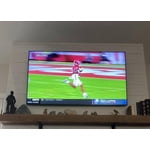
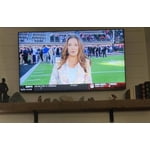
[This review was collected as part of a promotion.] Overall, exceptional TV. Love the matte finish because it's in a bright room and viewing during the day shows no glare and even better in the evening. Great for sports and movies. Big fan of this TV. May be buying another.

Review from Samsung US
Helpful?3NI7RU3U8M8K15598255670
Jun 22, 2026
Nanaval
5 out of 5 stars review

The best style and features!

I love everything about my Samsung. I have one in my bedroom and living room. I've owed many other brands of tvs but Samsung TVs are the absolute best in my opinion. Besides TVs I also have a Samsung smart phone. They last a long time and are easy to operate. The contrast and colors are the best. They're nice and bright as well. I love and recommend Samsung products.

Review from Samsung US
Helpful?3NI7RU3U8M8K15598255670
Jun 5, 2026
Drmario
5 out of 5 stars review

Don't hesitate, just buy!

[This review was collected as part of a promotion.] This TV delivers on all it promises! The Matte screen is great at reducing glare from natural light. I am able to run all of my other systems off of or through my TV. This unit has transformed my viewing experience from normal to extraordinary!

Review from Samsung US
Helpful?3NI7RU3U8M8K15598255670
Jun 2, 2026
Yara FK
5 out of 5 stars review

Amazing screen

[This review was collected as part of a promotion.] : I am very happy with this display. The brightness is excellent, colors are vibrant and accurate, and the resolution is very sharp. The contrast makes images and videos look clear and detailed. The screen feels fresh and comfortable to use for both work and entertainment. Overall, it exceeded my expectations and I recommended

Review from Samsung US
Helpful?3NI7RU3U8M8K15598255670
Jun 23, 2026
Andrew M
5 out of 5 stars review

Just a great TV

This TV has been an absolute beast. This is my first serious TV and I'm blown away. The color, the brightness, the sound and resolution is amazing. I've had no problems with viewing the TV even in a brightly lit room and no problems with contrast. Eben gaming is seamless and had no input lag or problem with the refresh. What a great TV. 11/10 would recommend.

Review from Samsung US
Helpful?3NI7RU3U8M8K15598255670
Jun 20, 2026
IvoDim
5 out of 5 stars review

QN90FD, such a great Smart TV!

I got my Samsung Smart TV (QN90FD) just in time for the 2026 Soccer World Cup and it's everything I was hoping for. The brightness and the contrast are outstanding. The TV is installed on a covered patio and during the day those are critical for the viewing experience. Colors are saturated but realistic. I also like the SmartThings integration and remote control capability, very convenient indeed.

Review from Samsung US
Helpful?3NI7RU3U8M8K15598255670
Jul 5, 2026
Beef 75
3 out of 5 stars review

Mixed feelings

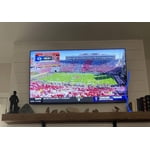
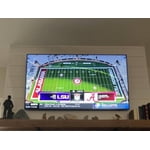
The TV is great except for the clarity of the full field shots of a sporting event in a stadium. I don't know if there is a setting adjustment to improve the clarity there without disrupting the clarity of viewing of close-up shots during athletics or during normal shows be watched which are great.

Review from Samsung US
Helpful?3NI7RU3U8M8K15598255670
reply from Samsung Specialist

Thank you for your review. If there’s anything we can assist with, please don’t hesitate to call us at 1-800-SAMSUNG (8AM – 9PM EST Mon – Fri, 8AM – 6PM Sat – Sun), or reach us via text anytime. You can also visit ‘Support’ on our website for: • Live Chat • Manuals, Software, & Warranty Info ~ Samsung Specialist

Jun 24, 2026
Gypsy
3 out of 5 stars review

Satisfied with overall quality

In the last month it has started to turn off immediately after I turn it on. I have to turn it back on sometimes up to 3 times. I wish I could have it go straight to ROKU when turning it on instead of to Samsung TV. Other than the turning off issue I am very satisfied with the picture quality.

Review from Samsung US
Helpful?3NI7RU3U8M8K15598255670
reply from Samsung Specialist

Thank you for your review. If there’s anything we can assist with, please don’t hesitate to call us at 1-800-SAMSUNG (8AM – 9PM EST Mon – Fri, 8AM – 6PM Sat – Sun), or reach us via text anytime. You can also visit ‘Support’ on our website for: • Live Chat • Manuals, Software, & Warranty Info ~ Samsung Specialist

Jul 20, 2026
Bobs
1 out of 5 stars review

Very disappointed!

I am very disappointed with this television. I have been a Samsung fan for years, and did a good deal of research on this model, but it doesn't have accurate color, is very dark, and the sound is terrible. I have not yet tried to adjust the set myself, but I shouldn't have to - I never t ouched my prior Samsung.

Review from Samsung US
Helpful?3NI7RU3U8M8K15598255670
reply from Samsung Advisor

Hi Bobs, We’re sorry to hear you’re not fully satisfied with the picture and sound quality on your Samsung QN90FD TV. If the image appears too dark, we suggest disabling certain energy-saving features, which can automatically adjust brightness and affect how the screen looks. Go to: Settings > All Settings > General & Privacy > Power and Energy Saving, then turn off Brightness Optimization, Energy Saving Solution, Motion Lighting, and/or Contrast Enhancer. You can also adjust the Picture Mode to better suit your environment: Settings > All Settings > Picture > Picture Mode • Standard – Default mode for general viewing • Dynamic – Brighter and clearer, ideal for well-lit rooms • Movie – Best for dark room viewing • Eco – Energy-saving mode • Filmmaker Mode – Preserves content as intended by creators To fine-tune brightness, go to: Home > left directional key > Settings > All Settings > Picture > Expert Settings, then adjust the Brightness level (0–50) to your preference. You may also want to check if energy saving or AI settings are enabled. These can automatically adjust the brightness based on your room’s lighting, which some users find too aggressive. • For energy settings, go to: Settings > All Settings > General & Privacy > Power and Energy Saving • For AI settings, go to: Settings > All Settings > Advanced Features > AI Mode Settings To improve your sound, try different Sound Modes (Standard, Optimized, Amplify), or fine-tune your setup in Expert Settings under: Settings > All Settings > Sound Lastly, make sure your TV is running the latest firmware, as updates may include improvements: Settings > Support > Software Update > Update Now We hope these tips help improve your viewing experience. If you need further support, feel free to contact us at 1-800-SAMSUNG (8AM – 9PM EST Mon – Fri, 8AM – 6PM Sat – Sun). You can also LiveChat with an agent or explore additional resources on our website by clicking the ‘Support’ link. ~ Samsung Advisor