Skip to Main Content
Sam's Club
Sam's Club
All Departments
All Services
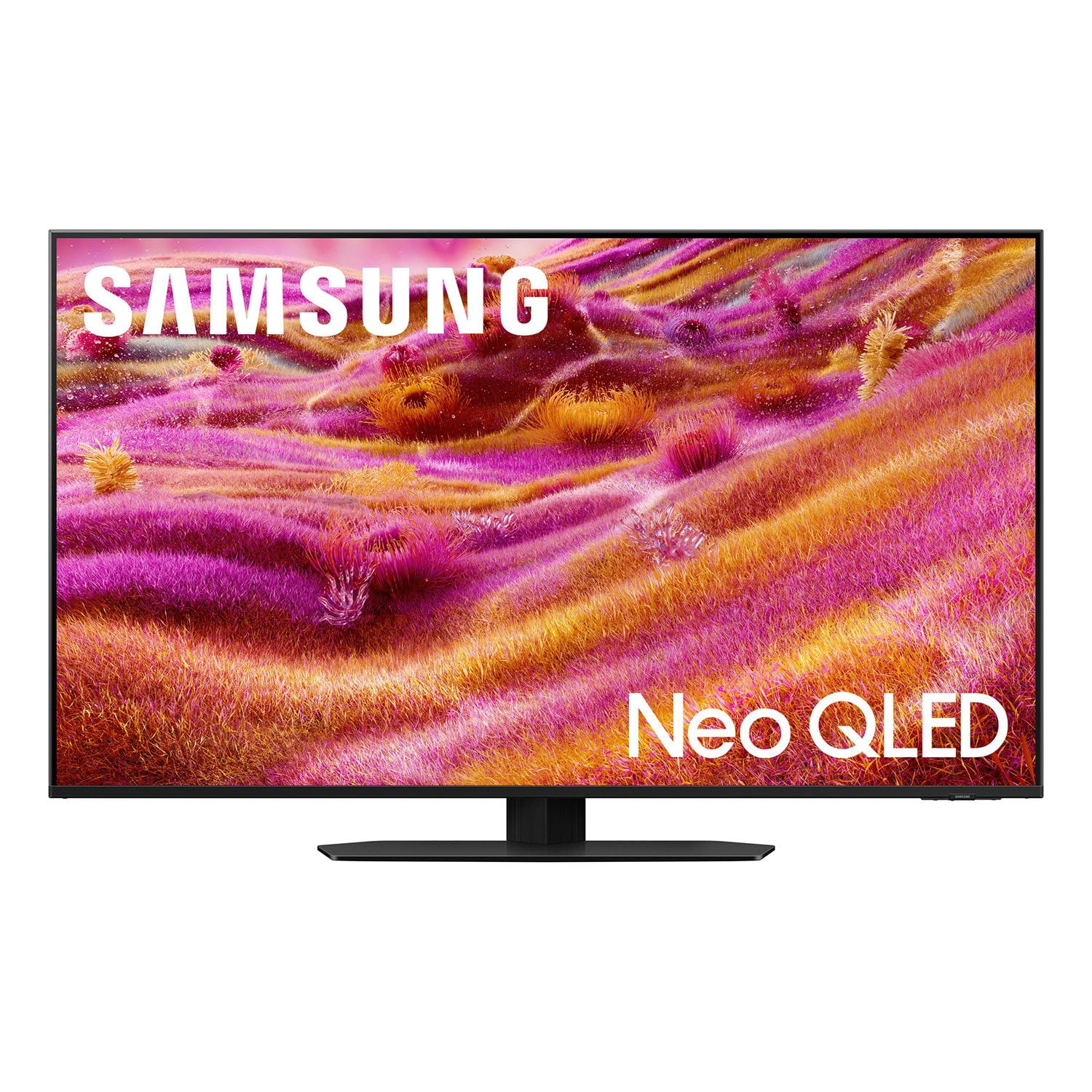
Customer reviews for SAMSUNG 85” Class QN90FD Series 4K Neo QLED Smart TV for
SAMSUNG 85” Class QN90FD Series 4K Neo QLED Smart TV
4.8 out of 5 stars
stars
268 ratings268 reviews
  1. 5 stars85% (229)
  2. 4 stars10% (26)
  3. 3 stars3% (9)
  4. 2 stars1% (2)
  5. 1 star1% (2)
Sort by |
Showing 181-190 of 268 reviews
Feb 17, 2026
Lil dan
5 out of 5 stars review

Not hard on eyes easy to work and kids can't break

[This review was collected as part of a promotion.] I got no problems with mines it's in good shape and condition

Review from Samsung US
Helpful?3NI7RU3U8M8K15598255670
Feb 17, 2026
Chris
5 out of 5 stars review

Love it

[This review was collected as part of a promotion.] This tv is amazing. Fantastic picture quality and great features

Review from Samsung US
Helpful?3NI7RU3U8M8K15598255670
Feb 17, 2026
Joker
5 out of 5 stars review

Good

[This review was collected as part of a promotion.] Nic it was nice it was beautiful it was good thanks

Review from Samsung US
Helpful?3NI7RU3U8M8K15598255670
Feb 17, 2026
Alpheezy805
5 out of 5 stars review

Great for whole family

[This review was collected as part of a promotion.] Great helpful on all levels!! I would highly recommend to friends

Review from Samsung US
Helpful?3NI7RU3U8M8K15598255670
Feb 20, 2026
Shamatuu
3 out of 5 stars review

Great features

[This review was collected as part of a promotion.] It always turn on the ps5 automatically. There has a way to turn that off

Review from Samsung US
Helpful?3NI7RU3U8M8K15598255670
reply from Samsung Specialist

Shamatuu, Anynet+ controls external devices that are connected to the TV via an HDMI cable and will turn on/off when you turn the TV on/off. If you don’t want externally connected devices to turn on/off when you turn your TV on/off, please make sure Anynet+ is disabled. To turn off Anynet+ (HDMI-CEC), go to: Settings > All Settings > Connection > External Device Manager > Anynet+ (HDMI-CEC) = OFF. If you need more help with this function, please don’t hesitate to reach Samsung Support at 1-800-SAMSUNG, available daily from 8AM - 12AM EST. You can also visit the Samsung website and click on ‘Support’ for: • Live Chat • Manuals, Software, & Warranty Info ~ Samsung Specialist

Mar 2, 2026
JonDrako
5 out of 5 stars review

Great features

[This review was collected as part of a promotion.] Very helpful and the best I've seen so far. Big fan

Review from Samsung US
Helpful?3NI7RU3U8M8K15598255670
Mar 23, 2026
Josh
5 out of 5 stars review

It's a very good product love it

[This review was collected as part of a promotion.] Great product I love Samsung products so fresh and advanced

Review from Samsung US
Helpful?3NI7RU3U8M8K15598255670
Feb 26, 2026
Infinity148
5 out of 5 stars review

Screen, detaisl, blacks

[This review was collected as part of a promotion.] Best tv ever purchased. Still using and work super good without any dely . Recommend to anyone

Review from Samsung US
Helpful?3NI7RU3U8M8K15598255670
Mar 23, 2026
Nrox
5 out of 5 stars review

Top score

[This review was collected as part of a promotion.] Great TV! All review features get top score. I wish Samsung made cars

Review from Samsung US
Helpful?3NI7RU3U8M8K15598255670
Mar 5, 2026
Amir Niaziy
5 out of 5 stars review

Great

[This review was collected as part of a promotion.] Looks like real life,when you watch the movie on home

Review from Samsung US
Helpful?3NI7RU3U8M8K15598255670