Skip to Main Content
Sam's Club
Sam's Club
All Departments
All Services
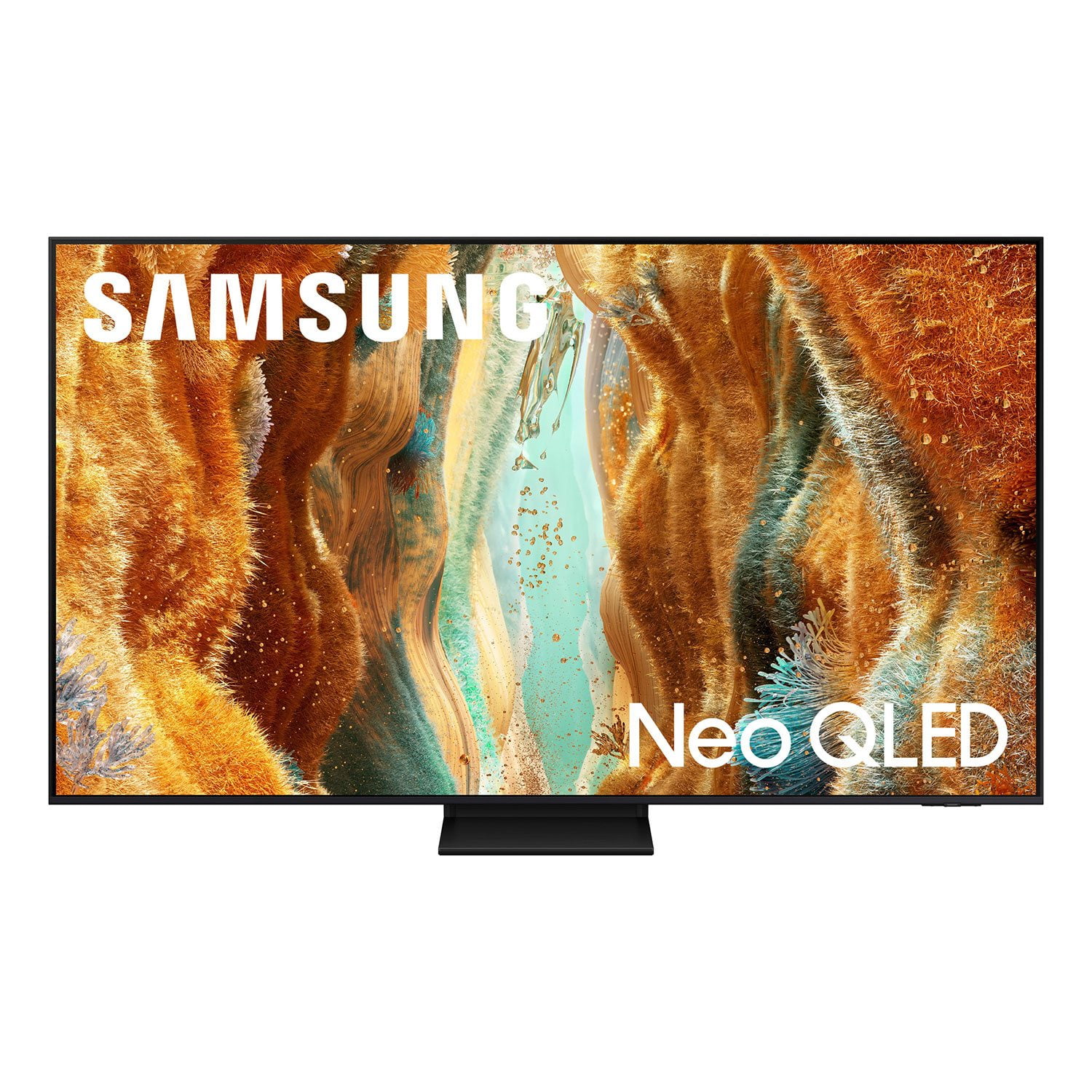
Customer reviews for SAMSUNG 65" Class QN70FD Series 4K Neo QLED Smart TV for
SAMSUNG 65" Class QN70FD Series 4K Neo QLED Smart TV
4.7 out of 5 stars
stars
236 ratings204 reviews
  1. 5 stars84% (198)
  2. 4 stars10% (24)
  3. 3 stars3% (7)
  4. 2 stars0% (0)
  5. 1 star3% (7)
Sort by |
Showing 61-70 of 204 reviews
Jun 5, 2026
Paul D
5 out of 5 stars review

Very bright and clear screen

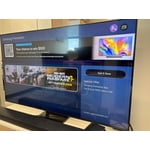
[This review was collected as part of a promotion.] This TV was one of my best purchases. It is very, very clear and bright. It responds Quickly to the remote control.

Review from Samsung US
Helpful?274TZIZPP1RI15586314068
Jan 20, 2026
Texan
3 out of 5 stars review

Flash Bomb!

Being a long time Samsung owner the quality of the picture is excellent as expected but I am experiencing what I call (Picture Flash Bombs!). We will be watching a movie and all of the sudden you get a bright flash of light from your screen that’s over so quick that you wonder if you really even happened but I can assure you that after dozens of times and other people seeing it, It did happen. I bought this particular TV because of the lighting feature that allows you to see what’s in the background of a dark movie scene and from other owners that seems to be the problem. Some of the solutions seem to recommend turning it OFF! WHAT! This is the feature that I love the best. Disappointed Texan!

Review from Samsung US
Helpful?274TZIZPP1RI15586314068
reply from Samsung Specialist

Texan, We appreciate you sharing details about the brightness fluctuations you’ve experienced on your Samsung QN70FD TV. This behavior may be related to energy-saving features, AI-powered optimizations, or dynamic picture settings that automatically adjust screen brightness based on content and viewing environment. Please try disabling the following features: Settings > All Settings > General & Privacy > Power and Energy Saving > Brightness Optimization, Energy Saving Solution, and Motion Lighting If these are already off, check if Contrast Enhancer is enabled, which can also cause brightness to shift depending on scene changes: Settings > All Settings > Picture > Expert Settings > Contrast Enhancer Samsung’s newer TVs also include AI-powered features designed to adapt picture settings automatically. While many viewers enjoy this enhancement, others prefer more manual control. To adjust these features, go to: Settings > All Settings > Advanced Features > AI Mode Settings To ensure optimal performance, please also confirm your TV is running the latest firmware: Settings > Support > Software Update > Update Now We hope these steps help stabilize your screen brightness. If you continue to experience issues, please don’t hesitate to contact Samsung Customer Support at 1-800-SAMSUNG (8AM – 12AM EST, 7 days a week). LiveChat is also available via the ‘Support’ link on our website. ~ Samsung Specialist

Feb 22, 2026
Kenneth
5 out of 5 stars review

Love my television

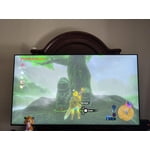
[This review was collected as part of a promotion.] WOW what color, superb resolution. Fantastic television. Hope it lasts. I even Playstation 4 gaming on this. Have Blu-ray disc player, DVD player , VHS recorder and Laserdisc player.. all working great. Yeah I need to convert composite/ component to HDMI interface but it's ok.

Review from Samsung US
Helpful?274TZIZPP1RI15586314068
Feb 5, 2026
shoptinker
3 out of 5 stars review

A mind of it's own

[This review was collected as part of a promotion.] I purchased this TV to replace an aging 55-inch Samsung in my shop. Setup was straightforward — I connected it to the internet via Ethernet, used TV stick for apps, and a cable streaming box. Since completing the setup, however, the TV has been turning itself on at random times, and goes straight into screensaver mode. This happens both day and night. Sometimes it powers on about three hours after I unplug and reconnect it; other times it will stay off for a full day before turning on by itself. I have tried disabling CEC devices, turning off LAN/network wake features, disabling screensaver settings, power cycling, and even performing a full factory reset. I’ve also disconnected everything except the power cable and removed the remote from the room. There is no record of a “power on” event in the system log, and the TV is running the latest software update. At times, It could be on for day's until I turn it off or unplu it. I attempted online support but only received automated responses. The built-in TV support simply redirects to the same online resources. I have not yet called phone support because I am not at my shop very often this time of year. My final review is on hold until I can resolve this issue. Stay tuned.

Review from Samsung US
Helpful?274TZIZPP1RI15586314068
reply from Samsung Specialist

shoptinker, We appreciate you taking the time to let us know about your experience with your TV. So that we can better troubleshoot this issue and provide steps towards a solution, please contact Samsung Support at 1-800-SAMSUNG, 8AM – 12AM EST, 7 days a week, or visit our website for LiveChat. ~ Samsung Specialist

Feb 17, 2026
Jrod
5 out of 5 stars review

Overall

[This review was collected as part of a promotion.] The collor are great for the affordable price .The remote is rechargeable. Save you on batteries. The apps are user friendly and very thing is at the user reach or convenience. I gor you love and recommend it to all.

Review from Samsung US
Helpful?274TZIZPP1RI15586314068
Mar 5, 2026
Junaid
5 out of 5 stars review

Great colors and deeper darks

[This review was collected as part of a promotion.] This is an awesome tv. The resolution, the contrast, and color vibrancy is great. The brightness is awesome with deeper darks, which makes the overall quality amazing. Overall refresh rate is also great. Specially the in game performance is so pleasing.

Review from Samsung US
Helpful?274TZIZPP1RI15586314068
Mar 4, 2026
Naenae
5 out of 5 stars review

Wonderful picture

[This review was collected as part of a promotion.] The picture-in-picture functionality offers significant advantages for multitasking. The high-definition display ensures exceptional clarity in visual content. This combination enhances the overall user experience considerably. It is a valuable feature for improved productivity and engagement. The crispness of the images is truly remarkable.

Review from Samsung US
Helpful?274TZIZPP1RI15586314068
Jul 5, 2026
GMOM
5 out of 5 stars review

Exactly what I wanted!

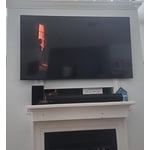
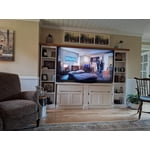
Replaced a huge wall entertainments system with a wall mounted 85” Samsung! It’s big, but no squinting.

Review from Samsung US
Helpful?274TZIZPP1RI15586314068
Jul 5, 2026
Jenn
5 out of 5 stars review

Great picture

[This review was collected as part of a promotion.] Love the clear picture! So impressed with this TV, so easy to set up!!!

Review from Samsung US
Helpful?274TZIZPP1RI15586314068
Jul 1, 2026
Danny
5 out of 5 stars review

TV is wonderful!

Brightness is good, contrast and uniformity at its best, responsiveness is immediate, and the upscale, can't be better.

Review from Samsung US
Helpful?274TZIZPP1RI15586314068