Join Now
Skip to Main Content
Sam's Club
Sam's Club
All Departments
All Services
Customer reviews for SAMSUNG 83” Class S90FD Series 4K OLED Smart TV for
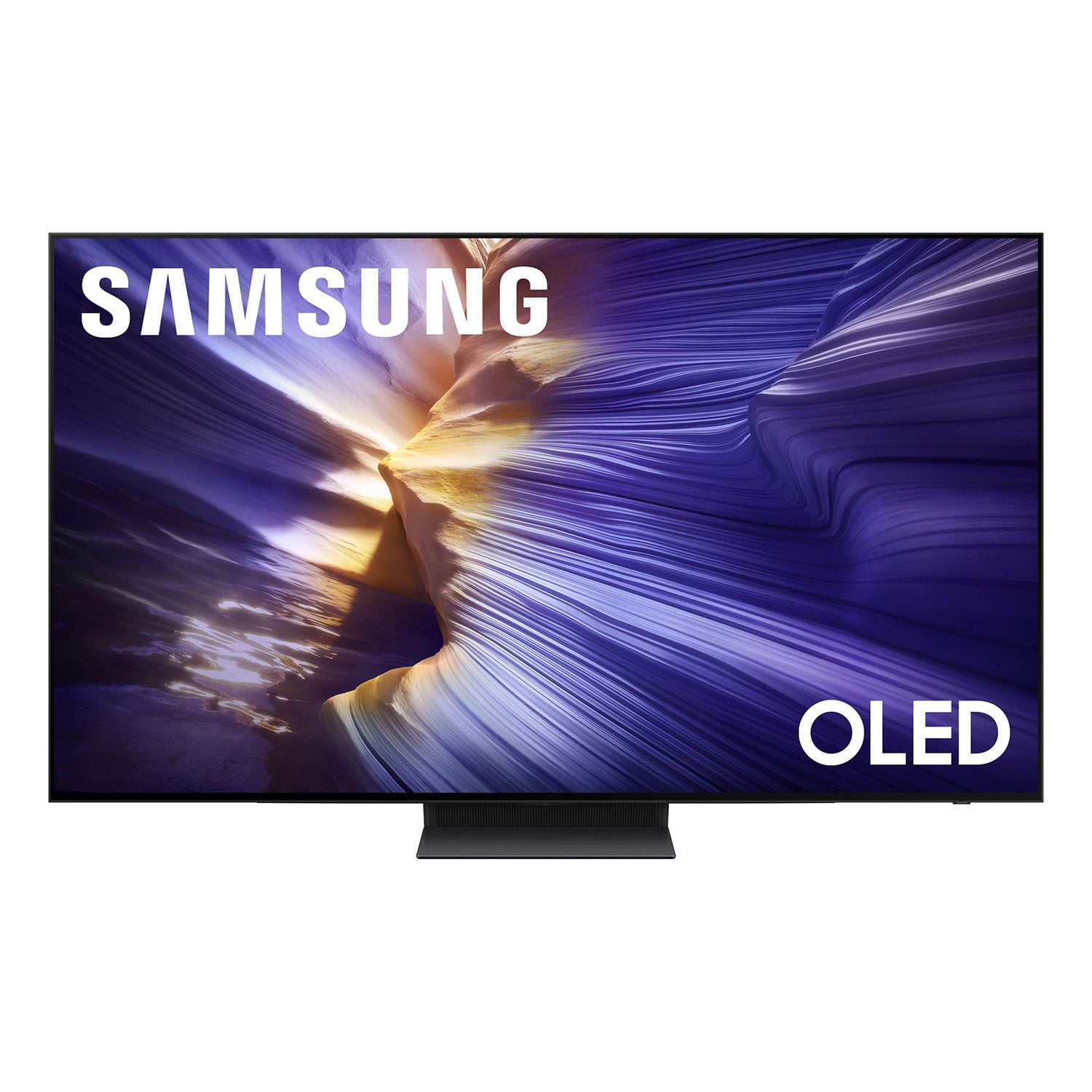
SAMSUNG 83” Class S90FD Series 4K OLED Smart TV
4.7 out of 5 stars
stars
2,125 ratings2,125 reviews
  1. 5 stars80% (1,691)
  2. 4 stars13% (282)
  3. 3 stars3% (74)
  4. 2 stars2% (43)
  5. 1 star2% (35)

Member photos

  • +808 images
Sort by |
Showing 1,521-1,530 of 2,125 reviews
Jul 22, 2026
Reviewer name: Keith
4 out of 5 stars
4 out of 5 stars review

Keith

[This review was collected as part of a promotion.] To complicated to navigate through the channels for me

Review from Samsung US
Helpful?3D37GPZDAAT215584057195
Jun 20, 2026
Reviewer name: BigMac
5 out of 5 stars
5 out of 5 stars review

Great TV

[This review was collected as part of a promotion.] The tv is great. I love it. The brightness is fantastic

Review from Samsung US
Helpful?3D37GPZDAAT215584057195
Jun 1, 2026
Reviewer name: Mmmt
5 out of 5 stars
5 out of 5 stars review

Mmmt

[This review was collected as part of a promotion.] So far I having great time with tv. I had so much fun.

Review from Samsung US
Helpful?3D37GPZDAAT215584057195
Jun 5, 2026
Reviewer name: Shawn
5 out of 5 stars
5 out of 5 stars review

Easy plug and play features

[This review was collected as part of a promotion.] Wonderful picture and functionality with beautiful color.

Review from Samsung US
Helpful?3D37GPZDAAT215584057195
May 11, 2026
Reviewer name: Tomtom
5 out of 5 stars
5 out of 5 stars review

Great

[This review was collected as part of a promotion.] Great picture, processor works fast, 4k picture is amazing

Review from Samsung US
Helpful?3D37GPZDAAT215584057195
Jul 20, 2026
Reviewer name: Bob G
5 out of 5 stars
5 out of 5 stars review

Picture quality on our Samsung 55” tv is wonderful

[This review was collected as part of a promotion.] Television has great picture & it works well in our master bedroom. Television model is S90F.

Review from Samsung US
Helpful?3D37GPZDAAT215584057195
Jun 22, 2026
Reviewer name: Tyler
4 out of 5 stars
4 out of 5 stars review

Good TV

[This review was collected as part of a promotion.] Good TV, wanting to upgrade to bigger now. Little pricey

Review from Samsung US
Helpful?3D37GPZDAAT215584057195
Jul 5, 2026
Reviewer name: Rufus
5 out of 5 stars
5 out of 5 stars review

Great TV

[This review was collected as part of a promotion.] Great 65 “ TV! Great size for our den. Wonderful brightness and sound.

Review from Samsung US
Helpful?3D37GPZDAAT215584057195
May 11, 2026
Reviewer name: TimE
5 out of 5 stars
5 out of 5 stars review

great tv

[This review was collected as part of a promotion.] Great picture quality and bright enough for my livingroom

Review from Samsung US
Helpful?3D37GPZDAAT215584057195
Jul 20, 2026
Reviewer name: JSF1
3 out of 5 stars
3 out of 5 stars review

Native apps

[This review was collected as part of a promotion.] Finding and adding non Samsung apps is convoluted and confusing.

Review from Samsung US
Helpful?3D37GPZDAAT215584057195
reply from Samsung Advisor

Hi JSF1, Thank you for sharing your experience. Please know that you can customize your Home screens by installing, removing or adding your favorite apps to Apps Home and/or For You Home screen. Here's how: Searching for & Installing Apps 1. From the Home screen, press left on the remote’s directional pad. 2. Navigate to and select Search. 3. Using the search bar, enter the content or app you’d like to find. 4. Navigate to and select the app you’d like to install, then select Install. Note: Previously installed apps can be accessed on the Settings screen. Adding & Managing Apps on Home Screen 1. Go to App Settings (these can be found at the bottom of the Apps screen) and select the app you want to move. The following options will be available: a. Add to Home: Move the app to your desired location on the Home screen. b. Delete: Delete app. c. Lock/Unlock: Lock the app with a PIN so only you can use it. When the app is selected again, you will be prompted to enter the PIN to unlock it. d. Reinstall: Reinstall the app. e. View Details: View the app’s information and details. If you need more help with app management, please don’t hesitate to reach Samsung Support at 1-800-SAMSUNG (8AM – 9PM EST Mon – Fri, 8AM – 6PM Sat – Sun). LiveChat agents are also available through the ‘Support’ link on our website. ~ Samsung Advisor