Skip to Main Content
Sam's Club
Sam's Club
All Departments
All Services
Customer reviews for SAMSUNG 55” Class S90FD Series 4K OLED Smart TV for
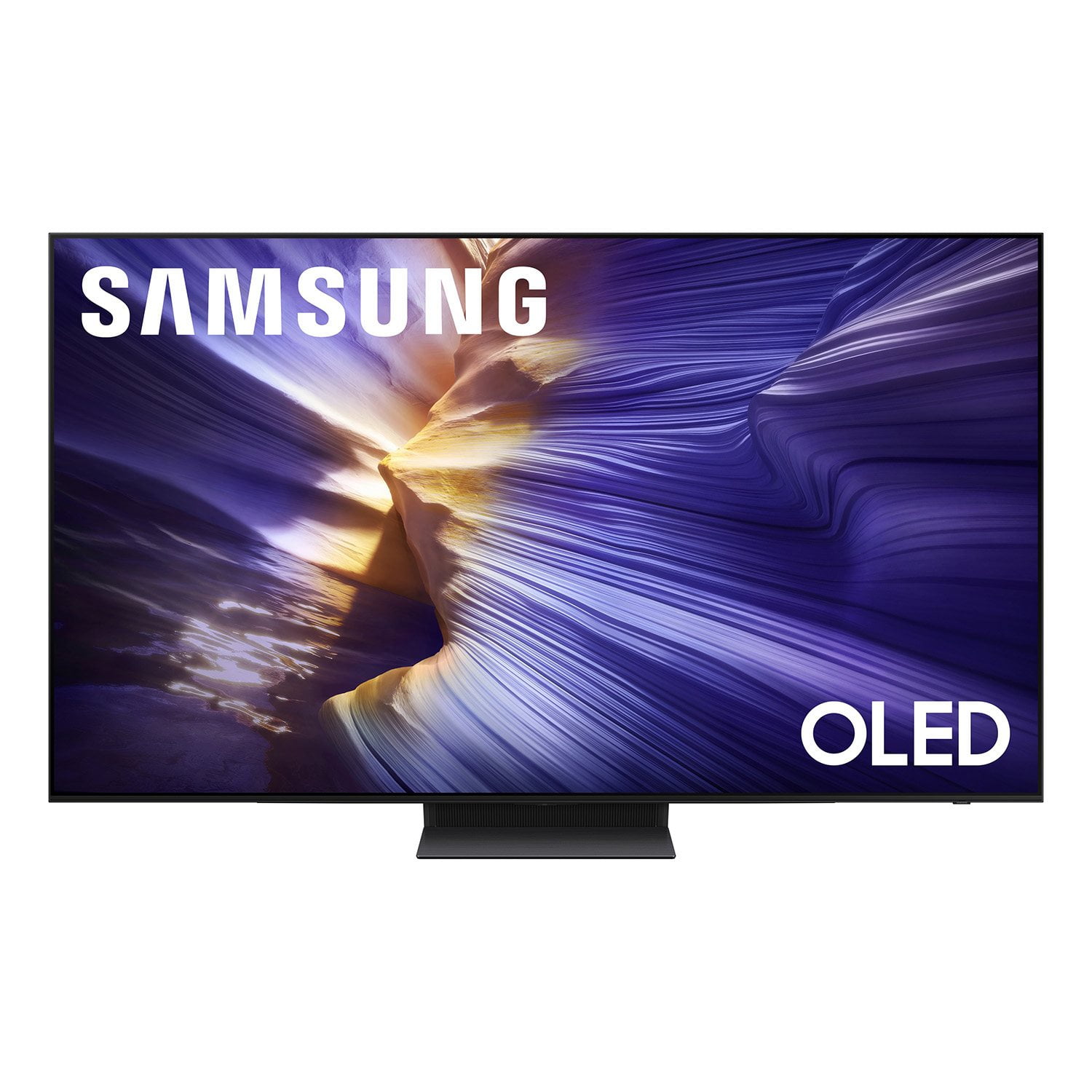
SAMSUNG 55” Class S90FD Series 4K OLED Smart TV
4.7 out of 5 stars
stars
567 ratings566 reviews
  1. 5 stars80% (451)
  2. 4 stars14% (79)
  3. 3 stars4% (22)
  4. 2 stars2% (11)
  5. 1 star1% (4)

Member photos

  • +172 images
Sort by |
Showing 361-370 of 566 reviews
Jul 15, 2026
Reviewer name: Jjjj
5 out of 5 stars
5 out of 5 stars review

Fantastic TV

[This review was collected as part of a promotion.] Excellent tv, great picture and color, small remote

Review from Samsung US
Helpful?57VM8815Z2DU15574802533
Jun 5, 2026
Reviewer name: Lynnz
4 out of 5 stars
4 out of 5 stars review

Controls

[This review was collected as part of a promotion.] Control too small. Hard to navigate especially for older adults

Review from Samsung US
Helpful?57VM8815Z2DU15574802533
Jul 11, 2026
Reviewer name: KellyAnn
5 out of 5 stars
5 out of 5 stars review

Overall product review

[This review was collected as part of a promotion.] Great picture, ease of access to settings and overall amazing quality

Review from Samsung US
Helpful?57VM8815Z2DU15574802533
Jun 20, 2026
Reviewer name: Dug 1
5 out of 5 stars
5 out of 5 stars review

Clear picture

[This review was collected as part of a promotion.] Love this TV, the picture is clear and crisp! The remote is very easy to use.

Review from Samsung US
Helpful?57VM8815Z2DU15574802533
Jul 5, 2026
Reviewer name: The Critic
4 out of 5 stars
4 out of 5 stars review

Clunky interface

[This review was collected as part of a promotion.] Wonderful picture, very nice to watch. Probably the best TV I ever had.

Review from Samsung US
Helpful?57VM8815Z2DU15574802533
Jul 6, 2026
Reviewer name: Joéll
5 out of 5 stars
5 out of 5 stars review

The best AI Smart TV ever!!!

[This review was collected as part of a promotion.] Lover our S90FD 4K Vision AI Smart TV. The best TV ever!!!

Review from Samsung US
Helpful?57VM8815Z2DU15574802533
Jun 22, 2026
Reviewer name: em mike
5 out of 5 stars
5 out of 5 stars review

Great Product

[This review was collected as part of a promotion.] Very satisfied with this TV. Great picture, easy to unpack and set up.

Review from Samsung US
Helpful?57VM8815Z2DU15574802533
Jun 22, 2026
Reviewer name: Cooleskimo
5 out of 5 stars
5 out of 5 stars review

Smart remote

[This review was collected as part of a promotion.] I like how the remote adapts to what is connected to the tv. Helps reduce confusion.

Review from Samsung US
Helpful?57VM8815Z2DU15574802533
Jun 22, 2026
Reviewer name: Tyler
4 out of 5 stars
4 out of 5 stars review

Good TV

[This review was collected as part of a promotion.] Good TV, wanting to upgrade to bigger now. Little pricey

Review from Samsung US
Helpful?57VM8815Z2DU15574802533
Jul 20, 2026
Reviewer name: JSF1
3 out of 5 stars
3 out of 5 stars review

Native apps

[This review was collected as part of a promotion.] Finding and adding non Samsung apps is convoluted and confusing.

Review from Samsung US
Helpful?57VM8815Z2DU15574802533
reply from Samsung Advisor

Hi JSF1, Thank you for sharing your experience. Please know that you can customize your Home screens by installing, removing or adding your favorite apps to Apps Home and/or For You Home screen. Here's how: Searching for & Installing Apps 1. From the Home screen, press left on the remote’s directional pad. 2. Navigate to and select Search. 3. Using the search bar, enter the content or app you’d like to find. 4. Navigate to and select the app you’d like to install, then select Install. Note: Previously installed apps can be accessed on the Settings screen. Adding & Managing Apps on Home Screen 1. Go to App Settings (these can be found at the bottom of the Apps screen) and select the app you want to move. The following options will be available: a. Add to Home: Move the app to your desired location on the Home screen. b. Delete: Delete app. c. Lock/Unlock: Lock the app with a PIN so only you can use it. When the app is selected again, you will be prompted to enter the PIN to unlock it. d. Reinstall: Reinstall the app. e. View Details: View the app’s information and details. If you need more help with app management, please don’t hesitate to reach Samsung Support at 1-800-SAMSUNG (8AM – 9PM EST Mon – Fri, 8AM – 6PM Sat – Sun). LiveChat agents are also available through the ‘Support’ link on our website. ~ Samsung Advisor