Skip to Main Content
Sams Club
Sams Club
Customer reviews for SAMSUNG 55” Class S90FD Series 4K OLED Smart TV for
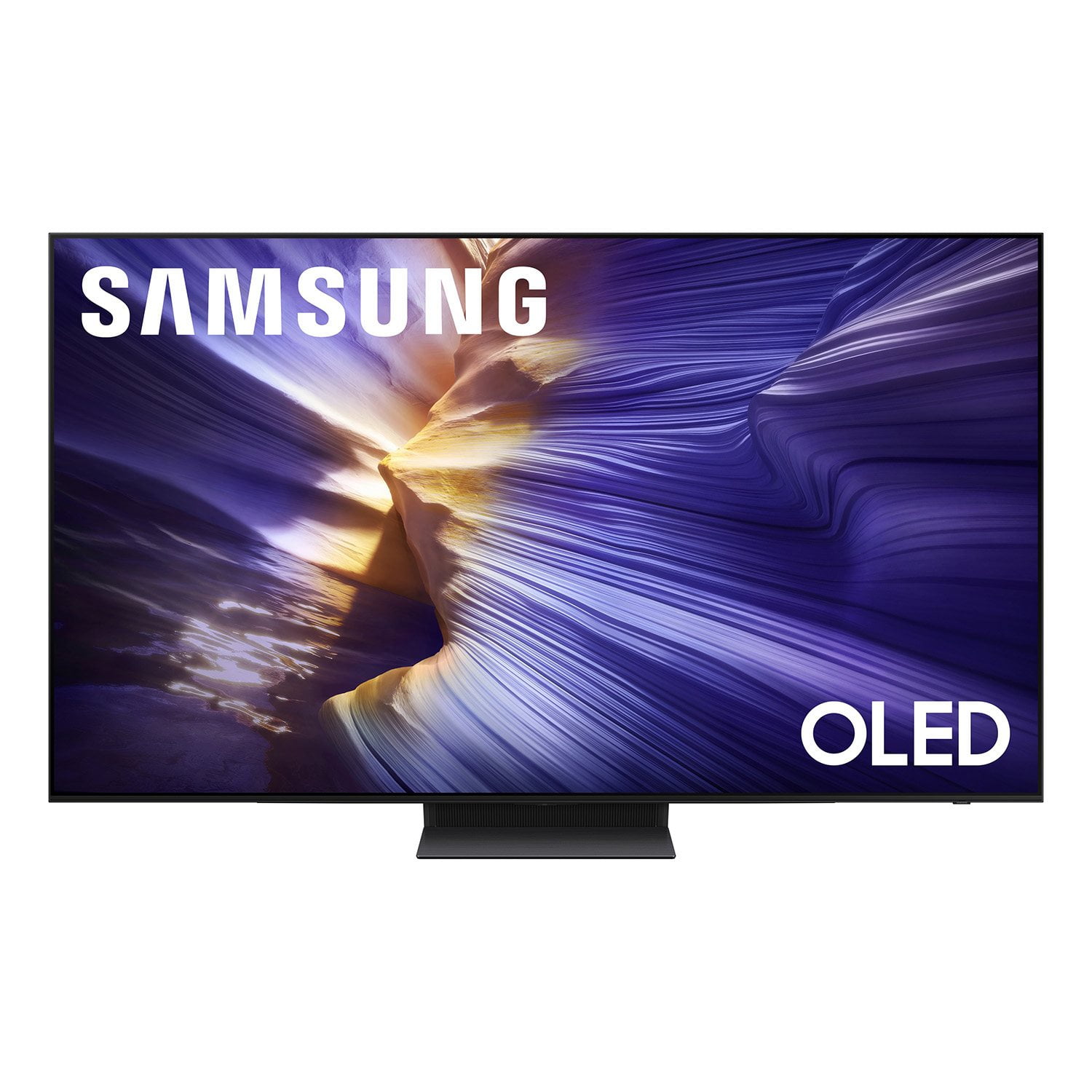
SAMSUNG 55” Class S90FD Series 4K OLED Smart TV
4.7 out of 5 stars
stars257 ratings256 reviews
  1. 5 stars81% (209)
  2. 4 stars14% (37)
  3. 3 stars2% (5)
  4. 2 stars2% (5)
  5. 1 star0% (1)

Member photos

  • +65 images
Sort by |
Showing 141-150 of 256 reviews
Oct 1, 2025
Javenthegreat
5 out of 5 stars review

This product has the best feature

[This review was collected as part of a promotion.] My experience using the new Samsung TV was awesome..I really love what I experience on it new features ❤️

Review from Samsung US
Helpful?57VM8815Z2DU15574802533
Oct 26, 2025
Theson
5 out of 5 stars review

Great tv it's great

[This review was collected as part of a promotion.] The tv is so crystal clear and the audio is so beautiful. I am beyond pleased with the quality and construction

Review from Samsung US
Helpful?57VM8815Z2DU15574802533
Dec 21, 2025
Savy1999
5 out of 5 stars review

I love all the features on my new TV.

[This review was collected as part of a promotion.] I don't regret buying this TV. I love all the features, that come with it. Money well spent. Also the remote control that comes with it can be solar charged or with a usb cord. Great buy.

Review from Samsung US
Helpful?57VM8815Z2DU15574802533
Nov 7, 2025
Love2shop
5 out of 5 stars review

Almost speechless.

[This review was collected as part of a promotion.] Feels like you're in a movie theater unbelievable the features all the apps. the speakers are load and clear.

Review from Samsung US
Helpful?57VM8815Z2DU15574802533
Nov 21, 2025
EARL
5 out of 5 stars review

Better than the G5 I bought!

Shipping was an issue as the box was open on the top. However, the picture quality was equal to or better than Sony. Outstanding TV in every way. If I had it to do over again, I would have bought this one and the 77".

Helpful?57VM8815Z2DU15574802533
Oct 13, 2025
OledQ90f
5 out of 5 stars review

GreatOledTV

[This review was collected as part of a promotion.] Mostly movies and news channels. It pairs beautifully with Q90f soundboard. Just a fantastic picture, so clear and great colors.

Review from Samsung US
Helpful?57VM8815Z2DU15574802533
Oct 14, 2025
Woodnose
4 out of 5 stars review

Short on the remote

[This review was collected as part of a promotion.] TV is a great TV clarity. Everything's great about it except the remote control is a little bit cumbersome and small to navigate.

Review from Samsung US
Helpful?57VM8815Z2DU15574802533
Jan 20, 2026
Ninjarider
3 out of 5 stars review

Ok

Big screen, good picture. Lots of menu's to manipulate to get to where I want to be in order to watch. Not a techy so not really thrilled with all of that. Setup was painful as well for a non-tech person.

Review from Samsung US
Helpful?57VM8815Z2DU15574802533
reply from Samsung Specialist

Ninjarider, We appreciate you sharing your experience. To help you get the most from your TV and remote functions, you can download the full e-Manual and more by visiting Samsung’s website then navigating to: Support > Manual & Software > TVs & Home Theater. From there, you can search for and select your S90FD TV model to view or download the available guides. The e-Manual & Remote Control Guide are also conveniently built into your TV: Settings > Support > Tips and User Guides. For additional guidance, your TV also includes Accessibility features designed to assist with navigation and remote use. • Learn Menu Screen provides audio guidance for on-screen menus by announcing the name and function of each item as you scroll – without making any changes. This is especially helpful for users who are visually impaired or new to Smart TV menus. Enable via: Settings > All Settings > General & Privacy > Accessibility > Learn Menu Screen. To exit, press the Return key twice. • Learn TV Remote helps users become familiar with the layout and function of each button on the Samsung remote. Pressing a button (other than Power) will prompt the TV to announce its name and purpose, again without affecting TV operation. Enable via: Settings > All Settings > General & Privacy > Accessibility > Learn TV Remote. To exit, press the Return key twice. If you’d like more assistance with these features, please reach Samsung Support at 1-800-SAMSUNG, available 8AM – 12AM EST, 7 days a week. LiveChat agents are also available through the ‘Support’ link on our website. ~ Samsung Specialist

Oct 16, 2025
Love2watch
5 out of 5 stars review

Hank This TV is Awesome!

[This review was collected as part of a promotion.] This TV is mind blowing. The Picture is so sharp and clear. The Samsung TV is amazingly nice. Sports are so vivid and magnificent. It doesn't matter what you watch everything is magnificent.

Review from Samsung US
Helpful?57VM8815Z2DU15574802533
Oct 15, 2025
Sheree
4 out of 5 stars review

Easy set up, but where is the Gaia ap

[This review was collected as part of a promotion.] The TV was very easy to set up & Samsung TV is nice. It took a while to find the aps. I am still unable to find the Gaia ap. Any suggestions would be great.

Review from Samsung US
Helpful?57VM8815Z2DU15574802533