Skip to Main Content
Sams Club
Sams Club
Customer reviews for SAMSUNG 65" Class Q7FD Series 4K QLED Smart TV for
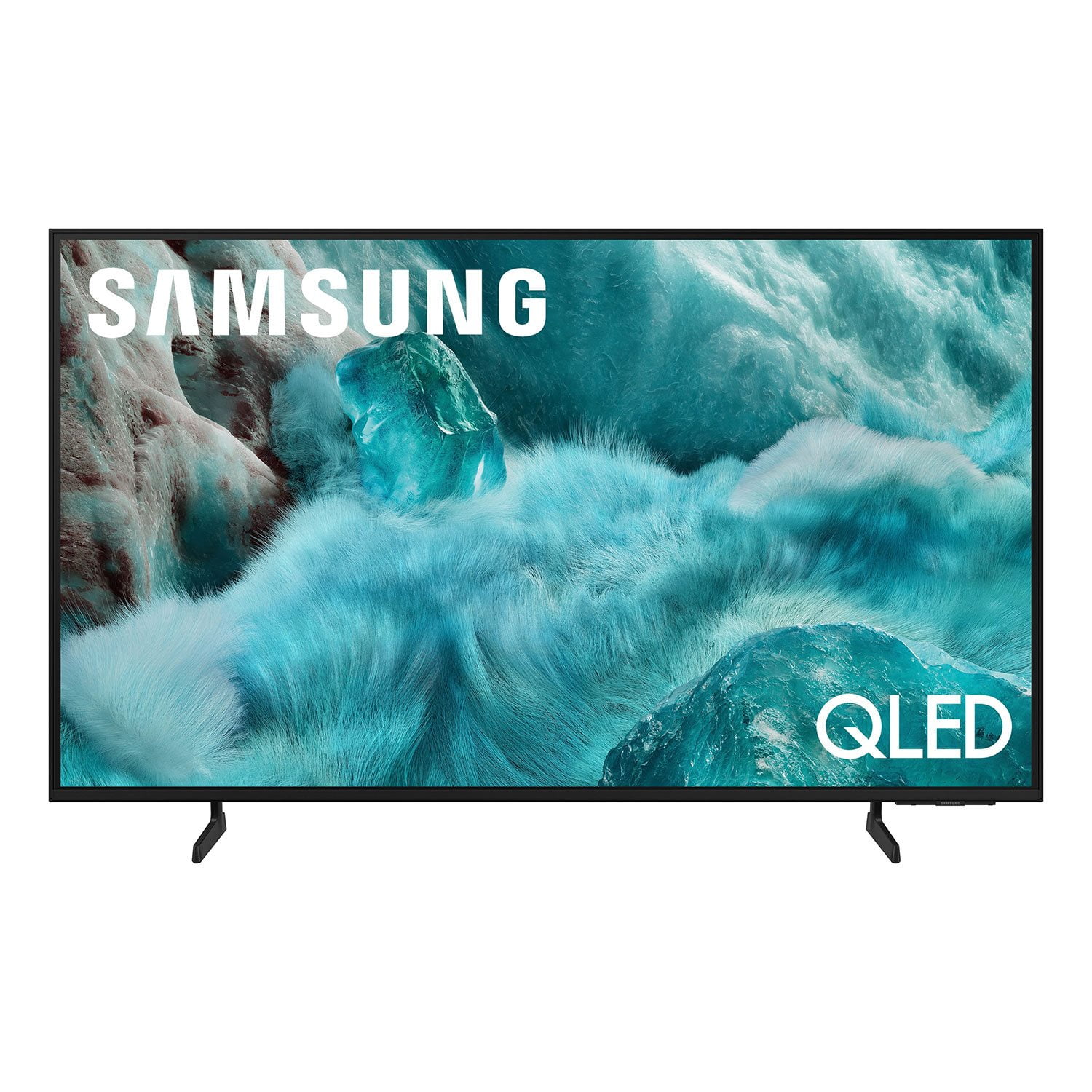
SAMSUNG 65" Class Q7FD Series 4K QLED Smart TV
4.7 out of 5 stars
stars1,830 ratings1,768 reviews
  1. 5 stars81% (1,491)
  2. 4 stars13% (246)
  3. 3 stars3% (48)
  4. 2 stars1% (14)
  5. 1 star2% (31)
Write a review

Customer photos

  • +531 images
Sort by |
Showing 701-710 of 1,768 reviews
Mar 5, 2026
oldfinn
4 out of 5 stars review

color good, sound not so good.

[This review was collected as part of a promotion.] Color is bright and clear, sound is not so good not totally clear, too much technology to absorb in a short time, great looking tv, remote that came with it is not easy to use,

Review from Samsung US
Helpful?1EU281TBRNQA15567708318
Feb 17, 2026
Bridgetp
5 out of 5 stars review

High quality tv

[This review was collected as part of a promotion.] Vibrant picture it has amazing resolution. Will never regret your purchase latest a long time and the quality will never change.

Review from Samsung US
Helpful?1EU281TBRNQA15567708318
Feb 17, 2026
HashBandicoot
5 out of 5 stars review

Incredible picture

[This review was collected as part of a promotion.] Great overall picture and sharpness. Very vibrant with great contrast, all movies, shows, and video games look amazing on it.

Review from Samsung US
Helpful?1EU281TBRNQA15567708318
Feb 5, 2026
scubasteve0316
5 out of 5 stars review

Ultra bright and crystal clear picture

[This review was collected as part of a promotion.] It has the sharpest, brightest and most clear picture of all my tvs. Absolutely love the refresh rate and motion control features. The contrast is remarkable!! 10 out of 10 recommend!!

Review from Samsung US
Helpful?1EU281TBRNQA15567708318
Feb 17, 2026
Josh
5 out of 5 stars review

Loving the tv

[This review was collected as part of a promotion.] I have been loving the large screen and the quality of images. The interface makes it easy to go through the apps.

Review from Samsung US
Helpful?1EU281TBRNQA15567708318
Mar 4, 2026
Jusami
5 out of 5 stars review

Love it

[This review was collected as part of a promotion.] I bought this very unsure, but I love Samsung products, and this did not disappoint. I love the look and how realistic things look.

Review from Samsung US
Helpful?1EU281TBRNQA15567708318
Feb 25, 2026
Mona68
5 out of 5 stars review

Great tv

[This review was collected as part of a promotion.] Great beautiful tv. Works very nice. Only complaint is the sound. Wish it had a speaker that pointed out straight to the front.

Review from Samsung US
Helpful?1EU281TBRNQA15567708318
Jan 20, 2026
Unhappy
2 out of 5 stars review

Regretful Purchase

We do not like this TV. While the picture quality is fine the software and remote both seem to have been designed by a 5 yr old. Very disappointing. Wish we had not bought it.

Review from Samsung US
Helpful?1EU281TBRNQA15567708318
reply from Samsung Specialist

Unhappy, We appreciate you sharing your experience. To help you get the most from your TV and remote functions, you can download the full e-Manual and more by visiting Samsung’s website then navigating to: Support > Manual & Software > TVs & Home Theater. From there, you can search for and select your Q7FD TV model to view or download the available guides. The e-Manual & Remote Control Guide are also conveniently built into your TV: Settings > Support > Tips and User Guides. For additional guidance, your TV also includes Accessibility features designed to assist with navigation and remote use. • Learn Menu Screen provides audio guidance for on-screen menus by announcing the name and function of each item as you scroll – without making any changes. This is especially helpful for users who are visually impaired or new to Smart TV menus. Enable via: Settings > All Settings > General & Privacy > Accessibility > Learn Menu Screen. To exit, press the Return key twice. • Learn TV Remote helps users become familiar with the layout and function of each button on the Samsung remote. Pressing a button (other than Power) will prompt the TV to announce its name and purpose, again without affecting TV operation. Enable via: Settings > All Settings > General & Privacy > Accessibility > Learn TV Remote. To exit, press the Return key twice. If you’d like more assistance with these features, please reach Samsung Support at 1-800-SAMSUNG, available 8AM – 12AM EST, 7 days a week. LiveChat agents are also available through the ‘Support’ link on our website. ~ Samsung Specialist

Feb 17, 2026
Charlieb
5 out of 5 stars review

I love my TV

[This review was collected as part of a promotion.] I absolutely love my samsung TV. The quality of the picture makes me feel like im right there. The color is vibrant and the sound is amazing. It was easy to set up and comes with so many options.

Review from Samsung US
Helpful?1EU281TBRNQA15567708318
Feb 11, 2026
Cas10158
5 out of 5 stars review

Great everything!

[This review was collected as part of a promotion.] High definition resolution, advanced smart TV features. Compatibility with mobile devices and apps is brilliant.

Review from Samsung US
Helpful?1EU281TBRNQA15567708318