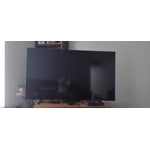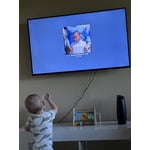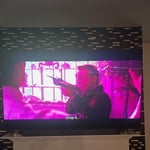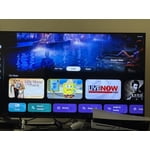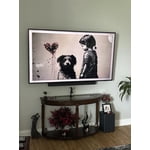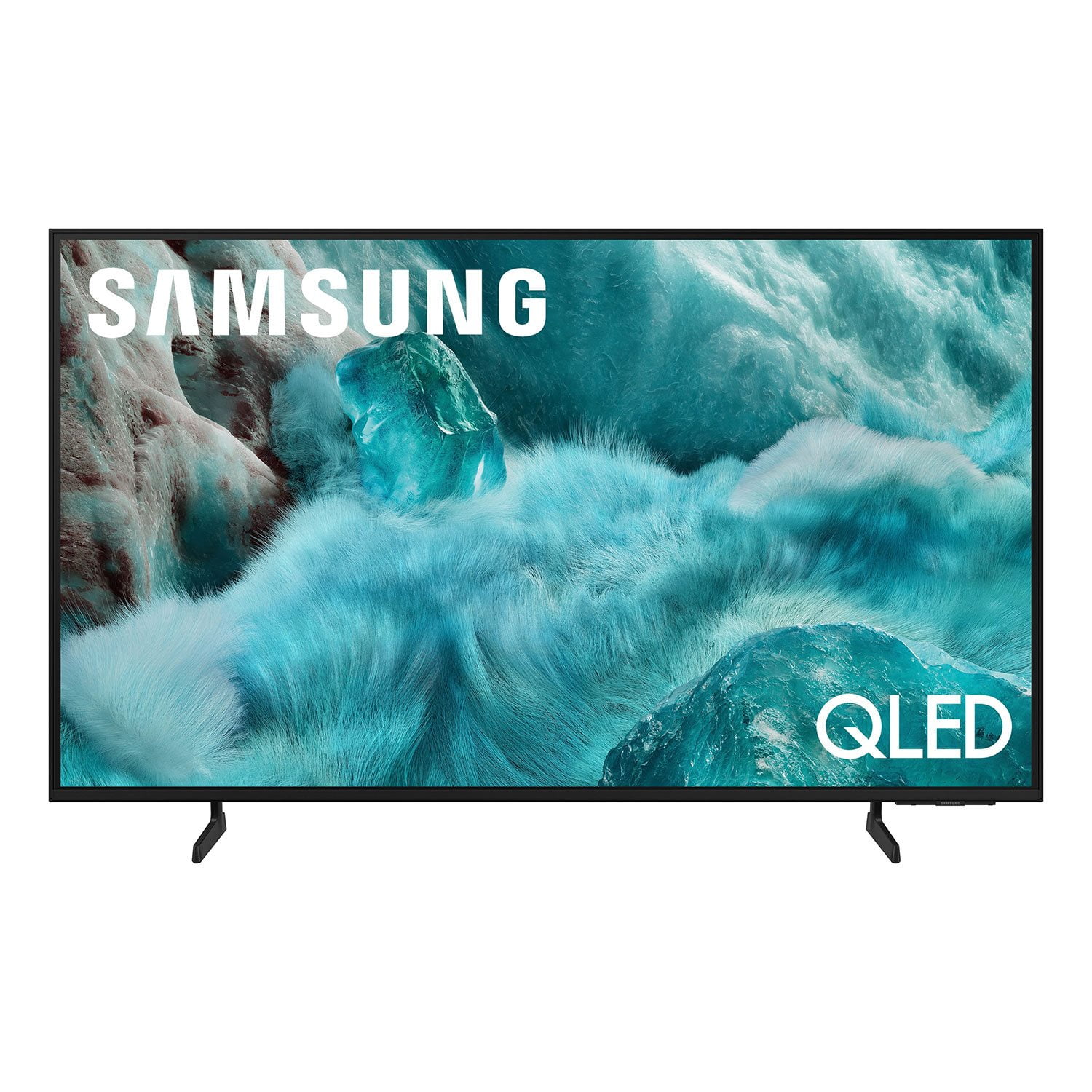
Customer reviews for SAMSUNG 65" Class Q7FD Series 4K QLED Smart TV forCustomer photos


+531 images
Perfect size TV for bedroom.
[This review was collected as part of a promotion.] The legs were a little too far apart for the top of the dresser and not moveable on this size TV. We had to improvise. Also, there was no optical connection, only HDMI eARC, so we ended up buying a new soundbar that was compatible. Old optical only soundbar went in the office with an older TV. All is well now!
Great Product at Very Attractive Price Q7F QLED 4K
[This review was collected as part of a promotion.] My Samsung 2025 model 65" is prefect for all of my TV needs especially for streaming thereby allowing for multiple avenues of viewing options for sports, movies or local TV programing. The picture is fantastic and very clear. I love the small trim around the TV unit. Set up was simple and easy to connect to internet, streaming services and download various apps for streaming. And, I was surprised at such an affordable price. If you're in doubt, this is the brand and TV model where you'll enjoy!
TV has 2 significant issues as I see them...
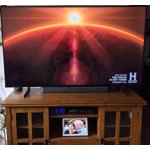
[This review was collected as part of a promotion.] A good TV overall but when switching between channels sound varies widely - not supposed to do that as a it has a feature to limit that behavior. 2nd issue - does not correctly expand some SD channels to fit the over-all screen size. No longer has the "stretch" option as did my older Samsung. Specifically, the History channel only fills a very narrow band on the screen and makes for an uncomfortable view. Other than these two issues the color and contrast are outstanding. Some on screen choices are layed out in a confusing fashion and the remote is a toy! But, still a good value for the money!
domino6378, Thank you for sharing your experience with volume fluctuations on your Samsung Q7F TV. Sudden changes in volume can often be related to audio settings or content differences between sources or apps. Please try the following adjustments to help stabilize your TV's audio: 1. Enable Auto Volume. Go to: Settings > All Settings > Sound > Expert Settings > Auto Volume. This feature helps maintain a consistent volume level when switching channels or apps. 2. Change Sound Mode. Try a different sound mode to see if one offers a more stable output: Settings > All Settings > Sound > Sound Mode (We recommend Standard or Amplify for more even performance.) 3. Check External Devices. If you're using a soundbar, receiver, or other audio device, check that its volume leveling or dynamic range settings aren’t interfering with the TV’s audio. 4. Update Firmware. Ensure your TV is running the latest software, as updates may include audio improvements: Settings > Support > Software Update > Update Now When adjusting the image size, please keep in mind that available size options may vary depending on the input signal and the type of content you're viewing. To adjust the image size on your TV, navigate to: Home > left directional key > Settings > All Settings > Picture > Picture Size Settings. From there, you can select options like Fit to Screen, Zoom and Position, or choose a Picture Size such as 16:9 Standard, Custom, or 4:3. Should you need more help, we're here for you. You can reach us at 1-800-SAMSUNG (8AM – 12AM EST, 7 days a week), or connect with a LiveChat agent by selecting ‘Support’ on our website. ~ Samsung Specialist
Home Screen needs work
[This review was collected as part of a promotion.] When ‘surfing’ for something to watch, you’ll run into something after 5 or so minutes you say - nah & move on BUT ‘it’ will stay in Continued Watching until time pushes it out. I would appreciate the ability to remove those mistakes.
Terrible Audio
[This review was collected as part of a promotion.] The audio on this TV is the worst I have ever experienced! The volume is all over the map when commercials air. Auto Volume mode which is described to help with this problem is NOT available with external sound bars or speakers. We even purchased a new Samsung sound bar package and that was no help. Dave your money…… purchase another brand!
Toncat, Thank you for sharing your experience with volume fluctuations on your Samsung Q7F TV. Sudden changes in volume can often be related to audio settings or content differences between sources or apps. Please try the following adjustments to help stabilize your TV's audio: 1. Enable Auto Volume. Go to: Settings > All Settings > Sound > Expert Settings > Auto Volume. This feature helps maintain a consistent volume level when switching channels or apps. 2. Change Sound Mode. Try a different sound mode to see if one offers a more stable output: Settings > All Settings > Sound > Sound Mode (We recommend Standard or Amplify for more even performance.) 3. Check External Devices. If you're using a soundbar, receiver, or other audio device, check that its volume leveling or dynamic range settings aren’t interfering with the TV’s audio. 4. Update Firmware. Ensure your TV is running the latest software, as updates may include audio improvements: Settings > Support > Software Update > Update Now If the issue persists after these steps, please don’t hesitate to reach Samsung Customer Support at 1-800-SAMSUNG, 8AM – 12AM EST, 7 days a week. LiveChat is also available via the ‘Support’ link on our website. ~ Samsung Specialist
I wish I'd never bought this TV!
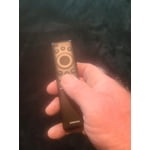
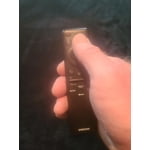
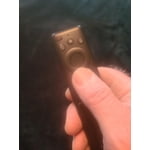
I truly wish I had never bought this TV. Although it has an excellent picture and vivid colors, this Tizen operating system is terrible. I thought a Roku OS was bad but this Tizen OS is far worse and glitchy. If you backup or forward too often or cover too much time, the system will lock up or simply move backward and forward in a glitchy movement over the entire time of the program. Then I have to turn off the TV and unplug it for a few minutes to get it reset! It is maddening!! Add to that a virtually worthless remote and you have a truly exasperating combination that could have been designed by a masochist and sadist working together. I actually had to buy a Samsung universal remote to use until I could decipher some of this useless remote! The only redeeming item on the remote is a solar recharging window. No numbers at all, so in order to go to a channel, you must scroll through all of the other channels, over thee hundred on the Samsung listings! And it's even worse on subscription channels! Nope, even with the excellent picture and vivid colors, I wish I'd never bought it.
Buck,<br /><br />We appreciate your feedback regarding response time. For optimal performance, please ensure your TV is running the latest firmware. You can check this by going to: Home > left directional key > Settings > Support > Software Update<br /><br />To further optimize performance, try running Device Care, which checks memory, clears unused cached data, and closes background apps: Home > left directional key > Settings > Support > Device Care > Start Device Care<br /><br />To help you get the most from your TV and remote functions, you can download the full e-Manual and more by visiting Samsung’s website then navigating to: Support > Manual & Software > TVs & Home Theater. From there, you can search for and select your Q7FD TV model to view or download the available guides.<br /><br />The e-Manual & Remote Control Guide are also conveniently built into your TV: Settings > Support > Tips and User Guides<br /><br />Learn TV Remote is another feature designed to help users become familiar with the layout and function of each button on the Samsung remote. When enabled, pressing any button (except the Power button, which will still turn off the TV) will prompt the TV to announce the button’s name and its purpose – without affecting TV operation.<br /><br />This teaching mode is especially useful for users who are visually impaired or new to Samsung remotes. To enable this feature, go to: Settings > All Settings > General & Privacy > Accessibility > Learn TV Remote. To exit, simply press the Return key twice.<br /><br />If you’d like more assistance with this feature, please reach Samsung Support at 1-800-SAMSUNG, available 8AM – 12AM EST, 7 days a week. LiveChat agents are also available through the ‘Support’ link on our website.<br /><br />~ Samsung Specialist
Solid 3.5-4 star tv
3.5-4 star tv The upgraded tizen ui is really good and the new ai processor does a pretty decent job speed wise. The tv has a decent snap to it. The WiFi connection is strong and soundbars work really well via Bluetooth connection. Whats crazy is Apps and videos load a little bit faster than the a higher end qled tv I own. The Ai features for this year are ok I guess. If your into learning a bit more about what your watching than the ai will definitely be a treat for you. Picture wise, the ai implementation doesn't really do much. It doesn't seem to do much for up scaling or processing the image. The color booster pro is the only ai feature I found to be useful. It helped the picture pop quite a bit more than out of the box. It did take some color adjustment though. The red 2point level did need to be turned down a bit though when the booster was on. Sdr brightness and quality is pretty good overal. I really do enjoy the picture in sdr. Nice color, brightness and the motion also looks fine with minimal blur and judder. HDR is where the tv takes a pretty huge dive unfortunately. The screen gets way too dark and there's no way to turn it up without enabling the contrast enhanced on high. The resolution is fine in hdr, good detail in the image but again just way too dark with no workaround. It's sad because the tv is somehow dimmer than my 2 year old 70” crystal uhd tv I have in my living room. That being the most basic tv released that year and a non qled tv. This tv is A solid 3.5-4 star tv if you can get it at a discounted price.
The future
[This review was collected as part of a promotion.] This TV is amazing. I have a 75 inch, and it's a totally different experience. It's way better than watching a movie at the theater. The picture is so good I can see some actors' pores. I highly recommend this TV if you want to step into the future.
Flawless Picture & Fantastic Features
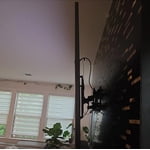
[This review was collected as part of a promotion.] The Samsung QLED is fantastic! Completely changed my viewing experience, came from a Sony WEGA TV, and this upgrade was NEEDED. I unboxed and installed without my husband! PICTURE QUALITY SHARP ✅ SOUND QUALITY ✅ GAMING✅ And most importantly, it can still be viewed clearly even in a bright room; the picture doesn't auto-dim itself. The gaming is great, online setup to Xbox is easy, and as long as you have a good WiFi connection, it's flawless, no lag, even without a physical Xbox setup The built-in smart features are very convenient! Easy to navigate, and all the apps you could ever need can be installed on the TV. The connection with Samsung Smart-Things makes using my Samsung Zfold a brilliant feature! Sound quality is flawless and can definitely be used in a home theater. Overall great TV, couldn't be happier. The TV is very sleek and slim compared to my older one! QLED sits flush against the wall, and the setup was super easy. We haven't mounted it yet, our previous TV was not wall-mounted. The TV is lightweight, only 35lbs.
Amazing picture quality!
[This review was collected as part of a promotion.] I am really enjoying the amazing and consistent picture quality I have with this television. The settings are intuitive and easy to navigate. The only drawback or somewhat disappointing feature is the remote control. It's too small and the monochromatic color scheme makes it hard to see and it's too easy to accidentally hit the wrong button and the rewind/fast forward is somewhat cumbersome too. However overall I'm really pleased with and enjoying my Samsung!