
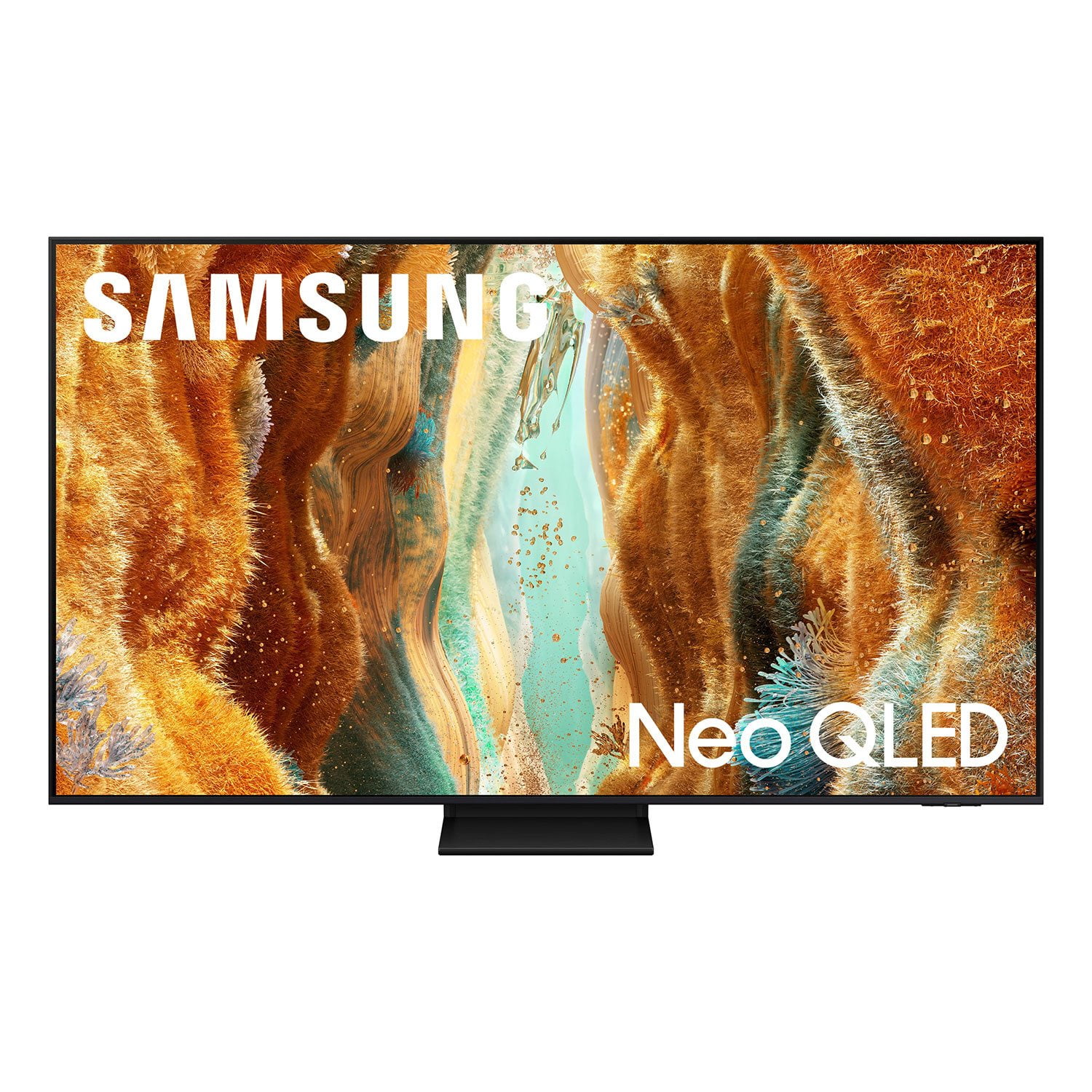
 Customer reviews for SAMSUNG 75" Class QN70FD Series 4K Neo QLED Smart TV for
Member photos


 +268 images
This product offers exceptional value for its pric
[This review was collected as part of a promotion.] This television offers excellent picture quality with vibrant colors and deep blacks. The smart interface is intuitive and responsive, making navigation effortless. Sound quality is above average, providing clear dialogue and decent bass. The design is sleek and minimalist, complementing any modern living space. Overall, this TV delivers a premium viewing experience at a competitive price point.
Great Picture But User Experience Needs Work
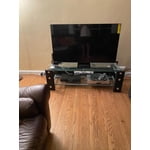
[This review was collected as part of a promotion.] This tv gives our family a big upgrade compared to the 10 year old model it replaced. It is smaller but has a larger screen. Unboxing was easy. The stand goes together in a snap. There was a little more wobble in the legs then I would have preferred but it seems stable. I am not a big guy but I was able to get the tv onto the stand by myself. My initial installation was to a cable box. That was easy and worked well enough. I then downloaded my cable providers streaming app to ditch the cable box. This was a little more challenging. Once I got the app installed on the tv I was able to stream. Unfortunately the tv likes to default to the Samsung plus channel offerings. This is not something I use and getting to the streaming app is not intuitive or consistent. Ideally I would want to default to streaming. Picture quality is great and so is the sound. Loading Amazon prime or Netflix is so much faster than my old tv. My bigger gripe is with the remote. It looks like it was patterned after an MP3 player. It is way too small and will easily get misplaced. The minimalist design is not appreciated. With a number pad I can enter a 4 digit change in 2 seconds without one I have to scroll around to enter each number. It is error prone and takes much much longer. There are icons on the remote with obscure icons. No included manual so I will have to go online to figure them out. The microphone icon seems like what I would use to enter voice commands but it wants to open Alexa. Still a great tv but needs to be more user friendly for those of us that aren't tech wizards.
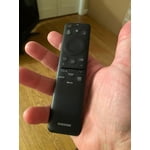
RJBlack, Thank you for sharing your experience. While your QN70F TV may currently default to Samsung TV Plus when powered on, you can customize what your TV does at startup by adjusting the Start Screen Options. To do this, navigate to: Settings > All Settings > Advanced Features > Start Screen Option and choose from the following: 1. Start with Smart Hub Home – Automatically launches Smart Hub when the TV is turned on. You can enable or disable this option based on your preference. 2. Autorun Multi View Casting – If you cast YouTube content from your mobile device, the TV will automatically display the content using Multi View. 3. Autorun Multi View Mirroring – When you screen mirror your mobile device, Multi View will automatically open to show your device’s screen. If you press the mic button on your remote and Alexa app opens, this means your voice assistant has not yet been setup. To begin, you’ll need to select which Voice Assistant you’d like to use to help control your TV, and ensure your TV is connected to the internet. After selecting your preferred Voice Assistant, you can adjust settings by going to: Settings > All Settings > Advanced Features > Voice > Voice Assistant Once activated, just press the Microphone button on your remote to search for content, adjust the volume, or navigate menus using your voice. To help you get the most from your TV, you can download the full e-Manual and more by visiting Samsung’s website then navigating to: Support > Manual & Software > TVs & Home Theater. From there, you can search for and select your TV model to view or download the available guides. The e-Manual and Remote Control Guide are also conveniently built into your TV: Settings > Support > Tips and User Guides If you need additional help, please contact Samsung Support at 1-800-SAMSUNG, 8AM – 12AM EST, 7 days a week. LiveChat agents are also available through the ‘Support’ link on our website. ~ Samsung Specialist
Solid Samsung Peformer
[This review was collected as part of a promotion.] I've always trusted Samsung when it comes to TVs, and this one didn't disappoint. Setting it up was easy, and right away, the interface felt so much more user-friendly than the one on the model I bought a few years ago. Everything's more organized, and navigating apps or inputs doesn't feel like a chore anymore. What really stands out, though, is the picture quality. For something in their 70 series, it's honestly impressive. I've owned a few higher-end Samsung models in the past—like the 80 and 90 series—and while this isn't quite on that level, it still delivers a really rich, detailed image. The blacks are deep (especially for QLED), and the overall clarity makes movies and shows look fantastic. One thing I didn't expect: the remote started controlling the Samsung TV in another room until I figured out how to program it properly. It was a small hiccup but something to watch out for if you have more than one in the house. As for the artwork display feature, it's nice if you plan to upload your own photos, but most of the curated gallery is locked behind a subscription. Not ideal, but since I mostly use the TV for streaming and regular watching, it's not a huge deal for me. Overall, I'm really happy with it. It's sleek, easy to use, and feels like a great balance between performance and price.


First Samsung Television
My old television quit working the other day, so thought I would try a Samsung TV. I did find the set up to be a little difficult. The television had a hard time connecting to the internet, it finally made the connection. The picture is so clear and bright. The sound is very clear. So far, this seems like a great set.
What great product
[This review was collected as part of a promotion.] I recently had the pleasure of experiencing the Samsung Neo QLED 4K TV (2025) and I must say, it has exceeded my expectations. The vibrant colors and crystal-clear picture quality are truly remarkable. This TV has seamlessly integrated into my home entertainment system, providing an unparalleled viewing experience. The sleek design and user-friendly interface make it a perfect addition to any living space. I highly recommend this TV to anyone looking for a top-notch viewing experience.
Amazing TV! Amazing Picture
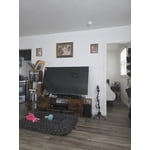
[This review was collected as part of a promotion.] I love this TV! Streaming is awesome and super easy. I wasn't sure if I should spend this much when it came out until I realized it was an investment for our home. It even has a picture mode! And years later, it has proven to be. I would suggest this TV to people looking for OLED without spending OLED pricing. The picture -4k - is just as good and twice as inexpensive. Can't go wrong with the Samsung Q Led!

Great fit for our space
[This review was collected as part of a promotion.] We recently bought a house and the space for the living room TV is over the fireplace. It's very interestingly at up, and it was such a pain to setup our old (heavy!) TV in that space. We knew it was time for an upgrade. This Samsung TV is fantastic. It's light as a feather. It has such crisp picture quality. It was super easy to setup and to mount. Oh and I love the rechargeable remote! That's a first for us.

Mind-Blowing Picture Quality and Smart Features!
[This review was collected as part of a promotion.] I've had this TV for a few weeks now, and I can confidently say it's one of the best entertainment purchases I've ever made. It is a true game-changer, combining stunning visuals, smart features, and seamless usability. Picture Quality: The display is absolutely phenomenal. The Quantum Matrix Mini LED technology delivers incredibly deep blacks and vibrant colors, and the Quantum HDR 24X brings out details I didn't even know existed in my favorite shows. Even standard HD content is upscaled beautifully by the NQ4 AI Gen2 processor. Watching 4K content feels like looking out a window. Smart Features & AI: The Vision AI features are genuinely useful. I've used the Live Translate during international content and it works surprisingly well. The Click to Search and Universal Gestures also make navigating content easier than ever. The built-in Alexa, Bixby, and Google Assistant support is super handy—no need to fumble for the remote anymore. Sound: The sound on this TV is way better than I expected for built-in speakers. Object Tracking Sound Lite gives a sense of movement that's immersive and great for movies and sports. Pairing it with a Samsung soundbar using Q-Symphony makes the audio experience even more cinematic. Gaming: I'm also a gamer, and the 144Hz Motion Xcelerator makes everything from fast-paced shooters to racing games look and feel ultra-smooth. The TV supports FreeSync Premium Pro, and the reduced input lag is a big win for serious gaming. Design: It's sleek, slim, and looks fantastic mounted on the wall. It fits right in with a modern setup and doesn't distract from the room with unnecessary bulk. Final Thoughts: Samsung knocked it out of the park with the 2025 QN70F. For the price, you're getting top-tier performance, future-proofed features, and a premium smart TV experience that rivals anything out there. Highly recommended!
This product catch every detail in dark to bright
[This review was collected as part of a promotion.] I use your TV for nothing but streaming and gaming. The graphics are so cool unbelievable than any TV. I've ever had before. The Gaming is out of this world it's the only tv that you don't have to have the actual counsel and play PlayStation games or Xbox games on the TV to play I don't even have cable because I stream all my movies. All my TV shows I love it.
Best picture ever....
[This review was collected as part of a promotion.] I use my new Samsung TV for everything and Iam still learning all the amazing features it has. The picture is top of the line and it looks as if you are right there. I highly recommend this TV as it is very light and comes with amazing visuals and sounds.