reply from Samsung Specialist
Jason,
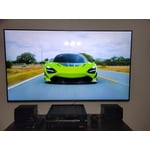
Thank you for your feedback on the Samsung QN70F TV and your experience when watching fast-motion content. If the picture appears blurry or unnatural during high-speed scenes, there are several settings you can adjust to improve motion clarity.
Picture Clarity Settings: While originally intended for motion handling, these can also impact overall clarity
• Off: Disables motion enhancements
• Auto: Automatically adjusts based on content
• Custom: Lets you fine-tune:
o Judder Reduction – Helps smooth out uneven motion
o LED Clear Motion – Boosts sharpness in fast-moving content
o Noise Reduction – Reduces distortion and enhances detail in lower-resolution sources
Core Picture Settings
• Brightness – Controls overall screen brightness
• Contrast – Enhances the difference between bright and dark areas
• Sharpness – Adjusts edge definition; closer to 20 increases detail
• Color – Enhances depth and intensity of colors
You may also want to enable AI Mode, which automatically adapts picture settings based on your content, room lighting, and usage patterns. Go to: Settings > All Settings > Advanced Features > AI Mode Settings
And don’t forget to check for the latest firmware, which may improve performance: Settings > Support > Software Update > Update Now
These adjustments can make a noticeable difference in overall clarity. If you need further help tailoring the settings to your preferences or environment, please contact Samsung Support at 1-800-SAMSUNG, 8AM – 12AM EST, 7 days a week. LiveChat is also available via the ‘Support’ link on our website.
~ Samsung Specialist

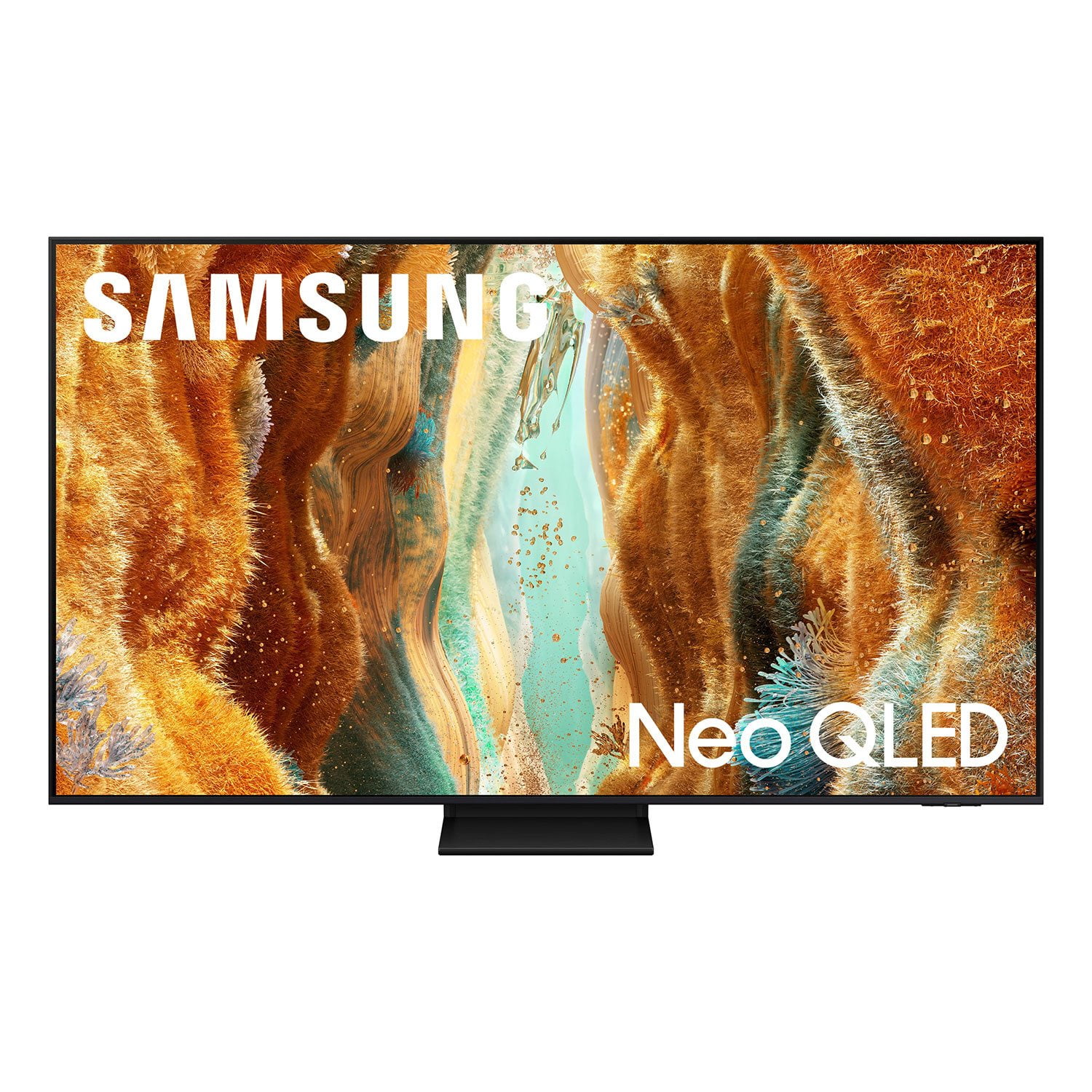 Customer reviews for SAMSUNG 75" Class QN70FD Series 4K Neo QLED Smart TV for