Skip to Main Content
Sam's Club
Sam's Club
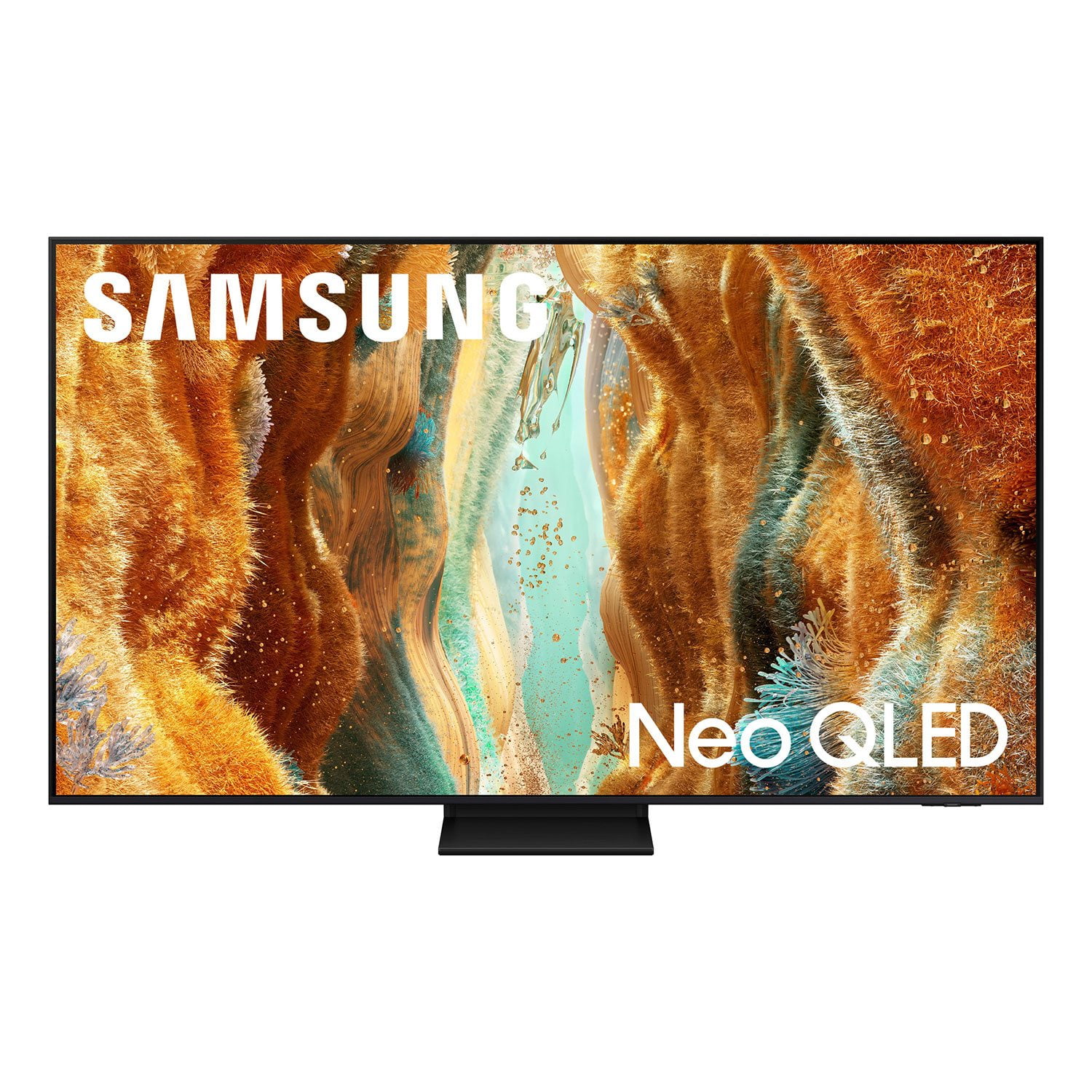
Customer reviews for SAMSUNG 55” Class QN70FD Series 4K Neo QLED Smart TV for
SAMSUNG 55” Class QN70FD Series 4K Neo QLED Smart TV
4.7 out of 5 stars
stars192 ratings189 reviews
  1. 5 stars83% (159)
  2. 4 stars12% (23)
  3. 3 stars2% (4)
  4. 2 stars1% (1)
  5. 1 star3% (5)

Member photos

  • +50 images
Sort by |
Showing 81-90 of 189 reviews
Apr 20, 2026
Deeloc
5 out of 5 stars review

65 inch TV , 4k

[This review was collected as part of a promotion.] the TV has great display at 4K and has functionality that makes it easy to bring up different apps

Review from Samsung US
Helpful?3ZU0LY9BX4K615535573121
Apr 20, 2026
ckredwing
4 out of 5 stars review

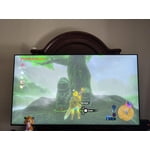
Works great for xbox

[This review was collected as part of a promotion.] Works really well with my Xbox series x. I wish it had a better refresh rate, but then I'd need to upgrade further.

Review from Samsung US
Helpful?3ZU0LY9BX4K615535573121
Apr 20, 2026
RyanJ
5 out of 5 stars review

Great TV

[This review was collected as part of a promotion.] We purchased this TV after a ton of research. The TV has great picture quality and sound. Ease of set up and installation we spot on.

Review from Samsung US
Helpful?3ZU0LY9BX4K615535573121
Oct 29, 2025
Tianty
5 out of 5 stars review

Amazing picture

[This review was collected as part of a promotion.] I had to replace my 15year old Samsung after the screen went black and I decided to replace it instead of having it repaired. I have to say my old Samsung was a trooper and I got more than my money's worth so as I was looking at new units, the Samsung definitely stood out. The picture is sharp, colors are vibrant and there are so many more options/channels for viewing/streaming. My soundbar with surround sound was super easy to set up with this new unit. Very happy with my upgrade!

Review from Samsung US
Helpful?3ZU0LY9BX4K615535573121
Feb 5, 2026
shoptinker
3 out of 5 stars review

A mind of it's own

[This review was collected as part of a promotion.] I purchased this TV to replace an aging 55-inch Samsung in my shop. Setup was straightforward — I connected it to the internet via Ethernet, used TV stick for apps, and a cable streaming box. Since completing the setup, however, the TV has been turning itself on at random times, and goes straight into screensaver mode. This happens both day and night. Sometimes it powers on about three hours after I unplug and reconnect it; other times it will stay off for a full day before turning on by itself. I have tried disabling CEC devices, turning off LAN/network wake features, disabling screensaver settings, power cycling, and even performing a full factory reset. I’ve also disconnected everything except the power cable and removed the remote from the room. There is no record of a “power on” event in the system log, and the TV is running the latest software update. At times, It could be on for day's until I turn it off or unplu it. I attempted online support but only received automated responses. The built-in TV support simply redirects to the same online resources. I have not yet called phone support because I am not at my shop very often this time of year. My final review is on hold until I can resolve this issue. Stay tuned.

Review from Samsung US
Helpful?3ZU0LY9BX4K615535573121
reply from Samsung Specialist

shoptinker, We appreciate you taking the time to let us know about your experience with your TV. So that we can better troubleshoot this issue and provide steps towards a solution, please contact Samsung Support at 1-800-SAMSUNG, 8AM – 12AM EST, 7 days a week, or visit our website for LiveChat. ~ Samsung Specialist

Oct 21, 2025
Katieb
5 out of 5 stars review

Amazing quality!

[This review was collected as part of a promotion.] I can't even describe how amazing and immersive the experiences watching this tv. Such crisp clear images and old Rich colors. Blacks are truly black. The experience is so customizable. Everything feels entirely life like.

Review from Samsung US
Helpful?3ZU0LY9BX4K615535573121
Jan 20, 2026
Texan
3 out of 5 stars review

Flash Bomb!

Being a long time Samsung owner the quality of the picture is excellent as expected but I am experiencing what I call (Picture Flash Bombs!). We will be watching a movie and all of the sudden you get a bright flash of light from your screen that’s over so quick that you wonder if you really even happened but I can assure you that after dozens of times and other people seeing it, It did happen. I bought this particular TV because of the lighting feature that allows you to see what’s in the background of a dark movie scene and from other owners that seems to be the problem. Some of the solutions seem to recommend turning it OFF! WHAT! This is the feature that I love the best. Disappointed Texan!

Review from Samsung US
Helpful?3ZU0LY9BX4K615535573121
reply from Samsung Specialist

Texan, We appreciate you sharing details about the brightness fluctuations you’ve experienced on your Samsung QN70FD TV. This behavior may be related to energy-saving features, AI-powered optimizations, or dynamic picture settings that automatically adjust screen brightness based on content and viewing environment. Please try disabling the following features: Settings > All Settings > General & Privacy > Power and Energy Saving > Brightness Optimization, Energy Saving Solution, and Motion Lighting If these are already off, check if Contrast Enhancer is enabled, which can also cause brightness to shift depending on scene changes: Settings > All Settings > Picture > Expert Settings > Contrast Enhancer Samsung’s newer TVs also include AI-powered features designed to adapt picture settings automatically. While many viewers enjoy this enhancement, others prefer more manual control. To adjust these features, go to: Settings > All Settings > Advanced Features > AI Mode Settings To ensure optimal performance, please also confirm your TV is running the latest firmware: Settings > Support > Software Update > Update Now We hope these steps help stabilize your screen brightness. If you continue to experience issues, please don’t hesitate to contact Samsung Customer Support at 1-800-SAMSUNG (8AM – 12AM EST, 7 days a week). LiveChat is also available via the ‘Support’ link on our website. ~ Samsung Specialist

May 20, 2026
Donna
5 out of 5 stars review

Great picture

[This review was collected as part of a promotion.] Great picture and resolution. Price was right Would definitely recommend

Review from Samsung US
Helpful?3ZU0LY9BX4K615535573121
Jun 5, 2026
Coco
5 out of 5 stars review

first time using the brand

[This review was collected as part of a promotion.] Awesome picture and over all features are great!!!!

Review from Samsung US
Helpful?3ZU0LY9BX4K615535573121
May 25, 2026
Chelle
5 out of 5 stars review

Features

[This review was collected as part of a promotion.] Great product in my living room and upstairs bedroom

Review from Samsung US
Helpful?3ZU0LY9BX4K615535573121