Skip to Main Content
Sam's Club
Sam's Club
Customer reviews for SAMSUNG 55” Class QN70FD Series 4K Neo QLED Smart TV for
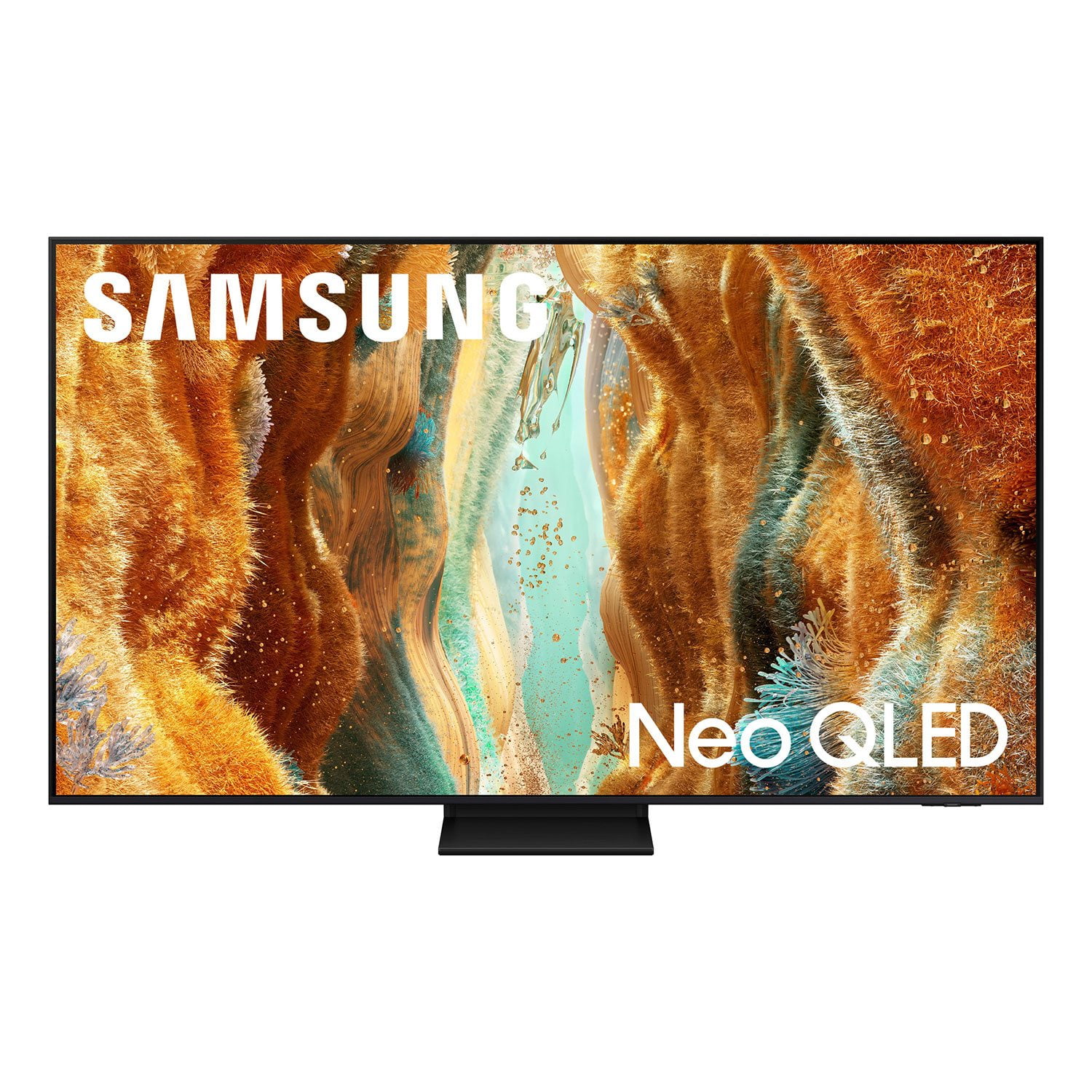
SAMSUNG 55” Class QN70FD Series 4K Neo QLED Smart TV
4.7 out of 5 stars
stars189 ratings186 reviews
  1. 5 stars83% (156)
  2. 4 stars12% (23)
  3. 3 stars2% (4)
  4. 2 stars1% (1)
  5. 1 star3% (5)

Member photos

  • +48 images
Sort by |
Showing 1-10 of 186 reviews
Jun 5, 2026
Smyers
5 out of 5 stars review

Love love love

[This review was collected as part of a promotion.] I love the tv. The picture is exceptional. WiFi tv is a plus as well. Streaming ability is nice, although I never use it. It works well with my Bose Sound system, because as we all know tv sound isn't that great. The only issue is with my Spectrum box. They conflict no matter what but I can live with that. I have 5 Samsung TVs in my home mostly due to the picture quality and reliability. I do not mind paying slightly more for quality that lasts.

Review from Samsung US
Helpful?3ZU0LY9BX4K615535573121
May 22, 2026
sbarrera9824
5 out of 5 stars review

Wonderful

[This review was collected as part of a promotion.] We love our new 75 inch Samsung smart TV! We mainly use it to watch sports and to stream shows. The picture is so vivid it is almost like being at the game. The TV was so easy to set up. It is easy to operate and has tons of free apps and channels.

Review from Samsung US
Helpful?3ZU0LY9BX4K615535573121
May 25, 2026
John
5 out of 5 stars review

Quality Smart Television

[This review was collected as part of a promotion.] We have always owned Samsung Tv's, but never a smart TV until now. Our last television lasted 10 years and is still going strong, but we decided to upgrade to new tech. We are delighted that we did! While our new tv is alot to navigate and learn, we are loving every minute. And we cannot say enough about the quality of the picture. Real night and day in comparison to our older Samsung tv. That's why our tv's and cell phone will always be Samsung's. Quality is always the best. Thanks again Samsung!

Review from Samsung US
Helpful?3ZU0LY9BX4K615535573121
May 20, 2026
Emerson3
5 out of 5 stars review

Huge Upgrade to 65"

[This review was collected as part of a promotion.] Huge upgrade for our house. We have an older 50" Samsung HD TV. Our new 65" 4k has been a night and day difference. The picture quality is amazing. It looks so much more detailed and colorful. The thin frame makes the TV look really clean hung on the wall. If you are looking for middle of the road Samsung this is the one based on the price point we got it for.

Review from Samsung US
Helpful?3ZU0LY9BX4K615535573121
Jun 5, 2026
Anonymous
5 out of 5 stars review

Great Replacement

[This review was collected as part of a promotion.] I replaced my Sony TV with Samsung and my only regret is that I didn't do it sooner. My Sony would lock up 1 t 2 times a week. I couldn't connect my tablet or phone to it via wireless connection. It was the worst tv I have ever had and the tech support from Sony was a joke.

Review from Samsung US
Helpful?3ZU0LY9BX4K615535573121
Jun 5, 2026
Me and my 75in
5 out of 5 stars review

Happy family with our 75 in tv

[This review was collected as part of a promotion.] I recently upgraded from a Samsung 65 - inch to my 75-inch TV, and I couldn't be happier with it. The brightness is truly impressive—it makes everything look so vivid and clear, even during the day with lights on. The picture quality the contrast really stands out, especially when watching movies or sports. Colors are vibrant, and the details are sharp, which makes the whole experience feel more immersive. What I love most is how much my family enjoys it. Movie nights have become a whole new experience, and everyone gathers around to watch together. It's definitely been a great addition to our home.

Review from Samsung US
Helpful?3ZU0LY9BX4K615535573121
May 28, 2026
Bill
4 out of 5 stars review

Great, except the remote

[This review was collected as part of a promotion.] I like this tv very much. It comes on instantly. The picture is bright, sharp, full and clear. The only negative is the remote. It is not powered by batteries; it has a small solar cell on it or it must be plugged in to a USB port. I don't get much sun in my living room so, of course, it goes dead at the least convenient time.

Review from Samsung US
Helpful?3ZU0LY9BX4K615535573121
Jun 5, 2026
Howir
4 out of 5 stars review

Great TV: Won't turn off.

[This review was collected as part of a promotion.] Very nice TV w a beautiful picture. I'm tryin to manage streaming but it's a steep learning curve. I'm not a big lover/watcher of TV so when I do watch I want the experience to be 5 stars. This TV has an annoying feature that automatically turns on whenever I approach. I really want to turn that off but apparently I cannot. I have had generally good luck with Samsung appliances.

Review from Samsung US
Helpful?3ZU0LY9BX4K615535573121
Jun 6, 2026
brels
4 out of 5 stars review

great picture - marginal sound

[This review was collected as part of a promotion.] all aspects of the view are positive, my only complaint is sound, I'm having difficulty picking up words at the TV's standard / set pitch and the big disappointment is I can't adjust treble, mid range or bass to compensate.

Review from Samsung US
Helpful?3ZU0LY9BX4K615535573121
May 31, 2026
Melissa
1 out of 5 stars review

Updates are NOT progress.

I really wish they would stop updating the software to do things you DONT want the TV to do. I don't want autorun, but can I turn it off? No. I don't want a voice assistant. Can I choose "no voice assistant"? No. I want to remove Apps from the home screen. Is it easy to do? have I figured out how to yet? No. GREAT picture, but STUPID tricks that the programmers shove down your throat when you buy new TVs. spare me.

Helpful?3ZU0LY9BX4K615535573121
reply from Samsung

Melissa,<br /><br />Thank you for sharing your feedback with us. To help you get the most from your TV, you can download the full e-Manual and more by visiting Samsung’s website, then navigating to: Support &gt; Manual &amp; Software &gt; TVs &amp; Home Theater. From there, you can search for and select your QN70FD TV model to view or download the available guides.<br /><br />The e-Manual &amp; User Guide are also conveniently built into your TV: Settings &gt; Support &gt; Tips and User Guides.<br /><br />Your TV includes Learn Menu Screen, an accessibility feature that provides audio guidance for on-screen menus. When enabled, your TV will announce the name and function of each menu item as you scroll, without making any changes. This feature is particularly helpful for users who are visually impaired or new to Smart TV menus. To enable, go to: Settings &gt; All Settings &gt; General &amp; Privacy &gt; Accessibility &gt; Learn Menu Screen. To exit, press the Return key twice.<br /><br />If you’d like more assistance with this feature, please reach Samsung Support at 1-800-SAMSUNG (8AM – 9PM EST Mon – Fri, 8AM – 6PM Sat – Sun). LiveChat agents are also available through the ‘Support’ link on our website.<br /><br />~ Samsung Specialist