Skip to Main Content
Sam's Club
Sam's Club
All Departments
All Services
Customer reviews for SAMSUNG 65” Class The Frame Pro LS03FWD Series 4K Neo QLED Smart TV for
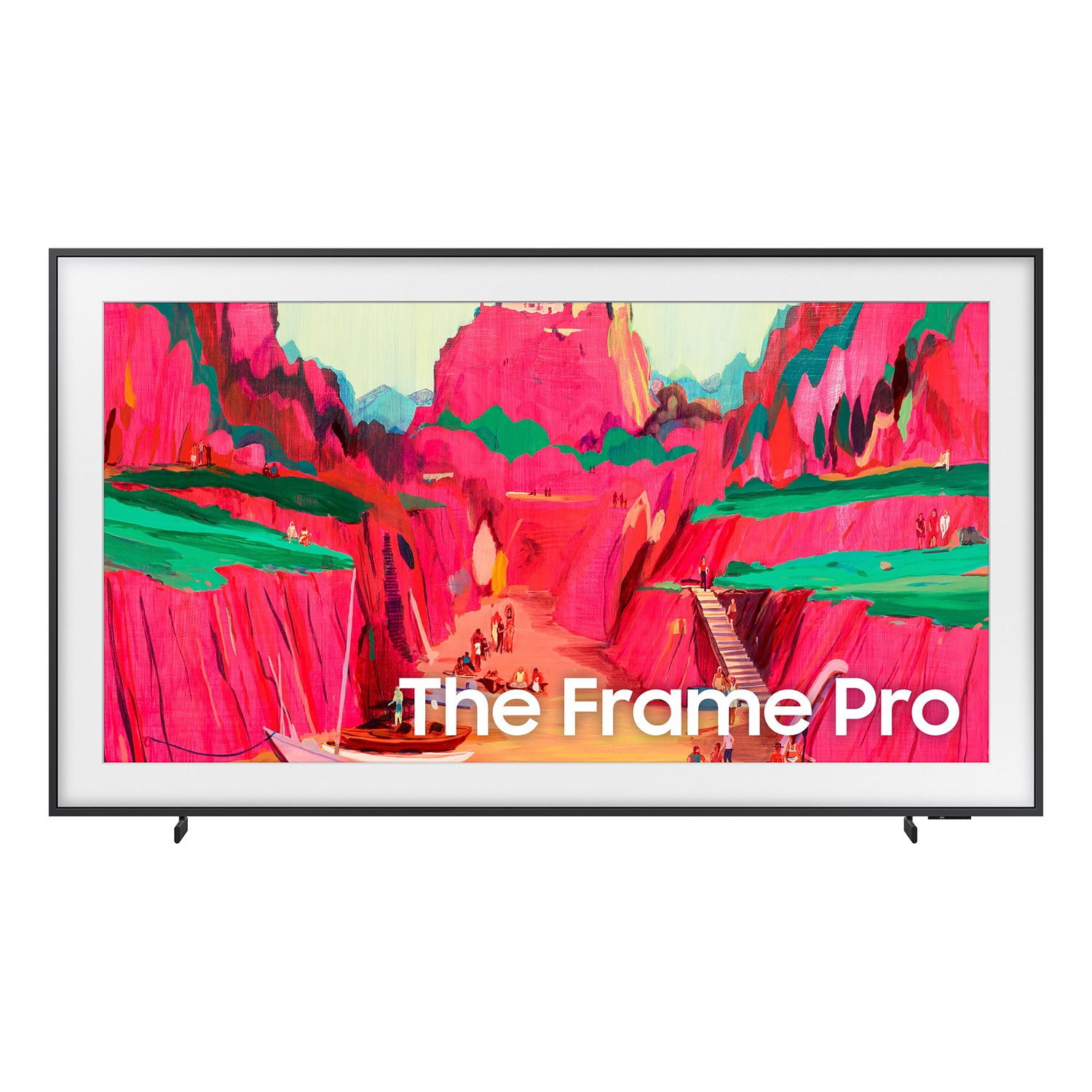
SAMSUNG 65” Class The Frame Pro LS03FWD Series 4K Neo QLED Smart TV
4.7 out of 5 stars
stars
165 ratings165 reviews
  1. 5 stars77% (127)
  2. 4 stars18% (29)
  3. 3 stars3% (5)
  4. 2 stars1% (1)
  5. 1 star2% (3)

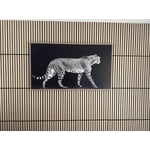
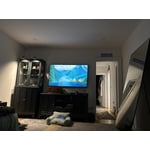
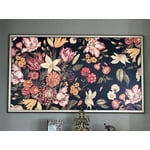
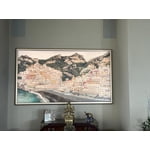
Member photos

  • +26 images
Sort by |
Showing 1-10 of 165 reviews
Jul 5, 2026
Reviewer name: Mapl
5 out of 5 stars
5 out of 5 stars review

The frame tv, the best

[This review was collected as part of a promotion.] An excellent TV; all my other TVs are LG, but this is my first Samsung, and I didn't expect it to be this good—especially considering the price I paid. It’s a great addition to any room, especially if you want to display art.

Review from Samsung US
Helpful?6T1WXVCVVVA915520922360
Jul 5, 2026
Reviewer name: Newton
5 out of 5 stars
5 out of 5 stars review

Great features 😊

[This review was collected as part of a promotion.] It is really good as however bright the room is , the picture is visible . There is no reflection of surrounding . Color , Voice and the pictures available to use as frame is so good . My guests always ask me that painting is so good , was it always there ? Very happy

Review from Samsung US
Helpful?6T1WXVCVVVA915520922360
Jun 21, 2026
Reviewer name: Steiney
5 out of 5 stars
5 out of 5 stars review

Framed Art and a TV

[This review was collected as part of a promotion.] I own 3 Samsung tv’s but this was my first frame tv. It took a bit of work to remove the AI settings and get the sharp, vibrant picture I was looking for, that is normal on regular Samsung tvs. It was worth the effort. I have beautiful framed art when the tv is not in use. I purchased a gorgeous frame from a company that specializes in frame tv frames that just snapped right on. If you are looking for art and a tv in one, I definitely recommend this.

Review from Samsung US
Helpful?6T1WXVCVVVA915520922360
Sep 5, 2026
Reviewer name: Chase
4 out of 5 stars
4 out of 5 stars review

Upscale fuzziness time lag

otherwise quality set up except for upscaling there's a time lag and there's fuzziness on the cars quite noticeable depending on what you're watching and any quicker the ax in the morning with some of this

Review from Samsung US
Helpful?6T1WXVCVVVA915520922360
Jun 19, 2026
Reviewer name: John p
4 out of 5 stars
4 out of 5 stars review

Wireless One connect works well, but...

[This review was collected as part of a promotion.] The wireless one connect box concept works well. Wifi connection to soundbar has issues selecting as default with other accessories. Art subscription was supposed to be free for a year but can't find a promotion code for it.

Review from Samsung US
Helpful?6T1WXVCVVVA915520922360
Jun 1, 2026
Reviewer name: Brewers Fan
4 out of 5 stars
4 out of 5 stars review

Great sound quality and bright sharp picture.

[This review was collected as part of a promotion.] my Samsung product the brightness was amazing depressed was spot on the interface was excellent resolution was a great picture currency as well was amazing so I'm very happy with this product thank you

Review from Samsung US
Helpful?6T1WXVCVVVA915520922360
Jun 5, 2026
Reviewer name: LoveMySamsungFrame
4 out of 5 stars
4 out of 5 stars review

Make your home an ever-changing art 🖼️ show!

[This review was collected as part of a promotion.] I bought this television for the artwork mode and let me tell you it does not disappoint! It is absolutely stunning. And I absolutely love that the art store continuously updates the artwork. There are some improvements that can be made in terms of the frame/canvases that you can use with the television. The current bezels are a little bit cheap looking, and you are really limited in terms of your selection. But picking the right one can really make the art pop as a television it has really good graphics and I am not disappointed with it, but it is not at the level of some other Samsung TVs that are purely for tv watching. If you were looking for high-quality, that will also display art beautifully in your home and this is the tv for you. I love it so much that I bought two!

Review from Samsung US
Helpful?6T1WXVCVVVA915520922360
Jun 9, 2026
Reviewer name: IndiaInk2020
3 out of 5 stars
3 out of 5 stars review

The Remote is Terrible

[This review was collected as part of a promotion.] The tv is sketchy and there is no way to unplug it as the install hugs the wall. So to reset I have to go and turn the breaker off. My dream tv is sensitive, freezes spins and more often than not the remote dies. It either has to be recharged or solar charged. What happened to plain ol batteries that can quickly be changed out. Picture is fine. Nothing to get excited over especially at 2k for the 65” Frame Pro. What a letdown.

Review from Samsung US
Helpful?6T1WXVCVVVA915520922360
reply from Samsung Specialist

IndiaInk2020, We appreciate you taking the time to let us know about your experience. So that we can better troubleshoot this issue and provide steps towards a solution, please contact Samsung Support at 1-800-SAMSUNG (8AM – 9PM EST Mon – Fri, 8AM – 6PM Sat – Sun), or visit our website for LiveChat. ~ Samsung Specialist

Sep 4, 2026
Reviewer name: BigCan42
1 out of 5 stars
1 out of 5 stars review

Great features

[This review was collected as part of a promotion.] I didn't care for it. Was glitches and slow so I cant say it good by any means and I personally just didn't like it.

Review from Samsung US
Helpful?6T1WXVCVVVA915520922360
reply from Samsung Advisor

Hi BigCan42, We appreciate your feedback regarding your TV’s performance. If you're experiencing freezing or lag in general response time, please try the following steps: 1. Check for firmware updates – Keeping your TV up to date can resolve many performance issues: Home > Settings > Support > Software Update > Update Now 2. Run Device Care – This tool checks system memory, frees up cached data, and closes background apps that could be slowing things down: Home > Settings > Support > Device Care > Start Device Care 3. Cold boot your TV – With the TV powered on, press and hold the Power button on your remote for 5+ seconds until the TV restarts. This helps refresh the system. If you're still noticing performance snags after these steps, please contact Samsung Support at 1-800-SAMSUNG (8AM – 9PM EST Mon – Fri, 8AM – 6PM Sat – Sun). You can also connect with a LiveChat agent via the ‘Support’ link on our website. ~ Samsung Advisor

Jun 5, 2026
Reviewer name: john
1 out of 5 stars
1 out of 5 stars review

One connect box is a major problem

[This review was collected as part of a promotion.] The picture quality is very good but the one-connect box is constantly disconnecting. I have tried moving it, putting new connection cables and nothing seems to solve on intermittent connection problems to the TV. I would not recommend this product due to the faulty nature of the non-connecting video/audio box with the tv.

Review from Samsung US
Helpful?6T1WXVCVVVA915520922360
reply from Samsung Specialist

Thank you for sharing your experience with your Frame Pro TV and Wireless One Connect. If you're seeing a message that says "Wireless One Connect is disconnected" while watching content from an external source (such as a set-top box, game console, or antenna), this typically means the TV has lost its wireless connection to the Wireless One Connect Box. To resolve this issue, please try the following steps: 1. Check that the Wireless One Connect Box is powered on. If it’s turned off, power it back on. Once powered, the TV should automatically reconnect when the signal is strong enough. 2. If the unit is powered on but still disconnected, you may need to adjust the alignment: o Go to: Home > left directional key > Settings > All Settings > Connections > Wireless One Connect > Wireless One Connect Status > Adjust o Carefully adjust the Wireless One Connect Box’s position until the antenna icon turns blue, which indicates a strong signal and a successful connection. If the issue continues after these steps, please contact Samsung Support at 1-800-SAMSUNG (8AM – 9PM EST Mon – Fri, 8AM – 6PM Sat – Sun). LiveChat with an agent and additional support resources are also available on the Samsung website under the ‘Support’ section. ~ Samsung Specialist