Skip to Main Content
Sam's Club
Sam's Club
All Departments
All Services
Customer reviews for SAMSUNG 65” Class The Frame Pro LS03FWD Series 4K Neo QLED Smart TV for
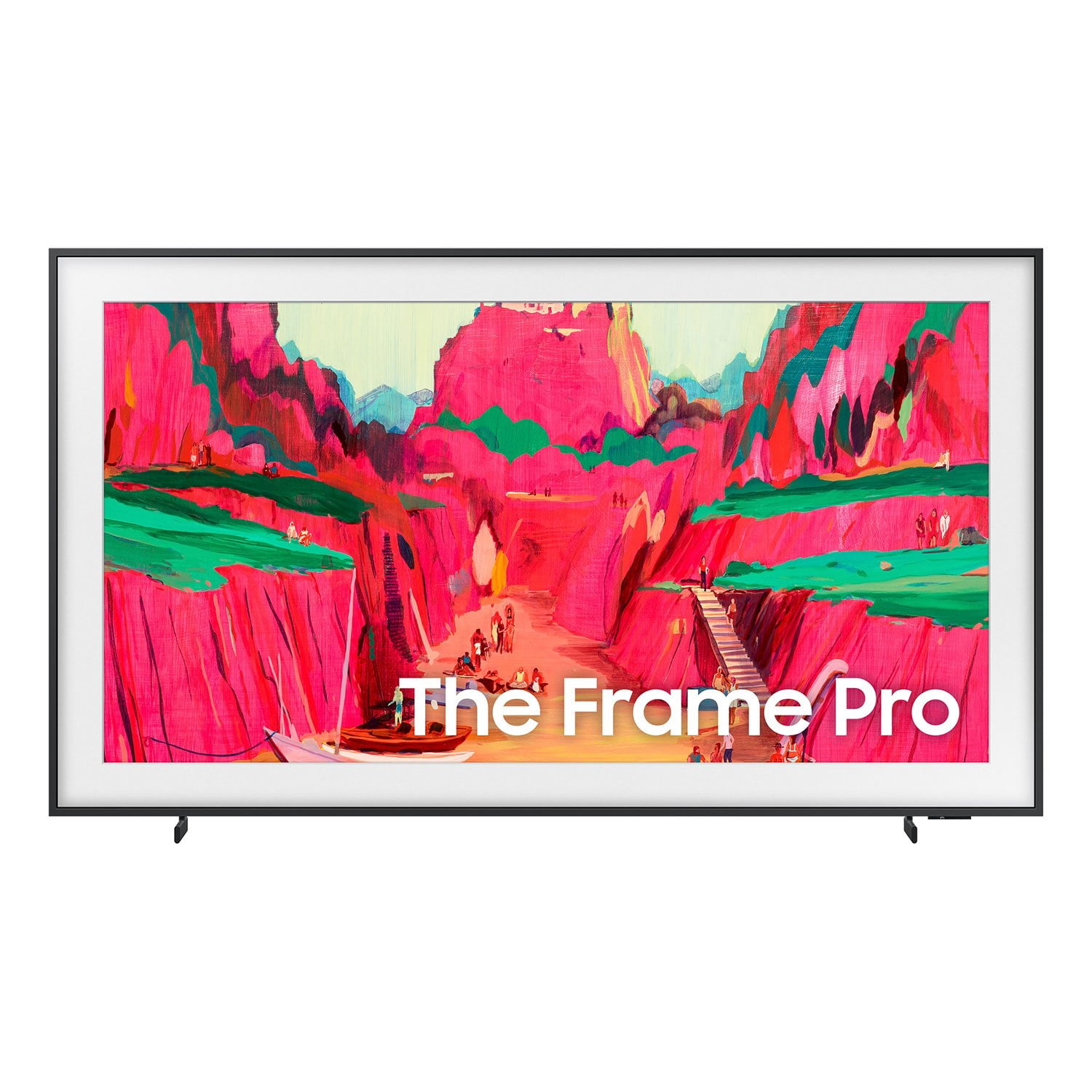
SAMSUNG 65” Class The Frame Pro LS03FWD Series 4K Neo QLED Smart TV
4.7 out of 5 stars
stars
170 ratings170 reviews
  1. 5 stars75% (128)
  2. 4 stars19% (32)
  3. 3 stars4% (6)
  4. 2 stars1% (1)
  5. 1 star2% (3)

Member photos

  • +27 images
Sort by |
Showing 11-20 of 170 reviews
May 1, 2026
Reviewer name: ZephyrDev
5 out of 5 stars
5 out of 5 stars review

Stunning Matte Display with an Impeccably Clean Se

[This review was collected as part of a promotion.] After dealing with complex hardware and messy network cables all day, the last thing I want is a cluttered entertainment center at home. The 65-inch Frame is a masterpiece of design. The One Connect box is an absolute lifesaver for cable management, running just a single, nearly invisible wire to the display. It keeps the wall looking incredibly clean and perfectly flush. The matte display is the true standout feature. When in Art Mode, the brightness automatically adjusts to the room's ambient light, totally eliminating glare and making it look exactly like a genuine canvas. When it's time to watch a movie, the 4K resolution is razor-sharp. The QLED panel delivers fantastic vibrancy, making colors truly pop, while the contrast holds up beautifully even in darker cinematic scenes. Navigating the smart interface is snappy and responsive, making it effortless to switch between streaming apps, local media servers, and the Art Store without any lag. Pros: The anti-reflective matte screen completely eliminates room glare. Flawless cable management with the external One Connect box. Vibrant QLED picture quality and crisp 4K resolution. Cons: Accessing the full, expansive art library requires an ongoing subscription. The built-in speakers are decent, but pairing it with a soundbar is best for a true home theater experience. Final Verdict: If you care about a minimalist aesthetic and a perfectly clean hardware setup just as much as premium picture quality, this TV is absolutely worth the investment. It flawlessly blends high-end tech with home decor.

Review from Samsung US
Helpful?6T1WXVCVVVA915520922360
Jul 5, 2026
Reviewer name: Mapl
5 out of 5 stars
5 out of 5 stars review

The frame tv, the best

[This review was collected as part of a promotion.] An excellent TV; all my other TVs are LG, but this is my first Samsung, and I didn't expect it to be this good—especially considering the price I paid. It's a great addition to any room, especially if you want to display art.

Review from Samsung US
Helpful?6T1WXVCVVVA915520922360
Jun 5, 2026
Reviewer name: john
1 out of 5 stars
1 out of 5 stars review

One connect box is a major problem

[This review was collected as part of a promotion.] The picture quality is very good but the one-connect box is constantly disconnecting. I have tried moving it, putting new connection cables and nothing seems to solve on intermittent connection problems to the TV. I would not recommend this product due to the faulty nature of the non-connecting video/audio box with the tv.

Review from Samsung US
Helpful?6T1WXVCVVVA915520922360
reply from Samsung Specialist

Thank you for sharing your experience with your Frame Pro TV and Wireless One Connect. If you're seeing a message that says "Wireless One Connect is disconnected" while watching content from an external source (such as a set-top box, game console, or antenna), this typically means the TV has lost its wireless connection to the Wireless One Connect Box. To resolve this issue, please try the following steps: 1. Check that the Wireless One Connect Box is powered on. If it’s turned off, power it back on. Once powered, the TV should automatically reconnect when the signal is strong enough. 2. If the unit is powered on but still disconnected, you may need to adjust the alignment: o Go to: Home > left directional key > Settings > All Settings > Connections > Wireless One Connect > Wireless One Connect Status > Adjust o Carefully adjust the Wireless One Connect Box’s position until the antenna icon turns blue, which indicates a strong signal and a successful connection. If the issue continues after these steps, please contact Samsung Support at 1-800-SAMSUNG (8AM – 9PM EST Mon – Fri, 8AM – 6PM Sat – Sun). LiveChat with an agent and additional support resources are also available on the Samsung website under the ‘Support’ section. ~ Samsung Specialist

Jul 16, 2026
Reviewer name: Art over black mirror
5 out of 5 stars
5 out of 5 stars review

Love my living room without a bulky black tv

[This review was collected as part of a promotion.] If you are looking for a centerpiece that elevates your home's aesthetic without having a giant black rectangle dominating the space, this TV is second to none. It's more than just a TV—it's a massive upgrade to your interior design. I could not be happier with my purchase

Review from Samsung US
Helpful?6T1WXVCVVVA915520922360
May 11, 2026
Reviewer name: Dvshop
5 out of 5 stars
5 out of 5 stars review

A TV That Looks Like Art
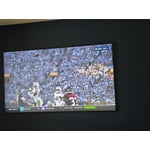
[This review was collected as part of a promotion.] Picture Quality Art Mode & Design Screen Size & Immersion Easy Wall Mount / Clean Setup Gaming & Movie Experience Absolutely impressed with the Samsung Frame 85”. The combination of stunning 4K visuals and minimalist design makes it feel more like high-end home décor than a TV. The matte display reduces glare beautifully, and Art Mode gives the room a completely different atmosphere when it's off. Huge screen without looking overwhelming thanks to the slim frame design. Worth every penny.

Review from Samsung US
Helpful?6T1WXVCVVVA915520922360
Jun 21, 2026
Reviewer name: Steiney
5 out of 5 stars
5 out of 5 stars review

Framed Art and a TV

[This review was collected as part of a promotion.] I own 3 Samsung tv's but this was my first frame tv. It took a bit of work to remove the AI settings and get the sharp, vibrant picture I was looking for, that is normal on regular Samsung tvs. It was worth the effort. I have beautiful framed art when the tv is not in use. I purchased a gorgeous frame from a company that specializes in frame tv frames that just snapped right on. If you are looking for art and a tv in one, I definitely recommend this.

Review from Samsung US
Helpful?6T1WXVCVVVA915520922360
Jun 18, 2026
Reviewer name: Samsung4life
5 out of 5 stars
5 out of 5 stars review

Samsung 65 wow we just lo e movie night

[This review was collected as part of a promotion.] great product it's a great product our family loves it the controls are easy to adjust and the sound is awesome and great for movie night recommend highly Samsung is the best Samsung everything great products

Review from Samsung US
Helpful?6T1WXVCVVVA915520922360
Jun 1, 2026
Reviewer name: Brewers Fan
4 out of 5 stars
4 out of 5 stars review

Great sound quality and bright sharp picture.

[This review was collected as part of a promotion.] my Samsung product the brightness was amazing depressed was spot on the interface was excellent resolution was a great picture currency as well was amazing so I'm very happy with this product thank you

Review from Samsung US
Helpful?6T1WXVCVVVA915520922360
Jun 10, 2026
Reviewer name: Onlyu
5 out of 5 stars
5 out of 5 stars review

Easy to navigate

[This review was collected as part of a promotion.] Love my TV. When I do watch it. Only with company. Sometimes screen is neon gray. So I donr keep it plugged in. I love this TV had it for years. My late fiance bought it because he broke my tiny monitor size TV. In 2010. Still going strong and beautiful pic and sound

Review from Samsung US
Helpful?6T1WXVCVVVA915520922360
Sep 4, 2026
Reviewer name: BigCan42
1 out of 5 stars
1 out of 5 stars review

Great features

[This review was collected as part of a promotion.] I didn't care for it. Was glitches and slow so I cant say it good by any means and I personally just didn't like it.

Review from Samsung US
Helpful?6T1WXVCVVVA915520922360
reply from Samsung Advisor

Hi BigCan42, We appreciate your feedback regarding your TV’s performance. If you're experiencing freezing or lag in general response time, please try the following steps: 1. Check for firmware updates – Keeping your TV up to date can resolve many performance issues: Home > Settings > Support > Software Update > Update Now 2. Run Device Care – This tool checks system memory, frees up cached data, and closes background apps that could be slowing things down: Home > Settings > Support > Device Care > Start Device Care 3. Cold boot your TV – With the TV powered on, press and hold the Power button on your remote for 5+ seconds until the TV restarts. This helps refresh the system. If you're still noticing performance snags after these steps, please contact Samsung Support at 1-800-SAMSUNG (8AM – 9PM EST Mon – Fri, 8AM – 6PM Sat – Sun). You can also connect with a LiveChat agent via the ‘Support’ link on our website. ~ Samsung Advisor