Skip to Main Content
Sam's Club
Sam's Club
All Departments
All Services
Customer reviews for Member's Mark 5' Pre-Lit Santa Countdown Calendar for
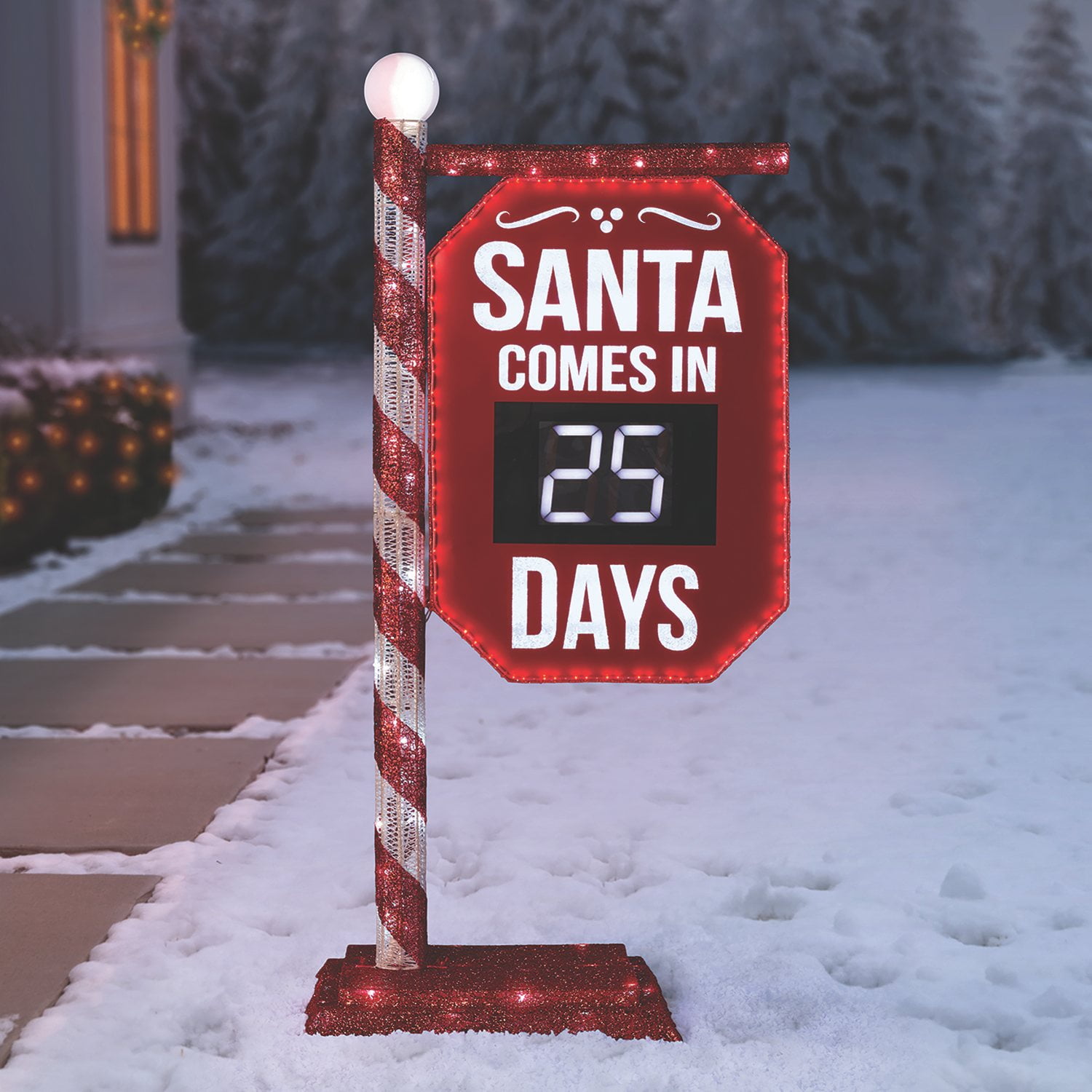
Member's Mark 5' Pre-Lit Santa Countdown Calendar
3.6 out of 5 stars
stars
188 ratings122 reviews
  1. 5 stars52% (98)
  2. 4 stars11% (20)
  3. 3 stars6% (12)
  4. 2 stars10% (19)
  5. 1 star21% (39)

Member photos

  • +27 images
Sort by |
Showing 111-120 of 122 reviews
Nov 30, 2025
JENNIFER
5 out of 5 stars
5 out of 5 stars review

Lost remote

Lost the remote to our 2024 countdown calendar. Would love info on how to get a replacement

Helpful?36DVD44DXM3O15509712153
reply from Member's Mark Team

Hi, JENNIFER, pease contact Member Support at (888) 301-0332 and they can connect you with the manufacturer for a new remote.

Nov 21, 2025
toptechsight
5 out of 5 stars
5 out of 5 stars review

Bigger and more impressive than expected

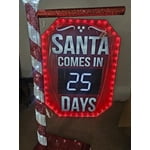
Very impressive product. Bigger than I expected --- makes a great statement.

Helpful?36DVD44DXM3O15509712153
Nov 21, 2025
JAMES
4 out of 5 stars
4 out of 5 stars review

Remote

How can i get a replacement remote?????

Helpful?36DVD44DXM3O15509712153
reply from Member's Mark Team

Please contact Member Support at (888) 301-0332 and they can connect you with the manufacturer for a new remote.

Dec 29, 2024
KReg
1 out of 5 stars
1 out of 5 stars review

So cute, but useless without remote

Misplaced remote so it was completelt useless as countdown cant be adjusted without it.

Helpful?36DVD44DXM3O15509712153
Nov 17, 2024
Nat
5 out of 5 stars
5 out of 5 stars review

Amazing!!

I'm so happy I bought it. It is such a fun way to count down to christmas. It's also very bright, we put it up early, so I'm sure neighbors love it too lol. Must have as christmas decor!!

Helpful?36DVD44DXM3O15509712153
Nov 24, 2024
Sukimer
2 out of 5 stars
2 out of 5 stars review

Already Broke

I've had this one week and the dome for the lightbulb on top already cracked so next time it rains water will get trapped inside and ruin the light bulb.

Helpful?36DVD44DXM3O15509712153
reply from Member's Mark Team

We are sorry the sphere is broken. We are happy to replace it for you, please contact Member Support at (888) 301-0332 for assistance.

Nov 3, 2024
Laney
3 out of 5 stars
3 out of 5 stars review

Auto

Was so excited but the auto timer will not work for us! It changes and counts down like every 4-5hours. We've tried everything. If anyone can help please do!!!

Helpful?36DVD44DXM3O15509712153
reply from Member's Mark Team

We are sorry that you are having trouble with the auto timer on the sign, Laney. Please unplug the sign and wait a few minutes and then plug it back into the outlet. If you are still unhappy, please contact Member Support at (888) 301-0332 they can assist you with a return or exchange.

Nov 10, 2024
Chad
3 out of 5 stars
3 out of 5 stars review

How do u sync remote?

Just unboxed it and can't get remote to move off a day. It shows red every time u hit a button but not doing anything. How do you get remote to connect to sign or sync.

Helpful?36DVD44DXM3O15509712153
reply from Member's Mark Team

The remote should work right out of the box. It does not need to be synced. If you need further assistance, contact Member Support at (888) 301-0332 and they can connect you with the manufacturer.

Nov 23, 2024
Ben
1 out of 5 stars
1 out of 5 stars review

Doesn't work

Bought the sign plugged it in to make sure it worked came on. Put it out in the yard and plugged it in again now it won't work do not buy will never buy things like this at sams club again

Helpful?36DVD44DXM3O15509712153
reply from Member's Mark Team

Please contact Member Support at (888) 301-0332 and they can connect you with the manufacturer for further assistance.

Nov 29, 2024
Kimmy
3 out of 5 stars
3 out of 5 stars review

Cute but not practical

Super cute item, however it's not practical to have to use the remote every day to change the days.

Helpful?36DVD44DXM3O15509712153
reply from Member's Mark Team

The remote has a button called "Auto". If you click onto it the date will change every 24 hours from the point that you click onto "Auto". That way you don't have to change it manually. If you need any other assistance, please contact Member Support at (888) 301-0332 and they can connect you with the manufacturer.