
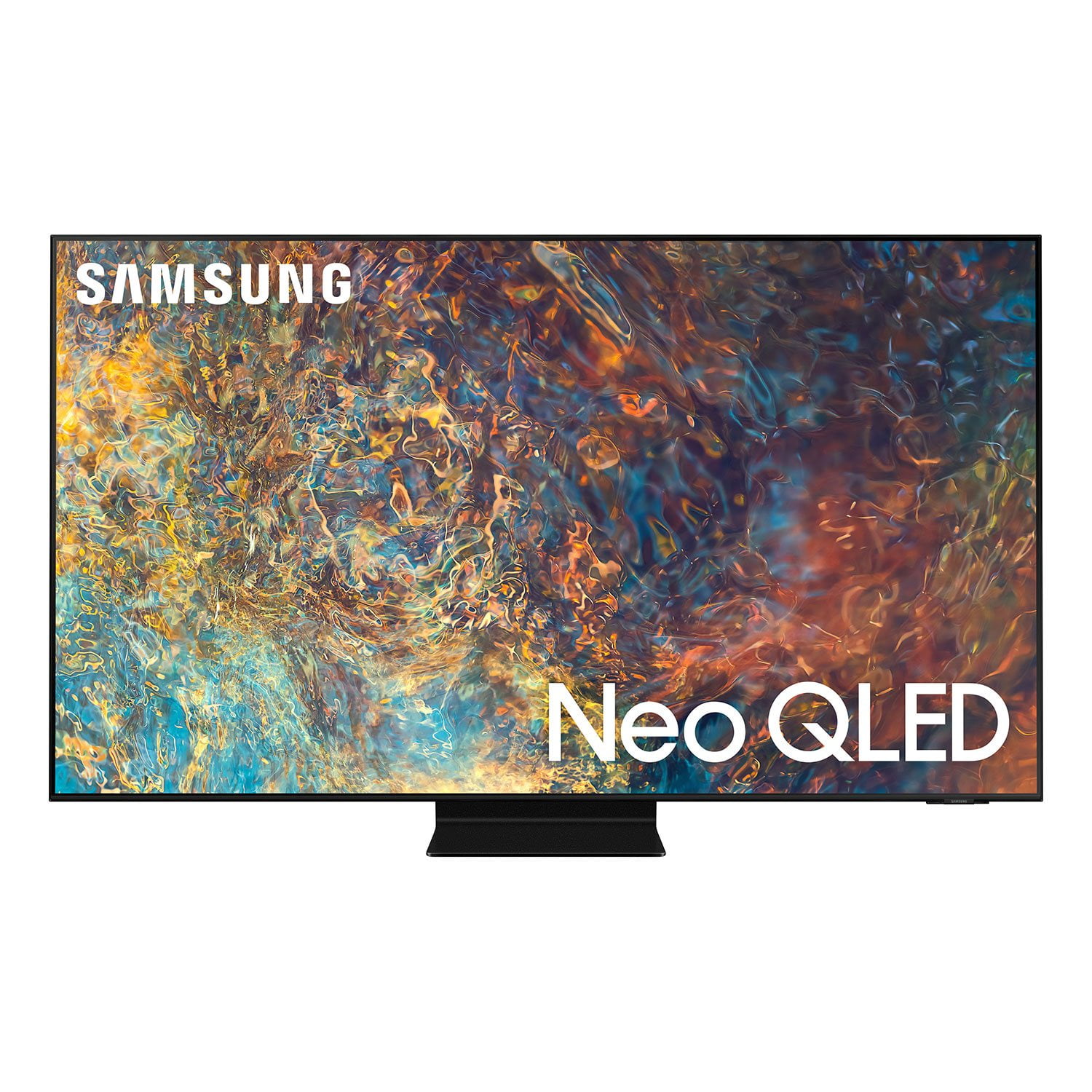
 Member ratings & reviews for
Great TV but not so great ant-reflection
The TV so far has meet all my expectation, nice ore screen settings. I like the voice adjustment that happens automatically when there is extra noise in the room. The only cons I would say is the anti-reflection feature which is not that great. At dark scene you will see a rainbow of lights reflecting your lamps. Even the sound which is usually pretty bad, this TV doesn't seem to be a problem. Well done Samsung.
Hi PauloValdares, thanks so much for your kind words! We sincerely appreciate your feedback and will share this with our team. We hope you enjoy many years of great entertainment with your Samsung Smart TV!
The only word for this TV is AMAZING!
[This review was collected as part of a promotion.] The picture that this TV has is by far the best I've ever seen. Pair that with the settings exclusively used for gaming and there is no better TV on the market for gamers. With the features included being great and the picture being top of the line, I couldn't be happier with this TV. I would HIGHLY recommend it to anyone....5 stars for sure.
2Real513: Thank you for your review of Samsung’s new 2021 55” QN90A. I am happy to hear that the Mini LED technology, Game Mode, black levels, Motion Xcelerator Turbo+, and Quantum HDR 32x are coming together for a fantastic gaming experience. How do you like the new gaming features – Super Ultrawide GameView & Game Bar designed to broaden your view and optimize game play? Samsung Customer Support is here to help if you need assistance or have questions regarding features, functions, setup and more. You can reach us at 1-800-SAMSUNG (ask for TVs), available 8AM -12AM EST, 7 days a week. Or text HELP to 62913. For additional support resources, visit us on the Samsung website and click on the ‘Support’ link in the upper right corner of the homepage for: 1) More ‘Contact Us’ options – LiveChat, Facebook, Twitter, Samsung Community, Samsung Members app 2) Manuals & Software 3) Warranty Info 4) Product Registration: For access to easy warranty support, convenient opt-in to special promos and offers, faster troubleshooting and service, and quick notification of system updates. ~ Samsung Solutions
Love the apps and compatibility.
[This review was collected as part of a promotion.] I use my t.v. everyday. Crystal clear picture on all my my favorite things to do on it. Movies are great, sound is terrific. Ps5 could be more real. Awesome t.v. couldn't be happier. Thanks samsung. Ryan
A whole new experience!
[This review was collected as part of a promotion.] We purchased our Samsung primarily for movies (Netflix etc) and it's “smart” features - Samsung exceeded our expectations -the quality of picture with its vivid colors and sharpness has greatly enhanced our viewing enjoyment! Our family room has extensive natural light which for years hampered our viewing with our earlier TV's- Problem solved!-Samsung has eliminated the problem. The ease of use of the remote with its one button touch and “voice” function to access Netflix and Prime Video make channel selection quite convenient as is the switch from network to cable shows. We appreciate the “fine tuning” features to fine tune and enhance both the sound and picture. We enjoy our music and video apps ( Soros, Pandora, Utube etc) as well as BlueRay videos- Wow!- Simple and enjoyable in every way! We chose the Samsung over Sony, LG and others. A great choice!
Excellent picture quality and brightness in Movies
[This review was collected as part of a promotion.] By far the best TV I've owned in comparison to picture quality and brightness. I've owned an older 4k HDTV from Vizio and blew that out the water but the technology is 7 years older and I don't really have much to compare besides clarity and brightness. I do have a very small issue with halo effect on the new TV if you are looking for it but it is almost non-existent. Other than that, I'm very happy with it. You can't go wrong with this purchase. The QN90A needs a little tweaking but out the box is just fine for most movie watchers.
great tv
[This review was collected as part of a promotion.] Use the Samsung for general tv viewing. The Qled 4K picture is unbelievable. Makes you feel like you are on the set when the filming occurred. Even non 4K programs are every bit as good as 4K. Old relic black and white shows are now more special to watch. Easy to install/setup. TV prompts you through everything that you need. Enjoy the eight (8) built in speakers. Have yet to feel the need for an additional soundbar. Cannot think of one negative thing about this tv. All thumbs up from me.
Great viewing experience
[This review was collected as part of a promotion.] This TV has one of the viewing and sound experiences. The images are bright and crisp, while the sound is impacting. There is no need for a sound bar in my opinion. My family and I love watching 4K movies on it and playing on our PS5. There isn't any lag and all the apps run smoothly.
55" Class QN90A not working with Smartthings
i have been trying to resolve problem with the tv not working with smartthings, the smartthings keeps losing a network connection that is hard wired to the tv. that is just one problem. the only notification that will show on the screen is my ring doorbell. my samsung washer and dryer, refrigerator and dishwasher notifications do not show on the screen at all. i have a older 55" q70 tv that works perfectly with smartthings, but it uses a downloaded app for smartthings not embedded in the tv software. if i'm not mistaken this all started with the latest software upgrade. i have called your support and smartthing numerous times and all i get is the run around. why can't you fix the problem?
Joe A, We appreciate you sharing your experience with the SmartThings app, as well as customer service not being able to resolve your issue. Please contact Samsung Customer Support again for further troubleshooting assistance or for setting up a warranty service appointment. You can reach us at 1-800-SAMSUNG (ask for TVs), available 8AM - 12AM EST, 7 days a week. For additional support resources, visit us on the Samsung website and click on the ‘Support’ link in the upper right corner of the homepage for: 1) Chat with Us/Product Help: To begin a chat or find solutions, choose ‘TVs & Home Theater’ and select your model & topic. 2) Manuals, Software, & Warranty Info We hope to hear from you. ~ Samsung Specialist
Great features
[This review was collected as part of a promotion.] If you want the best Samsung TV for gaming, we recommend the Samsung QN85A QLED. This Neo QLED also uses Mini LED backlighting; however, unlike the Samsung QN90A QLED, the QN85A uses an ADS panel. ADS panels are similar to IPS panels, and they tend to have lower contrast ratios and wide viewing angles. While this TV does have a low native contrast ratio, its full-array local dimming does a good job of improving black levels, and the contrast is significantly higher when the TV is in Game Mode, so blacks should still look deep and inky. The benefit of an IPS-like panel is that it has very good viewing angles, which is great if you're going to use it for PC or co-op gaming since the image won't look washed out from the side. Like the QN90A, it also gets exceptionally bright in both SDR and HDR. It has an incredibly low input lag and a great response time for clear motion. It also has an HDMI 2.1 port and supports the most common resolutions for advanced gaming consoles, and it supports VRR and ALLM. New to 2021 Samsung TVs is the Game Bar, a handy feature that pulls up quick access to game-related settings like aspect ratio and VRR. Unfortunately, because it uses an ADS panel, there's noticeable blooming and backlight bleed, especially when viewing off-center. The local dimming helps reduce it, but you might still notice it. Despite that, this is still among the best Samsung TVs for gaming, and most people should be satisfied with it.
SharpScreen, Thank you for purchasing the Samsung QN85A Neo QLED 4K Smart TV and for sharing details of your image quality. Quantum Matrix Technology is powered by exclusive Mini LED designed technology engineered to give you hyper-focused brightness and dimming in all the right areas. To optimize your picture quality, please be sure your firmware is up to date with version 1560.5 which includes picture quality updates. You can check this by going to: Settings > Support > Software Update. You may want to enable Auto Update for convenience. Should you need further assistance with image quality adjustments, please give us the opportunity to assist you. You can call us at 1-800-SAMSUNG (ask for TVs), available 8AM -12AM EST M-F (9AM – 6PM EST Sat). Or text HELP to 62913. For additional support resources, visit us on the Samsung website and click on the ‘Support’ link in the upper right corner of the homepage for: 1) More ‘Contact Us’ options – LiveChat, Facebook, Twitter, Samsung Community, Samsung Members app 2) Manuals & Software 3) Warranty Info 4) Product Registration: For access to easy warranty support, convenient opt-in to special promos and offers, faster troubleshooting and service, and quick notification of system updates. ~ Samsung Specialist
Awesome in bright room
[This review was collected as part of a promotion.] We have a super bright living room with lots of windows. We were super worried about the image in the room and wanted to buy the brightest screen out there. This did not disappoint. Great image quality.