Skip to Main Content
Sam's Club
Sam's Club
All Departments
All Services
Customer reviews for SAMSUNG 75" Class Q6-Series 4K Ultra HD Smart QLED TV - QN75Q6DAAFXZA for
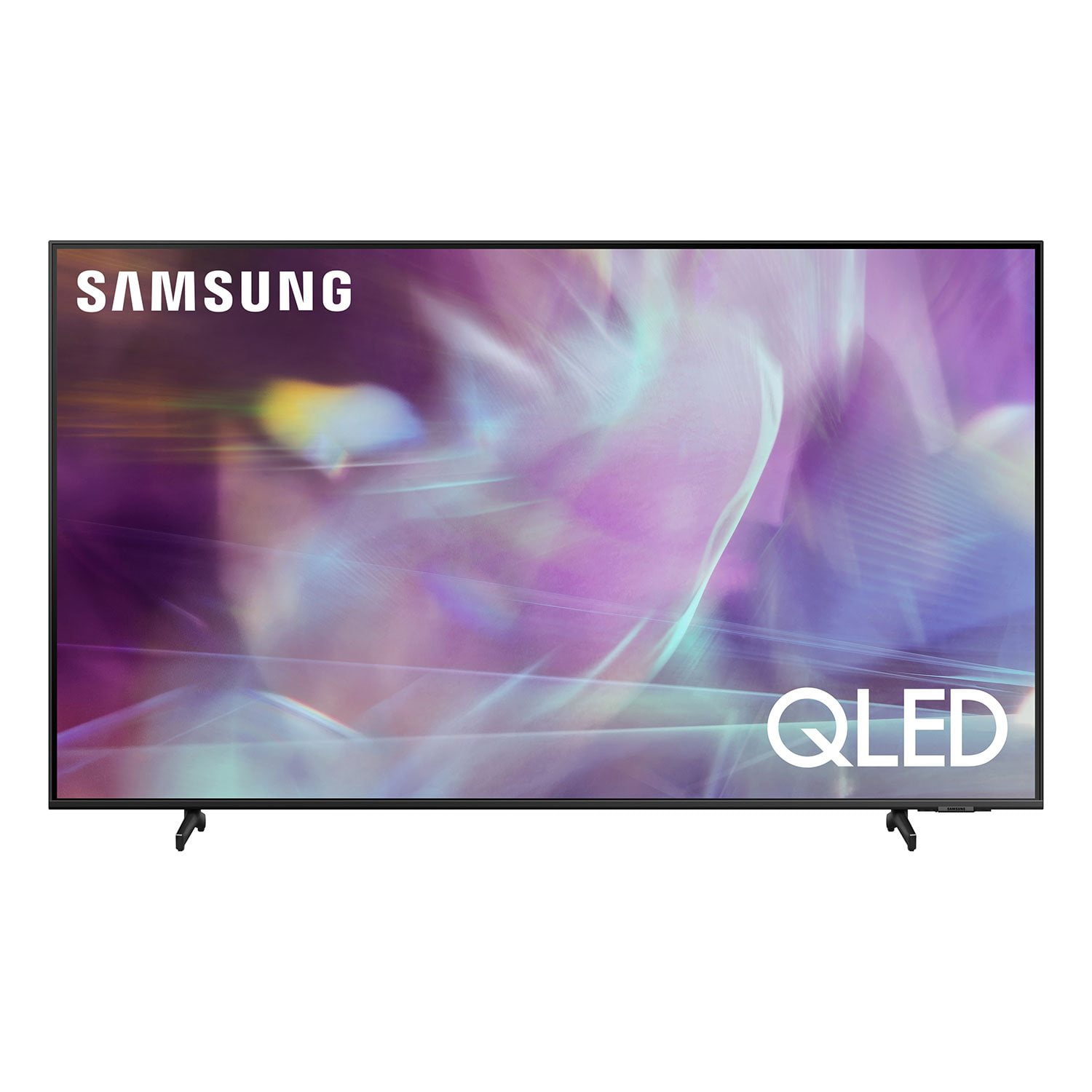
SAMSUNG 75" Class Q6-Series 4K Ultra HD Smart QLED TV - QN75Q6DAAFXZA
4.6 out of 5 stars
stars
1,998 ratings1,898 reviews
  1. 5 stars74% (1,480)
  2. 4 stars17% (337)
  3. 3 stars4% (77)
  4. 2 stars2% (31)
  5. 1 star4% (73)
Sort by |
Showing 811-820 of 1,898 reviews
Apr 11, 2022
Reviewer name: william
5 out of 5 stars
5 out of 5 stars review

Great quality tv.

Great quality. Going from led/lcd to qled is a world of different. Also, it depends what you have hooked to it or streaming as well. To see it's full potential, Netflix or other ultra 4k streams really show its potential. Overall happy with it though. Even just hmdi hooked up cable through a box is better than the led/lcd I had before. Vibrant colors and crisp sharpness.

Review from walmart.com
Helpful?20S51SPKF03T15280651920
Sep 24, 2021
Reviewer name: LoveMyMusic
4 out of 5 stars
4 out of 5 stars review

very good TV

[This review was collected as part of a promotion.] When I found the filmmaker mode I finally liked what I saw. The only issue is the low audio quality. What I mean is that my Samsung smartphone is a better source for music streaming than the TV. Still overall a very good TV.

Review from Samsung US
Helpful?20S51SPKF03T15280651920
Sep 26, 2021
Reviewer name: Oldwestviewer
3 out of 5 stars
3 out of 5 stars review

Store display Picture quality

[This review was collected as part of a promotion.] We use our TV strictly for movies, tv-series & oldies entertainment. 75" is a perfect size for viewing but the quality of the picture is a FAR cry from that of display in the store. It seems that a newer broadcast or later released movie will show fine but not great & take an older rerun tv-series and it just extenuates the graining making viewing very disappointing. Happier with the new size only and think my older nine-year-old tv had a better picture consistently..

Review from Samsung US
Helpful?20S51SPKF03T15280651920
reply from Samsung Brand Ambassador

Oldwestviewer, Thank you for purchasing the Samsung Q60A TV and for sharing details of your image quality. To optimize your picture quality, please be sure your firmware is up to date with version 1805.4 which includes picture quality updates. You can check this by going to: Settings > Support > Software Update. If the picture you are seeing is still not to your liking after performing any necessary updates, there are several picture settings you may want to try adjusting. You can select the Picture Mode that provides the best viewing experience. Go to Home > Settings > Picture > Picture Mode 1) Standard: Is the default mode suitable for general viewing environments. 2) Natural: Reduces eye strain for a comfortable viewing experience. 3) Movie: Is suitable for watching TV or movies in a dark room. 4) Dynamic: Makes the picture brighter and clearer in bright viewing environments. 5) Filmmaker Mode: You can watch the source content (e.g., movie) as it is. If the image is defined as Filmmaker Mode, it will automatically switch to Filmmaker Mode while watching. You can also go to: Settings > Picture > Expert Settings > to manually fine tune your image. For further assistance with settings adjustments, please contact Samsung Customer Support at 1-800-SAMSUNG (ask for TVs), available 8AM - 12AM EST, 7 days a week. For additional support resources, visit us on the Samsung website and click on the ‘Support’ link in the upper right corner of the homepage for: 1) Contact Us: For additional Chat & Text options, choose ‘TVs & Home Theater’ and select your model & topic. 2) Manuals & Software 3) Warranty Info 4) Register a Product: For access to easy warranty support, convenient opt-in to special promos and offers, faster troubleshooting and service, and quick notification of system updates. ~ Samsung Specialist

Jun 29, 2021
Reviewer name: Consmo12
5 out of 5 stars
5 out of 5 stars review

Perfect on all fronts!

[This review was collected as part of a promotion.] Just got a simple tv to play some games on and blown away with the quality! All my life I had gotten cheap LED tvs thinking that even if i did spend the money for a nicer picture i wouldn't notice (boy was i wrong) Being able to see in dark environments in movies and the clarity of the picture is picture perfect. All in all I have used samsung products all my life and will continue using them because of the quality!

Review from Samsung US
Helpful?20S51SPKF03T15280651920
Jul 19, 2021
Reviewer name: Hassan
4 out of 5 stars
4 out of 5 stars review

This product has great operating system.

[This review was collected as part of a promotion.] I love the operating system, its really smooth and easy to use. The other thing i love about this product is that i can download my favorite apps and also i can use the screen mirror feature. Last but not least, i can connect it to “Amazon echo”, which makes it super convenient. With echo, i can turn it on and off etc. In conclusion, i love this product

Review from Samsung US
Helpful?20S51SPKF03T15280651920
Sep 25, 2021
Reviewer name: Valueforcost
5 out of 5 stars
5 out of 5 stars review

Good value for price

[This review was collected as part of a promotion.] I purchased this TV two months ago when my old one broke. I was looking for something that would last for a long time without getting outdated and had some newer features since my old TV was nine years old. The picture quality is great, the sound is good, and the interface is pretty easy to pick up on. It has worked well so far, and given that samsungn typically makes quality products I hope it will last for several years to come.

Review from Samsung US
Helpful?20S51SPKF03T15280651920
Apr 12, 2021
Reviewer name: SadTerry
5 out of 5 stars
5 out of 5 stars review

65" Q60A Samsung QLED 4K Smart TV

[This review was collected as part of a promotion.] I am a huge movie and gamer. This tv is particularly good for watching movies. The clarity of the picture is exceptional, the basic sound quality was surprisingly impressive. Everything is right there in the screen . Very easy to use.

Review from Samsung US
Helpful?20S51SPKF03T15280651920
Aug 30, 2021
Reviewer name: Willowbean
3 out of 5 stars
3 out of 5 stars review

Not overly impressed

Had this TV for about a month now and I am not overly happy with the quality in comparison to my 6 yr old Samsung as well as the remote has “died” 2 times now and you can't even use the remote while it's charging So can't watch tv until remote is fully charged again

Review from Samsung Canada
Helpful?20S51SPKF03T15280651920
reply from Operations

Thanks for bringing this to our attention, Willowbean. Could you give us a call at 1-800-SAMSUNG or use the live chat on our website (www.samsung.com/ca/support)? We’d love to help, but will need a little more detail about the issue.

Dec 14, 2021
Reviewer name: Preacher.Bo
4 out of 5 stars
4 out of 5 stars review

Easily set up

(This review was collected as part of a promotion.) Have had it for about a week and found it to be very easy to use. Connected to my network on it's own and played right out of the box. Would have given it 5 stars but I am having a problem with getting it to play MP3's Picture quality is fantastic and is quite responsive when changing from one input to another.

Review from Samsung Canada
Helpful?20S51SPKF03T15280651920
reply from Operations

Hi Preacher.Bo, thanks so much for your kind words! We sincerely appreciate your feedback and will share this with our team. We hope you enjoy many years of great entertainment with your Samsung TV!

Nov 12, 2021
Reviewer name: Andy0306
4 out of 5 stars
4 out of 5 stars review

Lovely picture, not sure on the sound

TV has a great picture, but being at the lower end of the QLED range, it lacks some features. I knew this when buying, so not complaining. One issue I am having is the sound. The inbuilt speakers are understandably tinny, so thought mating it to my LG soundbar would cure that. However, the voices just keep going quiet then loud, but everything else stays a set volume. I think it has something to do with the OTS lite trying to adjust the voices to the position of the person on the tv. Contacted Samsung and tried a few things but no joy. For anyone thinking it's the soundbar at fault, I had a Samsung TV connected to it for years with no issues. Guessing that mating it to a Samsung soundbar would cure it, but shouldn't have to do this. Apart from my issue, the TV is great for anyone wanting a decent picture and happy to use the inbuilt speakers (or a Samsung soundbar).

Review from Samsung UK
Helpful?20S51SPKF03T15280651920