Skip to Main Content
Sam's Club
Sam's Club
All Departments
All Services
Customer reviews for SAMSUNG 75" Class Q6-Series 4K Ultra HD Smart QLED TV - QN75Q6DAAFXZA for
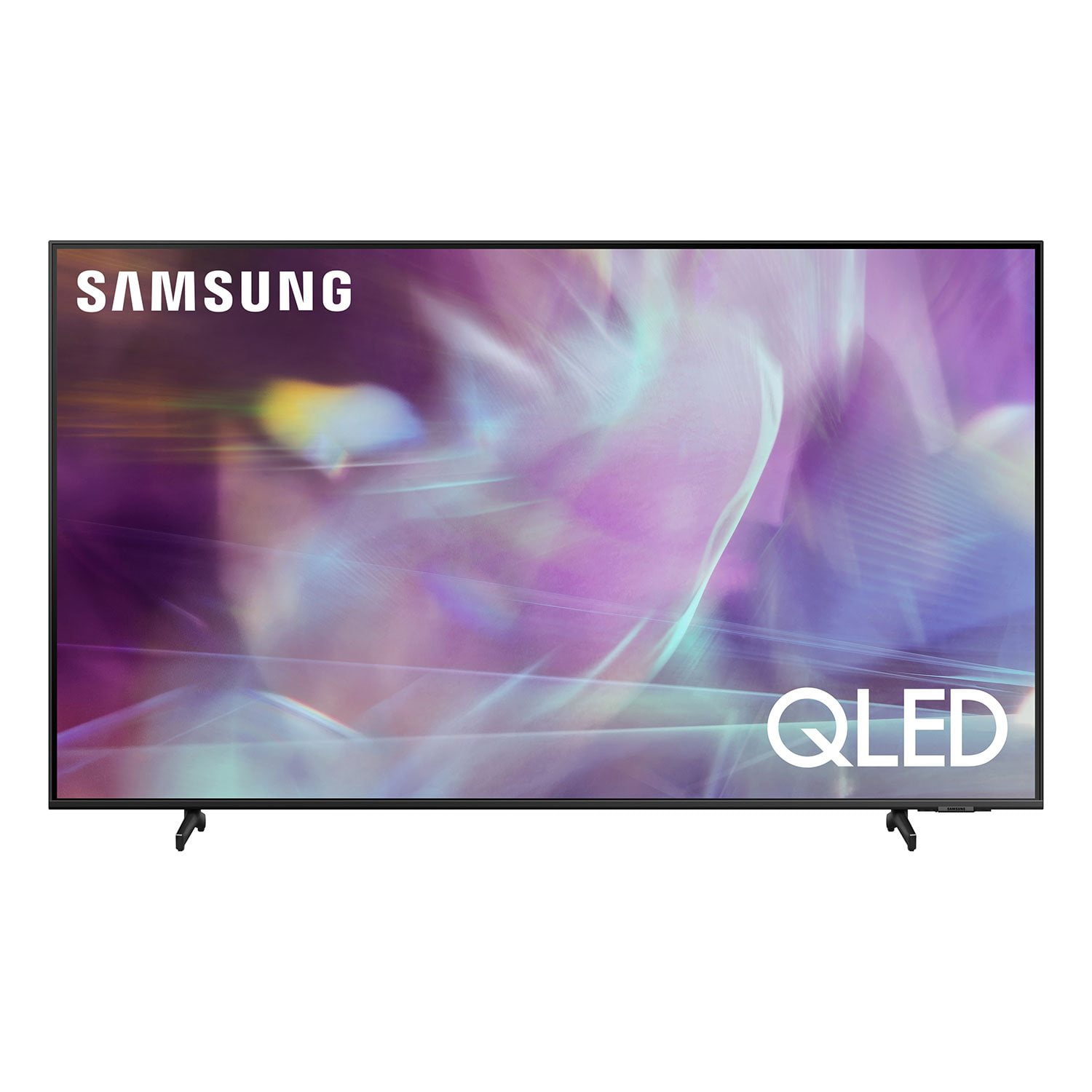
SAMSUNG 75" Class Q6-Series 4K Ultra HD Smart QLED TV - QN75Q6DAAFXZA
4.6 out of 5 stars
stars
1,998 ratings1,898 reviews
  1. 5 stars74% (1,480)
  2. 4 stars17% (337)
  3. 3 stars4% (77)
  4. 2 stars2% (31)
  5. 1 star4% (73)
Sort by |
Showing 771-780 of 1,898 reviews
Sep 15, 2021
Reviewer name: JCMilll
5 out of 5 stars
5 out of 5 stars review

Great TV for the Price

[This review was collected as part of a promotion.] I got this Samsung Q60A during July 21'. Reading some of the reviews, it was a very mixed opinion on what this was being used for. Personally I use this tv in my bedroom. I have Apple TV 4K, Switch, and PS5 connected. Everything connected well. Make sure to go to each device and make sure all the right settings are selected, it's a little bit more than just the resolution being 4K. The tv itself easy to setup, connected easily, and it was able to pull the login for streaming services from my other Samsung TVs on the account. The remote is really neat, had it for a few months and I've yet to charge it. With the remote being solar, I have led strips around my room so it has the ability to charge from those. Sound could be better, but I mostly use the homepods connected to my Apple TV , I have a matchsing soundbar but once setting it up it was overkill. The standard sound on “amplify” is just fine for most people. Picture quality is great, no complaints there

Review from Samsung US
Helpful?20S51SPKF03T15280651920
Jul 23, 2021
Reviewer name: Tv69
4 out of 5 stars
4 out of 5 stars review

Style over function

[This review was collected as part of a promotion.] The picture looks good, but got a dead pixel within days of getting the tv. The remote layout is not very functional. The os is not intuitive. There is no Home Screen, just the home menu. Tv tends to default to live tv.

Review from Samsung US
Helpful?20S51SPKF03T15280651920
reply from Samsung Brand Ambassador

Hi there, Thank you for choosing Samsung's Q60A TV and for sharing your experience. We appreciate your thoughts on the remote and interface of your new TV. To assist you in various functions and settings on your new TV, you can download the Q60A TV's User Manual, e-Manual, Remote Control Leaflet, and Quick Setup Guide on Samsung's website by clicking "Support" > "Manuals & Software" > "TVs & Home Theater" > "TVs". From there, you can select the Q60A TV under "4K QLED TVs” > “A Model Lineup" and download the guides you would like. The e-Manual is also embedded into the TV itself under Settings > Support > Open e-Manual. Please know that you can choose what your TV does when you turn it on by going to Settings > General > Smart Features 1) When you set Autorun Smart Hub to on, the TV displays the Home Screen automatically when you turn the TV on. 2) If Autorun Last App is set to on, the last used app is automatically run when you turn on the TV. Please know that the Last App Used function may not work with all apps. I hope these tips help. If there is anything we can do to further assist and improve your user experience, please do let us know by contacting Samsung Customer Support at 1-800-SAMSUNG (ask for TVs), available 8AM -12AM EST M-F (9AM – 6PM EST Sat). Or text HELP to 62913. For additional support resources, visit us on the Samsung website and click on the ‘Support’ link in the upper right corner of the homepage for: 1) More ‘Contact Us’ options – LiveChat, Facebook, Twitter, Samsung Community, Samsung Members app 2) Manuals & Software 3) Warranty Info 4) Product Registration: For access to easy warranty support, convenient opt-in to special promos and offers, faster troubleshooting and service, and quick notification of system updates. ~ Samsung Specialist

Oct 9, 2021
Reviewer name: Maddie
4 out of 5 stars
4 out of 5 stars review

This Samsung is excellent

[This review was collected as part of a promotion.] My Samsung is very easy to use and very self explanatory. I can get to what I want without issue or confusion. The remote has features that make finding what my son wants to watch easily. The TV is super quick and we never have issues. Finding all the apps and shows are with one button. Changing sources is quick and easy and the picture is crystal clear. We love it.

Review from Samsung US
Helpful?20S51SPKF03T15280651920
Oct 14, 2021
Reviewer name: QueenRee
4 out of 5 stars
4 out of 5 stars review

Superb features

[This review was collected as part of a promotion.] I use my Samsung TV for leisure streaming, movies, and sports primarily. The product was very easy to install and set up. The picture quality fails to disappointment, as with most Samsung televisions. There are two reasons why I didn't give a 5-star rating: 1) the sound quality isn't the best; however this can be combated with a sound bar and 2) the remote is a bit too simple and doesn't allow for you to enter the number for a tv station. Otherwise, phenomenal product.

Review from Samsung US
Helpful?20S51SPKF03T15280651920
reply from Samsung Brand Ambassador

QueenRee, Thank you for choosing Samsung's Q60A TV and for sharing your thoughts on the remote and sound quality. There are several sound settings you can adjust to suit your personal sound preferences. Change the Sound Mode by going to: Settings > Sound > Sound Mode You can also customize the sound with Expert Settings by going to: Settings > Sound > Expert Settings To further assist you in learning the various functions and settings of your new Solar Cell remote, you can download the Solar Cell Remote Guide directly from Samsung’s website under ‘Support’ (top right corner) > Manuals & Software > TVs & Home Theater. From there, you can select the Q60A under QLED 4K TVs > A Model Lineup. Additionally, you can find other guides and manuals to further assist you with your TV’s features. I hope these tips help! If you need additional assistance or have any questions regarding functions, operation, or settings please contact Samsung Customer Support at 1-800-SAMSUNG (ask for TVs), available 8AM - 12AM EST, 7 days a week. For additional support resources, visit us on the Samsung website and click on the ‘Support’ link in the upper right corner of the homepage for: 1) Contact Us: For additional Chat & Text options, choose ‘TVs & Home Theater’ and select your model & topic. 2) Manuals & Software 3) Warranty Info 4) Register a Product: For access to easy warranty support, convenient opt-in to special promos and offers, faster troubleshooting and service, and quick notification of system updates. ~ Samsung Specialist

Apr 24, 2021
Reviewer name: Jerry
4 out of 5 stars
4 out of 5 stars review

Not perfect

[This review was collected as part of a promotion.] Tv used only for viewing. Picture quality excellent. Multiple problems with original remote. Just received a new one and it seems to be better. Not able to use dual picture function due to not owning a galaxy phone. Bummed out!

Review from Samsung US
Helpful?20S51SPKF03T15280651920
Jun 29, 2021
Reviewer name: Boker
5 out of 5 stars
5 out of 5 stars review

Powerful flexible but easy setup.

[This review was collected as part of a promotion.] Very flexible. I'm hooked up to a sound bar and sub woofer for theater sound. Also have a PC connected to HDMI 3 so I can zoom and connect with ease to the internet. I even have my iTunes remotely connected. And the remote from my cable box controls it all. Picture quality is wonderful. I'm a happy customer.

Review from Samsung US
Helpful?20S51SPKF03T15280651920
Jun 29, 2021
Reviewer name: KiKiR
5 out of 5 stars
5 out of 5 stars review

Great TV

[This review was collected as part of a promotion.] Great for gaming (game mode feature enhances the experience even more), really good size (several people have commented that it looks larger than a 50”), and lots of added features I'm still discovering a month later. My only complaint is that linking the universal remote to your gaming consoles results in them turning on every single time you turn on your TV. Wish there was a way to get rid of that while keeping the ability to use the remote to navigate on the console.

Review from Samsung US
Helpful?20S51SPKF03T15280651920
Jul 23, 2021
Reviewer name: Sheron
5 out of 5 stars
5 out of 5 stars review

Vivid intense color

[This review was collected as part of a promotion.] We are enjoying the ultra-intense 4K vivid color and sharpened clarity. It combined Quantum Dot Technology with the power of 100% Color Volume to deliver a billion of shades for colorful, razor-sharp visuals. Plus, with the rechargeable SolarCell Remote I have been able to access and control Smart TV and my connected devices.

Review from Samsung US
Helpful?20S51SPKF03T15280651920
Sep 27, 2021
Reviewer name: EderGaVa
5 out of 5 stars
5 out of 5 stars review

Fantastic Tv

[This review was collected as part of a promotion.] The color and picture quality are excellent, and so is the sound quality. The remote is fantastic, very easy to use. It is perfect for watching movies and games due to its excellent image and sound quality. In general it is an excellent option.

Review from Samsung US
Helpful?20S51SPKF03T15280651920
Oct 5, 2021
Reviewer name: Atb25
5 out of 5 stars
5 out of 5 stars review

Color me impressed!

[This review was collected as part of a promotion.] After spending the past four years with a TCL ROKU TV, this totally blows me away. From the mesmerizing screen, perfect color calibration to the perfectly tuned sound, social distancing has never been more enjoyable. First Samsung TV, but will not be my last.

Review from Samsung US
Helpful?20S51SPKF03T15280651920