Skip to Main Content
Sam's Club
Sam's Club
All Departments
All Services
Member ratings & reviews for
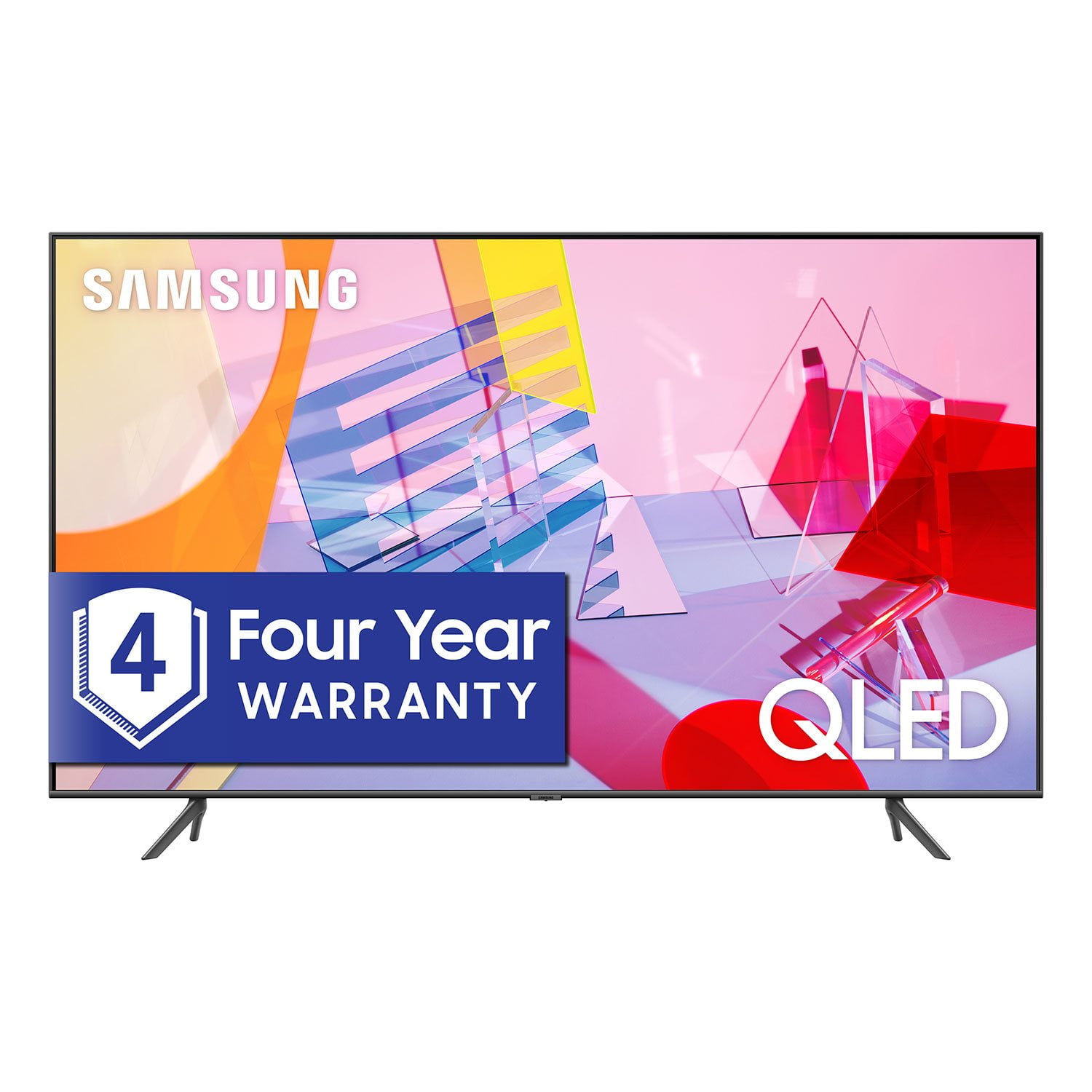
SAMSUNG 55" Class Q6DT-Series 4K Ultra HD QLED Smart TV - QN55Q6DTAFXZA (2020 Model)
4.7 out of 5 stars
stars
2,111 ratings2,037 reviews
  1. 5 stars78% (1,656)
  2. 4 stars15% (321)
  3. 3 stars3% (56)
  4. 2 stars1% (22)
  5. 1 star3% (56)

Member photos

  • +13 images
Sort by |
Showing 441-450 of 2,037 reviews
Oct 6, 2020
Reviewer name: Timothy
5 out of 5 stars
5 out of 5 stars review

What a phenomenal tv the Samsung 65” tv is.

[This review was collected as part of a promotion.] I had a 55” Sharp smart tv which myself, family, and friends thought it was the best in the world especially with the extra yellow color . But now with my Samsung 65 “ the difference in quality as to smarts, color, volume quality, and etc is beyond human comprehension. I also cannot believe the all the special functions this Samsung 65” tv has.

Review from Samsung US
Helpful?2NS8KJIS3KAL15252270711
Oct 19, 2020
Reviewer name: FfromSanDiego
4 out of 5 stars
4 out of 5 stars review

First smart TV

[This review was collected as part of a promotion.] Last time I bought a TV was around 2007, so a lot had changed in the TV world when that TV finally needed to be replaced a few months ago. I wanted a TV by a brand I trusted, and literally replaced the last TV in price and size. I found that in the Samsung Q60T. It was easy to set up and connect my satellite service and a few streaming services that I previously only watched on either a desktop, laptop, or tablet. I own/use several Samsung personal devices (smartphone, smart watch, wireless buds), so I was already familiar with features like Bixby on the TV. But one of the other considerations I took was the fact that I could use my fitness app, Samsung Health on my smart TV. Otherwise, I love the picture and sound quality of my Q60T. I'm very satisfied with my purchase. Thank you for an awesome TV, Samsung!

Review from Samsung US
Helpful?2NS8KJIS3KAL15252270711
Sep 7, 2021
Reviewer name: Wizard5635
5 out of 5 stars
5 out of 5 stars review

This is a nice TV

[This review was collected as part of a promotion.] This TV has nice features. Speakers are okay. I love the Google Assistant. I also like Samsung TV. TV has auto update which is nice. And I like the fact you can turn off the advertising/ tracking. The pictures nice.

Review from Samsung US
Helpful?2NS8KJIS3KAL15252270711
Oct 6, 2020
Reviewer name: SatisfiedCustomer2020
4 out of 5 stars
4 out of 5 stars review

Love my new flat screen

[This review was collected as part of a promotion.] Great looking product. Easy to navigate, relatively easy install.TV audio not "the best"...often sounds muffled. Have found it necessary to use captions in many instances. May have to consider a soundbar which is why I didn't rate at 5*.

Review from Samsung US
Helpful?2NS8KJIS3KAL15252270711
Nov 11, 2020
Reviewer name: Tiadawn
5 out of 5 stars
5 out of 5 stars review

Great TV

[This review was collected as part of a promotion.] Bought it for a guest bedroom. A lot of features, quality, and picture for the price. Very impressed with Samsung products. Also, have a 75Q70 in the living room driving an 80 soundbar. Unbelievable picture and sound!

Review from Samsung US
Helpful?2NS8KJIS3KAL15252270711
Nov 10, 2020
Reviewer name: Sand
5 out of 5 stars
5 out of 5 stars review

Excellent tv for the price.

[This review was collected as part of a promotion.] Tv was easy to set up and install. The easy install made every thing simple and fast. The included streaming options were plentiful and it was essay to add additional apps. We are very pleased with the picture and the sound is adquate for most use.

Review from Samsung US
Helpful?2NS8KJIS3KAL15252270711
Oct 22, 2020
Reviewer name: Angie
4 out of 5 stars
4 out of 5 stars review

I love my Samsung TV!

[This review was collected as part of a promotion.] I love the screen and the colors are so bright and clear, and I can't say enough about the Samsung TV app included for free viewing of movies and shows! I love the talking remote for ease of finding channels and shows. It's a great TV for the price!

Review from Samsung US
Helpful?2NS8KJIS3KAL15252270711
Oct 30, 2020
Reviewer name: Eurodan
5 out of 5 stars
5 out of 5 stars review

Seemless integration between my devices.

[This review was collected as part of a promotion.] I own a Samsung note 20 ultra and have google smart devices. This TV seamlessly connects with all of it! I can ask Google for an app and it plays. I can set up commands and it just works. GREAT job samsung!

Review from Samsung US
Helpful?2NS8KJIS3KAL15252270711
Sep 16, 2020
Reviewer name: CGLG
4 out of 5 stars
4 out of 5 stars review

The screen is entirely filled!

[This review was collected as part of a promotion.] Free Samsung tv programming access is nice to have right off the bat. Simple, automatic connection to wifi etc. Takes just a little getting-used-to the home screen contents, such as settings button. Great 4K depth. Good tv speakers. Need to add a sound bar one day.

Review from Samsung US
Helpful?2NS8KJIS3KAL15252270711
Jul 15, 2020
Reviewer name: Dave
3 out of 5 stars
3 out of 5 stars review

The remote features are nice.

the first week was okay but a month in things are processing slower. the action is extremly slow. if it was for this covid scare and it being difficult to return i would hqve returned it. why anyone would sell a tv with a 60 hz refresh rate these day just blows my mind. any fast motion is a blurr.

Review from Samsung US
Helpful?2NS8KJIS3KAL15252270711
reply from OBA

Dave, I am sorry to hear that you are not satisfied with the motion image quality of your Q60T QLED 4K TV. Have you tried Auto Motion Plus? It is a feature designed to eliminate blur and judder on an LED TV, specifically in fast moving images. You can change Auto Motion Plus settings by following these steps: 1) With the TV powered on, press the Home button on the Samsung remote to open the Home screen 2) Then select Settings > Picture > Expert Settings > Picture Clarity Settings 3) Then you will see the following three options: a) Off: Picture Clarity Settings will always be off b) Auto: Picture Clarity Settings will automatically activate and deactivate based on the type of program being watched c) Custom: Allows custom adjustments and settings to be used 4) By selecting the Custom option, you can access these advanced settings: a) Judder Reduction: Use the directional keys on the remote to adjust the Judder setting b) LED Clear Motion: Select to turn on/Off/Auto c) Noise Reduction: Select to turn Auto/Off Should you need further assistance with features or other product usage, please reach out to Samsung Support and an agent will gladly assist you. Simply call us at 1-800-SAMSUNG, available 8AM - 12AM EST (Mon-Sun) Or visit us on the Samsung website and click on the ‘Support’ link in the upper right corner of the homepage for: 1) Contact Us Options (LiveChat, Remote Support, Facebook, Twitter) 2) Product Support 3) Manuals and Downloads 4) Warranty Info 5) Product Registration: Registering your product gives you access to easy warranty support, convenient opt-in to special promos and offers, faster troubleshooting and service, and quick notification of system updates 6) Samsung Community: A great resource for getting help from Samsung moderators and customers and more 7) …and more product, repair, order, and care options -Samsung Ambassador