Skip to Main Content
Sam's Club
Sam's Club
All Departments
All Services
Member ratings & reviews for
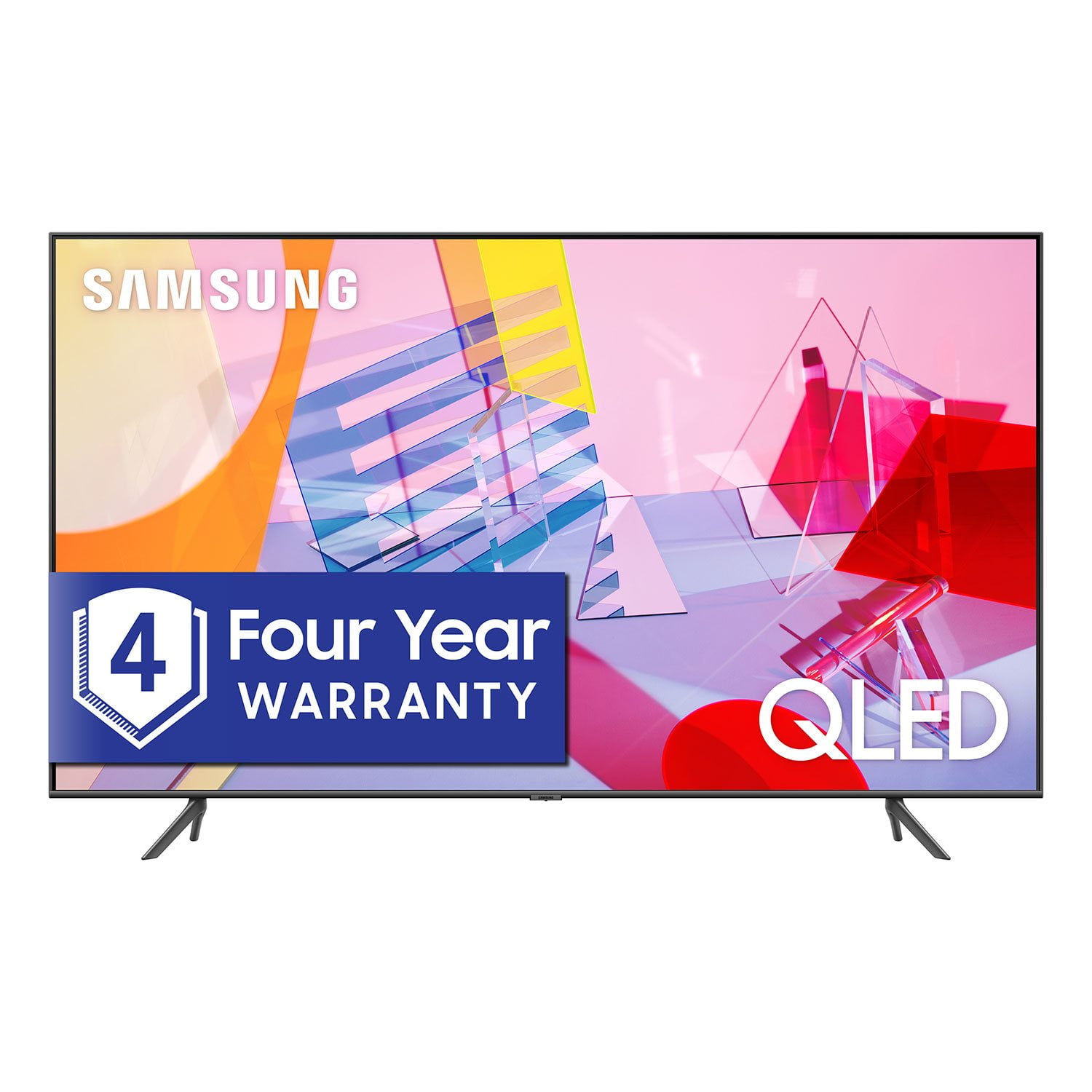
SAMSUNG 55" Class Q6DT-Series 4K Ultra HD QLED Smart TV - QN55Q6DTAFXZA (2020 Model)
4.7 out of 5 stars
stars
2,111 ratings2,037 reviews
  1. 5 stars78% (1,656)
  2. 4 stars15% (321)
  3. 3 stars3% (56)
  4. 2 stars1% (22)
  5. 1 star3% (56)

Member photos

  • +13 images
Sort by |
Showing 191-200 of 2,037 reviews
Sep 15, 2020
Reviewer name: KathyB
5 out of 5 stars
5 out of 5 stars review

Great Picture!

[This review was collected as part of a promotion.] We have been very happy with this product. Sound quality is good, too. I don't care too much for the Samsung TV Plus, haven't found it useful at all. Lots of reality shows. kid shows, but not anything we would like to use. We are senior citizens, have no need for children programming. I would like it better if it had network stations available. Otherwise, we are really happy with it, and would buy it again.

Review from Samsung US
Helpful?2NS8KJIS3KAL15252270711
Jun 28, 2021
Reviewer name: Gameover
4 out of 5 stars
4 out of 5 stars review

Great picture lack of sound

[This review was collected as part of a promotion.] My fiance and I love to game and this tv works wonderful for that. We love the size of the TV from getting a double shot in cod to throwing mushrooms at each other while racing through Mario Brothers the picture quality never changes. The size makes it great for using as a split screen. The sound We wish would be a little better but with a surround sound or sound bar it's not to bad.

Review from Samsung US
Helpful?2NS8KJIS3KAL15252270711
reply from Samsung Brand Ambassador

Hi Gameover, Thank you for choosing Samsung's 82" Q60T TV and for your review. I am happy to hear you are enjoying the image quality of your new TV. Having a Super Big screen to play Call of Duty and Mario sounds like a gamer's dream! We appreciate your feedback regarding your TV's sound quality. There are several sound settings you can adjust to suit your personal sound preferences. Change the Sound Mode by going to: Settings > Sound > Sound Mode You can also customize the sound with Expert Settings by going to: Settings > Sound > Expert Settings Should you ever have questions or need help, please call us at 1-800-SAMSUNG (ask for TVs), available 8AM -12AM EST, 7 days a week. Or text HELP to 62913. For additional support resources, visit us on the Samsung website and click on the ‘Support’ link in the upper right corner of the homepage for: 1) More ‘Contact Us’ options – LiveChat, Facebook, Twitter, Samsung Community, Samsung Members app 2) Manuals & Software 3) Warranty Info 4) Product Registration: For access to easy warranty support, convenient opt-in to special promos and offers, faster troubleshooting and service, and quick notification of system updates. Thank you for choosing Samsung TVs! ~ Samsung Specialist

Jun 29, 2021
Reviewer name: GBCTom
5 out of 5 stars
5 out of 5 stars review

Perfect

[This review was collected as part of a promotion.] My wife and I use the TV for our favorite shows and movies, it's like being in a movie theater, the picture quality is great. Even our old black and white tv shows are so crisp the quality is better than when we watched them when they were released. Our son uses the tv for gaming, he says the picture quality is perfect and the response is fast enough to give him an advantage over other gamers. We don't know a lot about gaming, but since we got this tv our son and his family spend more time with us.

Review from Samsung US
Helpful?2NS8KJIS3KAL15252270711
Jul 3, 2021
Reviewer name: 198069
5 out of 5 stars
5 out of 5 stars review

This product has great features

[This review was collected as part of a promotion.] I use my TV for watching YouTube hbo max Amazon prime easy to navigate and the visual effects are the best by far than any other TV I have owned when I watch a movie our play my video games TV is so vivid and big almost feels like your in the theater

Review from Samsung US
Helpful?2NS8KJIS3KAL15252270711
Sep 25, 2020
Reviewer name: painterofwords
5 out of 5 stars
5 out of 5 stars review

Fabulous Picture Quality

[This review was collected as part of a promotion.] The color and picture quality is amazing. You'll never want to watch those old rerun TV series on anything else. The people and details pop like they're ready to walk out of your set. Even our DVD's look better when played. It's slimness allowed us to get a bigger screen to fit in our cabinet; and because of it's lighter weight, cleaning around and behind is easy. The remote is simple to use. Initially, because this is a 2020 model, we could not get it to sync with our Samsung phone. Shortly afterwards, there must have been a software update; and bingo, syncing accomplished.

Review from Samsung US
Helpful?2NS8KJIS3KAL15252270711
Oct 26, 2020
Reviewer name: RaB2020
4 out of 5 stars
4 out of 5 stars review

Awesome TV - couple basic features missing

[This review was collected as part of a promotion.] The TV is great but there are some basic capabilities off place, for example the Sound Wall needs to be connected to a phone instead of connecting to your music app on the TV (i.e. spotify), the audio feature has limited functionality. I got it recently and still exploring the functions but it's an awesome TV. Quality of screen is amazing

Review from Samsung US
Helpful?2NS8KJIS3KAL15252270711
Oct 8, 2021
Reviewer name: StatBeast
5 out of 5 stars
5 out of 5 stars review

Pleasantly surprising

[This review was collected as part of a promotion.] I bought the 82 inch q60 for gaming and movie watching. Over all the ability of the TV has surprised us. I honestly worried about buying the base model QLED but those worries are gone. The ui is smooth and to the point. No buffering issues while streaming. Gaming is smooth and insane one the 82 inch. Only concern is audio the speakers are as expected for a base model they are lacking in mid range and for obvious reasons bass. If you are an audiophile check out the Samsung Q70t soundbar you will be amazed by its ability and it will allow the QSymphony to kick in that will bring an all new level of audiovisual at a budget price!

Review from Samsung US
Helpful?2NS8KJIS3KAL15252270711
Sep 22, 2021
Reviewer name: Smilln4u
5 out of 5 stars
5 out of 5 stars review

This TV is the best one yet.

[This review was collected as part of a promotion.] This Samsung TV is one of the best TV I've ever had. It's easy to use and has a lot of great features. The pixels of color are outstanding. It makes you feel as if you are there. This TV has so many features. The other one I had was a Samsung Smart TV as well. I love this TV.

Review from Samsung US
Helpful?2NS8KJIS3KAL15252270711
Jul 15, 2020
Reviewer name: Dave
3 out of 5 stars
3 out of 5 stars review

The remote features are nice.

the first week was okay but a month in things are processing slower. the action is extremly slow. if it was for this covid scare and it being difficult to return i would hqve returned it. why anyone would sell a tv with a 60 hz refresh rate these day just blows my mind. any fast motion is a blurr.

Review from Samsung US
Helpful?2NS8KJIS3KAL15252270711
reply from OBA

Dave, I am sorry to hear that you are not satisfied with the motion image quality of your Q60T QLED 4K TV. Have you tried Auto Motion Plus? It is a feature designed to eliminate blur and judder on an LED TV, specifically in fast moving images. You can change Auto Motion Plus settings by following these steps: 1) With the TV powered on, press the Home button on the Samsung remote to open the Home screen 2) Then select Settings > Picture > Expert Settings > Picture Clarity Settings 3) Then you will see the following three options: a) Off: Picture Clarity Settings will always be off b) Auto: Picture Clarity Settings will automatically activate and deactivate based on the type of program being watched c) Custom: Allows custom adjustments and settings to be used 4) By selecting the Custom option, you can access these advanced settings: a) Judder Reduction: Use the directional keys on the remote to adjust the Judder setting b) LED Clear Motion: Select to turn on/Off/Auto c) Noise Reduction: Select to turn Auto/Off Should you need further assistance with features or other product usage, please reach out to Samsung Support and an agent will gladly assist you. Simply call us at 1-800-SAMSUNG, available 8AM - 12AM EST (Mon-Sun) Or visit us on the Samsung website and click on the ‘Support’ link in the upper right corner of the homepage for: 1) Contact Us Options (LiveChat, Remote Support, Facebook, Twitter) 2) Product Support 3) Manuals and Downloads 4) Warranty Info 5) Product Registration: Registering your product gives you access to easy warranty support, convenient opt-in to special promos and offers, faster troubleshooting and service, and quick notification of system updates 6) Samsung Community: A great resource for getting help from Samsung moderators and customers and more 7) …and more product, repair, order, and care options -Samsung Ambassador

Oct 8, 2020
Reviewer name: Erict
4 out of 5 stars
4 out of 5 stars review

Great tv but needs software improvement

[This review was collected as part of a promotion.] My second big tv purchase and both are Samsung. The picture quality is amazing and the setup experience is great. I also love the integration with my Galaxy s10. The software is not as great as my 2017 curved Samsung. It can be very sluggish/laggy. The 2017 model actually performs better. I'm hoping a software update makes it a smoother experience. Overall it's definitely still a great purchase.

Review from Samsung US
Helpful?2NS8KJIS3KAL15252270711