Skip to Main Content
Sam's Club
Sam's Club
All Departments
All Services
Member ratings & reviews for
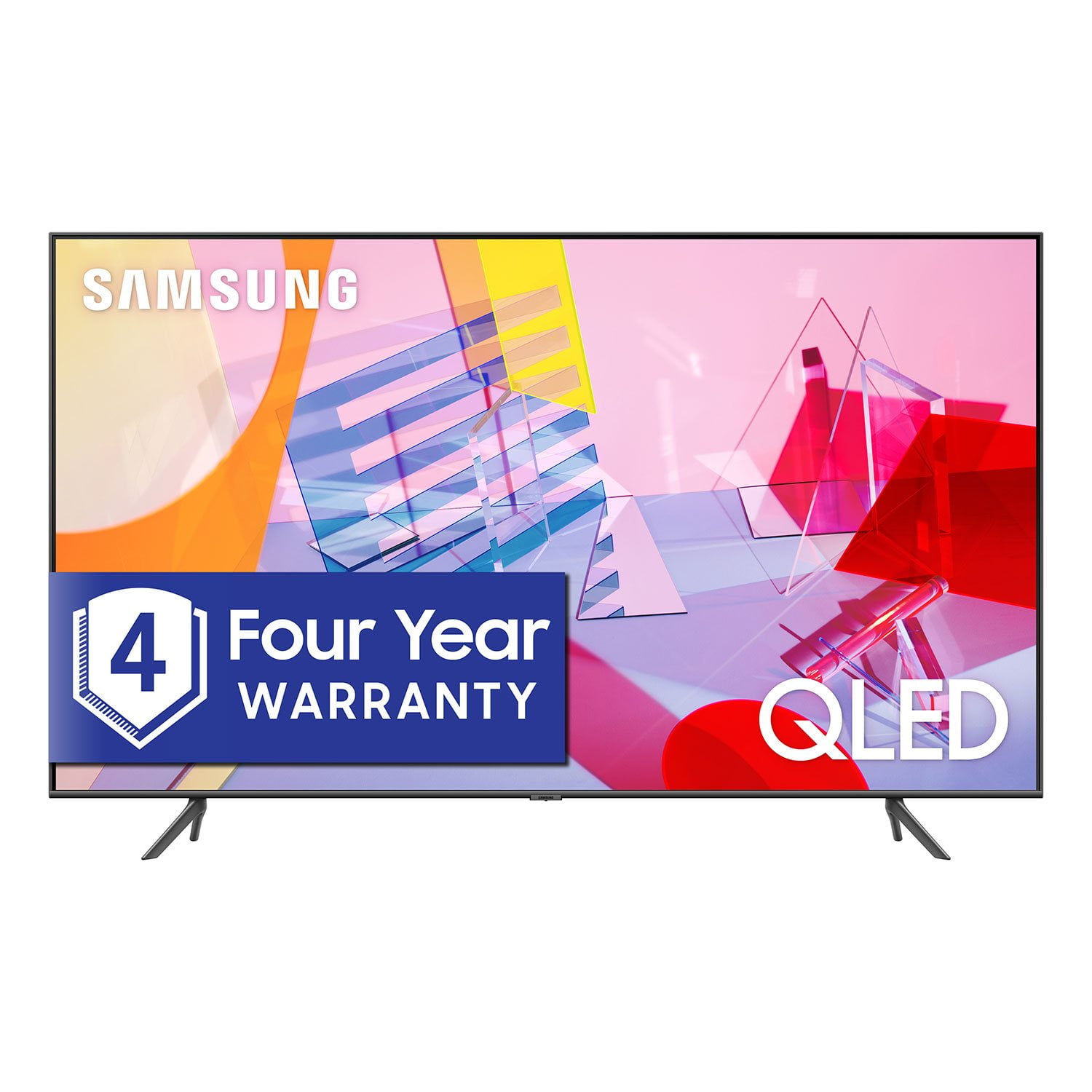
SAMSUNG 55" Class Q6DT-Series 4K Ultra HD QLED Smart TV - QN55Q6DTAFXZA (2020 Model)
4.7 out of 5 stars
stars
2,111 ratings2,037 reviews
  1. 5 stars78% (1,656)
  2. 4 stars15% (321)
  3. 3 stars3% (56)
  4. 2 stars1% (22)
  5. 1 star3% (56)

Member photos

  • +13 images
Sort by |
Showing 1,551-1,560 of 2,037 reviews
Oct 21, 2020
Reviewer name: Rbhoops
5 out of 5 stars
5 out of 5 stars review

Great features and ease of programming

[This review was collected as part of a promotion.] Works great and light weight for easy moving . Picture quality is great

Review from Samsung US
Helpful?2NS8KJIS3KAL15252270711
Sep 16, 2020
Reviewer name: gotmydadone2
5 out of 5 stars
5 out of 5 stars review

So good I bought my dad one

[This review was collected as part of a promotion.] Great tv. I love it, Samsung is my tv brand. Got my dad one hes a samsunger now

Review from Samsung US
Helpful?2NS8KJIS3KAL15252270711
Apr 16, 2021
Reviewer name: Loveit
3 out of 5 stars
3 out of 5 stars review

It graet

[This review was collected as part of a promotion.] when I am playing my games , the sound was great and the color really good .

Review from Samsung US
Helpful?2NS8KJIS3KAL15252270711
reply from Samsung Brand Ambassador

Loveit: Thank you for your review of the 82” Q60T TV. I am glad to hear that your sound and color are great when playing your games. If you are experiencing specific issues which caused you to give this a 3-star rating, please know Samsung Customer Support is here to help. You can reach us at 1-800-SAMSUNG (ask for TVs), available 8AM -12AM EST, 7 days a week. Or text HELP to 62913. For additional support resources, visit us on the Samsung website and click on the ‘Support’ link in the upper right corner of the homepage for: 1) More ‘Contact Us’ options – LiveChat, Facebook, Twitter, Samsung Community, Samsung Members app 2) Manuals & Software 3) Warranty Info 4) Product Registration: For access to easy warranty support, convenient opt-in to special promos and offers, faster troubleshooting and service, and quick notification of system updates. ~ Samsung Solutions

Oct 6, 2020
Reviewer name: MT1363
5 out of 5 stars
5 out of 5 stars review

Easy set up

[This review was collected as part of a promotion.] Very simple set up and the blue tooth intuitively integrates will all my devices

Review from Samsung US
Helpful?2NS8KJIS3KAL15252270711
Nov 19, 2020
Reviewer name: Zealand
5 out of 5 stars
5 out of 5 stars review

Hdr tv

[This review was collected as part of a promotion.] This tv is amazing have had no trouble with it and is so clear

Review from Samsung US
Helpful?2NS8KJIS3KAL15252270711
Apr 18, 2021
Reviewer name: Sally2001
5 out of 5 stars
5 out of 5 stars review

Tv

[This review was collected as part of a promotion.] This is a great TV love the pic quality and also the sound is amazing

Review from Samsung US
Helpful?2NS8KJIS3KAL15252270711
Oct 26, 2020
Reviewer name: 1946
5 out of 5 stars
5 out of 5 stars review

tv

[This review was collected as part of a promotion.] best tv so for 4k super color price apps size chip

Review from Samsung US
Helpful?2NS8KJIS3KAL15252270711
Oct 6, 2020
Reviewer name: Nice
5 out of 5 stars
5 out of 5 stars review

Outstanding Picture Quality

[This review was collected as part of a promotion.] Awesome picture quality and OUTSTANDING resolution.

Review from Samsung US
Helpful?2NS8KJIS3KAL15252270711
May 2, 2021
Reviewer name: Love3
5 out of 5 stars
5 out of 5 stars review

This is the best TV in the world

[This review was collected as part of a promotion.] I use my TV to watch movies tv shows and Play games

Review from Samsung US
Helpful?2NS8KJIS3KAL15252270711
Sep 24, 2021
Reviewer name: Majah
2 out of 5 stars
2 out of 5 stars review

Samsung 85 in QLED TV

[This review was collected as part of a promotion.] The picture quality sucks/blacks/hues do too! Refresh rate sucks !!!

Review from Samsung US
Helpful?2NS8KJIS3KAL15252270711
reply from Samsung Brand Ambassador

Majah, Thank you for sharing your thoughts on the image quality on Samsung's Q60T TV. Please know there are several preset picture modes and many custom settings that can optimize image quality for your viewing scenario. Go to HOME > SETTINGS > PICTURE > PICTURE MODE and choose: 1) Dynamic: Makes the picture brighter and clearer in bright viewing environments. 2) Standard: This is the default mode suitable for general viewing environments. 3) Natural: Reduces eye strain for a comfortable viewing experience. 4) Movie: Suitable for watching TV or movies in a dark room. 5) Filmmaker: Watch the source content (e.g., movie) as it is. Additionally, to make adjustments to your TV's motion, navigate to Settings > Picture > Expert Settings > Picture Clarity Settings The default setting is Auto. This means the feature automatically turns on and off based on the type of program being watched. Change the setting to either Off or Custom. If you select Custom, three additional settings are available for further customization to your viewing preference: Blur, Judder, and LED Clear Motion. LED Clear Motion allows you to configure the LED backlight to sharpen fast-moving images. Select to turn On or Off. I hope these tips help! Should you ever have questions or need help, please call us at 1-800-SAMSUNG (ask for TVs), available 8AM - 12AM EST, 7 days a week. For additional support resources, visit us on the Samsung website and click on the ‘Support’ link in the upper right corner of the homepage for: 1) Contact Us: For additional Chat & Text options, choose ‘TVs & Home Theater’ and select your model & topic. 2) Manuals, Software, & Warranty Info ~ Samsung Specialist