Skip to Main Content
Sam's Club
Sam's Club
All Departments
All Services
Member ratings & reviews for
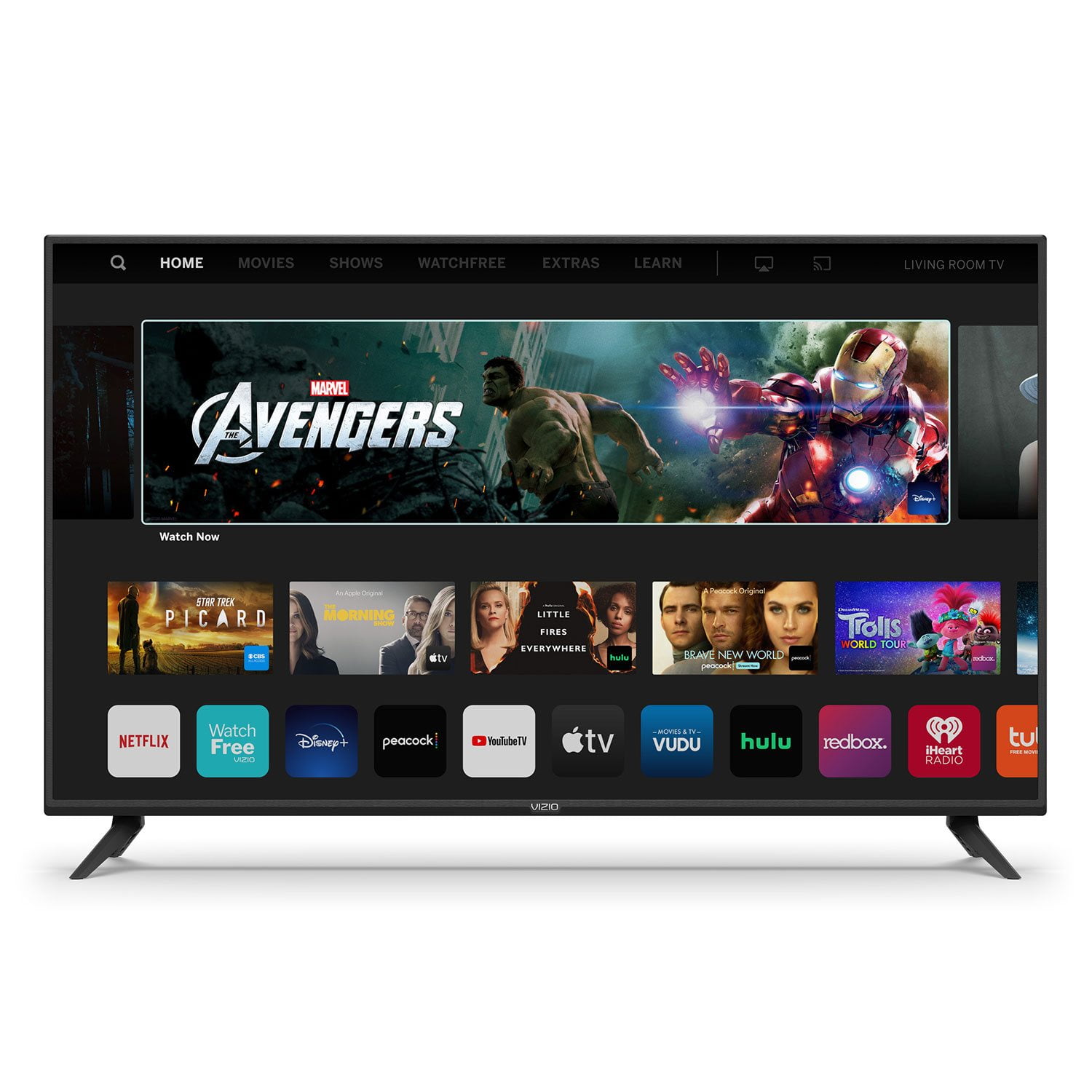
VIZIO 50" Class V-Series 4K HDR Smart TV - V505-H

Member photos

  • +35 images
Sort by |
Showing 1,251-1,260 of 34,164 reviews
Sep 26, 2020
Libby A
1 out of 5 stars review

Won't stay connected to internet

Bought this TV in April 2020. Since then this TV has lost connection to Internet for different times and I have had to have a technician walk me through it to reconnect back to the Internet. My Internet is up and working the TV just goes off-line and it is a big problem getting it back online. I think this is a lemon because of the fact my Vizio in my bedroom does not have this problem. I need a replacement tv.

Review from vizio.com
Helpful?292P25TATFGG15229700618
Jan 5, 2021
AndreaH
5 out of 5 stars review

Fast response time and great picture!

I had a smaller smart TV in my bedroom and I wanted a larger TV, one with Hulu, Netflix, Disney Plus, and Amazon Prime, so I went with this one. I am so glad that I did. I did not realize how slow my other TV was until I got this new one...I no longer have to wait a ridiculous amount of time for something to load. The picture quality is great too, it is not pixelated at all. There is also no issue with the sound quality. Overall I am very happy with this TV!

Review from vizio.com
Helpful?292P25TATFGG15229700618
Feb 2, 2020
2forus
2 out of 5 stars review

great features but...

would give a 5 star.. the power button doesnt always work☹️ have to turn on using the vizio remote , and change the source then after it comes on, we can change to dtv source.the last vizio we had started doing this after about a year.. then finally only stayed on black screen.. sound only worked we thought that must have been a defective one.. so bought another one, but just a few months and here we go again

Review from vizio.com
Helpful?292P25TATFGG15229700618
reply from Customer Service

Hello 2forus, the button on the back of the television should turn the television on without an issue. We’d really love the opportunity to have our tech support team run through some troubleshooting steps to see if we can get the TV up and running for you. When you have a free moment, they’re available through text message, chat, or over the phone. Just go to support.VIZIO.com and click on ‘Contact Us’.

Feb 26, 2021
short bald guy
4 out of 5 stars review

good color and good features

Would like a different layout of remote. I am older and the moving from one feature to another doesn't fit with my mental processes... Previous Samsung was easier(it had less features) Process for finding/loading local antenna stations is extremely slow based 10 plus minutes. Much much slower than previous tv Currently looking at how to set time after a power outage. Have set zone set auto, auto daylight savings, auto whatever made since. Then went to manual 12 hour based system.

Review from vizio.com
Helpful?292P25TATFGG15229700618
Feb 12, 2021
Propaplace
4 out of 5 stars review

My Review for VIZIO V-Series® 50" Class 4K HDR TV

We bought this from the US Navy Exchange based upon the display unit and the statements of the clerk. The disappointment came when we set it up at home and found that the sound quality was far less than desirable than our older Samsung TV. Although the video and features were quite acceptable, the sound was rather “tiny” and lacked a fullness and richness. To achieve that, we had to rely on a outside speaker. Had I known this in advance, I wouldn't have purchased this product. I wanted and expected a higher quality sound, not something from the 1950's or 1960's.

Review from vizio.com
Helpful?292P25TATFGG15229700618
Feb 18, 2020
Ryan T
5 out of 5 stars review

Does what i Wanted it to do.

Works great for what i use it for . Just a Bedroom tv i occasionally use. I dont have some deep technical review. I think it looks better that my 55" 6500 series Samsung. But theres Better versions that the V series so if your expecting the Cadillac dont buy the Honda Civic and complain about it. Only issue with it i have is i could not find the app to support Sling TV. Maybe i missed it or they added it since i last checked but that was inconvenient.

Review from vizio.com
Helpful?292P25TATFGG15229700618
Jun 8, 2021
MannyRG
5 out of 5 stars review

Amazing!

My first upgraded tv, I was still using my 1080I HD, 32inch tv, and I'm so glad the price range for 4K has gotten so much better that I was able to get this fantastic television. So many features, so many apps and they even have there own small free tv with Pluto Tv channels which I enjoy for the horror flicks and action movies. You can also turn on and off the USB port so that it's not just on waisting power, and parental controles can be applied to the ports of the HDMI to make sure nothing is connected or usable if you have already restricted the tv from the kids for bad grades or whatever the issue. Tons of features and it's at a great price!

Review from vizio.com
Helpful?292P25TATFGG15229700618
Dec 7, 2020
TosaKid13
4 out of 5 stars review

Solid 4K TV

I bought this TV a few weeks ago after reading extensive online reviews and ratings. The picture is crisp, and the sound quality is good from the built-in speakers. Solid entry level 4K TV for a price that is hard to beat. The only reason I am not rating the TV 5 stars is due to the lack of built in apps as I had to purchase a separate streaming stick for Sling TV and HBO, however, the WatchFree service is a nice touch.

Review from vizio.com
Helpful?292P25TATFGG15229700618
Jun 23, 2020
Bugka27
4 out of 5 stars review

Only one downfall

I recently purchased this TV bc of the HDR capability, the crisp picture, and watchfree. It has really good picture quality, and I love the watch free. The HDR capability is disappointing. On the specs online, it states that it is 4 k supporting and HDR capable. Going into my ps4 settings, it states that the tv does not support HDR. This is disappointing, but not a deal breaker. This TV is honestly the best bang for your buck. I would recommend the v-series vizio, to anyone.

Review from vizio.com
Helpful?292P25TATFGG15229700618
Jan 18, 2021
AMB10180
2 out of 5 stars review

Disappointed

I bought this TV a couple weeks ago just before Discovery+ channel was released. Much to my disappointment I found I cannot add other apps or channels to what is already preset on this TV. My Hulu now thinks it is in a central time zone and no matter what I have tried I cannot correct it. This is apparently a known issue as I visited the help section and many people have this same problem. Tried the reset tricks suggested but it still didn't work. I thought perhaps casting from my phone to the TV would work but after doing that for a few days the volume buttons on the remote no longer controlled the volume. I would push the button and 2 minutes later (I timed it) the volume would appear on the screen and change. I had to do a factory reset just to go back to using the basic remote functions. I have just decided to when I want to watch Hulu or Discovery+ I have to go to my bedroom away from my family or drag them in there with me and not use my brand new 65 inch TV.

Review from vizio.com
Helpful?292P25TATFGG15229700618
reply from Customer Care

Hello AMB10180, sorry to hear you are not having a smooth experience. I would love the opportunity to have our technical support team learn more about the issues you are experiencing. When you have a free moment, they’re available through text message, chat, or over the phone. Just go to support.VIZIO.com and click on ‘Contact Us’.