Skip to Main Content
Sam's Club
Sam's Club
All Departments
All Services
Customer reviews for SAMSUNG 65” Class DU6900D Series 4K UHD Smart TV for
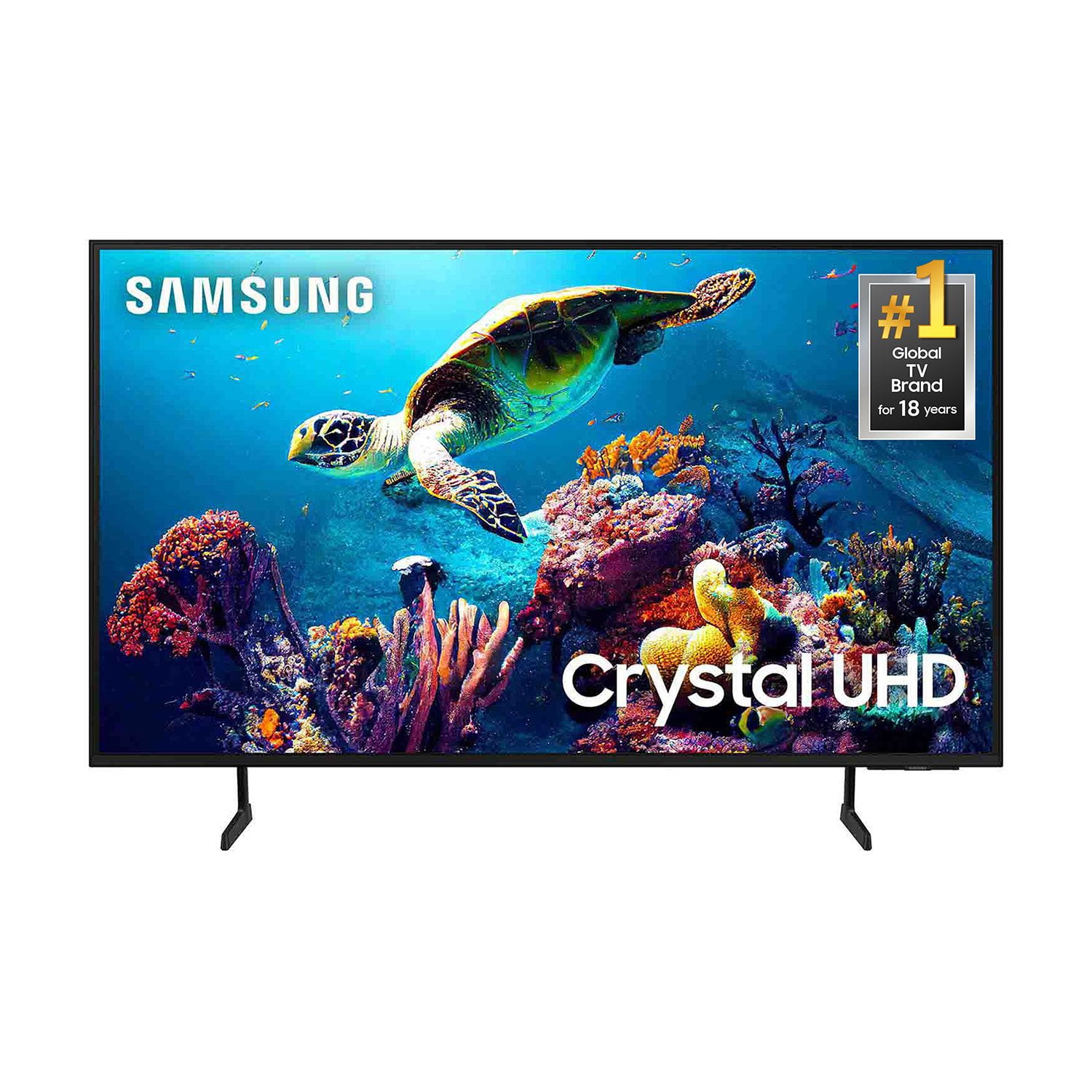
SAMSUNG 65” Class DU6900D Series 4K UHD Smart TV
4.4 out of 5 stars
stars
2,261 ratings2,195 reviews
  1. 5 stars69% (1,554)
  2. 4 stars16% (363)
  3. 3 stars7% (153)
  4. 2 stars3% (78)
  5. 1 star5% (113)

Member photos

  • +559 images
Sort by |
Showing 751-760 of 2,195 reviews
Dec 28, 2024
Reviewer name: Fasteddie
5 out of 5 stars
5 out of 5 stars review

My New Samsung

[This review was collected as part of a promotion.] I was talking with my son about getting a new TV because are other one had quit. She said he has had a Samsung for 12 years and it still works great. So we got a new 65” Samsung. We had it a month or two and love it. Great picture and sounds. Would definitely recommend anyone to purchase one the next time you need a TV.

Review from Samsung US
Helpful?3ZT00GJD0QQ915202201960
Dec 26, 2024
Reviewer name: pej7445
3 out of 5 stars
3 out of 5 stars review

Just OK - Not enough connectivity options.
[This review was collected as part of a promotion.] The price and size are the big benefits to this tv. Sadly, after throwing away the box, I discovered that there is no optical audio output on it, so I cannot connect my soundbar to it. So now I have to tolerate the lousy tv speakers, or buy a new soundbar that takes HDMI. The home screen is also annoying, It keeps defaulting to Samsung TV and auto-playing. Hate that. I would return it if I could, but I threw away the box too quickly.

Review from Samsung US
Helpful?3ZT00GJD0QQ915202201960
reply from Samsung Brand Ambassador

pej7445, Thank you for choosing the Samsung DU6900 TV and for taking the time to provide us with detailed feedback on your experience. Your opinion is important to us and will be shared with our internal product teams. The DU6900 TV offers 2 HDMI ports and is Bluetooth and Wi-Fi capable, allowing a seamless connection across multiple devices at a time. If your external device requires an Optical port, we recommend utilizing an HDMI to Optical Converter. These can be found at your local electronics store. Please also keep in mind that an Optical port can be found on our DU8000F Series and above. If you have any questions or would like any support with your audio experience or choosing a Samsung Soundbar to complement your viewing enjoyment, please reach out to us at 1-800-SAMSUNG, 8 AM - 12 AM EST, seven days a week. Our LiveChat agents are also available by clicking on the ‘Support’ link on our website. ~ Samsung Pro

Dec 27, 2024
Reviewer name: Eileen
5 out of 5 stars
5 out of 5 stars review

Best Christmas Gift!!
[This review was collected as part of a promotion.] Love my new Samsung DU6900 Crystal UHD tv! It’s got Live TV and pictures perfect!! Sound systems amazing, feels like at the movies! 65 inches perfect for my bedroom! I Everyday, i m excited to come home and watch my favorite shows on my new Samsung TV!! Best Christmas gift!

Review from Samsung US
Helpful?3ZT00GJD0QQ915202201960
Feb 5, 2025
Reviewer name: Sy H
3 out of 5 stars
3 out of 5 stars review

Best picture ever.

The TV picture is absolutely beautiful! The remote control is something else. There are no instructions on it's functions. Can't find instructions on the internet without downloading some obscure downloader onto your computer. There are no owner's manuals that come with the TV. You're on your own. I have to ask neighbors for help and they are confused. Put books in the box when you sell a TV. Other than that, The TV is picture perfect if you can figure out how to use it. Much better than my Vizio.

Review from Samsung US
Helpful?3ZT00GJD0QQ915202201960
reply from Samsung Brand Ambassador

Sy H, You can learn how to use the Samsung Smart Remote right from your TV! Just go to Home> (left directional button) Settings> Support> Remote Control Guide. Find details on how to use the Samsung Smart Remote. Press the menu to use a variety of functions of the Samsung Smart Remote. To download the manual and quick start guide, please follow this link: https://www.samsung.com/us/support/downloads/?model=N0060577&modelCode=UN55DU6900FXZA or by going to our website and clicking Support. If you need more help, Samsung is here for you. Please call us at 1-800-SAMSUNG, 8 AM - 12 AM EST, seven days a week. Our LiveChat agents are also available by clicking on the ‘Support’ link on our website. ~Samsung Pro

Mar 20, 2025
Reviewer name: TMO44TV
5 out of 5 stars
5 out of 5 stars review

TV is absolutely wonderful

[This review was collected as part of a promotion.] This television has the easiest setup. I was able to put it together with my wife. The hook up to wifi was seamless. The picture is beautiful I like to watch nature shows the picture is stunning. I especially like watching deep sea fishing programs the picture marvels real life sound quality is also quite extraordinary. My wife loves to watch movies all our streaming and movie channels have astounding color and sound because this television is made to such a high standard and has been painstakingly engineered to be the only television brand I will have in my home. Great job Samsung great job!! When you shop for a television and have to spend hard earned money I look for best bang for the Bucks!! Again great job Samsung all the right stuff!!! The television is such that it actually adds to the rooms decor very sleek while off but boy when you turn it on the room comes alive and it's because this beautiful tv has remarkable picture and sound! Again Thank you Samsung for this wonderfully engineered television I am an extremely happy customer and plan to be a customer for the foreseeable future.

Review from Samsung US
Helpful?3ZT00GJD0QQ915202201960
Mar 17, 2025
Reviewer name: Leeuts50
2 out of 5 stars
2 out of 5 stars review

Very disappointing

I just got this TV in February.I have been very disappointed with my TV. I’ve had a Samsung TV forever and the picture has always been perfect and the sound was fabulous. This TV; The picture always seems dark and the sound is horrible. I bought the sound bar when I bought the TV.

Review from Samsung US
Helpful?3ZT00GJD0QQ915202201960
reply from Samsung Brand Ambassador

Leeuts50, We appreciate you sharing your experience with the DU6900 TV. Your feedback regarding image quality is essential to us and will be shared with our internal teams. Please try adjusting the below image settings to improve your picture. Go to Home > Settings > All Settings > Picture > Picture Mode and select the mode that best fits your usage: 1) Standard: Default mode suitable for general viewing environments. 2) Natural: Reduces eye strain for a comfortable viewing experience. 3) Movie: Most suitable for watching TV or movies in a dark room. 4) Dynamic: Makes the picture brighter and clearer in bright viewing environments. 5) Filmmaker Mode: You can watch the source content (e.g., movie) as it is. If the image is defined as Filmmaker Mode, it will automatically switch to Filmmaker Mode while watching. You can also go to Settings > All Settings> Picture > Expert Settings > to manually fine-tune your image. For sound adjustments, go to Settings> All Settings> Sound. If you need further assistance, we would be happy to help! Please feel free to contact Samsung Support at 1-800-SAMSUNG, available from 8 AM to 12 AM EST, seven days a week. You can also chat with us on Samsung.com for immediate assistance. ~Samsung Pro

Mar 20, 2025
Reviewer name: AyeYoLavish
5 out of 5 stars
5 out of 5 stars review

Awesome and affordable
[This review was collected as part of a promotion.] What can I say but bravo Samsung has really out done themselves with this t.v from the picture quality to the cloud game apps it all makes you feel like they spared no expense on comfort and utilities thanks again for this experience

Review from Samsung US
Helpful?3ZT00GJD0QQ915202201960
Feb 6, 2025
Reviewer name: JLS46
3 out of 5 stars
3 out of 5 stars review

Excellent - most of the time

While the picture and sound are excellent, there appear to be recurring software issues. One day everything is fine, the next the system does not understand voice commands and fails to connect to the internet. I have four other TVs in my home (two of them Samsung) and there are no issues.

Review from Samsung US
Helpful?3ZT00GJD0QQ915202201960
reply from Samsung Brand Ambassador

JLS46, We appreciate your feedback on the Samsung DU6900 TV. I'm sorry to hear you are experiencing issues with your Wi-Fi disconnecting from the TV. First, let's ensure you are running the latest Firmware. Go to Settings> Support> Software Update. I recommend enabling auto-updates to ensure you do not miss any Firmware Updates. Go to Settings> Support> Software Update> then select Auto Update. Next, let's try running a cold boot on your TV. To do so, hold down the Power button on the Samsung TV remote until the TV turns off and then on again. This should take about 5 seconds. I hope these tips help resolve your concerns. If you need further assistance, we would be happy to help! Please feel free to contact Samsung Support at 1-800-SAMSUNG, available from 8 AM to 12 AM EST, seven days a week. You can also chat with us on Samsung.com for immediate assistance. ~Samsung Pro

Feb 5, 2025
Reviewer name: streamergirl
4 out of 5 stars
4 out of 5 stars review

Beautiful picture, easy streaming access.

I am enjoying the new television very much; the picture is beautiful and access to streaming is easier than ever. However, I had a great deal of difficulty getting the device to pair with my Bose sound system. I finally had to purchase cables and a Blue Tooth to get the TV to pair with it. And every time I turn the TV on, I have to wait for the pop-up to ask me if I want to use the Bose. That's annoying. Maybe I need to ask a teenager to look at the "pairing" issue for me.

Review from Samsung US
Helpful?3ZT00GJD0QQ915202201960
Mar 16, 2025
Reviewer name: steveh3
4 out of 5 stars
4 out of 5 stars review

Good value

This is a nice TV for the price. I will note that this was an exact replacement when I moved into a new home. This TV is obviously large and when I was attempting to hang the original on the wall, I apparently pressed the screen with my thumb near the top center. When I turned on the TV, the screen was broken so beware of how it is handled. To be fair, the new TV instructions did warn the buyer not to press on the screen - this was a home move, and I didn't have the original instructions. The picture is excellent and the remote is easy enough to use. This TV features HDMI(Arc) but I wish it had an optical input to pair with surround sound system or other inputs.

Review from Samsung US
Helpful?3ZT00GJD0QQ915202201960