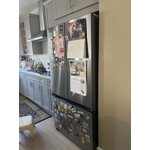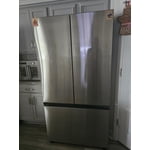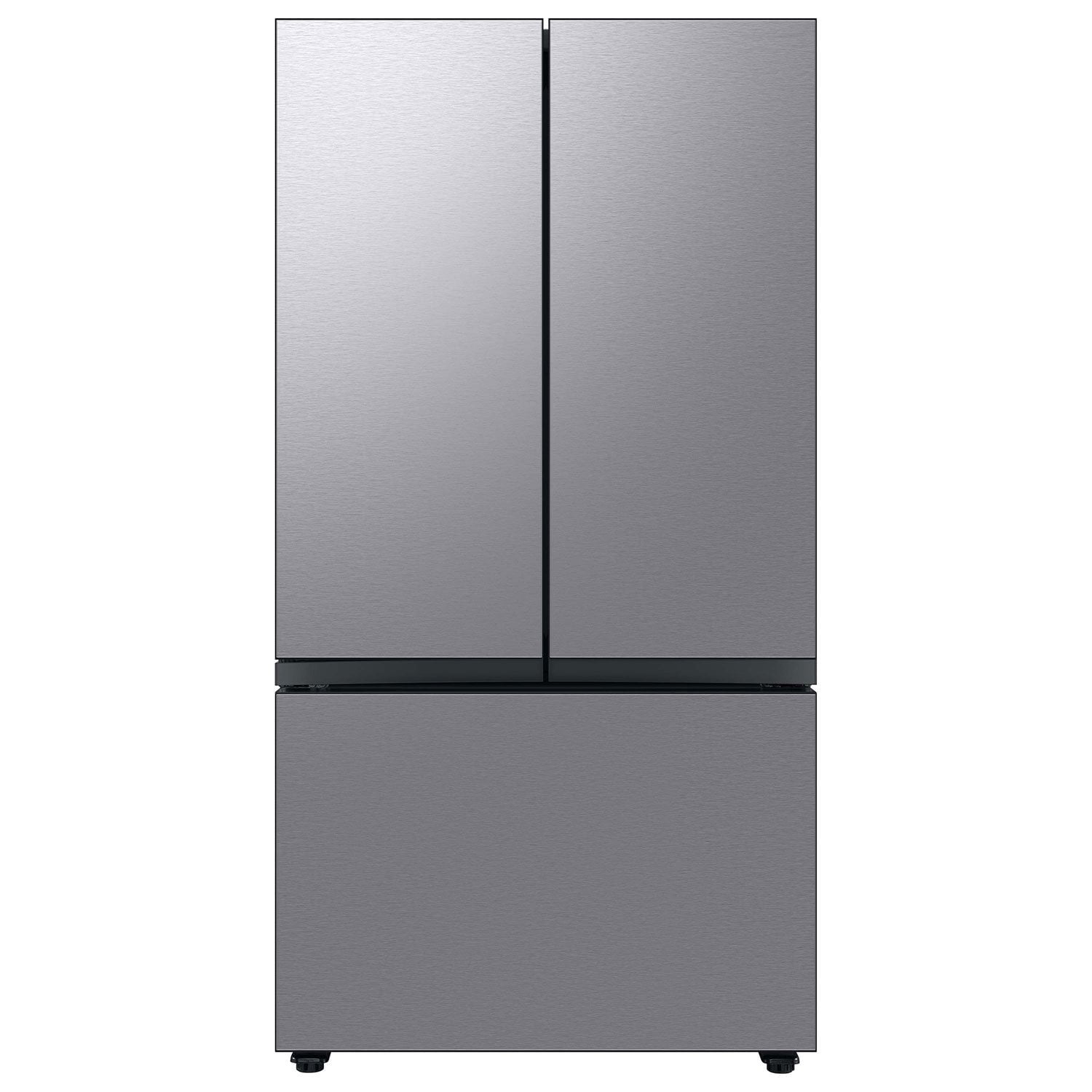
reply from Samsung Care
Hello,
We understand that dealing with a refrigerator that stops cooling and leaks can be disappointing. We're here to help.
Here is a link to help when water leaks from the bottom of the refrigerator. The resource contains another link about leveling the refrigerator.
Leaks under the drawers, under the fridge, or other areas:
https://www.samsung.com/us/support/troubleshoot/TSG10003766/#leaks-under-the-drawers-under-the-fridge-or-other-areas
We have also provided below the recommended actions when the refrigerator stops cooling. We suggest checking the attached troubleshooting links on each step for other helpful tips.
1. Make sure the refrigerator has power.
Unless the refrigerator is in Sabbath mode, the lights should come on when you open the door, and the panel should have at least some of its lights lit (although they may not come on until you touch the panel or open the door).
If you believe there is a power issue with your fridge, please see our guide for troubleshooting steps.
Use Sabbath mode on your refrigerator or oven:
https://www.samsung.com/us/support/answer/ANS00062340/
Samsung refrigerator has no power:
https://www.samsung.com/us/support/troubleshoot/TSG10003903/
2. Check for Cooling Off Mode.
If the display shows OF OF, O FF, OFF OFF, or scrolling temperature bars, the refrigerator is in Cooling Off Mode, sometimes called Demo mode or Shop mode. The unit will not cool in this mode, and turning off this mode will make the refrigerator cool again.
The steps for disabling Cooling Off Mode will vary depending on what type of panel you have.
Cooling Off mode (Demo mode) on your Samsung refrigerator:
https://www.samsung.com/us/support/answer/ANS00048861/
3. Make sure the doors are closed and the seals are working.
To see if the doors are sealing, put a piece of paper halfway in the door and then close the door on it. If you feel slight resistance when you pull it out, the seal is still working.
If the paper slips out easily, clean the seal with dish soap and a damp cloth. If the paper test fails, please visit our Support Center to request service.
Note: New refrigerators not level left to right may fail the paper test because the doors are not aligned properly. See our guide for leveling the refrigerator.
How to level your Samsung refrigerator:
https://www.samsung.com/us/support/answer/ANS00062321/
4. Power cycle the refrigerator and wait 3 hours.
Unplug the refrigerator or turn off the power at the circuit breaker, wait two minutes, and then restore power. In most cases, three hours should be enough time to detect that the temperature has gone down. If you enable Power Cool, you can cut that down to two hours.
After power cycling, verify the temperatures and other settings are configured as desired.
What temperature should I set my Samsung refrigerator to?:
https://www.samsung.com/us/support/answer/ANS10001622/
5. Request service.
If the issue continues after two hours, please visit our Support Center to request service.
You may also check page 64 of the user manual for other troubleshooting steps when the refrigerator temperature is warm.
https://downloadcenter.samsung.com/content/UM/202504/20250411101254782/FDR_RF8000B_DA68-04402K_EN_MES_CFR_250403.pdf
Should you need further assistance, please feel free to get back to us via the following options below:
1. Facebook Messenger: http://m.me/samsungsupport
2. Twitter: https://twitter.com/messages/compose?recipient_id=18768513
3. Samsung Community: https://us.commuity.samsung.com/t5/Samsung-Community/ct-p/us
Please provide us with this reference number (1149056505) to help our team pull up your information when you message us.
Thank you.
-Angelica