Skip to Main Content
Sams Club
Sams Club
Customer reviews for SAMSUNG 85" Class CU7000-Series Crystal UHD 4K Smart TV with HDR - UN85CU7000DXZA for
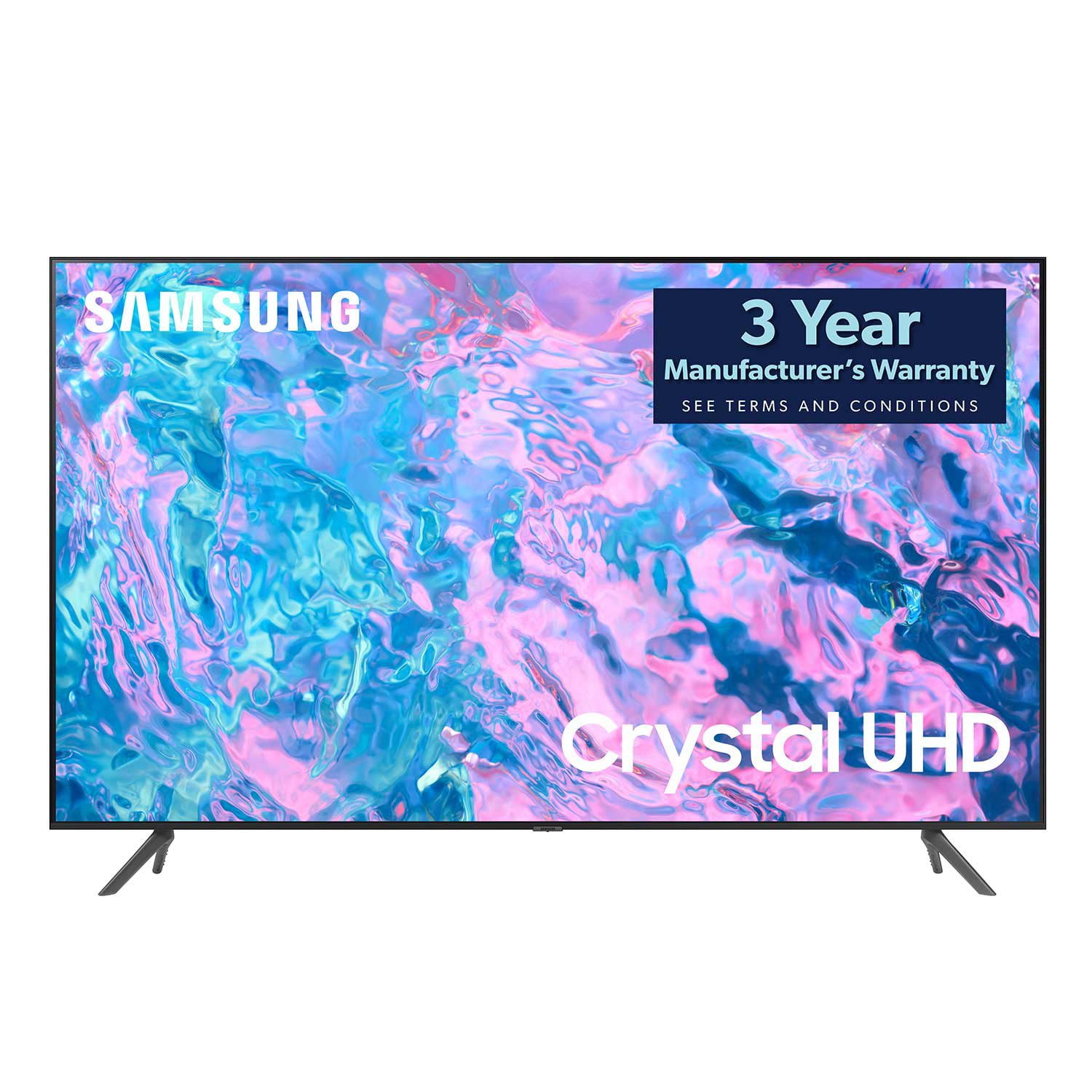
SAMSUNG 85" Class CU7000-Series Crystal UHD 4K Smart TV with HDR - UN85CU7000DXZA
4.6 out of 5 stars
stars1,383 ratings1,254 reviews
  1. 5 stars73% (1,004)
  2. 4 stars19% (261)
  3. 3 stars4% (58)
  4. 2 stars1% (20)
  5. 1 star3% (40)

Member photos

  • +304 images
Sort by |
Showing 871-880 of 1,254 reviews
Jul 23, 2023
Bevers
5 out of 5 stars review

Nice TV!

So far I am very happy with this TV. The picture is clear, it's easy to navigate to the different apps and the size is perfect for my small living room. The remote is also very easy to use.

Review from Samsung US
Helpful?5LGXVQOCK4DK13976515511
Jun 1, 2024
Missypartaker
4 out of 5 stars review

Great picture

I was given this free TV when I signed up online with telus and I couldn't be happier, it's a great addition to our household. All of our family love the new tv, the picture, the sound, the style of it, it's amazing

Review from Samsung Canada
Helpful?5LGXVQOCK4DK13976515511
Jun 10, 2024
Anonymous
1 out of 5 stars review

Black lines and than Black Screen

Bought this tv and it lasted about 2 years before getting 2-3 Black lines and than a month later went completely black. Meanwhile, have other tvs 10-20 years old that still work like day 1.

Review from Samsung Canada
Helpful?5LGXVQOCK4DK13976515511
Feb 6, 2024
RodA
4 out of 5 stars review

Poor sound

The sound on my 65 inch Samsung CU70000 is not great constantly goes down when you change channels. Can't get it to work even with a Samsung sound bar.

Review from Samsung US
Helpful?5LGXVQOCK4DK13976515511
reply from Samsung Advisor

Hi RodA, I apologize for the inconvenience you have had with the inconsistent sound volume on your CU7000 TV. Please try adjusting the following Settings to improve your experience. The Auto Volume function automatically adjusts the sound to a certain level when changing channels or switching to another external input. Go to Settings > All Settings> Sound > Expert Settings > Auto Volume = On. You may also want to perform a Sound Test under Support > Self Diagnosis > Start Sound Test. When connecting your TV to a Samsung Soundbar, please ensure these settings are on correctly. 1) Set the Sound Output to the TV Speaker by going to Settings > All Settings> Sound > Sound Output. 2) Check whether Digital Output Audio Format is set to Pass-Through by going to Settings > All Settings> Sound > Expert Settings > Digital Output Audio Format > Auto. If you continue to have issues, please call us at 1-800-SAMSUNG, 8 AM - 12 AM EST, seven days a week. LiveChat with an agent, as well as manuals, software, and warranty info, can be found at the ‘Support’ link on our Samsung website. ~ Samsung Advisor

May 31, 2024
Gerard Lee
5 out of 5 stars review

Great picture quality and features easy to use.

I bought this tv a few months ago and when I have the boys over to watch the hockey and ball games they always comment on the brilliant picture quality.

Review from Samsung Canada
Helpful?5LGXVQOCK4DK13976515511
Dec 7, 2023
Nor63
4 out of 5 stars review

Good volume

I bought this a few months ago and the volume is not as loud as our last one But I finally found the volume settings and adjusted it. Better but not as good as my last TV.

Review from Samsung Canada
Helpful?5LGXVQOCK4DK13976515511
reply from Samsung Support Team

Hello, thank you for your review and feedback. We will pass your comments along to our store staff and hope you visit us again someday soon.

May 31, 2024
Darryl Lane
5 out of 5 stars review

Great product with great features

I won this product at a golf tournament. Wasn't really expecting much from a free prize. To my surprise the product was great… so great I am buying two more to install at my business

Review from Samsung Canada
Helpful?5LGXVQOCK4DK13976515511
Jan 10, 2024
Happyviewer
5 out of 5 stars review

Great value TV.

This is the second Samsung TV, same model, that we have purchased in the past 5 years. It is very reliable and the best value in its size range. Great features and astounding picture quality and brightness, We are extremely pleased.

Review from Samsung Canada
Helpful?5LGXVQOCK4DK13976515511
reply from Samsung Support Team

Hello, thank you for your 5 star review and feedback. We will pass your comments along to our store staff and hope you visit us again someday soon.

Feb 6, 2024
Dean
3 out of 5 stars review

Crappy remote

Overall, it's pretty good. The picture quality is good. My three stars is based upon the very limited remote function. They need a bigger and more expensive remote to make this a five star TV.

Review from Samsung US
Helpful?5LGXVQOCK4DK13976515511
reply from Samsung Advisor

Hi Dean, Thank you for your feedback on the CU7000 TV remote. Please know that many of the buttons on your remote have multiple functions. For example, the Volume button is moved UP/DOWN to adjust the volume, and to MUTE the sound, you need to PRESS it in. If that same button is pressed for more than 1 second, the Accessibility Shortcuts appear. To learn more about the functions of your remote directly from your TV, go to Home> (left directional button) Settings> Support> Remote Control Guide. If you ever have questions or need help, Samsung is here for you! Give us a call at 1-800-SAMSUNG, 8 AM - 12 AM EST, seven days a week. Our LiveChat agents are also available by clicking on the ‘Support’ link on our website. Thanks for being a part of the Samsung family! ~ Samsung Advisor

Dec 19, 2023
Dan Gaspe
4 out of 5 stars review

Good but missing something

Mostly I like it but I'm old school looking for the normal headphone plug-in, there is none, or perhaps it's some new fangled plug in forcing me to buy new stuff

Review from Samsung Canada
Helpful?5LGXVQOCK4DK13976515511