Skip to Main Content
Sam's Club
Sam's Club
All Departments
All Services
Customer reviews for SAMSUNG 85" Class CU7000-Series Crystal UHD 4K Smart TV with HDR - UN85CU7000DXZA for
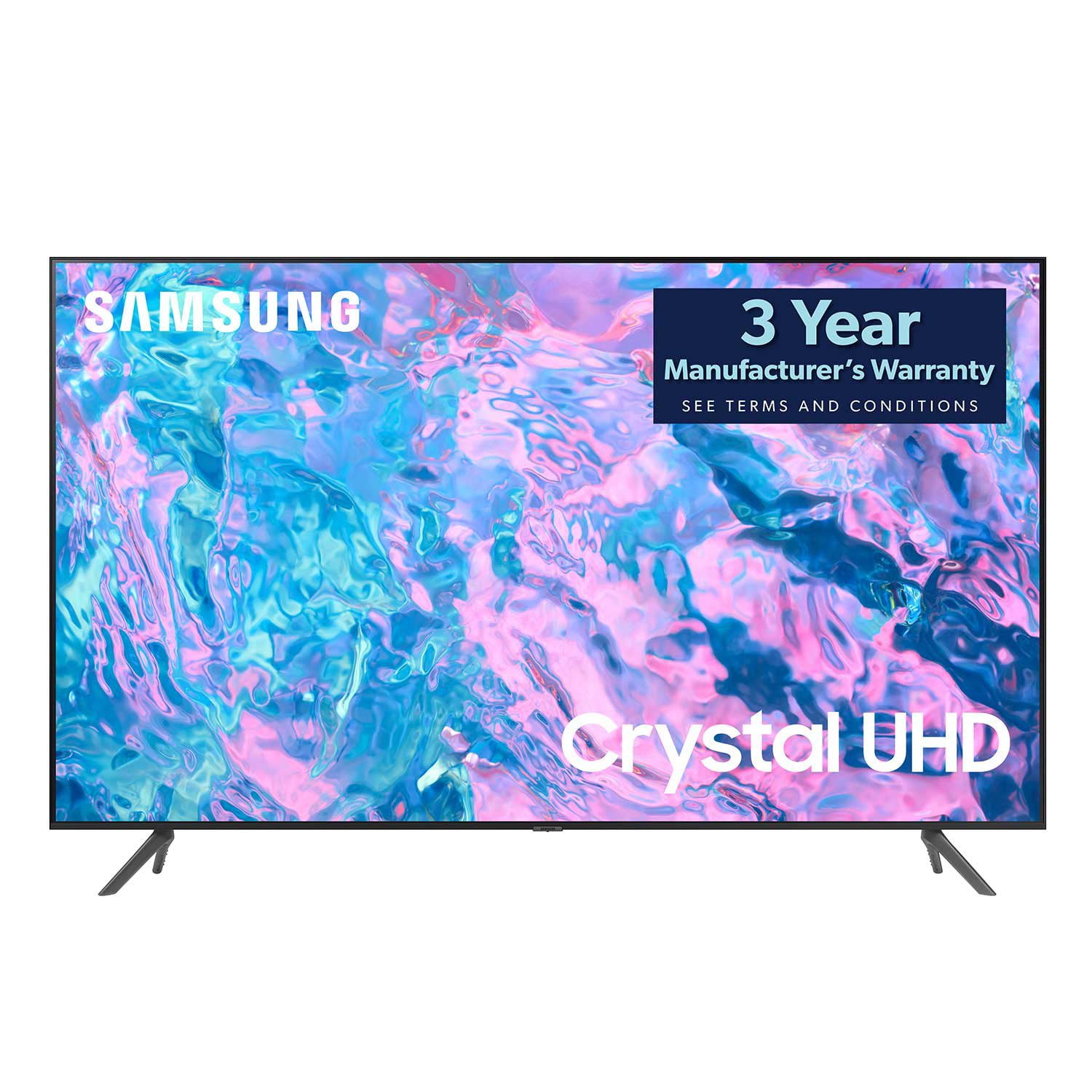
SAMSUNG 85" Class CU7000-Series Crystal UHD 4K Smart TV with HDR - UN85CU7000DXZA
4.6 out of 5 stars
stars
1,386 ratings1,257 reviews
  1. 5 stars73% (1,005)
  2. 4 stars19% (262)
  3. 3 stars4% (59)
  4. 2 stars1% (20)
  5. 1 star3% (40)

Member photos

  • +304 images
Sort by |
Showing 471-480 of 1,257 reviews
May 31, 2023
Reviewer name: Hempify89
5 out of 5 stars
5 out of 5 stars review

User friendly ,crystal clear picture, + features

[This review was collected as part of a promotion.] This perfectly clear tv screen, easy setup. User friendly interface , unlimited downloads of apps and channels. Speakers work well, no need for a sound bar..Great TV for features, performance and price.

Review from Samsung US
Helpful?5LGXVQOCK4DK13976515511
May 31, 2023
Reviewer name: 3rdiportal
5 out of 5 stars
5 out of 5 stars review

Great Picture Quality!

[This review was collected as part of a promotion.] This TV hardly weighs anything and is so easy to wall mount. the picture quality is great and the sound is pristine. the apps are quick to load and I see no stutter in the user interface. It runs my PS5 at high quality picture and i have a great time playing it.

Review from Samsung US
Helpful?5LGXVQOCK4DK13976515511
Jul 6, 2023
Reviewer name: YNWA2023
4 out of 5 stars
4 out of 5 stars review

Good tv for the price

[This review was collected as part of a promotion.] This tv is in our bedroom. It's very good for what we paid for it, so I can't really complain much. A couple minor things: The plastic on the top in the back is fairly flimsy and isn't securely fastened to the face. The wifi connection cuts out sometimes and is very stubborn to restart.

Review from Samsung US
Helpful?5LGXVQOCK4DK13976515511
reply from Samsung Brand Ambassador

Hi there, We appreciate your feedback on the Samsung CU7000 TV. I'm sorry to hear you are experiencing issues with your Wi-Fi connection cutting out. Please know we are here to help and have a few recommendations. First, let's ensure you are running the latest Firmware. Go to Settings> Support> Software Update. To ensure you do not miss any Firmware Updates, I recommend enabling Auto Updates. Go to Settings> Support> Software Update> then select Auto Update. Next, let's try running a cold boot on your TV. To do so, hold down the Power button on the Samsung TV remote until the TV turns off and then on again. This should take about 5 seconds. I hope these tips help resolve your concerns. If you need more help, Samsung is here for you. Please call us at 1-800-SAMSUNG, 8 AM - 12 AM EST, seven days a week. Our LiveChat agents are also available by clicking on the ‘Support’ link on our website. ~ Samsung Advisor

Oct 17, 2023
Reviewer name: Kobbai
5 out of 5 stars
5 out of 5 stars review

I have a Samsung Home

[This review was collected as part of a promotion.] I love my TV and use it for movies, my computer for communication and fun, Customer service has been wonderful. I have 4 Samsung tv's in my home as well as my refrigerator, stove dishwasher and washer and dryer. I am able to see on my tv when dinner is done, when laundry needs attention to fold up and if I have left the refrigerator door slightly open. All in all, one of the best purchases I have made and my next TV is going to be the best larger TV Samsung offers.

Review from Samsung US
Helpful?5LGXVQOCK4DK13976515511
Jul 28, 2024
Reviewer name: Atila009
5 out of 5 stars
5 out of 5 stars review

Maximum happiness.....
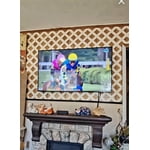
[This review was collected as part of a promotion.] Am very satisfied with this TV. The picture quality, and sound is great. It also was very easy to assemble and set up. I use to be an LG TV person but their TV's are horrible. Their back light LED's burn out way to soon. I been through two of their TV's in 6 years because of that reason. A TV is suppose to last at least 5 years before you start having issues like that. I can tell the quality of this Samsung TV is super an as a fact i know my mom had her Samsung TV for 10 years and the LED backlights are all working and she runs her TV 24/7. That says all about Samsung.

Review from Samsung US
Helpful?5LGXVQOCK4DK13976515511
Jan 7, 2024
Reviewer name: MEEKO
3 out of 5 stars
3 out of 5 stars review

AWESOME PICTURE, SOUND QUALITY NOT SO GOOD

THE PICTURE IS AWSOME BUT THE SOUND QUALITY IS NOT. I WILL HAVE TO BUY A SOUND BAR SO I CAN HEAR IT. THERE IS ONLY 3 HDMI PORTS. HAVING MORE WOULD BE HELPFUL. THERE IS NO PLACE TO CONNECT MY SONY HEADPHONES TO SO THATS WHY I HAVE TO BUY A SOUND BAR THAT WILL CONNECT THROUGH WIFI. SAMSUNG SHOULD ALSO INFORM YOU AS TO WHAT SOUND BAR IS BEST FOR EACH MODLE TV.

Review from Samsung US
Helpful?5LGXVQOCK4DK13976515511
reply from Samsung Specialist

MEEKO, Thank you for purchasing Samsung's CU7000D TV and for your feedback on the sound. To ensure you’ve got the latest sound quality updates, please confirm that your TV is up to date with the latest firmware version. You can check by going to: Home > Menu > Settings > Support > Software Update. If the sound is still not to your liking after updating firmware, there are several sound settings you can adjust to suit your personal preferences. • Sound Modes may better meet your personal preferences. Go to: Menu > Settings > All Settings > Sound > Sound Mode, or Expert Settings to fine-tune and customize your sound. • Adaptive Sound will also further optimize sound quality by analyzing the viewing space and the acoustic components of the content. Go to: Menu > Settings > All Settings > General & Privacy > Intelligent Mode Settings. Should you choose to add a Samsung Soundbar to your TV, please know that our Q-Series Soundbars (such as the HW-Q600C) feature Q-Symphony which will synchronize with the speakers of your TV for an immersive 3D sound experience. To assist you with possible sound settings adjustments for a better audio experience or choosing a Samsung Soundbar to complement your viewing enjoyment, please reach out to us at 1-800-SAMSUNG, 8 AM - 12 AM EST, seven days a week. ~ Samsung Specialist

Oct 17, 2023
Reviewer name: TechnicalGuru94
5 out of 5 stars
5 out of 5 stars review

Beautiful TV & Great Value
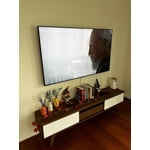
[This review was collected as part of a promotion.] We use this TV for streaming, gaming, and listening to music. Thus far, we have not had a single complaint. The TV switched to "Game Mode" when opening a game on the Xbox, but leaves it off to conserve power when simply streaming. However, even when the game mode is not activated, we get crystal clear images in 4k. The connectivity features of this TV are amazing too. We frequently use Spotify and Youtube to listen to music. I am able to start playing videos or music from my phone, and seamlessly transfer over to the TV, no matter what app is currently open. For the money, I cannot think of another TV that provides the value that the UHD Crystal TV does. I bought this TV from BestBuy, and had it set-up and watching TV in less than 15 minutes (Assuming you don't need to create any accounts). The ability to download apps is also quite nice, as I can watch Netflix, Hulu, and Prime from the factory installed options. Furthermore, I was able to download additional apps like Funimation and Disney+ to expand our categories.

Review from Samsung US
Helpful?5LGXVQOCK4DK13976515511
May 31, 2023
Reviewer name: Designkaos
5 out of 5 stars
5 out of 5 stars review

Liked the first one enough that I bought a second.
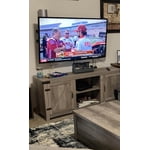
[This review was collected as part of a promotion.] Great TV, has good picture. Got it on holiday sale with a Samsung sound bar and really enjoyed the tv. Has a great selection of apps, all the most popular. Quality is great without having to go up to the fancy stuff that we didn't need. Certainly recommend it.

Review from Samsung US
Helpful?5LGXVQOCK4DK13976515511
Apr 22, 2023
Reviewer name: corgi dog
3 out of 5 stars
3 out of 5 stars review

annoying

bought this a few weeks ago. the picture is amazing and it's easy on the eyes. it has bugs that the manual doesn't address. the screen keeps goig black and there's always an error message about samsung tv+. i have to keep playing with it. and also, even though ihave narrated turned off, it will suddenly start blabbing. very annoying

Review from Samsung US
Helpful?5LGXVQOCK4DK13976515511
reply from Samsung Brand Ambassador

Hi Corgi Dog, We appreciate your feedback on the CU7000D TV. Please know we are here to help and have a few troubleshooting steps that may improve your experience. First, if the Voice Guide is on, please make sure you have turned off the Settings below: To turn off Voice Guide, navigate to Settings> All Settings> General & Privacy Accessibility> Voice Guide Settings> Disable. I also recommend ensuring the Voice Assistant is also disabled. Go to Settings> All Settings> General & Privacy Voice> Voice Assistant> Disable. Next, if you see a blank screen, even when your TV is on, it's entirely possible it could be your external device and not your TV. Please try these troubleshooting steps for your blank screen issue: 1. Press the Home button on the remote. If the menu appears, the TV is powered on but is either not on the correct source or not receiving a signal. If the menu does not appear, the TV may have power issues. Check the red standby light, a little red light at the edge of the TV that you aim the remote at. In everyday use, the red standby light is on when the TV is off (indicating the TV is on standby), and the red standby light is off when the TV is in use (or doesn't have power). 2. Confirm that the TV is set to the same source as the external device. For instance, if your cable box is connected to HDMI 1, set the TV source to HDMI 1. If the TV is set to the correct source but there is still no image, unplug and reconnect the connections one cable at a time from both ends of each cable. If there's any damage to the cable, it will need to be replaced. After reconnecting the external device, please turn it off and back on. 3. Test the HDMI cable. Using HDMI Troubleshooting, you can check the connection to HDMI cables and external devices (takes approximately 2 minutes). Menu> Connected Devices> Connection Guide> Video Device> HDMI Troubleshooting. 4. Test different external devices. The final thing to rule out is the external device you're using. Try connecting a different device or using a different source port. If the TV can display a picture in any other setup, then you've ruled the TV out as the cause of the issue. Try various setups until you identify the device or cable that is not working and troubleshoot or replace it. If you continue to have issues after these steps, please call us so we can better assist you at 1-800-SAMSUNG, 8 AM - 12 AM EST, seven days a week. Our LiveChat agents are also available by clicking on our website's ‘Support’ link. ~ Samsung Advisor

Jul 6, 2023
Reviewer name: poncex3
5 out of 5 stars
5 out of 5 stars review

Great TV. An actual smart tv.

[This review was collected as part of a promotion.] I love this tv. Apps work and run smoothly. Picture is great. Works perfectly with my samsung galaxy s22 ultra. Watching movies and playing my Xbox is great. 😍😍😍😍😍😍😍😍😍😍😍😍😍😍😍😍😍😍😍😍😍😍😍😍😍😍😍😍😋😍😍😍😋

Review from Samsung US
Helpful?5LGXVQOCK4DK13976515511