Skip to Main Content
Sam's Club
Sam's Club
All Departments
All Services
Customer reviews for SAMSUNG 85" Class CU7000-Series Crystal UHD 4K Smart TV with HDR - UN85CU7000DXZA for
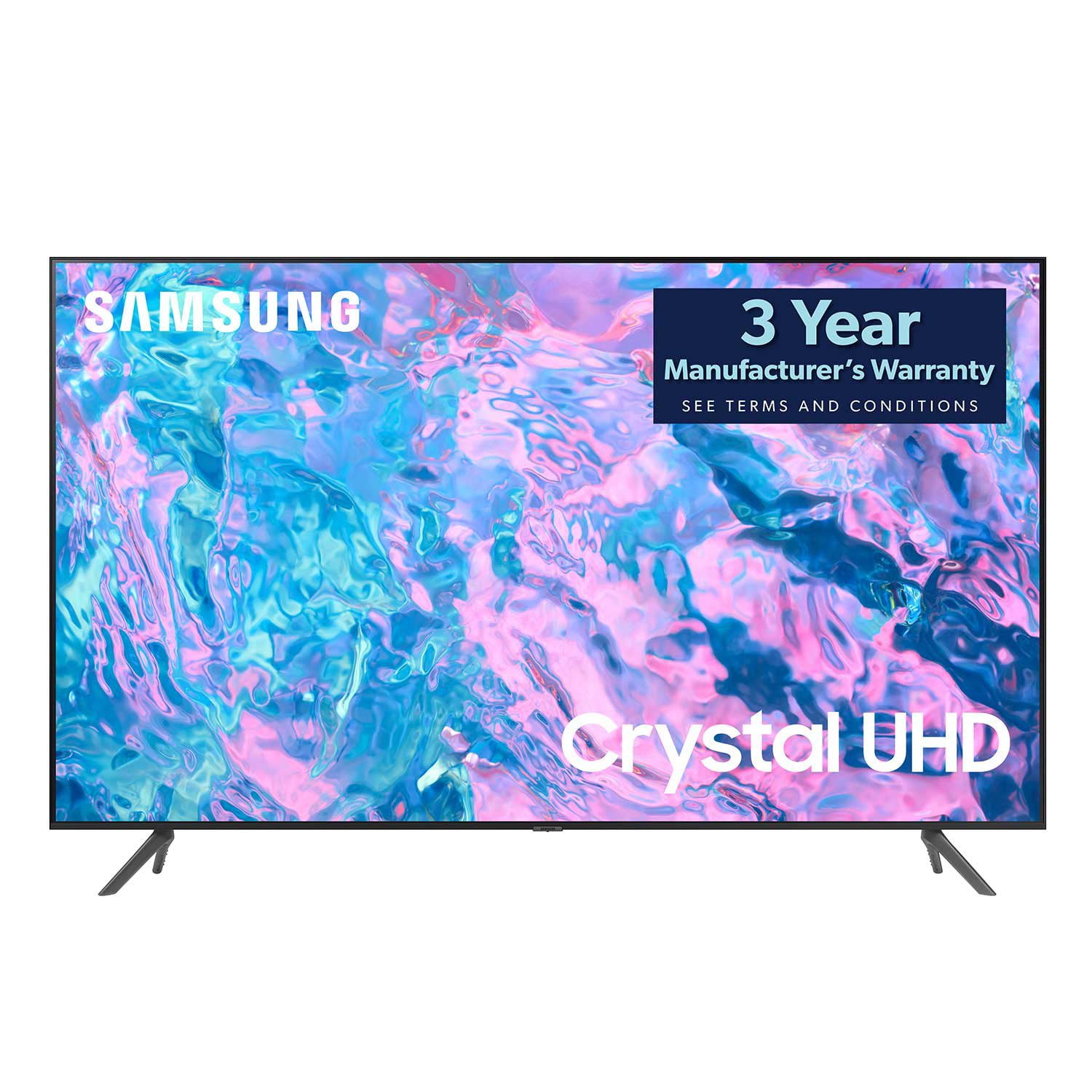
SAMSUNG 85" Class CU7000-Series Crystal UHD 4K Smart TV with HDR - UN85CU7000DXZA
4.6 out of 5 stars
stars
1,386 ratings1,257 reviews
  1. 5 stars73% (1,005)
  2. 4 stars19% (262)
  3. 3 stars4% (59)
  4. 2 stars1% (20)
  5. 1 star3% (40)

Member photos

  • +304 images
Sort by |
Showing 1,211-1,220 of 1,257 reviews
Jun 1, 2024
Reviewer name: Harpreet Dhaliwal
4 out of 5 stars
4 out of 5 stars review

Great quality

I bought this almost 10 months ago. I'm so happy with this purchase.

Review from Samsung Canada
Helpful?5LGXVQOCK4DK13976515511
May 1, 2023
Reviewer name: Tigerslug
5 out of 5 stars
5 out of 5 stars review

Quality1

Very happy with my Samsung. Quality is top of the line.

Review from Samsung US
Helpful?5LGXVQOCK4DK13976515511
reply from Samsung Brand Ambassador

Hi Tigerslug, Thank you for your review of the 65" CU700D0 TV. I'm glad you are enjoying the TV's Crystal Processor with 4K UHD Upscaling, allowing you to watch the content you love upgraded to dazzling 4K resolution, and Object Tracking Lite giving you immersive 3D surround sound. If there's anything we can do to help you, please do not hesitate to reach out to us. Call us at 1-800-SAMSUNG, 8 AM - 12 AM EST, seven days a week. LiveChat with an agent as well as manuals, software, and warranty info, can be found at the ‘Support’ link on our Samsung website. ~ Samsung Advisor

Jun 3, 2023
Reviewer name: Duane
5 out of 5 stars
5 out of 5 stars review

Great picture

Bought this tv recently and sincerely happy with it.

Review from Samsung US
Helpful?5LGXVQOCK4DK13976515511
May 31, 2024
Reviewer name: Love samsung products
5 out of 5 stars
5 out of 5 stars review

Great features with picture very cleat

I bought about 6 months ago and no complaints about the 55" UHD

Review from Samsung Canada
Helpful?5LGXVQOCK4DK13976515511
Dec 5, 2023
Reviewer name: Dennis Crake
5 out of 5 stars
5 out of 5 stars review

Great tv

We bought this tv 6 weeks ago and it is great the picture is incredible

Review from Samsung Canada
Helpful?5LGXVQOCK4DK13976515511
reply from Samsung Support Team

Hello, thank you for your 5 star review and feedback. We will pass your comments along to our store staff and hope you visit us again someday soon.

Jan 13, 2024
Reviewer name: Cathyo
5 out of 5 stars
5 out of 5 stars review

TV

Great just what we were expecting. Beautiful colour.

Review from Samsung Canada
Helpful?5LGXVQOCK4DK13976515511
reply from Samsung Support Team

Hello, thank you for your 5 star review and feedback. We will pass your comments along to our store staff and hope you visit us again someday soon.

Mar 17, 2024
Reviewer name: Vince B
5 out of 5 stars
5 out of 5 stars review

Awesome clear picture display

My son bought me this TV as a Christmas gift and i am loving it .

Review from Samsung Canada
Helpful?5LGXVQOCK4DK13976515511
Feb 19, 2024
Reviewer name: Danny
5 out of 5 stars
5 out of 5 stars review

Great picture

Great picture quality I use a sound bar so I'm not sure what to say about the sound

Review from Samsung US
Helpful?5LGXVQOCK4DK13976515511
Jun 4, 2023
Reviewer name: Jason
4 out of 5 stars
4 out of 5 stars review

Paramount app doesn't work.

I have to keep resetting the TV because the Paramount app keeps failing

Review from Samsung US
Helpful?5LGXVQOCK4DK13976515511
reply from Samsung Brand Ambassador

Hi Jason, To help resolve the issue with the Paramount Plus App, I recommend running a cold reboot on your TV. There are two ways to do this: 1) Using the Remote: For most people, the easiest way is to hold down the Power button on the Samsung TV remote until the TV turns off and then on again. This should take about 5 seconds. 2) Using the Plug: If you do not have the remote, unplug your TV from the wall outlet or surge protector, leave it unplugged for 30 seconds, and then plug it back in. Next, I recommend ensuring the Paramount Plus app is up to date by going to “Apps” on your Smart TV and selecting “Settings” from the top right corner. Next, select the Paramount Plus app and select "Update," if available. If the issue persists or if there is no Update available, we will try deleting and reinstalling the Paramount Plus app. To do so, navigate to “Apps” on your Smart TV and select “Settings” from the top right corner. Next, select the app. Finally, select Delete, and select Delete again to confirm. Then we will reinstall the app by returning to “Apps” on your Smart TV and selecting “Settings” from the top right corner. Click on “Paramount Plus” and then select “Reinstall.” Also, please ensure you are running the latest Firmware update. Go to Settings> Support> Software Update. If you need more help, Samsung is here for you. Please call us at 1-800-SAMSUNG, 8 AM - 12 AM EST, seven days a week. Our LiveChat agents are also available by clicking on the ‘Support’ link on our website. ~ Samsung Advisor

Sep 27, 2023
Reviewer name: JayandMike
5 out of 5 stars
5 out of 5 stars review

Great value.

Very happy with this product. Easy to use on wireless.

Review from Samsung US
Helpful?5LGXVQOCK4DK13976515511