Skip to Main Content
Sams Club
Sams Club
Customer reviews for SAMSUNG 85" Class CU7000-Series Crystal UHD 4K Smart TV with HDR - UN85CU7000DXZA for
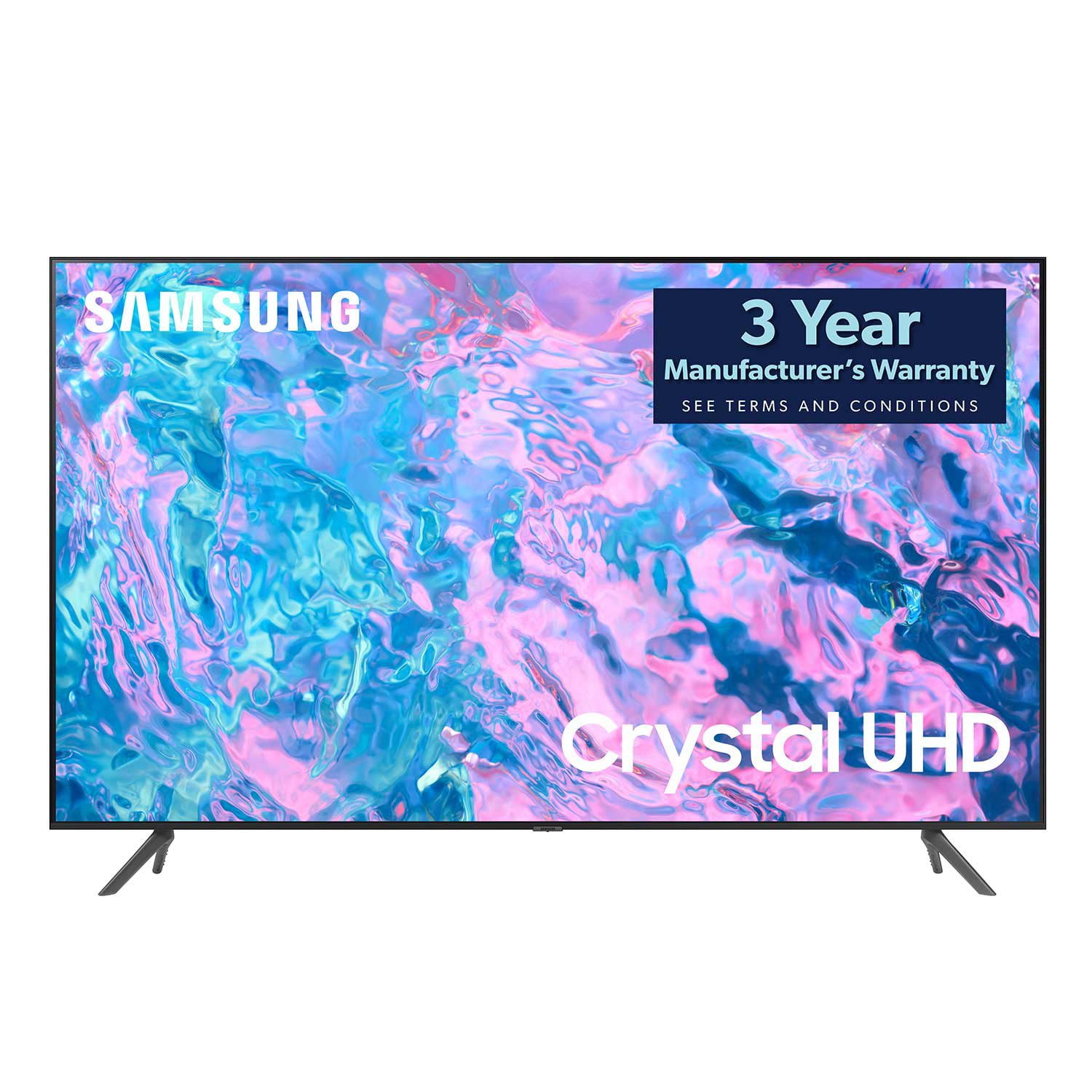
SAMSUNG 85" Class CU7000-Series Crystal UHD 4K Smart TV with HDR - UN85CU7000DXZA
4.6 out of 5 stars
stars1,383 ratings1,254 reviews
  1. 5 stars73% (1,004)
  2. 4 stars19% (261)
  3. 3 stars4% (58)
  4. 2 stars1% (20)
  5. 1 star3% (40)

Member photos

  • +304 images
Sort by |
Showing 1,161-1,170 of 1,254 reviews
Jan 5, 2024
Anonymous
4 out of 5 stars review

Great picture

Crystal clear picture. Great value for money. Recommend

Review from Samsung Canada
Helpful?5LGXVQOCK4DK13976515511
reply from Samsung Support Team

Hello, thank you for your review and feedback. We will pass your comments along to our store staff and hope you visit us again someday soon.

Apr 7, 2023
Tony G
5 out of 5 stars review

Everything was outstanding.

The tv was fast and easy to set up. Samsung you did a great job.

Review from Samsung US
Helpful?5LGXVQOCK4DK13976515511
reply from Samsung Brand Ambassador

Hi Tony G, Thank you for your review of the 43" CU7000D TV. I'm glad you are enjoying the TV's Crystal Processor with 4K UHD Upscaling, allowing you to watch the content you love upgraded to dazzling 4K resolution. If there's anything we can do to help you, please do not hesitate to reach out to us. Call us at 1-800-SAMSUNG, 8 AM - 12 AM EST, seven days a week. LiveChat with an agent as well as manuals, software, and warranty info, can be found at the ‘Support’ link on our Samsung website. ~ Samsung Advisor

Jan 4, 2024
Anonymous
4 out of 5 stars review

55" smart tv

It is ok just would improve on sound quality a bit but my new sumsang A54 is not that great

Review from Samsung Canada
Helpful?5LGXVQOCK4DK13976515511
reply from Samsung Support Team

Hello, thank you for your review and feedback. We will pass your comments along to our store staff and hope you visit us again someday soon.

Jan 8, 2024
Texas grandma
4 out of 5 stars review

Has one big problem

This was a gift from my kids. Picture great but not remote

Review from Samsung US
Helpful?5LGXVQOCK4DK13976515511
Mar 31, 2024
Nicolas Pelletier
5 out of 5 stars review

Great TV!

For the price, this TV go above my expectations! Great image!

Review from Samsung Canada
Helpful?5LGXVQOCK4DK13976515511
Jan 24, 2024
Leo B
3 out of 5 stars review

Tv keeps trying to take over, too smart for old pe

After 5 months I am still having difficulty getting a good grip on the remote

Review from Samsung Canada
Helpful?5LGXVQOCK4DK13976515511
reply from Samsung Support Team

Hello, thank you for your review and feedback. We will pass your comments along to our store staff. If there is anything we can do to improve your experience, please feel free to let us know by contacting us at 1-800-SAMSUNG or via live chat on our website (http://www.samsung.com/ca/support/). Thanks again.

Sep 8, 2023
Kaize25
5 out of 5 stars review

Awesome tv

Love this tv. I have recently purchased a 65 inch and a 75 inch

Review from Samsung US
Helpful?5LGXVQOCK4DK13976515511
Jul 6, 2023
Former Samsung purchaser
1 out of 5 stars review

Garbage

Smart hub software will not update TV is a piece of garbage

Review from Samsung US
Helpful?5LGXVQOCK4DK13976515511
reply from Samsung Brand Ambassador

Hi there, I'm very sorry that you are experiencing issues with your CU7000 TV Software. Please know we are here to help. First, let's try to run a cold boot on your TV. Hold down the power button on your TV remote until the TV shuts off and turns back on again. Then go to Settings> Support> Software Update. If you still cannot update your TV, you can download the update on a USB drive and manually update your TV: 1. On Samsung's website (upper right corner), go to Support > Manuals & Software > Find your TV model. 2. Download the update and extract it to the root of a USB thumb drive. (Do not put it in any folders on the thumb drive.) 3. Connect the USB thumb drive to a USB port on your TV. 4. Navigate to Settings > Support > Software Update, select Update Now, and then select Yes. 5. Follow the on-screen instructions to install the updated software. I hope this resolves your issue! If you continue to have issues, please call us at 1-800-SAMSUNG, 8 AM - 12 AM EST, seven days a week. LiveChat with an agent, as well as manuals, software, and warranty info, can be found at the ‘Support’ link on our Samsung website. ~ Samsung Advisor

Nov 12, 2024
Waseem
3 out of 5 stars review

Speakers too low compared to peers

Quality is fine, not fun with gaming , I would recommend using it for bedroom

Review from Samsung Canada
Helpful?5LGXVQOCK4DK13976515511
reply from Samsung Support Team

Hello, thank you for your review and feedback. We will pass your comments along to our store staff. If there is anything we can do to improve your experience, please feel free to let us know by contacting us at 1-800-SAMSUNG or via live chat on our website (http://www.samsung.com/ca/support/). Thanks again.

Jun 1, 2024
Vjtaylor1809
5 out of 5 stars review

Love my Samsung Smart TV

Really loving ease of use, great picture and sound + Samsung TV

Review from Samsung Canada
Helpful?5LGXVQOCK4DK13976515511