Skip to Main Content
Sam's Club
Sam's Club
All Departments
All Services
Customer reviews for SAMSUNG 65" Class S90 Series OLED 4K Smart TV for
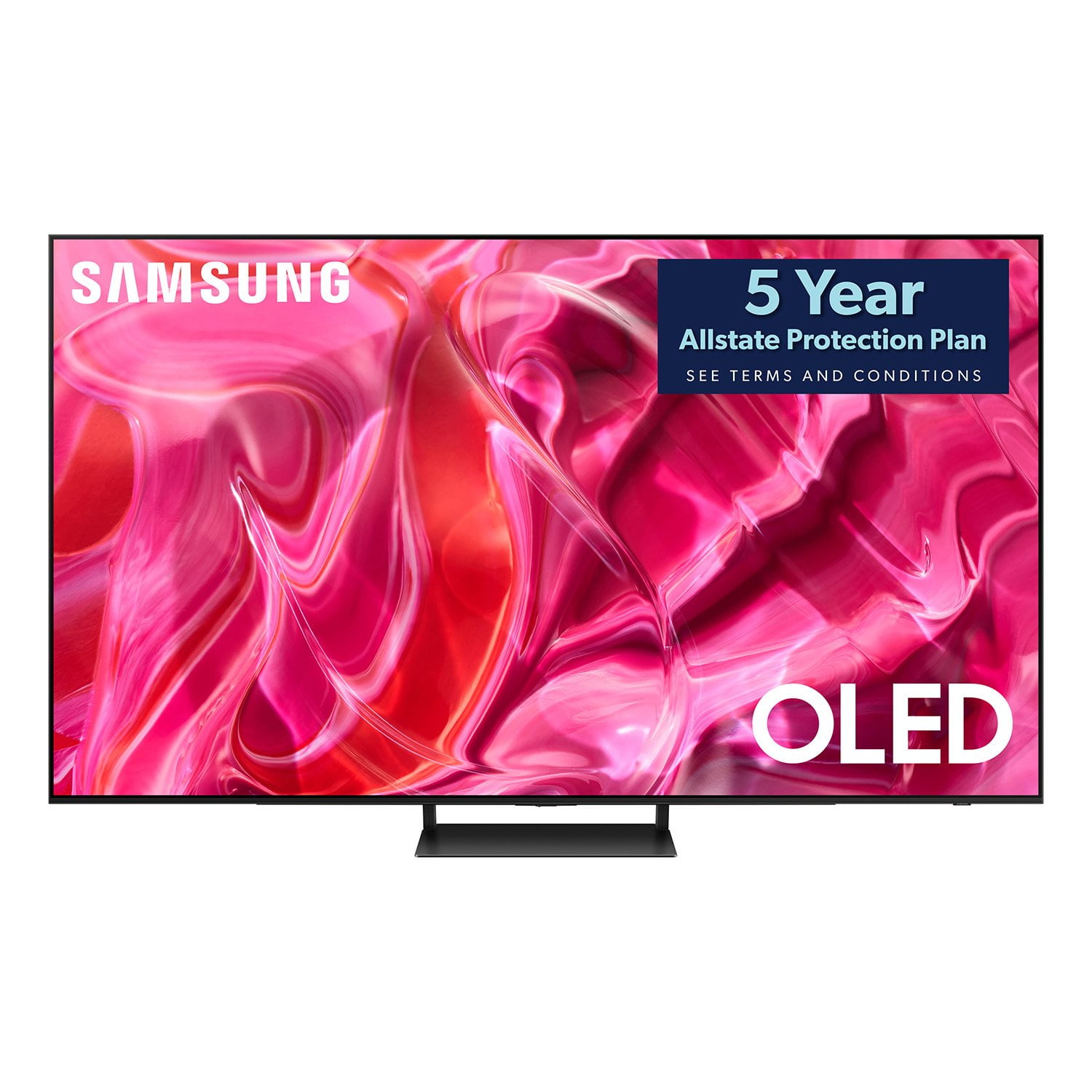
SAMSUNG 65" Class S90 Series OLED 4K Smart TV
4.5 out of 5 stars
stars
168 ratings144 reviews
  1. 5 stars70% (118)
  2. 4 stars18% (31)
  3. 3 stars4% (7)
  4. 2 stars3% (5)
  5. 1 star4% (7)

Member photos

  • +16 images
Sort by |
Showing 71-80 of 144 reviews
Jun 26, 2024
Sunnydays
4 out of 5 stars review

So far, so good . . .

[This review was collected as part of a promotion.] Picture quality is beautiful. I also paired my TV with a Samsung sound bar and the initial results were mixed. Lots of feedback when trying to set up Q-symphony. I ultimately had to perform a factory reset (Samsung support recommendation) to get the tv and Soundbar to work together beautifully. I wish this model supported more ambient art.

Review from Samsung US
Helpful?16O2DUL19JHI13963007926
Jan 22, 2024
No1inparticular
4 out of 5 stars review

Great TV.

I bought this a few weeks back and so far so good. If I had one complaint, the dark shades are a tad dark, so if you have someone wearing a dark suit, you lose some definition of the folds in the fabric for example. I have attempted to adjust this out with contrast and brightness with little luck. Otherwise the colors are vibrant and beautiful. I considered buying a sound bar but the audio is way way better than what I was used to so no need for me.

Review from Samsung US
Helpful?16O2DUL19JHI13963007926
reply from Samsung Specialist

No1inparticular, I’m sorry to hear you’re not fully satisfied with the S90CD TV’s picture quality. If the image is too dim, please try disabling some of the TV's energy efficiency functions, as these will automatically adjust your picture and may cause your screen to appear brighter or darker than preferred. Go to: Home > Menu > Settings > All Settings > General & Privacy > Power and Energy Saving > turn off Brightness Optimization, Brightness Reduction, and Motion Lighting You may also want to try adjusting image settings to improve your picture. Go to Home > Menu > Settings > All Settings > Picture > Picture Mode 1. Standard: Is the default mode suitable for general viewing environments 2. Dynamic: Makes the picture brighter and clearer in bright viewing environments 3. Eco: Provided to save energy 4. Movie: Suitable for watching TV or movies in a dark room 5. Filmmaker Mode: Provides source content just as the creators intended. If the image is defined as Filmmaker Mode, it’ll automatically switch to Filmmaker Mode while watching. You can also customize the brightness level of your screen between 0 – 50 to your preference. Go to: Home > Menu > Settings > All Settings > Picture > Expert Settings Please also make sure you’ve got the latest firmware version installed on your TV. You can check this by going to: Home > Menu > Settings > Support > Software Update > Update Now I hope these tips help. Should you need further assistance, please call us at 1-800-SAMSUNG, 8AM - 12AM EST, 7 days a week. Or visit us on the Samsung website and click on the ‘Support’ link for: • LiveChat • Manuals, Software, & Warranty Info ~ Samsung Specialist

Sep 13, 2023
QualityTVLover
5 out of 5 stars review

Overall Great Choice

[This review was collected as part of a promotion.] This is a high quality unit, with outstanding visual appearance. Perfect size for average TV, without being overbearing. Picture quality is fantastic. Plenty of HDMI ports, plus USB and other. Shopped around and found for reasonable price for what you get. Have other Samsung TV's which are also great quality... Highly recommend the Samsung line for any television choice.

Review from Samsung US
Helpful?16O2DUL19JHI13963007926
Sep 19, 2023
Mike
5 out of 5 stars review

Great TV.

I absolutely love it. My last Samsung lasted 13 years and when I did the research even though the cost was higher then Q models the picture is supposed to be better. My original was an LED and since I keep my blinds up it is bright in my living room it was washed out. The OLED is clear and crisp and I think the sound is actually better then my other Samsung. The only issue I had with it was that the registration Samsung presented on line does not match with what is actually on this TV, it took a while to register it but eventually I figured it out.

Review from Samsung US
Helpful?16O2DUL19JHI13963007926
Jan 29, 2024
HaSt
5 out of 5 stars review

Phenomenal Picture

The technology in this TV is astounding. The picture and sound coming from something so thin is beyond belief. It connected to my Samsung soundbar without issues and everything I've hooked up to it (Xbox, Blu-ray, etc) looks amazing. The upscaling is excellent, turning everything possible into 4k beauty. Ultra HD movies are noticeably improved. I cannot recommend Samsung's OLED panel enough; the colors pop right off the screen. This is an excellent TV.

Review from Samsung US
Helpful?16O2DUL19JHI13963007926
Feb 29, 2024
Tony D
4 out of 5 stars review

Great picture but

Model S90 CD . Picture is everything the manufacturer claimed. Extremely difficult understanding how to hook into the HDMI'S and get them working. My Bose surround still not working with the provided cable. The warranty process took 2 hours. Very frustrating. No mail in anymore. Had to chat with 2 of their experts to get something this simple completed. This is not a simple plug and play device.

Review from Samsung US
Helpful?16O2DUL19JHI13963007926
reply from Samsung Specialist

Tony D, We appreciate your review of Samsung’s S90CD TV. So we can better understand the issues you’re experiencing and provide you with troubleshooting assistance, please reach out to Samsung Customer Support. You can reach us at 1-800-SAMSUNG, 8AM - 12AM EST, 7 days a week. Our LiveChat agents are also available by clicking on the ‘Support’ link on our website. We hope to hear from you. ~ Samsung Specialist

Nov 24, 2023
doug9206
5 out of 5 stars review

Samsung 55” OLEF 4K Smart TV S99C

(This review was collected as part of a promotion.) Samsung is a brand the I trust for quality and performance. When compared Samsung TVs to the other brands on display there really was no comparison. The Samsung colours were so much more vivid. The picture was sharpe and crystal clear. I felt like I was actually at the sporting event

Review from Caddle
Helpful?16O2DUL19JHI13963007926
May 24, 2024
Dwrigh84
5 out of 5 stars review

Never Going to a Movie Theater Again!

[This review was collected as part of a promotion.] I also own a S90CD 65" OLED. The picture is so amazing on these TVs that I had to go out and buy the 77" S90CD for my basement. I paired this with the Q990C surround system. I re-watched a ton of movies I loved, and I noticed details I had never seen before. Deep space, or any black scenes for that matter, are amazing. The stars and details pop off of the screen. I sit about 10' from the TV and it's perfect for movie viewing. I also use this TV for gaming on a PS5 and a Switch. It feels like you're in the game. I thought it'd be too big for gaming, but it's perfect. I can't wait for football season now! The picture on this TV makes you feel like you're in the middle of everything. I love it!

Review from Samsung US
Helpful?16O2DUL19JHI13963007926
Apr 30, 2023
Superclear
4 out of 5 stars review

Clearest pucture yet

[This review was collected as part of a promotion.] Its so very clear, almost too clear because I can see every fine line and blemish on actors faces blown up to 55 inches. I catch myself looking at the detail in things more often now than before. It's also very light weight and doesn't give me as much anxiety about it falling off the wall whenever I'm cleaning around it.

Review from Samsung US
Helpful?16O2DUL19JHI13963007926
May 20, 2023
LoveMyTV
5 out of 5 stars review

Great television with a couple very minor issues.

The picture on this TV is fantastic! We also bought Samsung sound bar and speakers and the combination of great sound and picture makes watching movies so much fun! The only minor issues I had was that for some reason, the app store always reported a networking issue if I only had WiFi. It worked fine when I made a hard wired connection. The other issue is that even though it says it is compatible with Google Assistant, I am unable to get Smartthings to connect through Google Home. I always get a "cannot connect to SmartThings" error. For now I use Bixby and can issue voice commands through the remote. I hope Google and/or Samsung can get his fixed because it would be fun to be able to use my google mini for voice commands. Again, everything else is great and I highly recommend this product!

Review from Samsung US
Helpful?16O2DUL19JHI13963007926