Skip to Main Content
Sams Club
Sams Club
Customer reviews for SAMSUNG 65" Class S90 Series OLED 4K Smart TV for
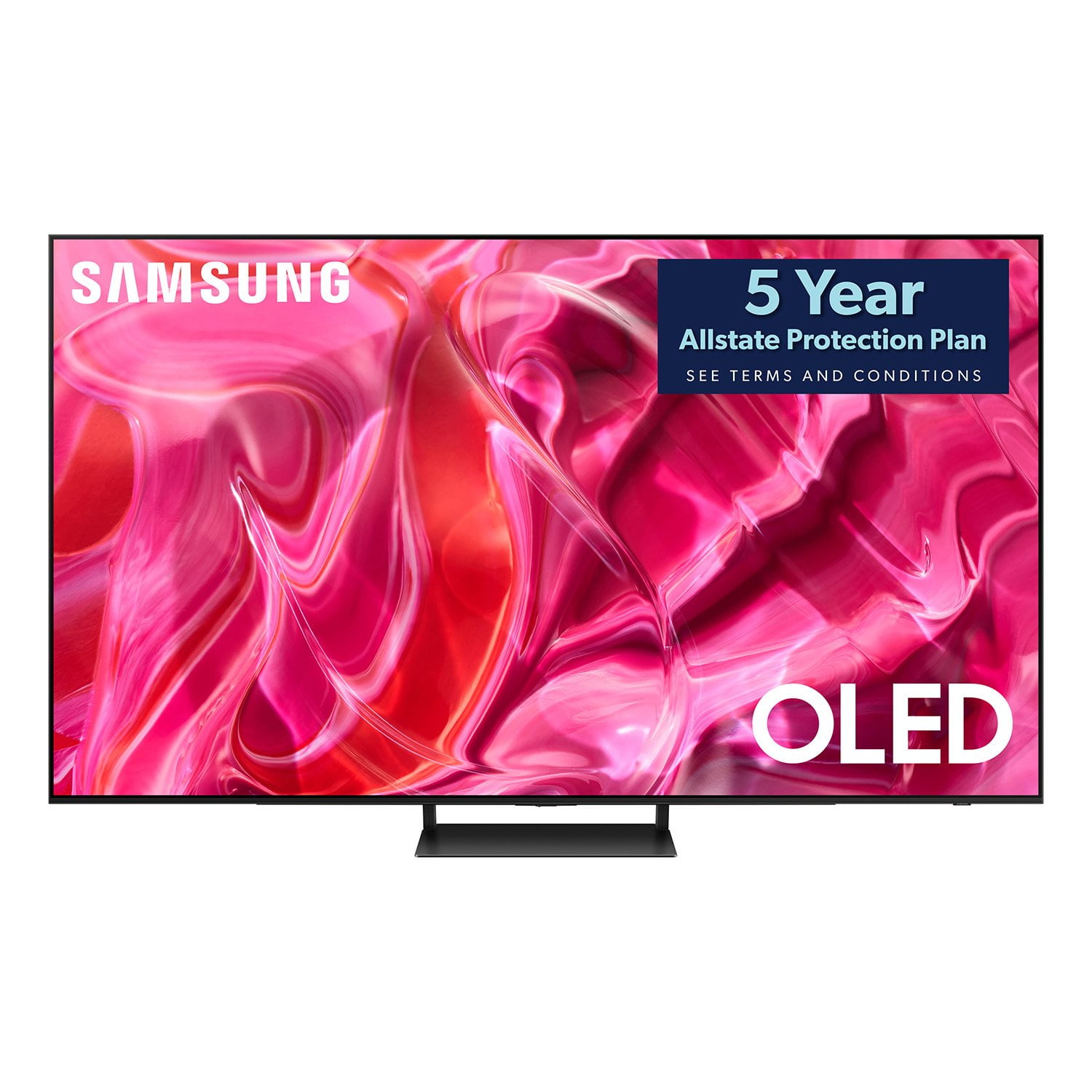
SAMSUNG 65" Class S90 Series OLED 4K Smart TV
4.5 out of 5 stars
stars168 ratings144 reviews
  1. 5 stars70% (118)
  2. 4 stars18% (31)
  3. 3 stars4% (7)
  4. 2 stars3% (5)
  5. 1 star4% (7)
Write a review

Customer photos

  • +16 images
Sort by |
Showing 61-70 of 144 reviews
Sep 5, 2024
Colleen93102
5 out of 5 stars review

Samsung 0led 55” tv

Same sung oled 55” tv show on Netflix in a few weeks but it wasn't a big show and it wasn't a great one either but it still felt good

Review from Samsung Canada
Helpful?16O2DUL19JHI13963007926
Sep 4, 2024
Terry47496
5 out of 5 stars review

Quality And Decent Price

Got this on sale and couldn't be happier. Amazing picture quality and not so big that it overpowers the room

Review from Samsung Canada
Helpful?16O2DUL19JHI13963007926
Sep 21, 2024
PuiMan10403
5 out of 5 stars review

High quality TV

It is an excellent TV with fantastic graphics quality and bright colour, it's also thin and user-friendly.

Review from Samsung Canada
Helpful?16O2DUL19JHI13963007926
Sep 4, 2024
Yama37077
3 out of 5 stars review

Limited Lofe Time

Led light die after shirt period of time , in some cases half of the TV is working other half not working

Review from Samsung Canada
Helpful?16O2DUL19JHI13963007926
reply from Samsung Support Team

Hello, thank you for your review and feedback. We will pass your comments along to our staff. If there is anything we can do to improve your experience, please feel free to let us know by contacting us at 1-800-SAMSUNG or via live chat on our website (http://www.samsung.com/ca/support/). Thanks again.

Sep 4, 2024
Lynn55272
5 out of 5 stars review

Review For Samsung Oled 55" Tv

I really enjoy using samsung tv, easy to navigate and there smart functions are so easy to understand. Sound and picture quality is excellent.

Review from Samsung Canada
Helpful?16O2DUL19JHI13963007926
Sep 5, 2024
Stacey91112
5 out of 5 stars review

Great Television

This has been a great tv for us although sometimes the remote doesn't work if you hit pause on a show for too long. Beautiful clear picture.

Review from Samsung Canada
Helpful?16O2DUL19JHI13963007926
Oct 22, 2024
Jailer
1 out of 5 stars review

Bad sound board(?)

2 tv's in less than a month. Both tv's had issues with sound board (?). Loud chipping noise when on with the first tv, with second tv the chirping occurred when off.

Review from Samsung US
Helpful?16O2DUL19JHI13963007926
reply from Samsung Specialist

Jailer, It’s unfortunate to hear you’re experiencing issues with your S90CD TV. Please give us the opportunity to gather additional information from you so we can isolate this issue and provide steps towards a resolution. You can reach us at 1-800-SAMSUNG, 8AM - 12AM EST, 7 days a week. Our LiveChat agents are also available by clicking on the ‘Support’ link on our website. ~ Samsung Specialist

Dec 13, 2023
Dominique95607
5 out of 5 stars review

Working Great

(This review was collected as part of a promotion.) I bought this Tv a few months ago to upgrade to a larger screen and so far I'm enjoying it. The tv has a nice clear picture on the larger screen, the volume can go loud and I like the smart tv features which are convenient for quick access to tv shows and movies.

Review from Caddle
Helpful?16O2DUL19JHI13963007926
Jul 31, 2024
Joser24
5 out of 5 stars review

Picture sound quality technology and easy to use

Bought my second Samsung tv and I was amazed by the picture quality and many extra features along with apps that have a lot of free entertainment not only that you can also play Xbox games straight from the tv without a Xbox console amazing experience and performance along with picture explosion all the time love and recommend any Samsung tv to everyone out there

Review from Samsung US
Helpful?16O2DUL19JHI13963007926
Jan 5, 2024
Sportster
3 out of 5 stars review

No calibration function

The quality of the TV picture is great, but I can't get the calibration function to work with the SmartThings App. The TV menu has a Smart Calibration option along with a QR code. I scan the code and the SmartThings App opens on my iPhone, but there is no Smart Calibration function on the App. I texted customer support and was told my TV wasn't supported. So why embed the QR code in the TV OS if the TV isn't supported by the App?

Review from Samsung US
Helpful?16O2DUL19JHI13963007926
reply from Samsung Specialist

Sportster, Thank you for sharing your experience with Smart Calibration on your S90CD TV. Please try a couple of troubleshooting steps to see if this resolves your issue: 1. Ensure your TV and Smartphone are connected to the same Wi-Fi router (access point). 2. Try resetting your picture: Menu > Settings > All settings > Picture > Expert Settings > Reset Picture. After performing the above, please re-try the below steps to enable Smart Calibration: 1. Register and start your TV on the SmartThings app and select Smart Calibration on the app. 2. Choose available calibration options on your TV. 3. Follow the guide on your Smartphone until it is complete. 4. Once Smart Calibration has completed, you can compare Before and After calibration then select Done. Please also make sure you're using a Smartphone that is compatible with the function. The list of compatible models is: – Galaxy models: Galaxy S, Galaxy Note, Galaxy Fold, and Galaxy Flip series models that were released after January 2019. – iPhone models: Models with a Face ID function that were released after January 2019. I hope these tips help. You can always contact us for further assistance at 1-800-SAMSUNG, 8AM - 12AM EST, 7 days a week. Our LiveChat agents are also available by clicking on the ‘Support’ link on our website. ~ Samsung Specialist