Skip to Main Content
Sams Club
Sams Club
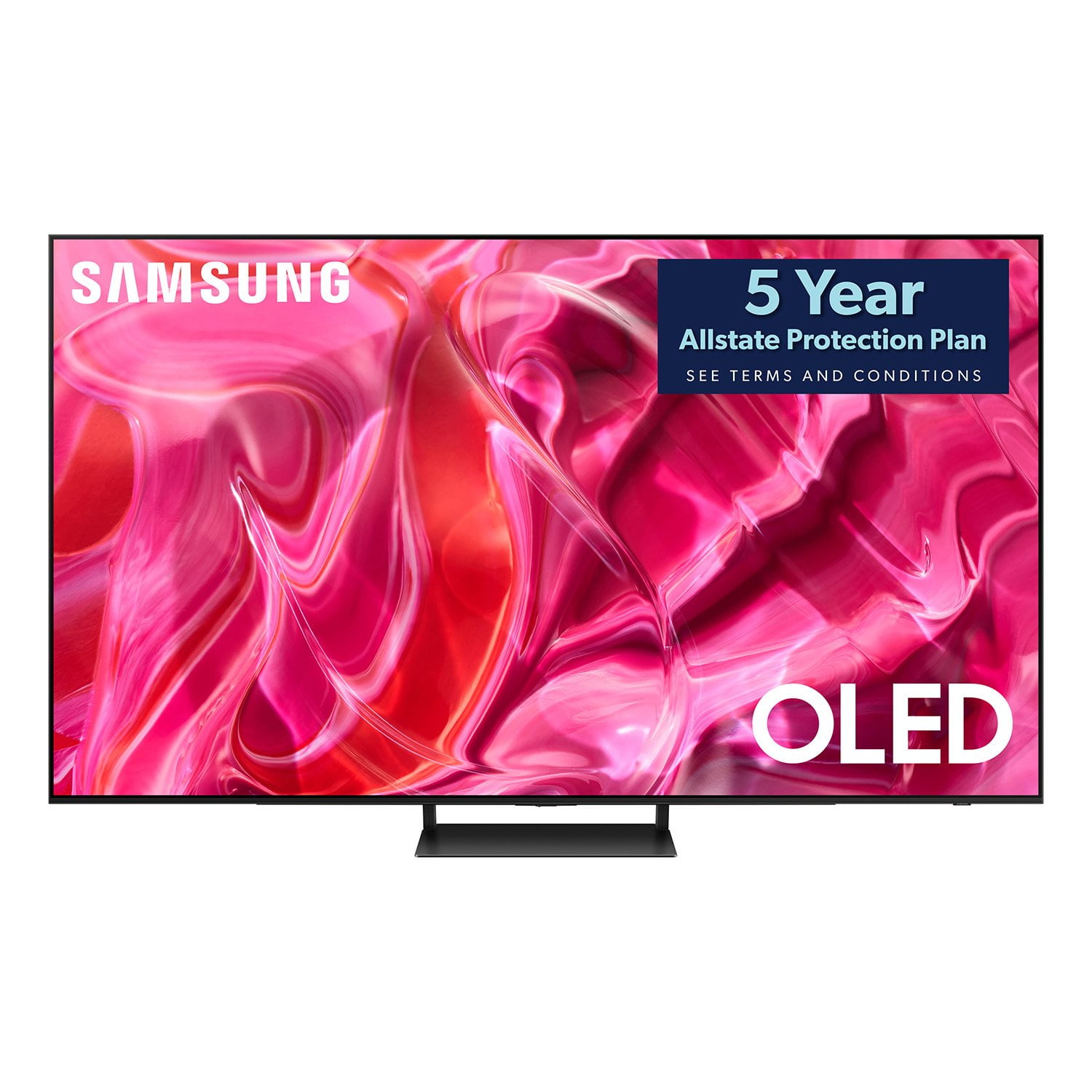
Customer reviews for SAMSUNG 65" Class S90 Series OLED 4K Smart TV for
SAMSUNG 65" Class S90 Series OLED 4K Smart TV
4.5 out of 5 stars
stars168 ratings144 reviews
  1. 5 stars70% (118)
  2. 4 stars18% (31)
  3. 3 stars4% (7)
  4. 2 stars3% (5)
  5. 1 star4% (7)
Write a review

Customer photos

  • +16 images
Sort by |
Showing 111-120 of 144 reviews
Jun 27, 2024
Hippoposthumous
4 out of 5 stars review

Grwt picture, game bar annoyance

[This review was collected as part of a promotion.] Excellent screen, great performance but the game bar is annoying. There is no way to turn it off, and I frequently go between games and TV, so it's always popping up.

Review from Samsung US
Helpful?16O2DUL19JHI13963007926
reply from Samsung Specialist

Hippoposthumous, Thank you for sharing your experience with Samsung's S90C. Here are some things you can try if your Samsung TV keeps launching Quick Settings: Disable Autorun Smart Hub. This will prevent Smart Hub from automatically running when you turn on your TV: - Press the Home button on your remote - Navigate to Settings > General > Smart Features > Disable Autorun Smart Hub Optimize your TV's performance by checking for firmware updates (Support > Software) & clearing cache. Go to Settings > Support > Device Care > Start Device Care I hope this tip helps. Should you have questions, please call us at 1-800-SAMSUNG, 8AM - 12AM EST, 7 days a week. LiveChat with an agent as well as manuals, software, and warranty info can be found at the ‘Support’ link on our Samsung website. ~ Samsung Specialist

May 2, 2024
MB2323
5 out of 5 stars review

Amazing TV
[This review was collected as part of a promotion.] This TV is a game changer , the picture quality is top notch. Absolutely perfect for streaming and Gaming. I am shocked how thin a This 65" TV is!!!!

Review from Samsung US
Helpful?16O2DUL19JHI13963007926
Aug 16, 2023
Tv98
2 out of 5 stars review

Eh

I wish I would have got something different to tell the truth. It is certainly not very easy to figure out. It should definitely have better audio out features

Review from Samsung US
Helpful?16O2DUL19JHI13963007926
reply from Samsung Brand Ambassador

Tv98, I'm sorry to hear you're not fully satisfied with Samsung's S90CD OLED. So we can better understand the issues you’re experiencing and provide you with troubleshooting assistance, please reach out to Samsung Customer Support at 1-800-SAMSUNG, 8AM - 12AM EST, 7 days a week. Our LiveChat agents are also available by clicking on the ‘Support’ link on our website. We hope to hear form you soon. ~ Samsung Specialist

Dec 13, 2023
Melanie69014
5 out of 5 stars review

Samsung - 65 Oled 4k Smart TV - My Opinion Review

(This review was collected as part of a promotion.) This product is super : very good quality and very very good picture. This TV is good dimension for my saloon.

Review from Caddle
Helpful?16O2DUL19JHI13963007926
Dec 13, 2023
Meaghan93736
4 out of 5 stars review

We Will Always Buy Samsung Tvs!

(This review was collected as part of a promotion.) We had a Sony and it broke so we went with this Samsung TV and we would never go back! Great picture quality and sound! All in all geat tv with all the feathers this TV has to offer.

Review from Caddle
Helpful?16O2DUL19JHI13963007926
reply from Samsung Support Team

Hello, thank you for your review and feedback. We will pass your comments along to our store staff and hope you visit us again someday soon.

Dec 12, 2023
Eleanor47950
5 out of 5 stars review

Excellent image quality

(This review was collected as part of a promotion.) The picture quality is excellent for the value, and the screen is VERY bright, great for really sunny rooms.

Review from Caddle
Helpful?16O2DUL19JHI13963007926
Dec 13, 2023
Kayleigh 73718
5 out of 5 stars review

Great smart tv

(This review was collected as part of a promotion.) I purchased this tv for my living room and I am very satisfied with it. It works very well and the picture quality is fantastic.

Review from Caddle
Helpful?16O2DUL19JHI13963007926
May 31, 2024
Damian85
5 out of 5 stars review

Great OLED TV

The colours and clarity on this TV are incredible. The way they pop with the brightness of this OLED is exceptional. A great alternative if you can't quite afford the S95C. The built in speakers do a really good job for the tv being so thin.

Review from Samsung Canada
Helpful?16O2DUL19JHI13963007926
Dec 19, 2023
Anonymous
4 out of 5 stars review

Samsung OLED smart Tv

(This review was collected as part of a promotion.) Imaging is great with this Samsung Tv. Very user friendly. Performance is wonderful with this Smart Tv. Great many app options to choose from.

Review from Caddle
Helpful?16O2DUL19JHI13963007926
Oct 5, 2023
diogenes9
4 out of 5 stars review

Great picture and good sound. But...

Great picture and good sound. The picture is good enough from a wide variety of angles that we didn't need to use an adjustable wall mount. The only downsides are: - Contrary to what the manual says, there seems to be no way to add your own pictures to the screensaver. I've read similar complaints online. At the moment, I can't even figure out how to make any adjustments whatsoever to the screensaver. - The ambient art mode is nice but there seems to be no way to have that kick in as the screensaver, either. It seems like an obvious feature to provide. If it is possible to use the art mode that way, they've certainly buried the capability. - The remote is nice in its simplicity and their layout of streaming channels and live TV channels is a very nice touch, but the lack of numbers makes it really hard to jump around. To get from channel 1 to channel 1000, for example, requires a lot of scrolling. It is quite possible that there's a way to jump directly but it clearly isn't intuitive. I've tried multiple times to figure out how to do it. At least all the problems are in the software so theoretically fixable with an update.

Review from Samsung US
Helpful?16O2DUL19JHI13963007926
reply from Samsung Specialist

diogenes9, We appreciate your review of Samsung's S90CD OLED. To prevent image retention, the Screen Saver feature is enabled by default. Upon pressing any button on the remote, Screen Saver mode is canceled and returns to the original screen. If your OLED displays the same still image or doesn’t have an input signal from an external device for 2 minutes, Screen Saver is automatically enabled. Please keep in mind that Screen Saver is a default function to protect your OLED display and cannot be adjusted or disabled. Please also know that by pressing the 123-Settings key (below the power button) will prompt an on-screen keypad; this will prevent you from scrolling through all channels. If we can help with anything else, please call us at 1-800-SAMSUNG, 8AM - 12AM EST, 7 days a week. LiveChat with an agent as well as manuals, software, and warranty info can be found at the ‘Support’ link on our Samsung website. ~ Samsung Specialist