Skip to Main Content
Sams Club
Sams Club
Customer reviews for SAMSUNG 65" Class S90 Series OLED 4K Smart TV for
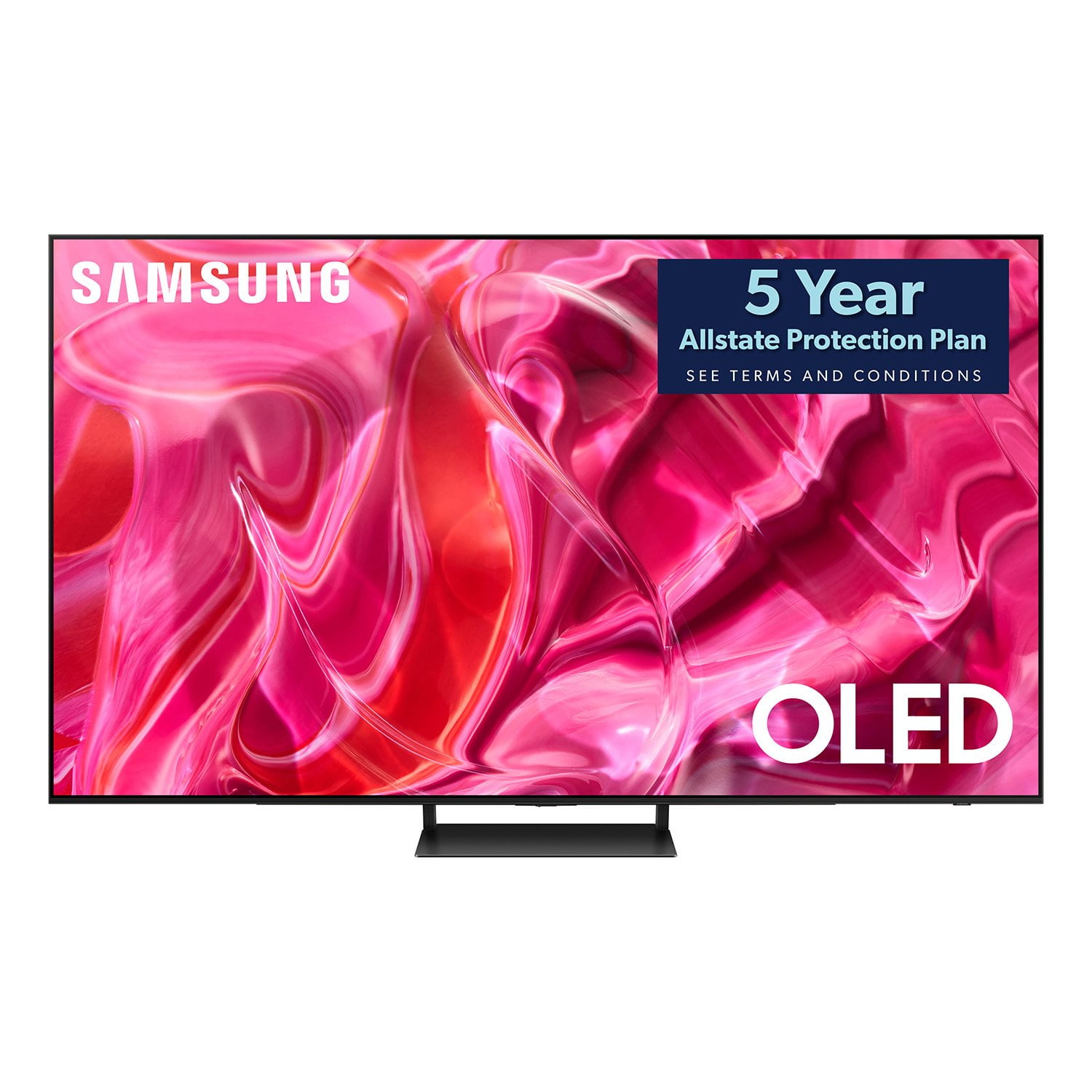
SAMSUNG 65" Class S90 Series OLED 4K Smart TV
4.5 out of 5 stars
stars168 ratings144 reviews
  1. 5 stars70% (118)
  2. 4 stars18% (31)
  3. 3 stars4% (7)
  4. 2 stars3% (5)
  5. 1 star4% (7)
Write a review

Customer photos

  • +16 images
Sort by |
Showing 101-110 of 144 reviews
Sep 4, 2024
Stephanie85217
4 out of 5 stars review

Samsung 55” TV

The Samsung tv is nice quality. The size is perfect for my house and the sound is good too.

Review from Samsung Canada
Helpful?16O2DUL19JHI13963007926
Sep 5, 2024
Clayton71673
5 out of 5 stars review

Perfect Performance

This TV meets all of our needs and more. Great quality for the price.

Review from Samsung Canada
Helpful?16O2DUL19JHI13963007926
Sep 19, 2024
Bonnie81463
5 out of 5 stars review

Samsung oled tv

Works well compatible with chromecast. Fairly priced.

Review from Samsung Canada
Helpful?16O2DUL19JHI13963007926
May 25, 2023
great consumer
5 out of 5 stars review

perfect for us

(This review was collected as part of a promotion.) Great picture quality and sound. Recommend this TV highly.

Review from Samsung Canada
Helpful?16O2DUL19JHI13963007926
Nov 24, 2023
Kewei Yu87481
5 out of 5 stars review

Excellent Quality

(This review was collected as part of a promotion.) Excellent quality. Picture and video are very clear. The sound is excellent as well. I recommend this one to everyone.

Review from Caddle
Helpful?16O2DUL19JHI13963007926
Jan 20, 2024
Graype
4 out of 5 stars review

not totally happy

This is my second TV, the support for the Samsung is suspect. My new S90CD freezes when watching over the Antennae and when streaming TV. Everyone points the finger at the other, TV or internet, I am running 300 mbps and it still freezes

Review from Samsung US
Helpful?16O2DUL19JHI13963007926
reply from Samsung Specialist

Graype, We appreciate your feedback on the response time, and for optimal performance, we ask that you please ensure you've got the latest firmware version installed on your S90CD TV. You can check this by going to: Home > Menu > Settings > Support > Software Update. You may also want to further optimize performance with the self-diagnostic tool, which checks memory, frees up unused cached memory, and closes background apps. Go to: Home > Menu > Settings > Support > Device Care > Start Device Care I hope these tips help you enjoy your new product. You can always contact us for further help at 1-800-SAMSUNG, 8AM - 12AM EST, 7 days a week. Our LiveChat agents are also available by clicking on the ‘Support’ link on our website. ~ Samsung Specialist

Sep 7, 2023
becky
4 out of 5 stars review

picture

hard to set up. no clear instructions tions will not hold sound bar every 5 minutes you have to reprogram to sound bar. volume control is substandard. picture is great.

Review from Samsung US
Helpful?16O2DUL19JHI13963007926
reply from Samsung Brand Ambassador

Hi becky, We appreciate you sharing your experience with your S90CD TV. To assist you in learning the various features, functions, and settings of your TV and remote, you can download your TV's User Manual, e-Manual, Remote Control Leaflet, and Quick Setup Guide on Samsung's website under Support (top right corner) > Manuals & Software > TVs & Home Theater. From there, you can select the S90CD under OLED TVs. The e-Manual and Remote Guide are also embedded into the TV itself under Menu > Settings > Support. To ensure you have the latest connectivity enhancements, please be sure your TV is running the latest firmware update. You can check this by going to: Home > Menu > Settings > Support > Software Update. If you're still experiencing connectivity issues, please give us the opportunity to gather additional information from you to further assist. You can reach Samsung Support at 1-800-SAMSUNG, 8AM - 12AM EST, 7 days a week. Or visit us on the Samsung website and click on the ‘Support’ link for: • LiveChat • Manuals, Software, & Warranty Info ~ Samsung Specialist

Mar 25, 2024
Gladigot
5 out of 5 stars review

65 inch Oled tv

[This review was collected as part of a promotion.] Very easy to set up. Great color and sound. I added a sound bar and they sync easily together. I would purchase this tv and sound board again

Review from Samsung US
Helpful?16O2DUL19JHI13963007926
Aug 14, 2023
Ron Y
4 out of 5 stars review

Great picture but no universal remote

1) great picture. 2) universal remote doesn't work with xfinity box. :-( 3) i'm using the fixed stand and the screen is tilting slightly backwards - the top of the screen sits 1/2" short of vertical from the bottom of the screen. doh?!

Review from Samsung US
Helpful?16O2DUL19JHI13963007926
reply from Samsung Brand Ambassador

Ron Y, We appreciate your review of Samsung's S90CD OLED. Please give us the opportunity to further investigate your feedback regarding the stand, as well as provide you with troubleshooting to set up your remote. You can reach Samsung Support at 1-800-SAMSUNG, 8AM - 12AM EST, 7 days a week. Our LiveChat agents are also available by clicking on the ‘Support’ link on our website. We're looking forward to hearing from you. ~ Samsung Specialist

Jul 30, 2024
DrGonzo
5 out of 5 stars review

Wowsers!!!

[This review was collected as part of a promotion.] Flawless picture. Sounds better than most modern TVs. Q-Symphony though makes it superb. I'm in love with this thing.

Review from Samsung US
Helpful?16O2DUL19JHI13963007926