Skip to Main Content
Sams Club
Sams Club
Customer reviews for SAMSUNG 50" Class DU6900 Series UHD 4K Smart TV for
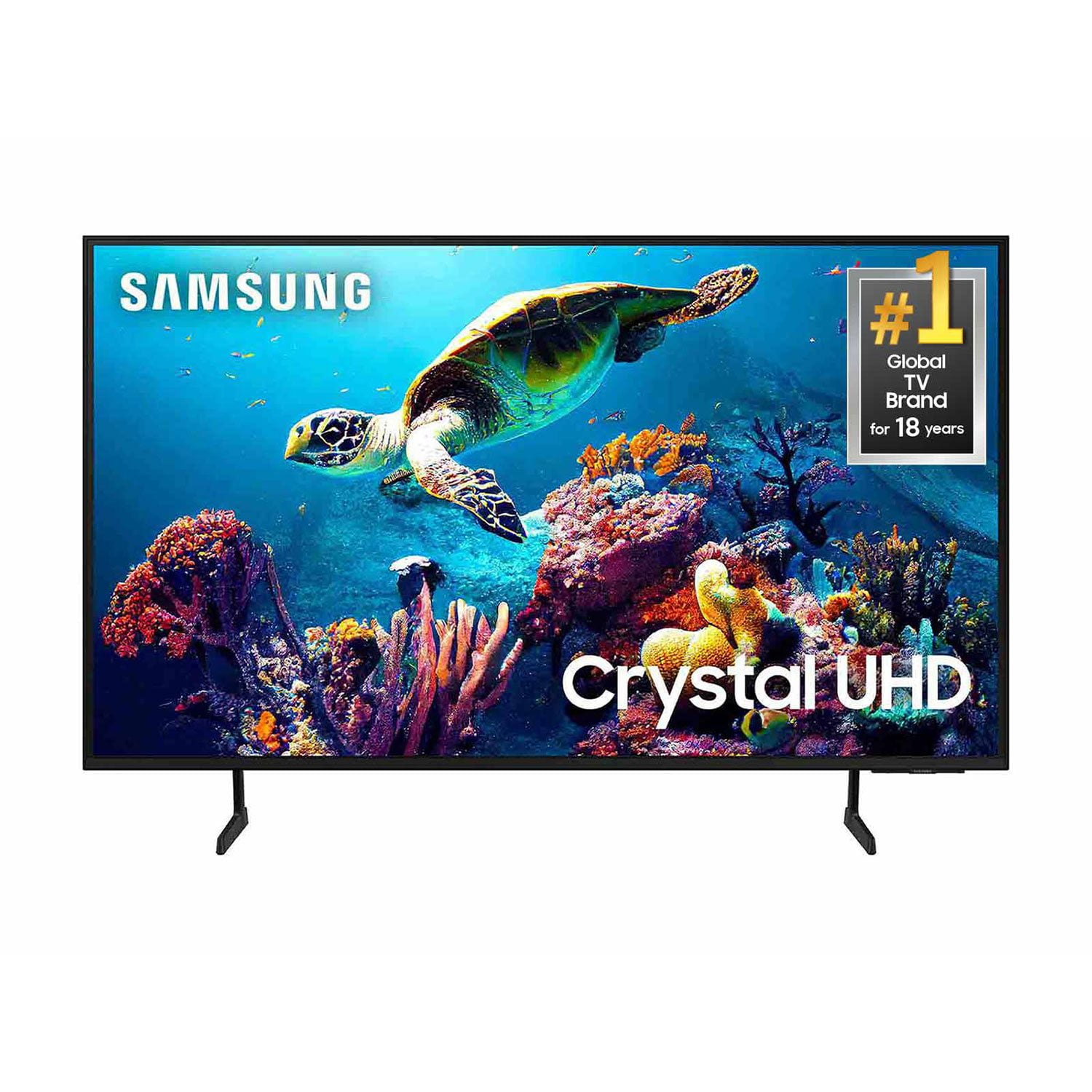
SAMSUNG 50" Class DU6900 Series UHD 4K Smart TV
4.4 out of 5 stars
stars2,179 ratings2,177 reviews
  1. 5 stars68% (1,482)
  2. 4 stars16% (354)
  3. 3 stars7% (154)
  4. 2 stars4% (81)
  5. 1 star5% (108)

Member photos

  • +557 images
Sort by |
Showing 971-980 of 2,177 reviews
Dec 27, 2024
HappySamsungWatcher
5 out of 5 stars review

Very Happy Big TV Watcher

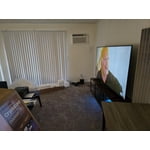
[This review was collected as part of a promotion.] I use my Samsung TV to watch Samsung channels stream channels and watch movies. I love streaming movies I love watching movies and this is my second Samsung TV. I have a 85 inch and now this is the 55 inch and it’s in my bedroom so if I don’t feel like getting up when I get a vacation day, I’m in the room, relaxing Feet up and the screen is big so I can see what I’m watching. I love the big screen and I’m very happy with my TV and I shall take a picture of it so you can see it in my bedroom specially when we had the epidemic. I bought the 85 inch because I couldn’t go to the show and I was a big show Goer so now I watched all those movies on my big 85 inch in the front row and then this is the 55 inch in my bedroom that I just purchased very happy 60 year old with glaucoma.

Review from Samsung US
Helpful?21P69184561C13959770739
Dec 28, 2024
Samsung84
5 out of 5 stars review

Really happy with this TV

Bought this a couple weeks ago, mostly use for watching streaming videos and couldn't be happier. Just a little calibration and you wouldn't know this was a budget UHD TV. Just upgraded from a nearly 10 year old Samsung 4K TV, it was a bit of a learning curve with the remote but really like it all!

Review from Samsung US
Helpful?21P69184561C13959770739
Oct 17, 2024
PJK1992
5 out of 5 stars review

Worth switching to

[This review was collected as part of a promotion.] Beautiful picture and great quality. The user interface is so easy to use and works well with other Android devices. The remote feels high quality and getting everything set up is easy and takes no time at all. After switching from a Toshiba you can really see the difference in quality. 100% worth it.

Review from Samsung US
Helpful?21P69184561C13959770739
Mar 26, 2025
KingWooZ
4 out of 5 stars review

Crystal makes it looks better the before

[This review was collected as part of a promotion.] Wish is was a smart TV the new ones. Where I can add my camera and do other things. Seems like a flat screen TV regular to me. Nice view but not smart got the add stuff to it. Maybe I got the older version. Still the old TV play games and watch movies with DVD blue ray player.

Review from Samsung US
Helpful?21P69184561C13959770739
Jan 1, 2025
elk
4 out of 5 stars review

love it so far

Bought TV a week ago. Set up was pretty easy even for a non-tech old bat. But the remote control is just stupid. Very small, hard to read/see icons. Also -- hardly any instructions or manuals. Having a least a few tips would've helped me get set up faster/easier. Overall I'm very pleased

Helpful?21P69184561C13959770739
Nov 11, 2024
Perfection
5 out of 5 stars review

Excellent experience

[This review was collected as part of a promotion.] By far the best TV we've purchased thus far! I recommend to everyone looking to buy a new television. Sounds great, perfect picture, price is decent! Try it out for yourselves you'll see what I mean!

Review from Samsung US
Helpful?21P69184561C13959770739
Nov 19, 2024
HotShot68
5 out of 5 stars review

My Samsung TV has more features than I expected

[This review was collected as part of a promotion.] I enjoy streaming TV shows and movies on my Samsung TV. The color and contrast are so crisp and bright and colorful. The picture quality is more vivid and detailed with 4 K. This is the first TV I have had with an internet browser and it connects to my Samsung Watch and Phone. My Samsung TV has so much more to offer as far as streaming apps and Samsung TV Plus.

Review from Samsung US
Helpful?21P69184561C13959770739
Aug 16, 2024
Sum12close
5 out of 5 stars review

This product has great features lo

[This review was collected as part of a promotion.] The display looks amazing, colors and reproduction of image is very impressive. The features are very intuitive and enhance the viewing experience.I am enjoying this TV immensly. The clarity, the HD, another channel Samsung

Review from Samsung US
Helpful?21P69184561C13959770739
Dec 14, 2024
Korexican
4 out of 5 stars review

60" UHD Bedroom TV

[This review was collected as part of a promotion.] It is a good TV for the cost, the picture is excellent and the slim remote is nice. The feet are easy to install which from the previous years you had to use actual screws to install which was awkward trying to hold the TV in the difficult position while installing this makes it a whole lot easier overall this is a great TV. Just wish you had more buttons on the remotes for personal settings.

Review from Samsung US
Helpful?21P69184561C13959770739
Jan 31, 2025
nick
3 out of 5 stars review

Lousy

had a lousy picture, had to change or shut down many factory settings, picture looked phoney, really bad on old movies. can't see picture from the side, almost completly washed out, unless you sit directly in front of it. remote is crappy, too small, can't see anything on it, no number pad to change chanels, really a pain in the behind compared to the 2015 samsung i have

Review from Samsung US
Helpful?21P69184561C13959770739
reply from Samsung Brand Ambassador

nick, Thank you for taking the time to provide feedback on your DU6900 TV. Please know that your feedback will be shared with our internal product teams. We take pride in our products and are sorry to hear that your experience was not up to our high standards. I see that you’ve already tried adjusting your image, but I did want to share the following adjustments with you, just in case: Go to Home > Settings > All Settings > Picture > Picture Mode and select the mode that best fits your usage: 1) Standard: Default mode suitable for general viewing environments. 2) Natural: Reduces eye strain for a comfortable viewing experience. 3) Movie: Most suitable for watching TV or movies in a dark room. 4) Dynamic: Makes the picture brighter and clearer in bright viewing environments. You can also go to Settings > All Settings> Picture > Expert Settings > to manually fine-tune your image. If you need more help, Samsung is here for you. Call us at 1-800-SAMSUNG, 8 AM - 12 AM EST, seven days a week. Our LiveChat agents are also available by clicking on the ‘Support’ link on our website. ~ Samsung Pro