Skip to Main Content
Sams Club
Sams Club
Customer reviews for SAMSUNG 50" Class DU6900 Series UHD 4K Smart TV for
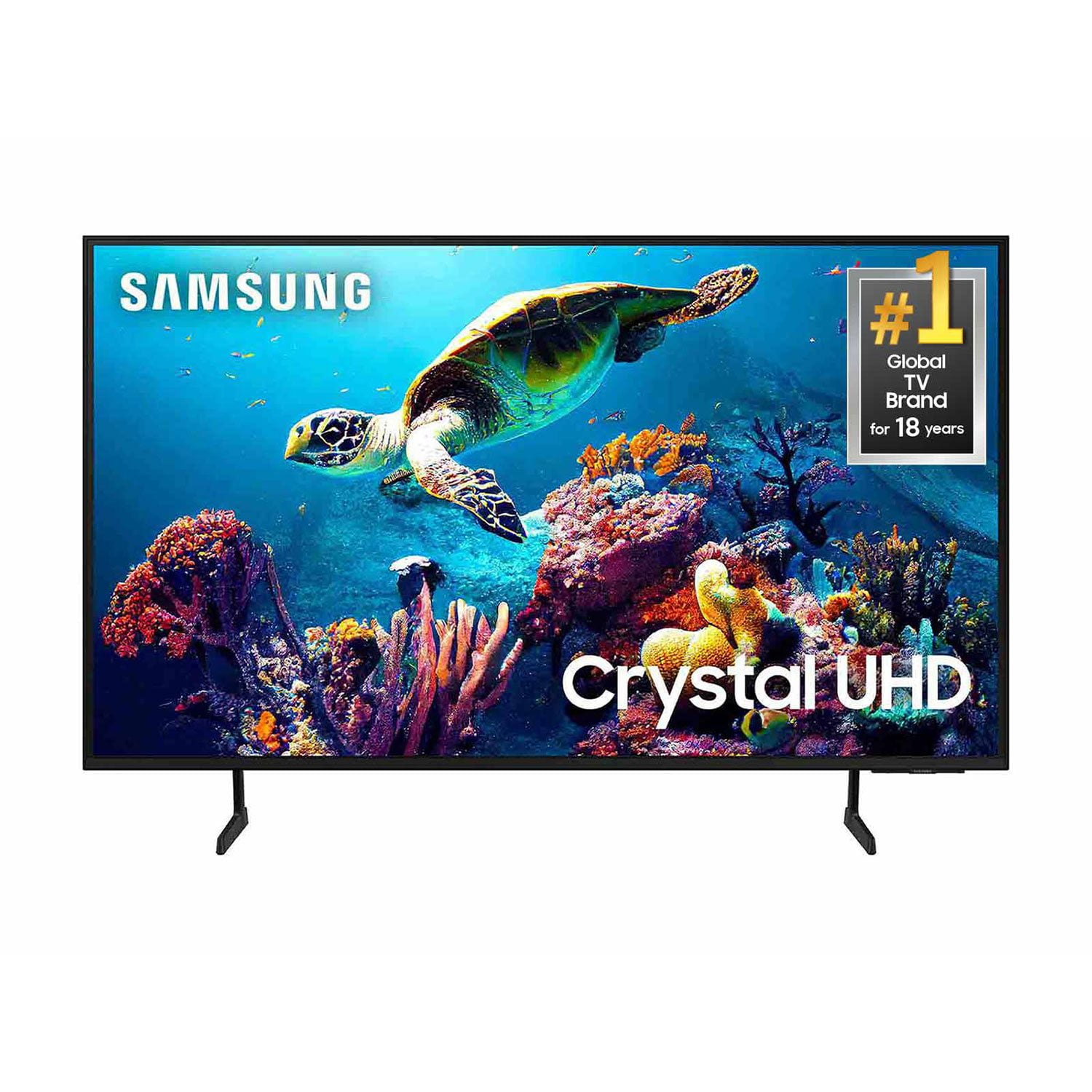
SAMSUNG 50" Class DU6900 Series UHD 4K Smart TV
4.4 out of 5 stars
stars2,179 ratings2,177 reviews
  1. 5 stars68% (1,482)
  2. 4 stars16% (354)
  3. 3 stars7% (154)
  4. 2 stars4% (81)
  5. 1 star5% (108)

Member photos

  • +557 images
Sort by |
Showing 771-780 of 2,177 reviews
Mar 5, 2025
Bassplucker
3 out of 5 stars review

Not impressed

I purchased this tv during Black Friday. I was somewhat disappointed because the picture seemed dark and the volume has to be turned up past 55-60 to hear the broadcast. I have owned Samsung tvs in the past but never had this kind of problem. I have managed to make some adjustments to make things tolerable.

Review from Samsung US
Helpful?21P69184561C13959770739
reply from Samsung Brand Ambassador

Bassplucker, We appreciate you sharing your experience with the DU6900 TV. Your feedback regarding image and sound quality is essential to us and will be shared with our internal teams. Please try adjusting the below image settings to improve your picture. Go to Home > Settings > All Settings > Picture > Picture Mode and select the mode that best fits your usage: 1) Standard: Default mode suitable for general viewing environments. 2) Natural: Reduces eye strain for a comfortable viewing experience. 3) Movie: Most suitable for watching TV or movies in a dark room. 4) Dynamic: Makes the picture brighter and clearer in bright viewing environments. 5) Filmmaker Mode: You can watch the source content (e.g., movie) as it is. If the image is defined as Filmmaker Mode, it will automatically switch to Filmmaker Mode while watching. You can also go to Settings > All Settings> Picture > Expert Settings > to manually fine-tune your image. For sound adjustments, go to Settings> All Settings> Sound. If you need more help, Samsung is here for you. Call us at 1-800-SAMSUNG, 8 AM - 12 AM EST, seven days a week. Our LiveChat agents are also available by clicking on the ‘Support’ link on our website. ~ Samsung Pro

Feb 5, 2025
Grammie
3 out of 5 stars review

Where’s my Bluetooth?

Got my tv from my son for Christmas. I was so excited! Everything works fine except I can only connect to one Bluetooth external device. That happens to be my cable provider’s remote control!! Consequently, earphones, gaming devices, cell phones—nothing else Bluetooth related can be connected. I didn’t know they even made any Bluetooth devices that could only connect to one device. Anyhow, I’m stuck with a large screen that I can’t use for pictures of my family and I can’t view the videos my 3 grandsons send me from college. I’m not angry, just frustrated because this is the first of the Samsung electronics/appliances that has ever caused me a problem.

Review from Samsung US
Helpful?21P69184561C13959770739
reply from Samsung Brand Ambassador

Grammie, I’m sorry to hear about the issues you’ve experienced with Samsung’s DU6900 TV. Your feedback is important to us and will be shared with our product teams. We'd love to help you troubleshoot this issue. Please call us at 1-800-SAMSUNG, 8 AM - 12 AM EST, seven days a week. Our LiveChat agents are also available by clicking on the ‘Support’ link on our website. ~ Samsung Pro

Dec 28, 2024
Janitha
5 out of 5 stars review

This is a great product

[This review was collected as part of a promotion.] Samsung TV product has great features that best for video streaming, gaming, online vedio streaming and other apps for live stream and best at fast connecting with the internet. Samsung Crystal UHD my TV Change my life style too. I am very interesting watching online tv streams with the product. Simple to use and user friend. Video, features and sounds are very nice than other product as per the my review.

Review from Samsung US
Helpful?21P69184561C13959770739
Mar 21, 2025
TemisMansion
5 out of 5 stars review

LOVE THIS TV!

[This review was collected as part of a promotion.] The absolute best picture quality. Makes you feel like your really THERE in the movie, nature doc, or scene. Seamlessly connects with Samsung sound bar and other accessories. Also love how I can control the TV from my phone! I can't say enough how REALISTIC the picture quality is! LOVE LOVE LOVE THIS TV!!

Review from Samsung US
Helpful?21P69184561C13959770739
May 13, 2025
Jazzper850
5 out of 5 stars review

This TV is Awesome

[This review was collected as part of a promotion.] I use this TV for movies and sports. It's great the imagery is like wow. To me it's like having the neo ones. While in the store to purchase they had this one a Qled and a neo all side by side. And to me I couldn't tell the difference, So I went with this one. It also has free internet TV that I also watch movies on and some older tv shows from when I was young. So if you are on the fence about this. Let me help you out. This 65 inch is just as good as the others but costs less.

Review from Samsung US
Helpful?21P69184561C13959770739
Feb 5, 2025
Brad
2 out of 5 stars review

Does not load Amazon

After a month of you, it would stop loading the Amazon prime. I have to unplug and restart the television every time so it will load the streaming services. Have not had a chance to call Samsung yet about it, but hopefully there will be a fix or replacement. I will update my review on the problem is addressed other than that it’s a good sound and picture quality.

Review from Samsung US
Helpful?21P69184561C13959770739
reply from Samsung Brand Ambassador

Hello, To help resolve the issue with the Prime Video app, I recommend running a cold reboot on your TV. There are two ways to do this: 1) Using the Remote: For most people, the easiest way is to hold down the Power button on the Samsung TV remote until the TV turns off and then on again. This should take about 5 seconds. 2) Using the Plug: If you do not have the remote, unplug your TV from the wall outlet or surge protector, leave it unplugged for 30 seconds, and then plug it back in. Next, I recommend ensuring the app is up to date by going to “Apps” on your Smart TV and selecting “Settings” from the top right corner. Next, select the Prime Video app and select "Update," if available. If the issue persists or if there is no Update available, we will try deleting and reinstalling the app. To do so, navigate to “Apps” on your Smart TV and select “Settings” from the top right corner. Next, select the app. Finally, select Delete, and select Delete again to confirm. Then we will reinstall the app by returning to “Apps” on your Smart TV and selecting “Settings” from the top right corner. Click on “Prime Video” and then select “Reinstall.” Also, please ensure you are running the latest Firmware update. Go to Settings> Support> Software Update. If you need further assistance, we would be happy to help! Please feel free to contact Samsung Support at 1-800-SAMSUNG, available from 8 AM to 12 AM EST, seven days a week. You can also chat with us on Samsung.com for immediate assistance. ~Samsung Pro

Feb 5, 2025
streamergirl
4 out of 5 stars review

Beautiful picture, easy streaming access.

I am enjoying the new television very much; the picture is beautiful and access to streaming is easier than ever. However, I had a great deal of difficulty getting the device to pair with my Bose sound system. I finally had to purchase cables and a Blue Tooth to get the TV to pair with it. And every time I turn the TV on, I have to wait for the pop-up to ask me if I want to use the Bose. That's annoying. Maybe I need to ask a teenager to look at the "pairing" issue for me.

Review from Samsung US
Helpful?21P69184561C13959770739
May 5, 2025
Brich1
3 out of 5 stars review

New Samsung TV is not as good as previous one.

[This review was collected as part of a promotion.] I got this TV for my mom since she loved the clarity of the picture of my Samsung TV. I noticed that her screen is not clear as mine. I've tried making adjustments to the picture, but it still looks cloudy.

Review from Samsung US
Helpful?21P69184561C13959770739
reply from Samsung Specialist

Brich1, I’m sorry to hear you’re not fully satisfied with the clarity of your TV. If you’re noticing blurring or juddering on the screen, try adjusting the Picture Clarity Settings to improve your image. Go to: Menu > Settings > All Settings > Picture > Expert Settings > Picture Clarity Settings - Off: Picture Clarity Settings will always be off - Auto: Picture Clarity Settings will automatically activate and deactivate based on the type of program being watched - Custom: Allows custom adjustments and settings to be used. By selecting the Custom option, you can access these advanced settings for Judder Reduction, LED Clear Motion, and Noise Reduction. If you need more help, Samsung is here for you. Please call us at 1-800-SAMSUNG, 8AM - 12AM EST, 7 days a week. Our LiveChat agents are also available by clicking on the ‘Support’ link on our website. ~ Samsung Specialist

Feb 5, 2025
Knowmezo
5 out of 5 stars review

EyeMayZing Details

This was one of the best decisions that I’ve made in a long time. The price was within my budget. It is very well made with clean designs. And, the very best part is the color and quality of the pictures. I can almost see the textures on the fabrics of my DIY shows. Bonus,,easy to maneuver

Review from Samsung US
Helpful?21P69184561C13959770739
Aug 11, 2024
Cable cord cutter
5 out of 5 stars review

Solid tv great buy

Purchased over a month ago to replace an older Samsung 32 on our pourch. Love the bigger screen and the ease of downloading apps as we cut the cord on cable. The Newer tv's have stronger Wifi.Our older 32 was first gen Wifi and hard to keep conected as not able to use 5g. I give it to Samsung to build dependable units as we also installed them in our RV.

Review from Samsung US
Helpful?21P69184561C13959770739