Skip to Main Content
Sams Club
Sams Club
Customer reviews for SAMSUNG 50" Class DU6900 Series UHD 4K Smart TV for
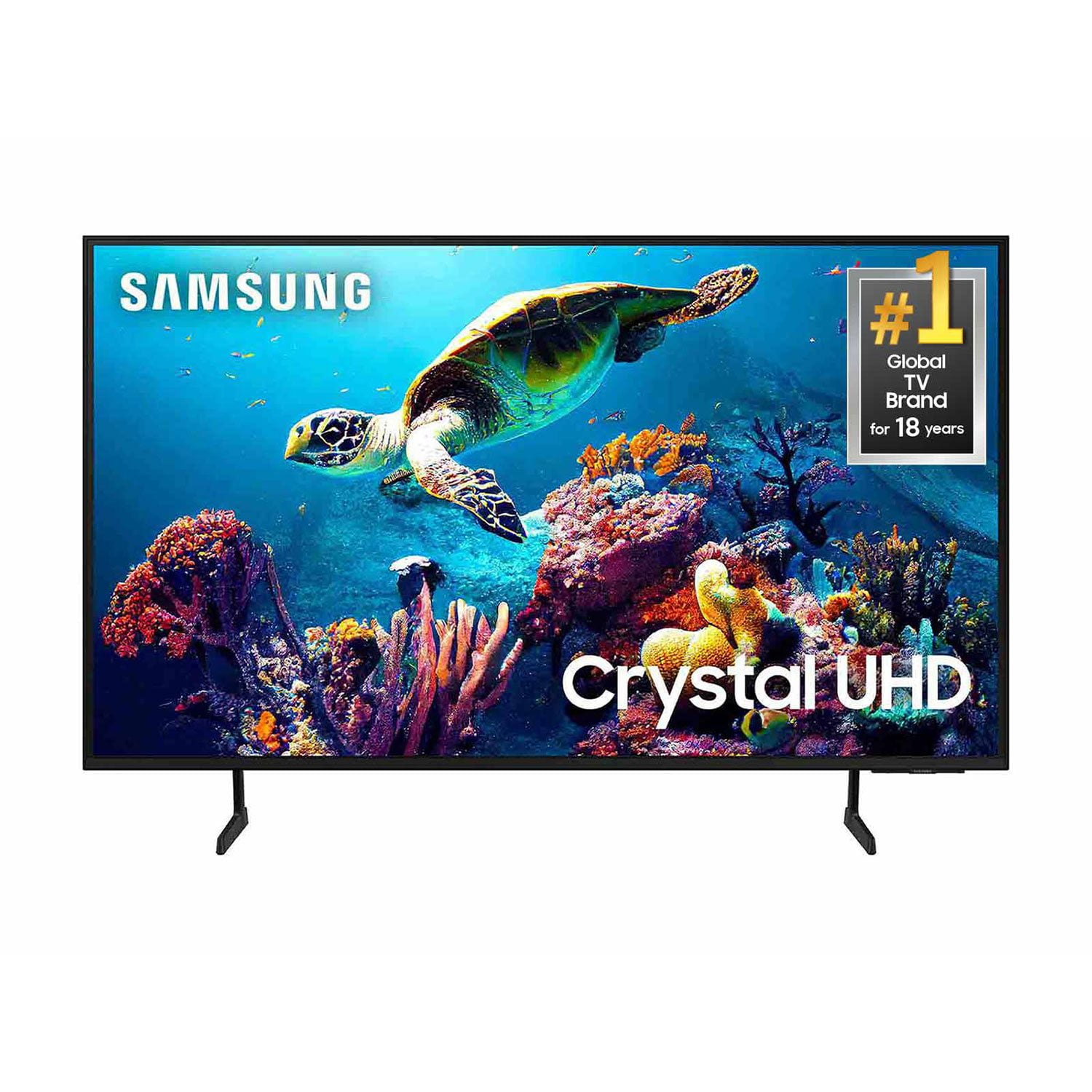
SAMSUNG 50" Class DU6900 Series UHD 4K Smart TV
4.4 out of 5 stars
stars2,179 ratings2,177 reviews
  1. 5 stars68% (1,482)
  2. 4 stars16% (354)
  3. 3 stars7% (154)
  4. 2 stars4% (81)
  5. 1 star5% (108)

Member photos

  • +557 images
Sort by |
Showing 761-770 of 2,177 reviews
Jul 5, 2025
Psds
3 out of 5 stars review

Dark!

The screen is too dark. When watching a movie set it the dark, cave, etc it’s watching a black screen. I’ve tried every adjustment. It’s frustrating.

Review from Samsung US
Helpful?21P69184561C13959770739
reply from Samsung Brand Ambassador

Psds, We appreciate you sharing your experience with the DU6900 TV. Your feedback regarding image quality is essential to us and will be shared with our internal teams. Please try adjusting the below image settings to improve your picture. Go to Home > Settings > All Settings > Picture > Picture Mode and select the mode that best fits your usage: 1) Standard: Default mode suitable for general viewing environments. 2) Natural: Reduces eye strain for a comfortable viewing experience. 3) Movie: Most suitable for watching TV or movies in a dark room. 4) Dynamic: Makes the picture brighter and clearer in bright viewing environments. 5) Filmmaker Mode: You can watch the source content (e.g., movie) as it is. If the image is defined as Filmmaker Mode, it will automatically switch to Filmmaker Mode while watching. You can also go to Settings > All Settings> Picture > Expert Settings > to manually fine-tune your image. If you need more help, Samsung is here for you. Call us at 1-800-SAMSUNG, 8 AM - 12 AM EST, seven days a week. Our LiveChat agents are also available by clicking on the ‘Support’ link on our website. ~ Samsung Pro

Sep 5, 2025
JCosha
4 out of 5 stars review

Great for a lower level tv

[This review was collected as part of a promotion.] Image is good for the price you pay. It's definitely not the best by any stretch.

Review from Samsung US
Helpful?21P69184561C13959770739
Jul 5, 2025
Jackpot 72
4 out of 5 stars review

Great features

Only gave 4 stars due to low volume even with an added sound bar, older folks need louder tv speakers.

Review from Samsung US
Helpful?21P69184561C13959770739
Aug 19, 2025
FrankieZ97
5 out of 5 stars review

Amazing tv I absolutely love everything about it

[This review was collected as part of a promotion.] Use it mainly for gaming but occasionally I use it for watching netflix

Review from Samsung US
Helpful?21P69184561C13959770739
Sep 5, 2025
rmat
5 out of 5 stars review

Very Happy

I have a number of TVs . All Samsung. 2 in my camper. 2 on my boat. 5 bin my home. Very happy. I buy nothing but Samsung. Excellent product.

Review from Samsung US
Helpful?21P69184561C13959770739
May 8, 2025
Odinssack
5 out of 5 stars review

Amazing product

[This review was collected as part of a promotion.] I can use this tv for literally anything. Wanna put my college work up on the screen? Sure thing. Wanna mirror my phone? I got you. Wanna connect it to my laptop wirelessly? Sold. This thing is amazing. And if you have other smart thing in the house from Samsung you could evem co troll those as well.

Review from Samsung US
Helpful?21P69184561C13959770739
Mar 5, 2025
Nunya Biz
3 out of 5 stars review

Lacking features

I received this TV as a Christmas gift. It looks fine, but the internal speaker system is awful. This unit only has two HDMI inputs and a USB. I like listening to my TV through my stereo system. I had to buy a BlueTooth adaptor to plug into my stereo. The audio and video are so far off that I'm force to listen to the internal speakers. I would not have purchased this TV, but it was a gift. I'll deal with it.

Review from Samsung US
Helpful?21P69184561C13959770739
reply from Samsung Brand Ambassador

Nunya Biz, Thank you for sharing your thoughts regarding the DU6900 TV’s sound quality. We recommend adjusting the Sound Settings to improve your experience. You can change the Sound Mode by going to Settings > All Settings> Sound > Sound Mode. You can also customize the sound with Expert Settings by going to Settings > All Settings> Sound > Expert Settings. To address the audio delay, you may want to try the Audio Pass-Through feature. This feature allows the audio signal to be sent out unprocessed to an external Soundbar or receiver connected to the TV. The external Soundbar or receiver then processes the audio, thereby eliminating the added step of processing by the TV, which adds delay. To activate this feature, go to Settings > All Settings> Sound > Expert Settings > Digital Output Audio Format > set to Pass-Through. You can also purchase an HDMI to Optical Converter to pair your stereo system directly to the TV via cable. If you need further assistance, we would be happy to help! Please feel free to contact Samsung Support at 1-800-SAMSUNG, available from 8 AM to 12 AM EST, seven days a week. You can also chat with us on Samsung.com for immediate assistance. ~Samsung Pro

Feb 5, 2025
Zelda
2 out of 5 stars review

Only great feature is the sharp picture

This TV is very difficult to operate, I’m 80 years old and the more bells and whistles makes it even more difficult. When I watch Netflix then try and go back to a network it goes to MD1 and won’t connect. I have to shut it off and start over. Companies seem to think everyone is technically able to navigate all the extras.

Review from Samsung US
Helpful?21P69184561C13959770739
reply from Samsung Brand Ambassador

Zelda, Thank you for choosing Samsung and for your feedback on the DU6900 TV. We understand sometimes there is a learning curve when you get a new TV! This is why we created step-by-step guides, to make it easier for you. To learn about your TV go to https://www.samsung.com/us/support/answer/ANS00062199/. We are also always available and happy to help you with any questions you may have. You can call us at 1-800-SAMSUNG, 8 AM - 12 AM EST, seven days a week. Our LiveChat agents are also available by clicking on the ‘Support’ link on our website. ~Samsung Pro

Nov 18, 2024
Dman78
5 out of 5 stars review

Amazing TV

[This review was collected as part of a promotion.] I use my Samsung TV to watch TV shows shows sports gaming. It is one of the clearest pictures I have seen on the TV. It is super easy to use and can even connect through the SmartThings app. It has seamless transition during gaming as well as a seamless refresh rate.

Review from Samsung US
Helpful?21P69184561C13959770739
Feb 5, 2025
Chickpet
3 out of 5 stars review

Some great features

I am unable to get subtitles on some apps that I installed. I also bought a Bose sound bar and could not install it on the TV. I am able to get it on my LG TV. So I am a little disappointed. I chose the Samsung TV because, I love the TV plus option and the the clarity on the TV is much better.

Review from Samsung US
Helpful?21P69184561C13959770739
reply from Samsung Brand Ambassador

Hi there, Thank you for reaching out and letting us know about the Closed Captioning issues you are experiencing with your DU6900 TV. Please know that most Streaming Apps have their own Settings for Closed Captioning. Go into each app and locate the settings icon to enable Closed Captioning. To access all other Closed Captioning Settings, go to Settings > All Settings> General > Accessibility > Caption Settings. The DU6900 TV offers 2 HDMI ports and is Bluetooth and Wi-Fi capable, allowing a seamless connection across multiple devices at a time. If your external device requires an Optical port, we recommend utilizing an HDMI to Optical Converter. These can be found at your local electronics store. Please also keep in mind that an Optical port can be found on our DU8000F Series and above. If you need further assistance, we would be happy to help! Please feel free to contact Samsung Support at 1-800-SAMSUNG, available from 8 AM to 12 AM EST, seven days a week. You can also chat with us on Samsung.com for immediate assistance. ~Samsung Pro