Skip to Main Content
Sam's Club
Sam's Club
Customer reviews for SAMSUNG 50" Class DU6900 Series UHD 4K Smart TV for
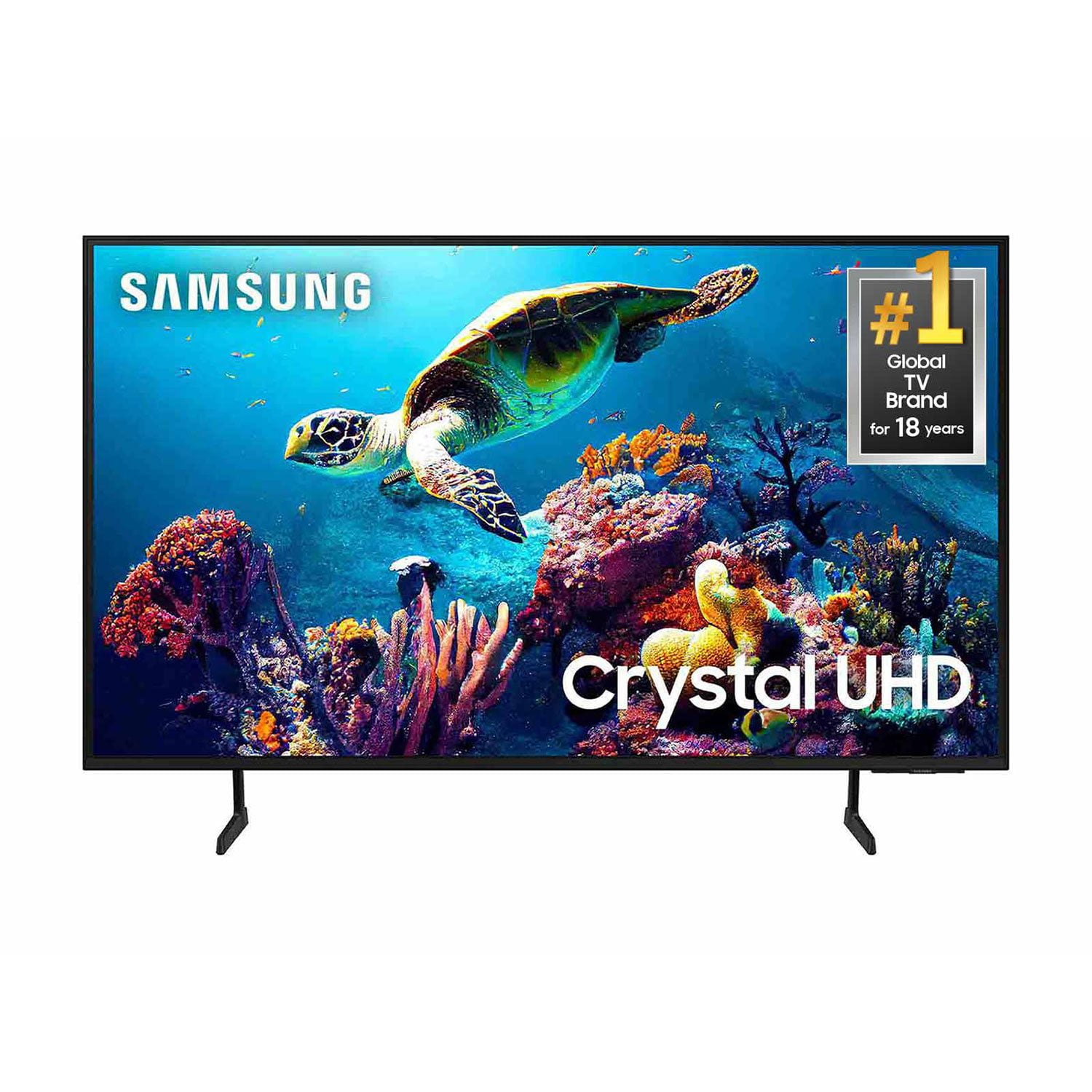
SAMSUNG 50" Class DU6900 Series UHD 4K Smart TV
4.4 out of 5 stars
stars2,135 ratings2,133 reviews
  1. 5 stars68% (1,448)
  2. 4 stars16% (349)
  3. 3 stars7% (150)
  4. 2 stars4% (81)
  5. 1 star5% (107)

Member photos

  • +537 images
Sort by |
Showing 191-200 of 2,133 reviews
Jan 20, 2026
Courtnie
3 out of 5 stars review

Connectivity issues

I love the display, but sound isn't very loud, and I have to unplug the tv everytime I use it just to get apps like prime video to work…had the tv less than a year. Other than that it's a great tv

Review from Samsung US
Helpful?21P69184561C13959770739
reply from Samsung Brand Ambassador

Courtnie, We appreciate your feedback. For optimal performance, we ask that you please ensure you've got the latest firmware version installed on your DU6900 TV. You can check this by going to Home > Menu > Settings > Support > Software Update. You may also want to further optimize performance with the self-diagnostic tool, which checks memory, frees up unused cached memory, and closes background apps. Go to: Home > Menu > Settings > Support > Device Care > Start Device Care. If you need further assistance, we would be happy to help! Please feel free to contact Samsung Support at 1-800-SAMSUNG, available from 8 AM to 12 AM EST, seven days a week. You can also chat with us on Samsung.com for immediate assistance. ~ Samsung Pro

Nov 5, 2025
Guy357
5 out of 5 stars review

Perfect television

For the price of the television the picture quality is very good but if you want excellent picture put your money into buying a QLED. Samsung never goes wrong on their products.

Review from Samsung US
Helpful?21P69184561C13959770739
Jun 23, 2025
S777steele
5 out of 5 stars review

Best TV Ever – Samsung Delivers Beyond Expectation

[This review was collected as part of a promotion.] ’ve never been this impressed with a television. My Samsung TV is nothing short of spectacular! The picture is crisp, colors are breathtakingly vibrant, and the sound makes you feel like you’re in the middle of the action. I’ve owned other brands before, but nothing compares to this. Samsung truly sets the gold standard—sleek design, smart features, and unbeatable performance. Watching anything feels like the ultimate cinematic experience right under my own roof!

Review from Samsung US
Helpful?21P69184561C13959770739
Jul 5, 2025
Bodie
3 out of 5 stars review

SOUND SYSTEMS

Since its installation, I have had problems with the sound. It makes a popping noise when CHANGING THE CHANNELS, NOT EVEN USING THE SOUND BUTTON. I have called 3 times to report the problem and each time I was told the same thing. Unplug the TV from the wall, leave off and then restart, that should clear the problem, does not. Last time I had to go through a factory reset, lost all my passwords for features on the TV and had to reset everything. The TV still makes a popping sound when changing the channels. Not only that there is not a feature on the TV to have stereo sound or theatrer sound, very inadequate for the sound system. There are some stations I have to cut the sound up to 47-50 in order to hear it.

Review from Samsung US
Helpful?21P69184561C13959770739
reply from Samsung Brand Ambassador

Bodie, If you are hearing a loud noise, it could be caused by electrical feedback. I recommend the following: 1. Arranging the cables and making sure the TV has good ventilation will keep it quiet. 2. Check the cables. Make sure all cables are connected firmly to the proper, color-coded inputs on the TV and on the external devices. 3. Replace the audio connection cable. Replace the audio connection cable, even if it is an HDMI or RF coaxial cable. Then test again to see if the issue still occurs. 4. Try connecting a different external device to the same input on the TV. Connect a different device to the same input on the TV using the same connection cables. For example, if a cable box is connected using the component connections, try connecting a DVD player to the same input with the same cables. If there is no buzzing, crackling, or humming with the second external device connected, the original device (the cable box in this example) is the source of the noise. If we can further help with any other issues, we are happy to help. Just call us at 1-800-SAMSUNG, 8 AM - 12 AM EST, seven days a week. Our LiveChat agents are also available by clicking on the ‘Support’ link on our website. ~ Samsung Pro

Jul 8, 2025
Fredisdead
3 out of 5 stars review

This product could use some software upgrades.

[This review was collected as part of a promotion.] I use my TV for streaming and gaming with my computer and playstation. My main issue with this TV is it does not play well with some steaming service controls, for instance Paramount plus often gets stuck in Live TV mode and the is no way to back out, even leaving the app and coming back it sticks there till the TV powered off. It came with very little in the way of instructions for operation. Also fast forward is real glitchy and hard to use. Also it doesnt play nice or consistent with add on speakers.

Review from Samsung US
Helpful?21P69184561C13959770739
reply from Samsung Brand Ambassador

Fredisdead, We appreciate your feedback on the Samsung DU6900 TV. I'm sorry to hear you are experiencing issues with streaming apps. First, let's ensure you are running the latest Firmware. Go to Settings> Support> Software Update. I recommend enabling auto-updates to ensure you do not miss any Firmware Updates. Go to Settings> Support> Software Update> then select Auto Update. Next, let's try running a cold boot on your TV. To do so, hold down the Power button on the Samsung TV remote until the TV turns off and then on again. This should take about 5 seconds. I also recommend ensuring the apps are up to date by going to “Apps” on your Smart TV and selecting “Settings” from the top right corner. Next, select the desired app and select "Update," if available. If the issue persists or if there is no Update available, we will try deleting and reinstalling the app. To do so, navigate to “Apps” on your Smart TV and select “Settings” from the top right corner. Next, select the app. Finally, select Delete, and select Delete again to confirm. Then we will reinstall the app by returning to “Apps” on your Smart TV and selecting “Settings” from the top right corner. Click on the desired app and then select “Reinstall.” I hope these tips help resolve your concerns. If we can help with anything else, please call us at 1-800-SAMSUNG, 8 AM - 12 AM EST, seven days a week. LiveChat with an agent, as well as manuals, software, and warranty info, can be found at the ‘Support’ link on our Samsung website. ~ Samsung Pro

Aug 10, 2025
Samsungdaddyaz
5 out of 5 stars review

Best 75" bang for your buck

[This review was collected as part of a promotion.] So our 75" samsung tv has been amazing for the whole household. This tv stays in the livingroom and see plenty of movies, documentaries, and video games. The uhd makes the games stand out and the colors always pop. The convienence of the the apps already loaded is amazing and saved time. Plus the setup was super simple. Best part about this tv.......the deal was beyond AMAZING! Great price for top quality Keep it up samsung!

Review from Samsung US
Helpful?21P69184561C13959770739
Jun 11, 2025
Loungechair
5 out of 5 stars review

The selection of features is great

[This review was collected as part of a promotion.] Is Samsung TV has been the best yet? It works seamlessly with other Samsung products in my house. I'm able to connect everything and it works great. The options of adding or subtracting apps were streaming. Servic ISIS seamless. I have no problems and the t v picture and quality is excellent

Review from Samsung US
Helpful?21P69184561C13959770739
Aug 22, 2025
Yavier8021
5 out of 5 stars review

Love the Gamjng features

[This review was collected as part of a promotion.] The TV offers amazing gaming features, with light sensors that improve the lighting and ambient to offer the best experience, additionally to the Tizen OS large catalog of apps and wonderful system wide connectivity with the Smartphone integration through smarthings hub. Back into the gaming aspect, the TV features a Gaming Hub, with access to Xbox gamepass cloud gaming, Luna and GETForce now. The gaming hub also allows to explore new and upcoming gaming from xbox and has very good integration with Xbox to allow seamless access to people like me who own the console. Other features available that help improve gaming is the available AMD freesync premium that allows smooth game play 2ith the variable refresh rate, additionally it also features a low latency mode on the Xbox that works great. Lastly the TV features a game mode you could enable along these, which helps manage picture quality, smoothness and HDR to ensure good 4k quality and smooth accurate HDR experience.

Review from Samsung US
Helpful?21P69184561C13959770739
Jul 30, 2025
SuperTV
5 out of 5 stars review

I love this TV! Best value I've ever gotten.

[This review was collected as part of a promotion.] Picture quality is awesome. Free Samsung TV content was an unexpected bonus. Dollar for dollar, this is the best value I've ever gotten. Can't believe you can get an awesome TV this size for so little money (relatively).

Review from Samsung US
Helpful?21P69184561C13959770739
Jun 8, 2025
Wonda23
1 out of 5 stars review

Don't buy this television

[This review was collected as part of a promotion.] I purchased my 65 inch Samsung TV on 03-08-2025 and already I have a black line inside the screen. I am so disappointed with this company. If you buy any products from this company you are only paying for the name. So do not buy anything from this company or with this companies name attached to the product.

Review from Samsung US
Helpful?21P69184561C13959770739
reply from Samsung Brand Ambassador

Wonda23, We appreciate your feedback regarding the screen abnormalities you’re seeing on your DU6900 TV. Please run a Picture Test to determine if the problem is caused by the TV. Picture Test displays a high-definition picture you can examine for flaws or faults. Go to Settings > Support > Device Care > Self Diagnosis > Picture Test. If this occurs on all sources and the picture test, this may require service. For help with setting up a service appointment, please contact Samsung Support at 1-800-SAMSUNG, 8 AM - 12 AM EST, seven days a week. Our LiveChat agents are also available by clicking on the ‘Support’ link on our website. ~Samsung Pro