Skip to Main Content
Sams Club
Sams Club
Customer reviews for SAMSUNG 50" Class DU6900 Series UHD 4K Smart TV for
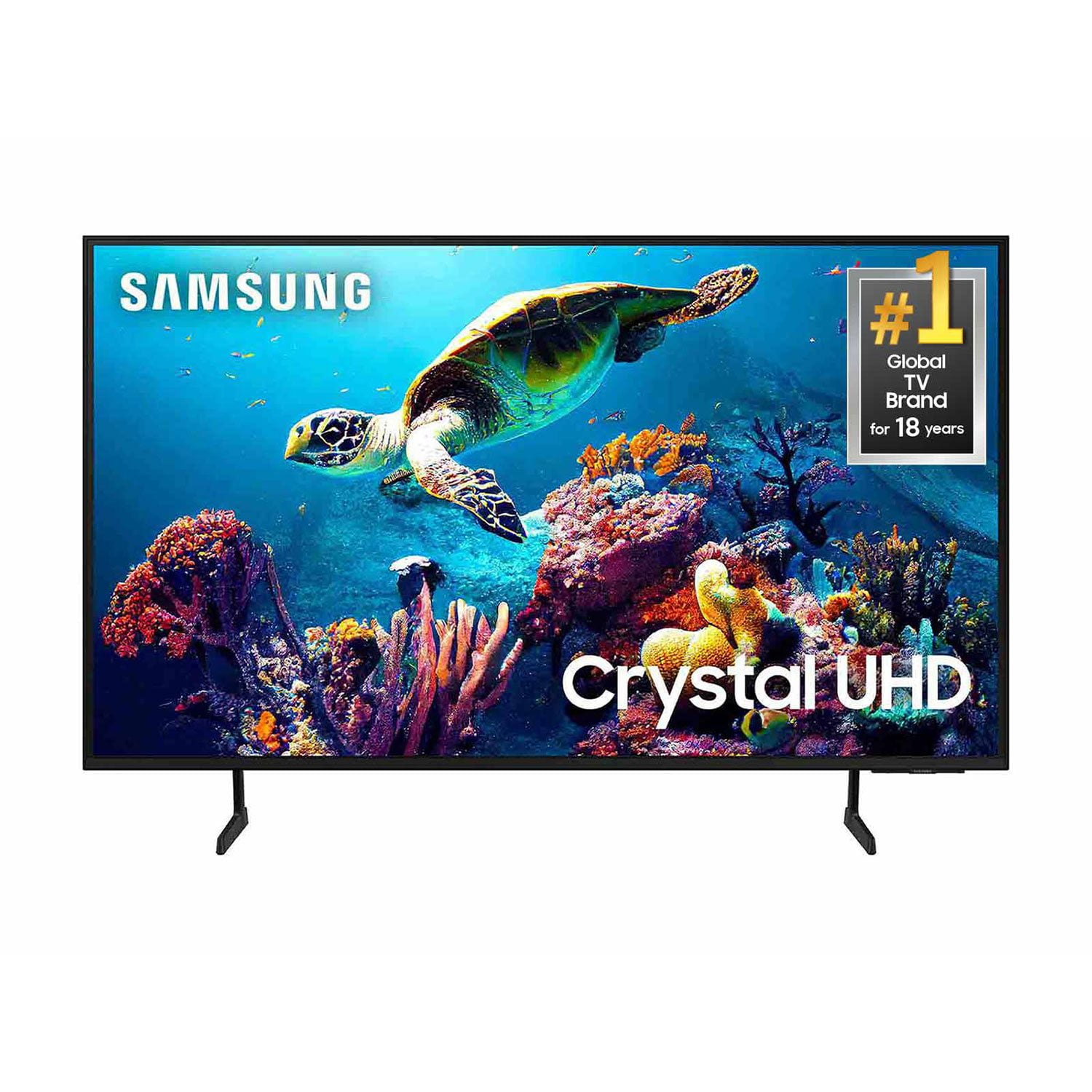
SAMSUNG 50" Class DU6900 Series UHD 4K Smart TV
4.4 out of 5 stars
stars2,179 ratings2,177 reviews
  1. 5 stars68% (1,482)
  2. 4 stars16% (354)
  3. 3 stars7% (154)
  4. 2 stars4% (81)
  5. 1 star5% (108)

Member photos

  • +557 images
Sort by |
Showing 1,831-1,840 of 2,177 reviews
Mar 7, 2025
DDoasis
5 out of 5 stars review

Excellent Television

The picture is awesome. This is my 4th Samsung TV; it is the best so far. Multiple HDMI connections and built in Wi-Fi and ethernet.

Review from Samsung US
Helpful?21P69184561C13959770739
Apr 20, 2025
Leonard
5 out of 5 stars review

Very clear picture

I bought this TV about 3 months ago. The changing of channels takes some getting used to, but the picture is great. I’m pleased with the quality.

Review from Samsung US
Helpful?21P69184561C13959770739
May 5, 2025
TRENT1326
4 out of 5 stars review

Horrible remote.

TV is fine but the remote is too small, and confusing. Not enough buttons. I miss my old LG remote.

Review from Samsung US
Helpful?21P69184561C13959770739
Nov 9, 2024
Mannie
5 out of 5 stars review

This product has great audio

[This review was collected as part of a promotion.] This has great quality an audio its veey nice and easy to use

Review from Samsung US
Helpful?21P69184561C13959770739
Feb 5, 2025
Frustrated
1 out of 5 stars review

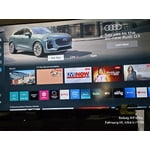
Poor user interface

Terrible user interface; unable to quickly or easily add apps to the home screen. Have to search for them and access that way

Review from Samsung US
Helpful?21P69184561C13959770739
reply from Samsung Brand Ambassador

Frustrated, Thank you for sharing your experience. Please know that you can customize your Home screen by installing, removing or adding your favorite apps to the Home screen. Here's how: Select Apps on the Home screen, and then select App Settings at the bottom of the screen. Select an app to use the following options: 1. Add to Home: Move the app to your desired location on the Home screen. 2. Lock: Lock the app with a PIN so only you can use it. When the app is selected again, you will be prompted to enter the PIN to unlock it. 3. Move: Move the app to another location (i.e. Your Home screen) 4. Reinstall: Reinstall the app. 5. View Details: View the app’s information and details. If you need further assistance, we would be happy to help! Please feel free to contact Samsung Support at 1-800-SAMSUNG, available from 8 AM to 12 AM EST, seven days a week. You can also chat with us on Samsung.com for immediate assistance. ~Samsung Pro

May 5, 2025
JAKMAN45
5 out of 5 stars review

This product has great sound

[This review was collected as part of a promotion.] I use my Tv for gaming, streaming and watching movies

Review from Samsung US
Helpful?21P69184561C13959770739
Dec 7, 2024
JoJo
5 out of 5 stars review

Just like the movies!

We have loved our new Samsung tv. Such a beautiful picture with good color and clarity. We feel like we are at the movie theater.

Review from Samsung US
Helpful?21P69184561C13959770739
Mar 20, 2025
DShipp
5 out of 5 stars review

Samsung says it all

[This review was collected as part of a promotion.] Samsung, always a great product! All that I have ever owned.

Review from Samsung US
Helpful?21P69184561C13959770739
Apr 19, 2025
Codiaz
5 out of 5 stars review

Amazing love my tv

[This review was collected as part of a promotion.] Streaming and tv . Tv works great more than I expected

Review from Samsung US
Helpful?21P69184561C13959770739
Mar 5, 2025
Skip
4 out of 5 stars review

Too much frufru

I bought before Christmas. Picture is great. Unhappy there is no audio jack and the HDMI 2 cable dors not seem to provide audio.

Review from Samsung US
Helpful?21P69184561C13959770739