Skip to Main Content
Sam's Club
Sam's Club
All Departments
All Services
Customer reviews for SAMSUNG 60" Class DU6900 Series UHD 4K Smart TV for
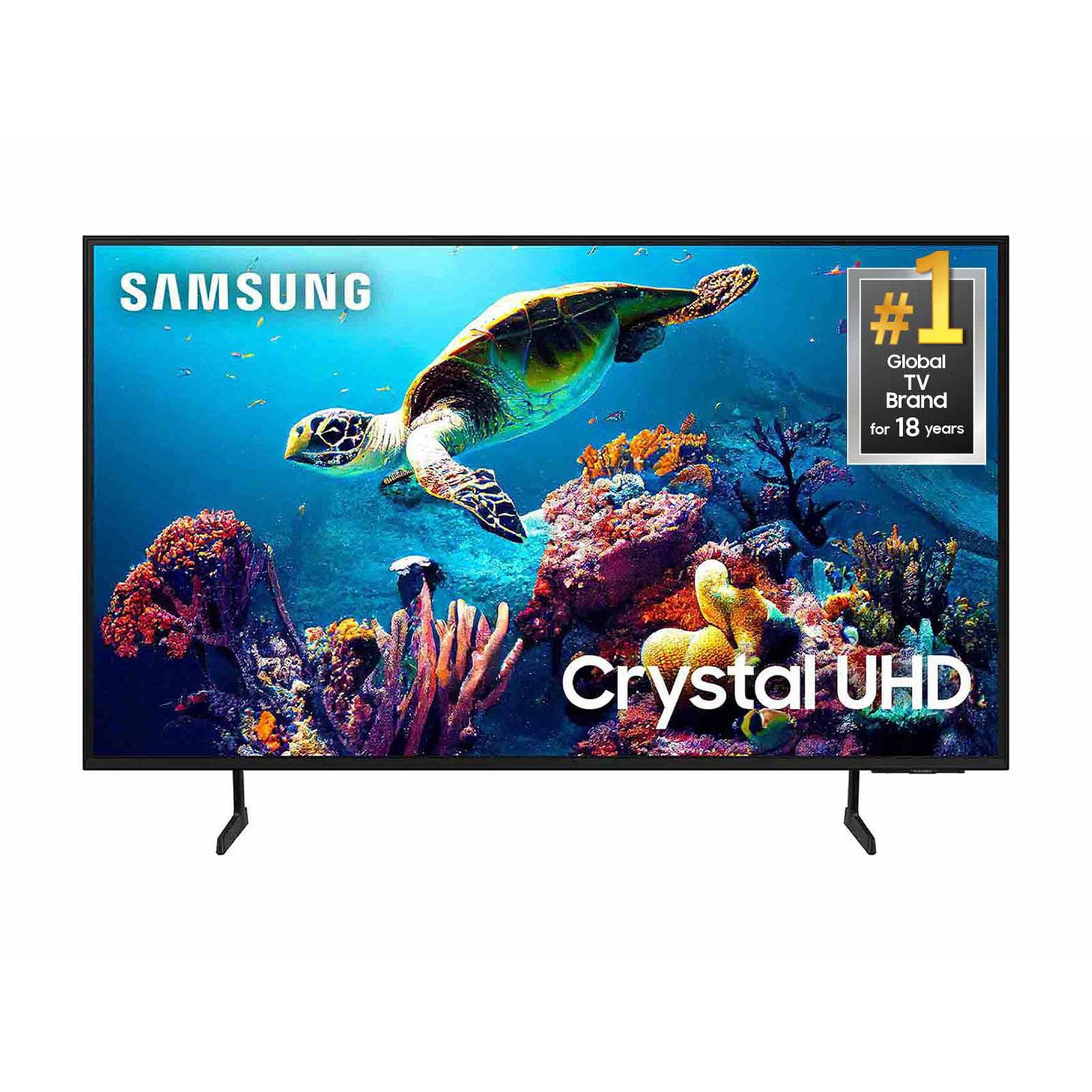
SAMSUNG 60" Class DU6900 Series UHD 4K Smart TV
4.4 out of 5 stars
stars
2,031 ratings2,009 reviews
  1. 5 stars68% (1,380)
  2. 4 stars16% (331)
  3. 3 stars7% (142)
  4. 2 stars4% (77)
  5. 1 star5% (101)

Member photos

  • +508 images
Sort by |
Showing 871-880 of 2,009 reviews
May 6, 2025
Reviewer name: Jonesy3
2 out of 5 stars
2 out of 5 stars review

Like picture great color 3 input Jack's only suck

[This review was collected as part of a promotion.] Watch moives and shows like picture good colors and clear

Review from Samsung US
Helpful?2944RFFI236513954163060
reply from Samsung Brand Ambassador

Jonesy3, Thanks for sharing your thoughts. If there's anything we can do to improve your experience, please reach Samsung Support at 1-800-SAMSUNG, 8AM - 12AM EST, 7 days a week. Or visit us on the Samsung website and click on the ‘Support’ link for: • LiveChat • Manuals, Software, & Warranty Info ~ Samsung Pro

Sep 4, 2025
Reviewer name: Jwruble
5 out of 5 stars
5 out of 5 stars review

Great TV!

[This review was collected as part of a promotion.] The TV was easy to set up and had a great picture quality

Review from Samsung US
Helpful?2944RFFI236513954163060
May 20, 2025
Reviewer name: Wickedone
5 out of 5 stars
5 out of 5 stars review

Samsung crystal. I'm loving it

[This review was collected as part of a promotion.] I love my new 65' samsung. Picture is crystal clear and the audio is fantastic

Review from Samsung US
Helpful?2944RFFI236513954163060
Aug 6, 2025
Reviewer name: Panda house2
3 out of 5 stars
3 out of 5 stars review

Audio problem

Mine has a problem with the audio. Sometimes it doesn't come on when the set is turned on & I have to turn it off then on again.

Review from Samsung US
Helpful?2944RFFI236513954163060
Jul 14, 2025
Reviewer name: Anonymous
5 out of 5 stars
5 out of 5 stars review

Have a great sound and video quality

[This review was collected as part of a promotion.] Easy to set up and use can connect to my phone and watch

Review from Samsung US
Helpful?2944RFFI236513954163060
Jul 30, 2025
Reviewer name: Dots
5 out of 5 stars
5 out of 5 stars review

Best Brand TV Ever!

Our Samsung TV's are the best. It is the only brand we purchase. They are easy to set up, are of high quality, and have a beautiful display.

Review from Samsung US
Helpful?2944RFFI236513954163060
Aug 5, 2026
Reviewer name: fred
5 out of 5 stars
5 out of 5 stars review

Samsung tV

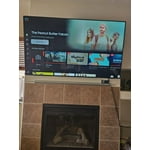
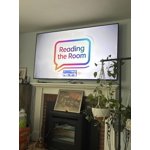
Purchased a new home and wanted a tv to put above the fireplace…it fit perfectly and looks beautiful.

Review from Samsung US
Helpful?2944RFFI236513954163060
Feb 5, 2025
Reviewer name: Not happy
2 out of 5 stars
2 out of 5 stars review

Broken TV

I bought my Samsung 50 inch smart tv on Nov 29 of last year. Only 2 months later it is sitting in my living room, not working ! I was told it is the power board & a new one is to be ordered. I am furious! Thanks Samsung

Review from Samsung US
Helpful?2944RFFI236513954163060
reply from Samsung Brand Ambassador

Hello, Thank you for taking the time to provide feedback on your DU6900 TV. Please know that your feedback will be shared with our internal product teams. We take pride in our products and are sorry to hear that your experience was not up to our high standards. Samsung is committed to providing the best possible product experience, quality, and value. We back this Samsung TV with a 1-year limited manufacturer's warranty, including authorized repair for manufacturer defect, if purchased brand-new directly from an authorized seller. You can see the full details of your warranty on Samsung's website. Go to Support (upper right corner) and select Warranty information. This will allow you to search for your product and view the full details of the included warranty. Please give us the chance to make this right by contacting Samsung Customer Support at 1-800-SAMSUNG, 8 AM - 12 AM EST, seven days a week. Our LiveChat agents are also available by clicking on the ‘Support’ link on our website. ~Samsung Pro

Feb 5, 2025
Reviewer name: Not4happy
2 out of 5 stars
2 out of 5 stars review

Not Happy

Not happy with my new Samsung TV there are no extra audio ports on the TV where I can plug in my hearing aid amplifier the type of Bluetooth my hearing aids use is not compatible with the TV.

Review from Samsung US
Helpful?2944RFFI236513954163060
reply from Samsung Brand Ambassador

Not4happy, Thank you for choosing the Samsung DU6900 TV and for taking the time to provide us with detailed feedback on your experience. Your opinion is important to us and will be shared with our internal product teams. The DU6900 TV offers 2 HDMI ports and is Bluetooth and Wi-Fi capable, allowing a seamless connection across multiple devices at a time. If your external device requires an Optical port, we recommend utilizing an HDMI to Optical Converter. These can be found at your local electronics store. Please also keep in mind that an Optical port can be found on our DU8000F Series and above. If you need further assistance, we would be happy to help! Please feel free to contact Samsung Support at 1-800-SAMSUNG, available from 8 AM to 12 AM EST, seven days a week. You can also chat with us on Samsung.com for immediate assistance. ~Samsung Pro

Feb 5, 2025
Reviewer name: Timothy
3 out of 5 stars
3 out of 5 stars review

Not completely happy

I don't like how my TV listens and talk back to me and I didn't ask it anything I can ask my wife. If do you know what Paul's last name is and the TV say I don't understand.

Review from Samsung US
Helpful?2944RFFI236513954163060
reply from Samsung Brand Ambassador

Timothy, The DU6900 does not have voice assistants built in, but they do work with external voice assistants like Alexa. You can connect them to your existing Alexa device to ask them to turn on your TV, change channels, control volume, and more. Our DU8000 TV Series and above offer voice command and built-in voice assistants. If you have an external voice assistant connected to your DU6900 TV, I would recommend configuring the sensitivity settings. If you need additional help or would like our assistance troubleshooting, please call us at 1-800-SAMSUNG, 8 AM - 12 AM EST, seven days a week. Our LiveChat agents are also available by clicking on the ‘Support’ link on our website. ~ Samsung Pro