Skip to Main Content
Sam's Club
Sam's Club
All Departments
All Services
Customer reviews for SAMSUNG 60" Class DU6900 Series UHD 4K Smart TV for
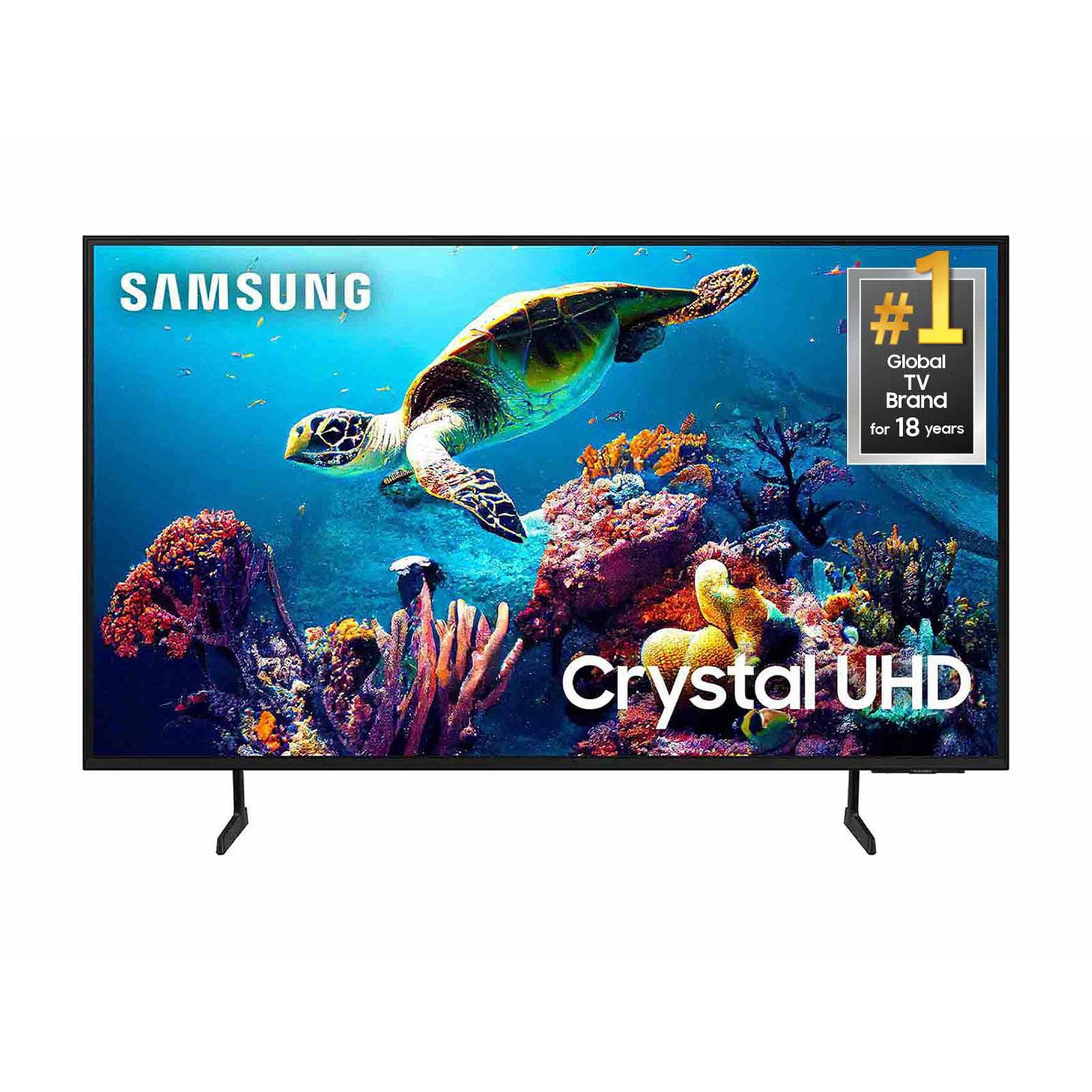
SAMSUNG 60" Class DU6900 Series UHD 4K Smart TV
4.4 out of 5 stars
stars
2,031 ratings2,009 reviews
  1. 5 stars68% (1,380)
  2. 4 stars16% (331)
  3. 3 stars7% (142)
  4. 2 stars4% (77)
  5. 1 star5% (101)

Member photos

  • +508 images
Sort by |
Showing 551-560 of 2,009 reviews
Apr 13, 2025
NanaMare
5 out of 5 stars
5 out of 5 stars review

Best Smart tv

We really love this tv. The color and clarity are excellent. All our watching is done through streaming and the apps offered are just what we are looking for and the price didn't break the bank.

Review from Samsung US
Helpful?2944RFFI236513954163060
Apr 20, 2025
Arlosmom
4 out of 5 stars
4 out of 5 stars review

Excellent picture quality

The picture quality is outstanding, but the sound quality is greatly diminished when going thru the cable box. That may be the fault of the box, but know that you may need a sound bar for best volume

Review from Samsung US
Helpful?2944RFFI236513954163060
Apr 20, 2025
Joybiz
5 out of 5 stars
5 out of 5 stars review

This product has great images
[This review was collected as part of a promotion.] I am using my tv on streaming and studying and I never had an issue with it I really enjoying it even that I doesn't change the idea of upgrading it

Review from Samsung US
Helpful?2944RFFI236513954163060
Apr 20, 2025
EsotericLad
5 out of 5 stars
5 out of 5 stars review

Great for Gaming/Streaming.

[This review was collected as part of a promotion.] I use the TV for Gaming and Streaming and so far, no complaints. Crystal clear picture. Vibrant colors. Speakers are ok and have a neat 'follow function' that goes with the action on the screen.

Review from Samsung US
Helpful?2944RFFI236513954163060
Apr 19, 2025
Serg
1 out of 5 stars
1 out of 5 stars review

Not for me

Usually Samsung TVs are really good. This one here is not working very well. Drops me out of apps doesn't connect to the Wi-Fi and it's always delayed when you try to push the buttons

Review from Samsung US
Helpful?2944RFFI236513954163060
reply from Samsung Brand Ambassador

Serg, We appreciate your feedback on the Samsung DU6900 TV. I'm sorry to hear you are experiencing issues with your TV. First, let's ensure you are running the latest Firmware. Go to Settings> Support> Software Update. I recommend enabling auto-updates to ensure you do not miss any Firmware Updates. Go to Settings> Support> Software Update> then select Auto Update. Next, let's try running a cold boot on your TV. To do so, hold down the Power button on the Samsung TV remote until the TV turns off and then on again. This should take about 5 seconds. I hope these tips help resolve your concerns. You can contact us for further help at 1-800-SAMSUNG, 8 AM - 12 AM EST, seven days a week. Our LiveChat agents are also available by clicking on the ‘Support’ link on our website. ~Samsung Pro

Apr 20, 2025
Mikeinfla
5 out of 5 stars
5 out of 5 stars review

High quality at a great price

[This review was collected as part of a promotion.] Used for cable tv and streaming in a seasonal 2nd home. The model I chose was less expensive 65” , which was reflect got my needs

Review from Samsung US
Helpful?2944RFFI236513954163060
Apr 12, 2025
Smiles08
5 out of 5 stars
5 out of 5 stars review

Picture clear, connections easily

[This review was collected as part of a promotion.] I have a Samsung phone so I will use Dex as my computer with the 65in screen. Picture quality is great. Easy to use the apps and the features of the phone with the TV. Very pleased

Review from Samsung US
Helpful?2944RFFI236513954163060
Apr 5, 2025
Love25
5 out of 5 stars
5 out of 5 stars review

Just perfect

[This review was collected as part of a promotion.] We use the TV for everything: watching movies, listening to music, connecting all our devices to the TV. It's a perfect size, with a fantastic picture. We really enjoy it.

Review from Samsung US
Helpful?2944RFFI236513954163060
Apr 20, 2025
brayleemarie
5 out of 5 stars
5 out of 5 stars review

Features So Much!
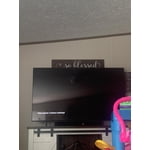
[This review was collected as part of a promotion.] This product is amazing . The upgrade from my smaller TV was an absolute great idea. This TV includes so many amazing features, like games, apps and so much more .

Review from Samsung US
Helpful?2944RFFI236513954163060
Apr 19, 2025
ShanA
3 out of 5 stars
3 out of 5 stars review

Woks fine but screen is too dark

My husband bought it a couple of months ago and it work well. However, the screen is so dark! Hard to see at times and can't seem to get it to brighten up.

Review from Samsung US
Helpful?2944RFFI236513954163060
reply from Samsung Brand Ambassador

ShanA, It’s unfortunate to hear you’re not fully satisfied with the brightness of your TV’s picture. Please know that we are here to help you. First, let’s ensure you are running the latest Firmware Update. Go to Settings> Support> Software Update. Next, If the colors on your TV are correct but just a little too dark or bright, you can try adjusting Picture Modes, Contrast, Brightness, or Sharpness settings. For darker scenes, I recommend Dynamic Picture Mode, which makes pictures brighter and clearer in bright viewing environments. Go to Settings > All Settings> Picture > Picture Mode > Dynamic. Or you can manually adjust the Brightness by pressing the HOME button on your remote, then navigating to Settings > All Settings> Picture > Expert Settings. You may also want to disable Power Saving Mode, which automatically adjusts the brightness to reduce the TV’s power consumption. Go to Settings > All Settings> General > Eco Solution> Power Saving Mode. I hope this helps to improve your picture. Should you need further assistance, please contact us at 1-800-SAMSUNG, 8 AM - 12 AM EST, seven days a week. Our LiveChat agents are also available by clicking on the ‘Support’ link on our website. ~ Samsung Pro