Skip to Main Content
Sam's Club
Sam's Club
All Departments
All Services
Customer reviews for SAMSUNG 60" Class DU6900 Series UHD 4K Smart TV for
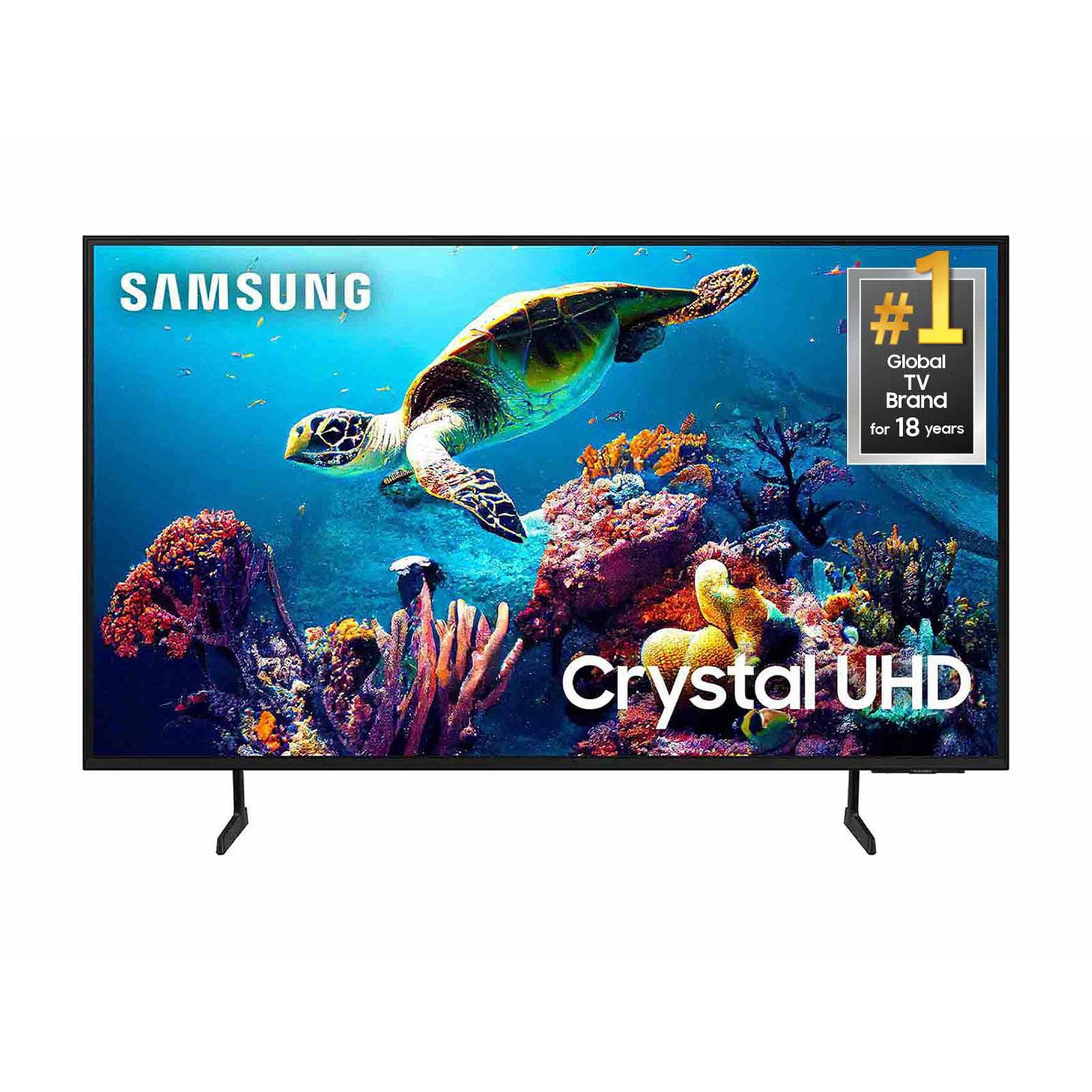
SAMSUNG 60" Class DU6900 Series UHD 4K Smart TV
4.4 out of 5 stars
stars
2,031 ratings2,009 reviews
  1. 5 stars68% (1,380)
  2. 4 stars16% (331)
  3. 3 stars7% (142)
  4. 2 stars4% (77)
  5. 1 star5% (101)

Member photos

  • +508 images
Sort by |
Showing 1,821-1,830 of 2,009 reviews
Nov 27, 2024
Reviewer name: SRose
4 out of 5 stars
4 out of 5 stars review

Great tv but...

Only complaint I have is that the remote is delayed at times.

Review from Samsung US
Helpful?2944RFFI236513954163060
Oct 5, 2024
Reviewer name: footballdad
5 out of 5 stars
5 out of 5 stars review

clear pictures

bought this TV after my previous died on.....definitely worth the purchase

Review from Samsung US
Helpful?2944RFFI236513954163060
Jan 9, 2025
Reviewer name: Vickie 55
5 out of 5 stars
5 out of 5 stars review

Great features.

Got this for a Christmas gift. Love the picture and easy setup.

Review from Samsung US
Helpful?2944RFFI236513954163060
Nov 5, 2024
Reviewer name: kim s
5 out of 5 stars
5 out of 5 stars review

one wish

love it, but wish it had more ports in the back for external surround sound and gaming products.

Review from Samsung US
Helpful?2944RFFI236513954163060
Dec 23, 2024
Reviewer name: Daboniel
5 out of 5 stars
5 out of 5 stars review

Crystal Clear

Great TV! Especially for the price! Plenty of options and great picture.

Review from Samsung US
Helpful?2944RFFI236513954163060
Nov 30, 2024
Reviewer name: Robert W
1 out of 5 stars
1 out of 5 stars review

Not compatible

This TV is not compatible with my Cable Provider FIOS so it is almost useless

Review from Samsung US
Helpful?2944RFFI236513954163060
reply from Samsung Brand Ambassador

Robert W, We appreciate you sharing the issues you’re experiencing when connecting your DU6900 TV to your cable box. Please go to the Connection Guide for details: Source > Connection Guide. Make sure that your external device is connected securely and turned on. Move to Sources to switch to other input sources: Source > Sources. Using HDMI Troubleshooting, you can check the connection to HDMI cable and external devices (takes approx. 2 minutes). Source > Connection Guide > Video Device > HDMI Troubleshooting, Also, please check the broadcast signals or the network that is connected to your cable box. For further assistance, please know we’re here to help. You can call us at 1-800-SAMSUNG, 8 AM - 12 AM EST, seven days a week. Our LiveChat agents are also available by clicking on the ‘Support’ link on our website. ~ Samsung Pro

Dec 22, 2024
Reviewer name: Helron
2 out of 5 stars
2 out of 5 stars review

Should have shopped around

Difficult to navigate , no voice remote included, lousy sound

Review from Samsung US
Helpful?2944RFFI236513954163060
reply from Samsung Brand Ambassador

Helron, Thank you for taking the time to provide feedback on your DU6900 TV. Please know that your feedback will be shared with our internal product teams. We take pride in our products and are sorry to hear that your experience was not up to our high standards. The standard remote included with the DU6900 TV does not feature voice controls, but the TV can be control with voice commands as it is compatible with voice assistants like Alexa and Bixby. To adjust the Sound Settings, go to Settings > All Settings> Sound > Sound Mode. You can also customize the sound with Expert Settings by going to Settings > All Settings> Sound > Expert Settings. I hope these tips help you enjoy your new product. You can contact us for further help at 1-800-SAMSUNG, 8 AM - 12 AM EST, seven days a week. Our LiveChat agents are also available by clicking on the ‘Support’ link on our website. ~ Samsung Pro

Jan 7, 2025
Reviewer name: Jean
3 out of 5 stars
3 out of 5 stars review

Nice if we could learn how to use it

No luck learning to use it should have come with a guide. Not the best for thee elderly

Review from Samsung US
Helpful?2944RFFI236513954163060
reply from Samsung Specialist

Jean, Thank you for sharing your user experience. To assist you in learning the various features, functions, and settings of your TV and remote, you can download the DU6900 TV's User Manual, e-Manual, Remote Control Leaflet, and Quick Setup Guide on Samsung's website under ‘Support’ (top right corner) > Manuals & Software > TVs & Home Theater. From there, you can search for and select the DU6900 TV to download the guides you would like. The e-Manual and Remote Guide are both also embedded into your TV itself under Menu > Settings > Support If you need more help, Samsung is here for you. Please call us at 1-800-SAMSUNG, 8AM - 12AM EST, 7 days a week. Our LiveChat agents are also available by clicking on the ‘Support’ link on our website. ~ Samsung Specialist

Dec 24, 2024
Reviewer name: Genevievel
5 out of 5 stars
5 out of 5 stars review

Excellent Product
Excellent TV, I am very happy with my purchase. The picture is crystal clear and it sounds good.

Review from Samsung US
Helpful?2944RFFI236513954163060
Jan 15, 2025
Reviewer name: Im Ok
4 out of 5 stars
4 out of 5 stars review

Nnnnn

Very good picture, needs a audio output for my headphone set.

Review from Samsung US
Helpful?2944RFFI236513954163060